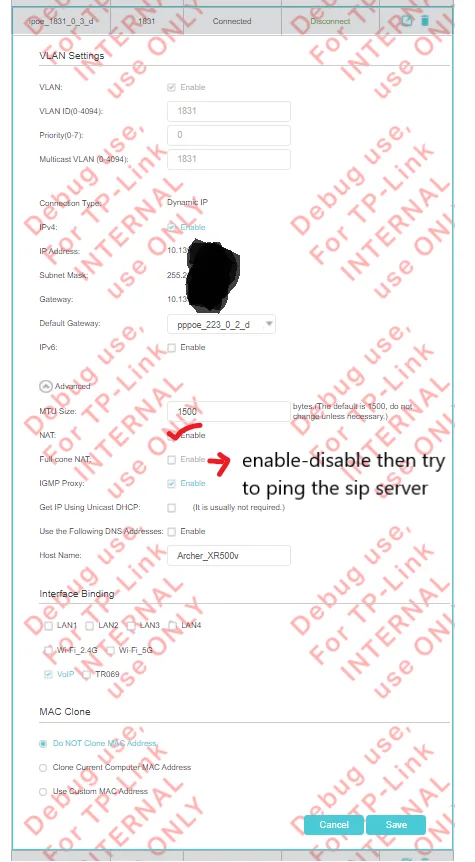
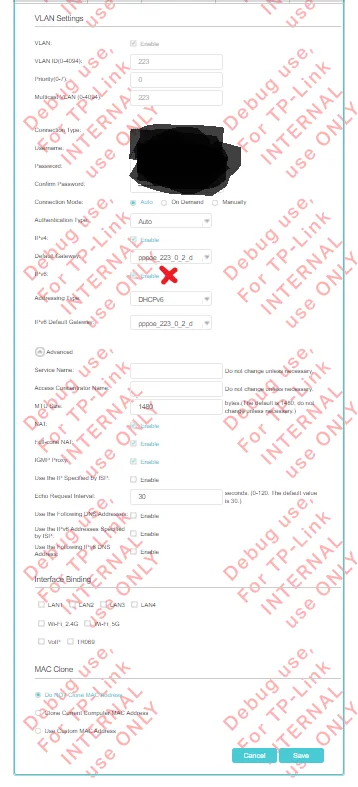
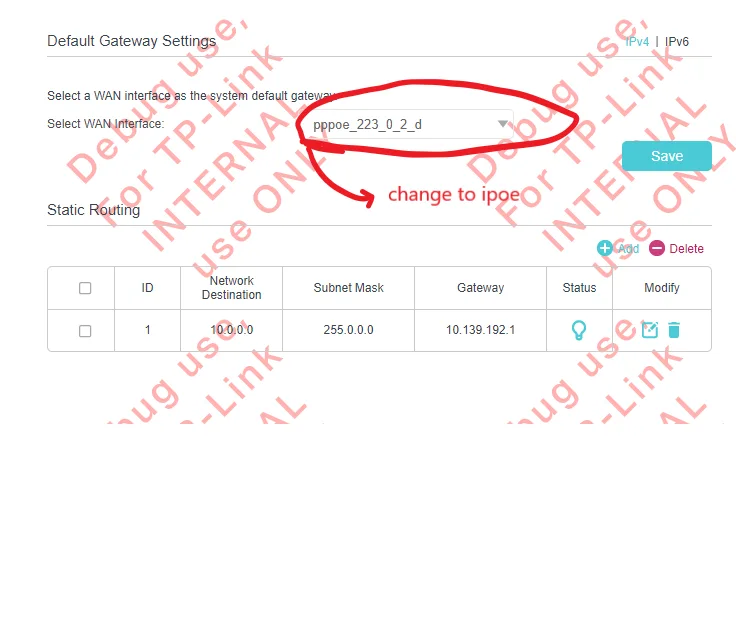
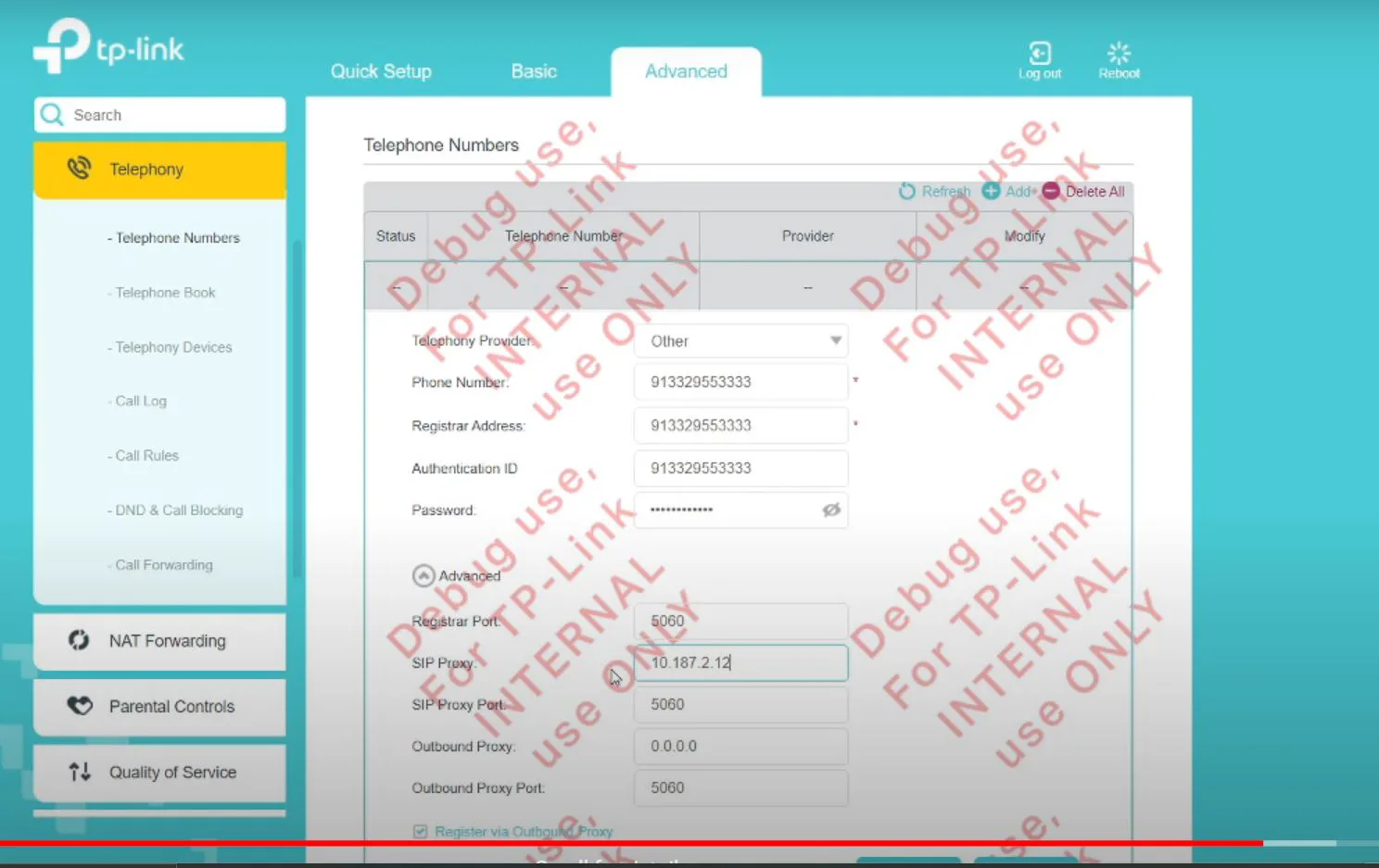
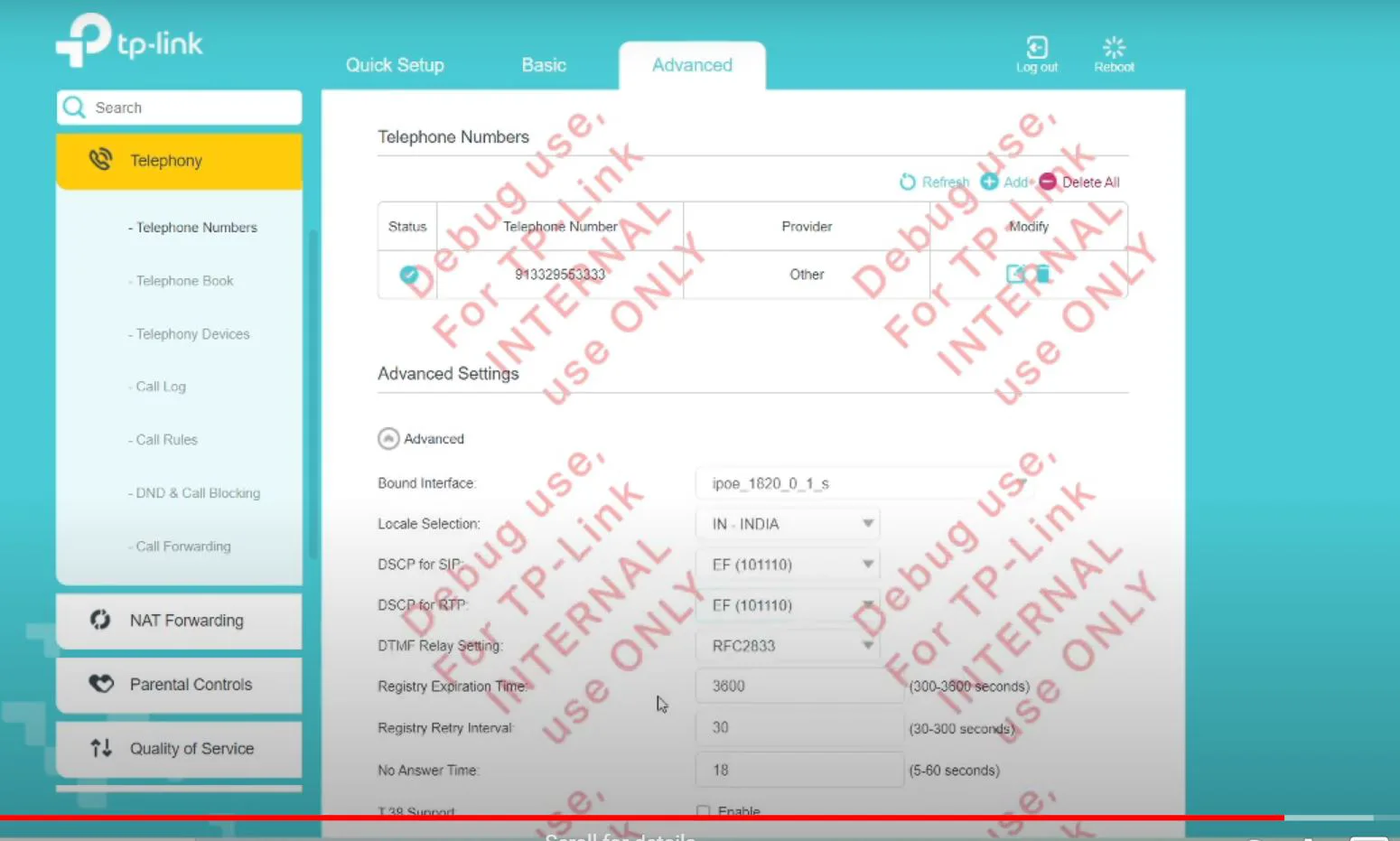
What ONT are you using? Is the voice profile in route or bridge mode? What does the voice profile page, and the VOIP page on the router's web management look like? Have you added any static routes? Only once you post these could any help be extended to you.
If your connection is from LCO, then you have to contact the LCO guy who configured your device for the default gateway address and password for login because TP-Link does not use default username/password for its device instead it asks you to create a new password before the first login or after a reset. I think the default gateway address might be 192.168.1.1 or 192,168.0.1. I don't have a tp-link ONT but I do have a tp-link router connected directly to a Huawei ONT and I also use zoiper5.
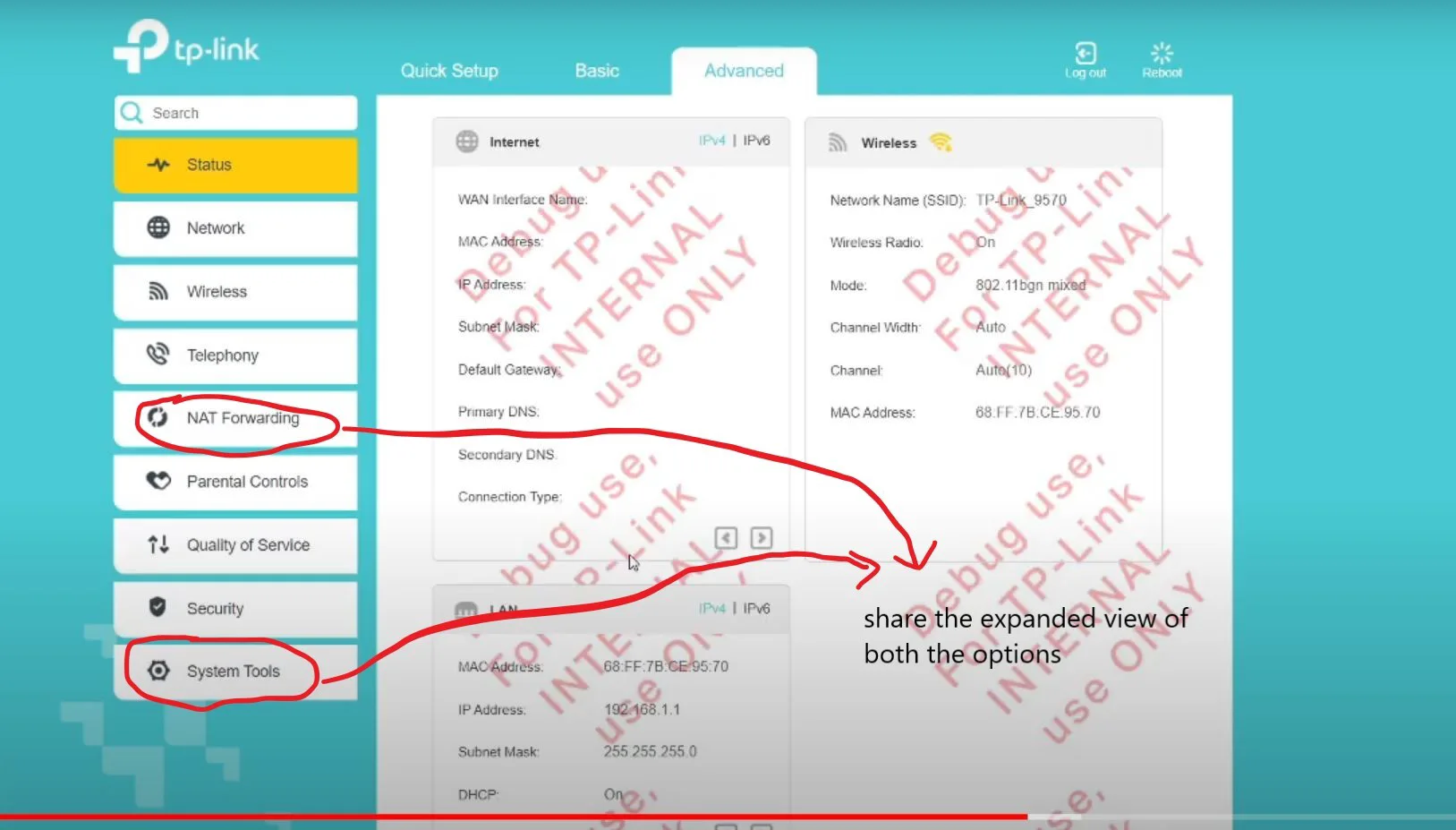
After going through your ONT's specification, I have found that it does support adding a static route and also you can enable Sip ALG under NAT Forwarding. So I think you can configure your ONT to make zoiper5 work.
This website uses affiliate links. This means that if you click on a link and make a purchase, we may receive a commission. This does not affect the price you pay for the product.
This site uses cookies to help personalise content, tailor your experience and to keep you logged in if you register.
By continuing to use this site, you are consenting to our use of cookies.




 because of the current shitty offerings flooding the market


