Can everybody share their Jio Fiber speedtest.net & fast.com results to various servers in the world?

  • Thread starter Thread starter Dark_Nate
  • Start date Start date
  • Replies Replies 97
  • Views Views 11,326
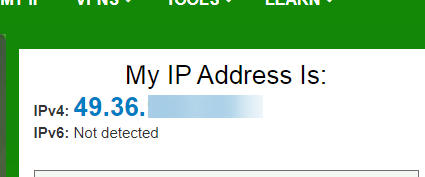
How to enable IPV6? @Nitin

q3IhHOE.png
 
@gomfi ipv4/ipv6 should be enabled by default but looks like it is set to ipv4 only mode. To set it to ipv4/ipv6

1- log in into gateway
2- select network and select ipv6
3- choose ipv4/ipv6 mode here
 
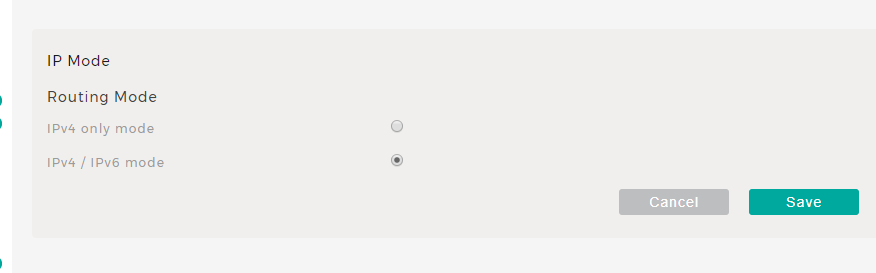
@Nitin I have selected (which is by default selected since I have Jio).

djW2GST.png


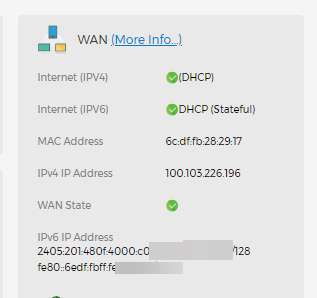
Infact, WAN information shows IPv6 and IPv4 both.

KiAxIve.png


So basically, it is always IPv4/IPv6 for me. What's next?
 
Okay. I use another Router after JioModem that is why IPv6 is not working for me. I connected directly to the JioModem via. WiFi and I could see IPv6
 
Okay. I use another Router after JioModem that is why IPv6 is not working for me. I connected directly to the JioModem via. WiFi and I could see IPv6

My Second Router is the main DHCP Handler at my Network.
 
Back