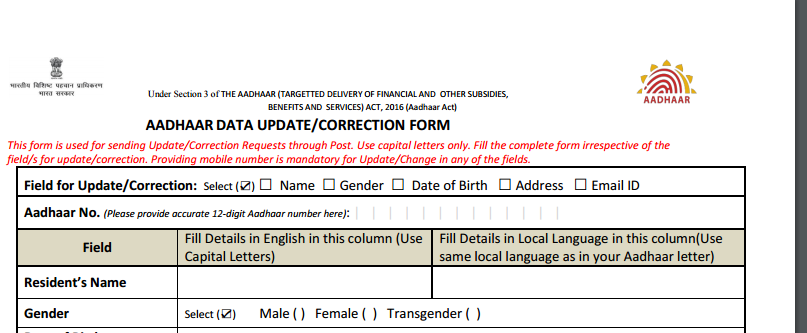
If your mobile number is registered with your Aadhar number then first thing you should do is:
Lock your Aadhar Biometric details.
First make sure that your mobile number is verified:
https://resident.uidai.net.in/verify-email-mobile
Once verified then go here and lock your biometric:
https://resident.uidai.net.in/biometric-lock
This way NOONE can change your biometric details unless you UNLOCK it.
Little bit of FRAUD prevention.
NOTE that this does not LOCK the USE of biometric data. It just prevents any change in that data.
Update:
Now it locks it for use too.(which is better)
Lock your Aadhar Biometric details.
First make sure that your mobile number is verified:
https://resident.uidai.net.in/verify-email-mobile
Once verified then go here and lock your biometric:
https://resident.uidai.net.in/biometric-lock
This way NOONE can change your biometric details unless you UNLOCK it.
Little bit of FRAUD prevention.
Update:
Now it locks it for use too.(which is better)
Last edited: