
Only 20 minutes left for this though.
HP 930 Mouse for Rs. 1999
HP 930 Creator Wireless Bluetooth and USB Optical Mouse
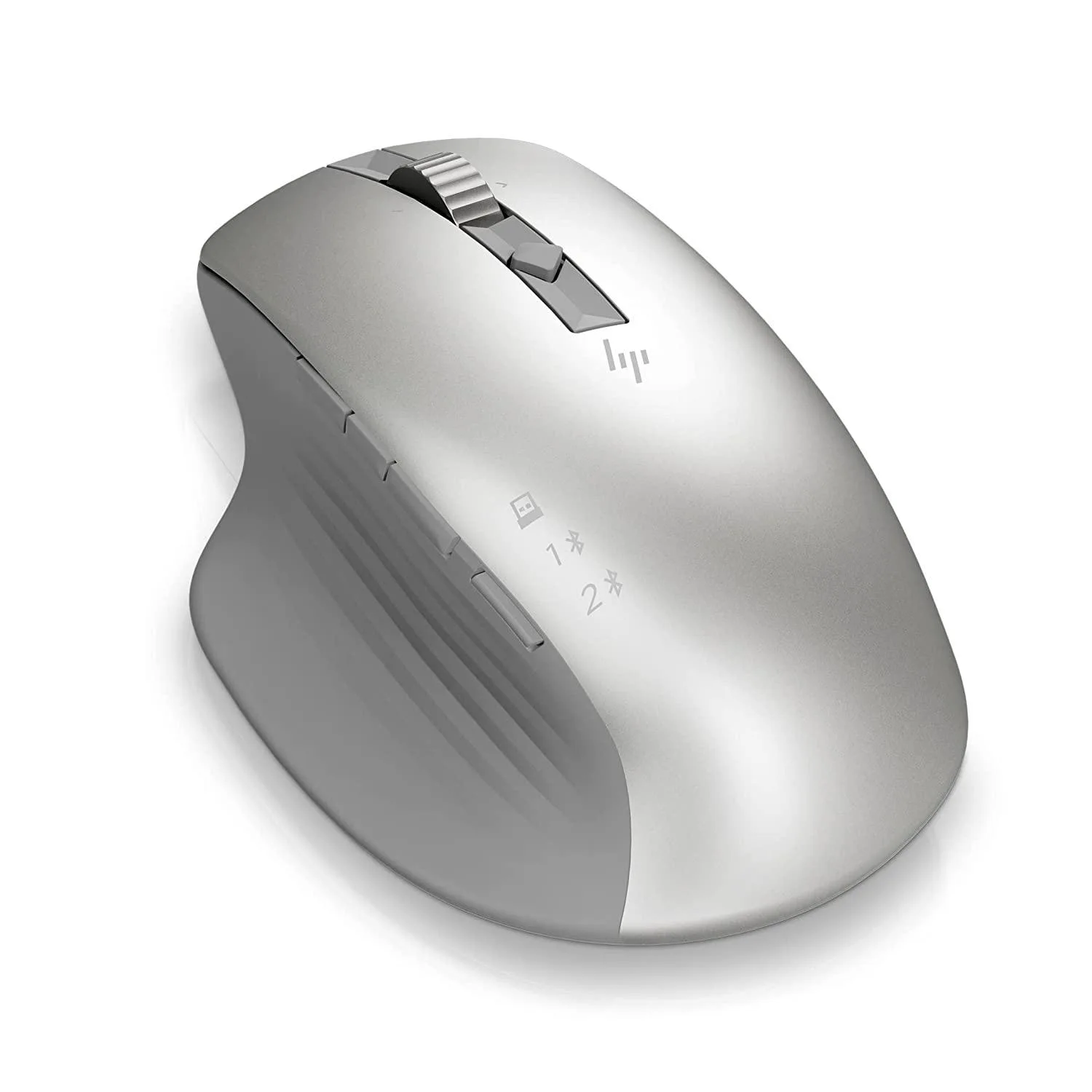
got the mouse today. seems nice. a bit too thick for my liking. one year warranty means that i would probably use it aggressively and move my existing cheapo mouse for backup.
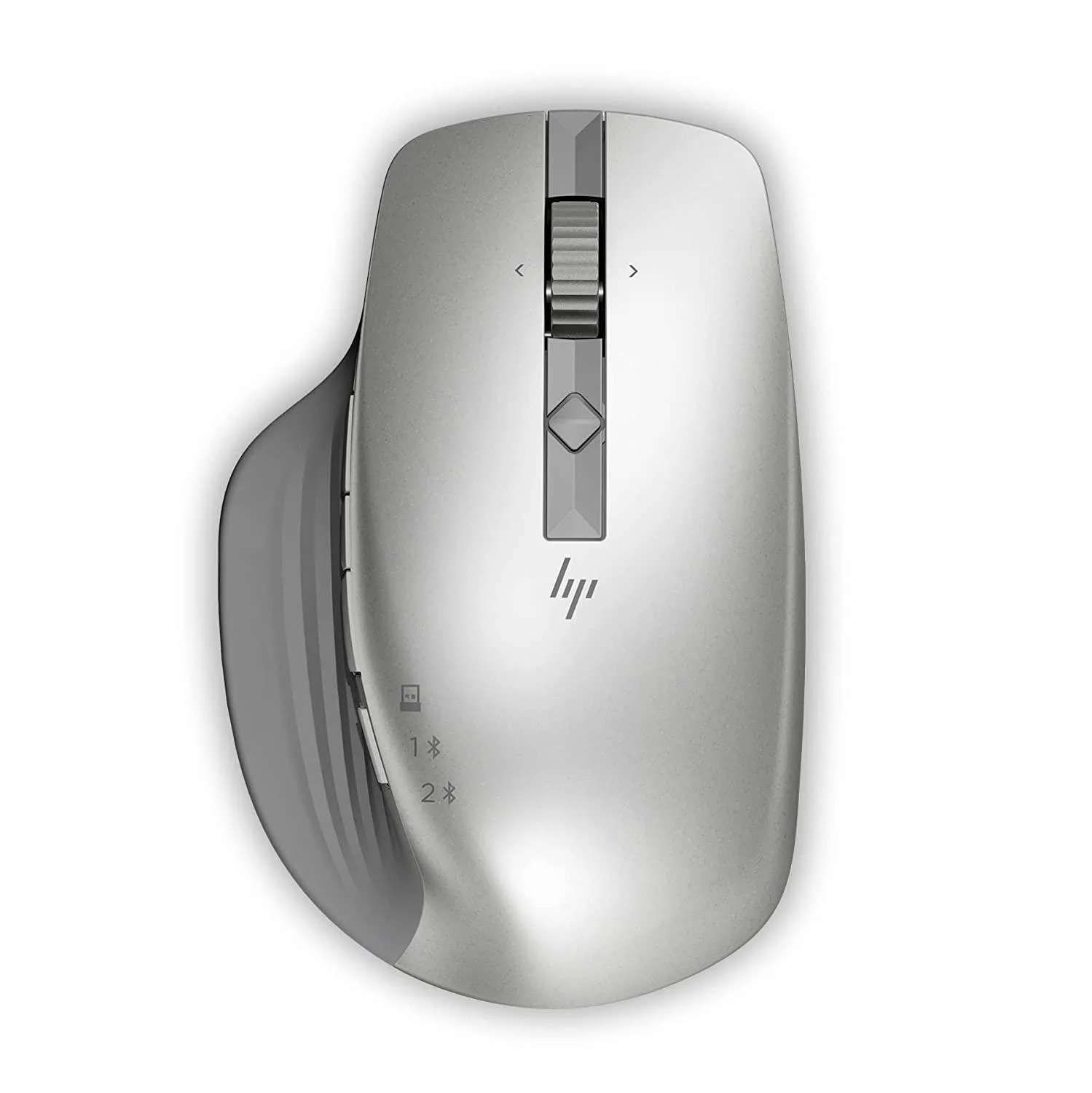
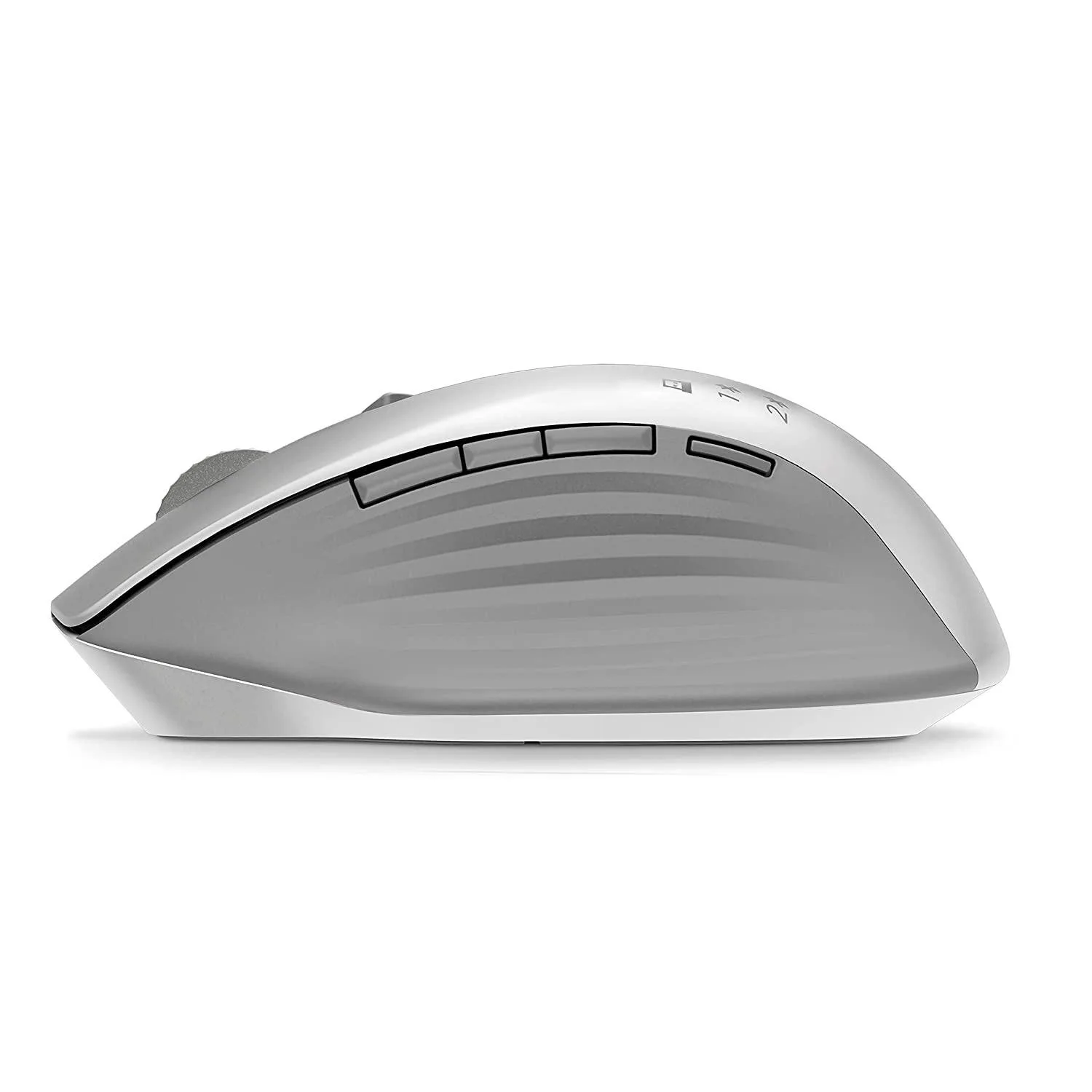
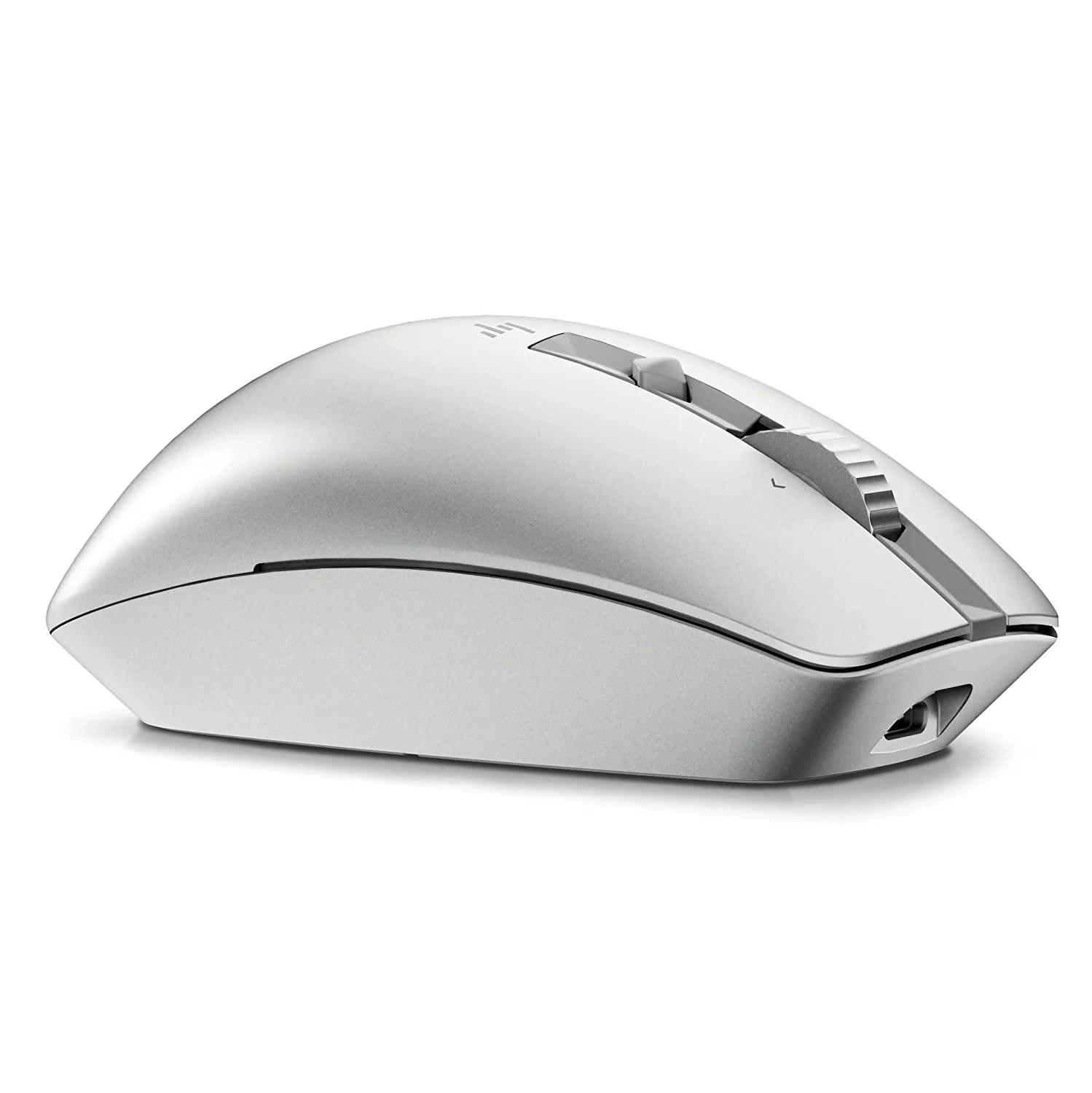
ok this is a bad option for people who do claw grip on their mouse. Buttons are easier to click the closer you are to the front. And it is not easy to rest your fingers in that position. I have a fairly large hands and I struggle to get a decent position on the buttons. Double click on left button and right clicks are hard as a result. Probably would get used to it in a few days. This is also my first wireless mouse in a long time so the occasional lag gets annoying. HP Software is quite nice though. Gives you a lot of options. Can be glitchy at times but restarting it helps. Wheel movement can get hard in normal mode the friction is too much. Hyperscroll makes it smooth for regular scrolling. Hyperscrolling also comes handy in some situations. All mouse should have it! Couldn't connect it over bluetooth on my phone. Was able to connect it to bluetooth on my PC. Though using it with the HP dongle right now because it seems to perform better than bluetooth. I am truly running out of USB ports on my box lol.
Best part of this mouse? NO LED LIGHTS! Except for indicators!!! Insane.
Update: I realized double clicking is hard because of the grip. If I do it with a claw grip as I am used to, it works fine. Palm grip makes it hard for my hands. Left button is somewhat usable with claw grip. Right button doesn't like clicks on the middle part of the mouse.
Manual
HP 930 Mouse for Rs. 1999
HP 930 Creator Wireless Bluetooth and USB Optical Mouse
got the mouse today. seems nice. a bit too thick for my liking. one year warranty means that i would probably use it aggressively and move my existing cheapo mouse for backup.
ok this is a bad option for people who do claw grip on their mouse. Buttons are easier to click the closer you are to the front. And it is not easy to rest your fingers in that position. I have a fairly large hands and I struggle to get a decent position on the buttons. Double click on left button and right clicks are hard as a result. Probably would get used to it in a few days. This is also my first wireless mouse in a long time so the occasional lag gets annoying. HP Software is quite nice though. Gives you a lot of options. Can be glitchy at times but restarting it helps. Wheel movement can get hard in normal mode the friction is too much. Hyperscroll makes it smooth for regular scrolling. Hyperscrolling also comes handy in some situations. All mouse should have it! Couldn't connect it over bluetooth on my phone. Was able to connect it to bluetooth on my PC. Though using it with the HP dongle right now because it seems to perform better than bluetooth. I am truly running out of USB ports on my box lol.
Best part of this mouse? NO LED LIGHTS! Except for indicators!!! Insane.
Update: I realized double clicking is hard because of the grip. If I do it with a claw grip as I am used to, it works fine. Palm grip makes it hard for my hands. Left button is somewhat usable with claw grip. Right button doesn't like clicks on the middle part of the mouse.
Manual
Last edited:


