Try removing VLAN from router as it must have already been defined on ONT as @rohitks mentioned. Otherwise it's acting just as an extension to your ONT which is handling every task.
Then it must be MAC address related issue. On openwrt the problem shouldn't happen if you plan to flash that and try. I use openwrt on pi and have copied MAC address for PPPoE and it worked without issue but on TP-Link xc220 it had the issue like yours because of MAC address binding. You may not need to copy MAC address for Airtel but try that to confirm.
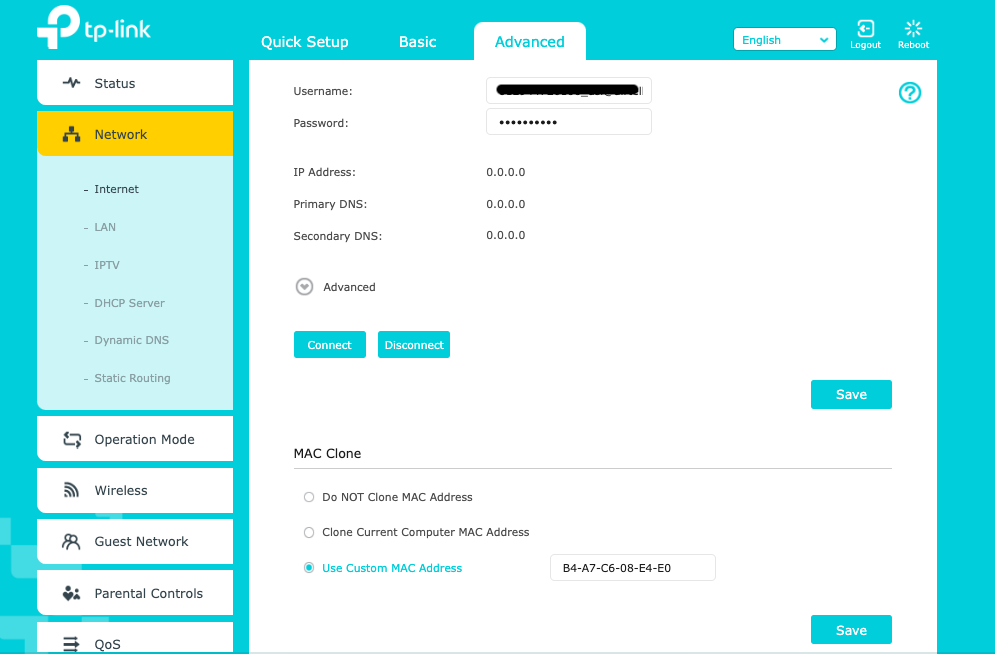
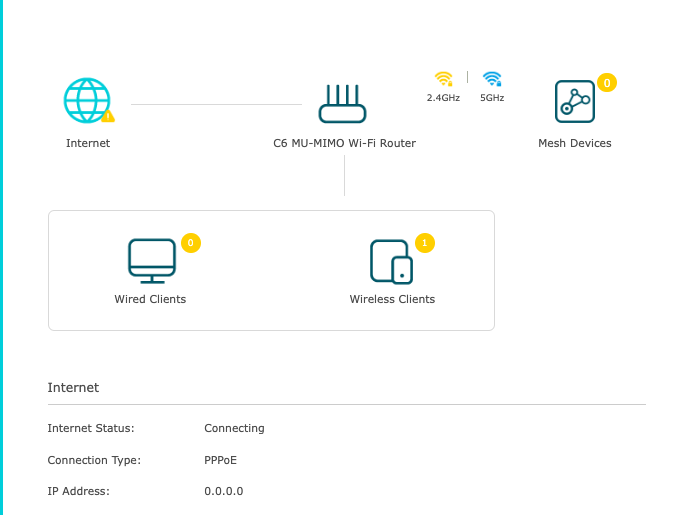
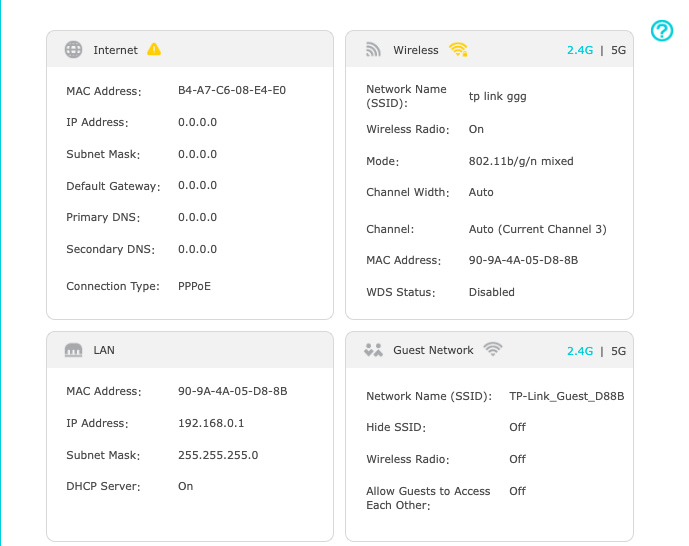
@sloj@Smh I did that Mac cloning. I set a custom MAC address to use when dialing PPPoE on TP-LinkRouter but After that PPPoE was stuck on connecting. I put the Airtel MAC Address mentioned on the back slip and verified it with the ones on my client. I have verified this PPPoE stuck on connecting is due to MAC address since after setting MAC Cloning to "Do NOT Clone MAC Address" PPPoE connection was successful.
@gaurishhs No, I meant for you to try after flashing openwrt if you plan to do that. On default firmware, there must be some issue related to MAC address or something else, otherwise it should have worked after connection was established.
@sloj I am running OpenWRT on a Raspi4B, and still face the same problem with the Cloned MAC causing complete disconnection at Layer 2. I suspect the ONT(G140W-F) blocks MAC Addresses on the Bridge that resemble its own.
This website uses affiliate links. This means that if you click on a link and make a purchase, we may receive a commission. This does not affect the price you pay for the product.
This site uses cookies to help personalise content, tailor your experience and to keep you logged in if you register.
By continuing to use this site, you are consenting to our use of cookies.