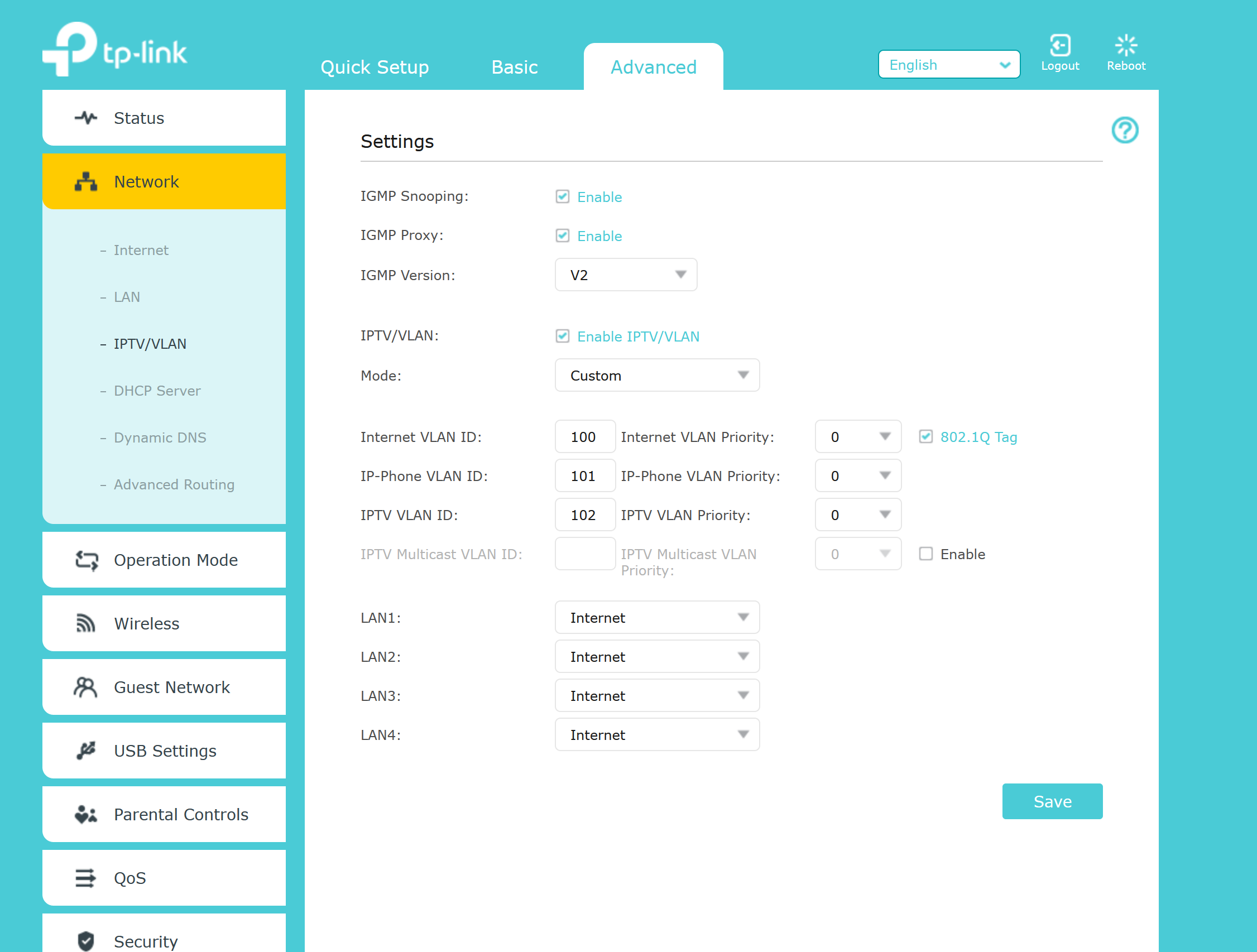
Hi All
I am having Nokia G-140W-F ONT, then a 8 port gigabit Switch and through that switch I have multiple TP-Link Routers. After that have TP Link x50 router or A9 routers etc. Here is my Ask.
1. I want to assign Airtel issued 3 Static IPs to 3 independent personal TPLINK routers so I can have their own independent port forwarding, hope this is possible easily
2. Currently if I put ONT on Bridge mode, and put one of the static IP to my personal TP link router, its not working
Currently my NOKIA ONT has one out of three static IPs assigned to it without bridge mode the TP link routers are working ok, the moment I go bridge mode either on LAN port 1 or LAN port 4 and assign static IP it TP link router have no internet.
I would like to know at an NOKIDA ONT Level what settings should be there which mode it it should be in Static IP, PPOE etc.. so I can configure each of my TP Link router for their static IP beyond the switch and at TP Link level that should be setup as Static IP in router mode and it should be IP given by -
Airtel xx.xx.xx.xx
subnet mask 255.255.255.0
Gate way xx.xx.xx.1 ?
Do I need to ask Airtel to open Bridge mode for me, as Port 1 or Port 4 on ONT nothing is helping?
I am stuck, please help with the ONT and Router level settings with example.
Appreciate your time and help. Let me know in case of any questions.
Regards
Karan
I am having Nokia G-140W-F ONT, then a 8 port gigabit Switch and through that switch I have multiple TP-Link Routers. After that have TP Link x50 router or A9 routers etc. Here is my Ask.
1. I want to assign Airtel issued 3 Static IPs to 3 independent personal TPLINK routers so I can have their own independent port forwarding, hope this is possible easily
2. Currently if I put ONT on Bridge mode, and put one of the static IP to my personal TP link router, its not working
Currently my NOKIA ONT has one out of three static IPs assigned to it without bridge mode the TP link routers are working ok, the moment I go bridge mode either on LAN port 1 or LAN port 4 and assign static IP it TP link router have no internet.
I would like to know at an NOKIDA ONT Level what settings should be there which mode it it should be in Static IP, PPOE etc.. so I can configure each of my TP Link router for their static IP beyond the switch and at TP Link level that should be setup as Static IP in router mode and it should be IP given by -
Airtel xx.xx.xx.xx
subnet mask 255.255.255.0
Gate way xx.xx.xx.1 ?
Do I need to ask Airtel to open Bridge mode for me, as Port 1 or Port 4 on ONT nothing is helping?
I am stuck, please help with the ONT and Router level settings with example.
Appreciate your time and help. Let me know in case of any questions.
Regards
Karan