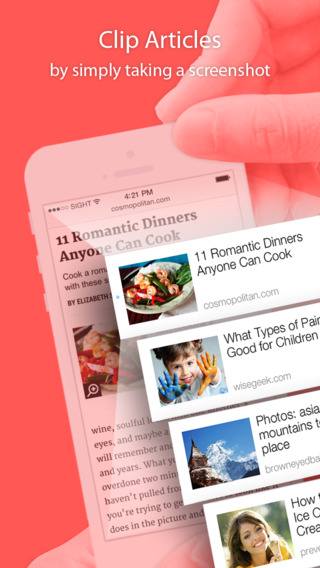
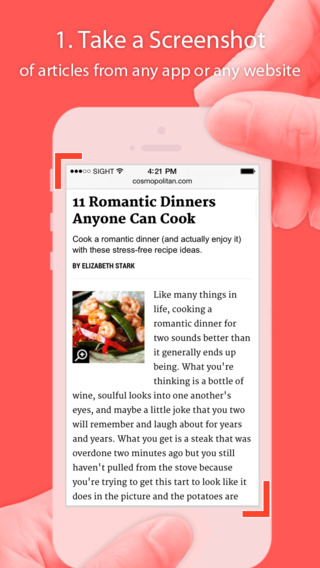
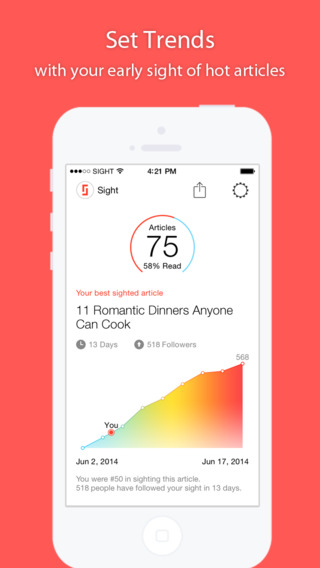
Simply install the Sight app then go about reading articles however you normally do – either in your browser or within other apps. If you find something you want to finish later, just take a screenshot by pressing the Home and Sleep buttons at the same time.
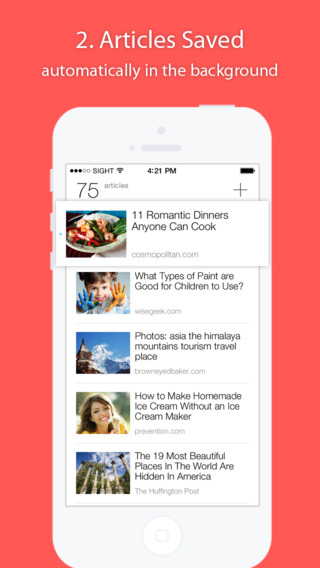
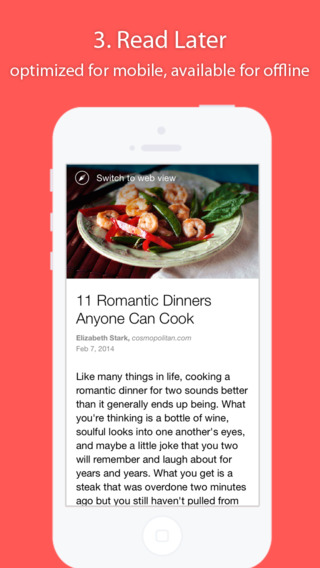
Later on – whether you're on a subway or submarine – open Sight and every article you've taken a screenshot of is there in fully mobile-optimized fashion.
:speechless:
Sight: Save articles by capturing a screenshot and read later
Reading is one of the most common behaviors on mobile devices. With more good content accumulated on the mobile web comes the need to save them, and read them later in a nicely presented environment. This is where Sight comes in, an app that takes an image — a screenshot — and finds the article behind the image, retrieves the content, and then formats it for a better reading experience.
Sight is made to be “the simplest app ever”. With one click, everything you need is presented for you. We all know that the simpler a product is to the customer, the harder it is to develop behind the scenes. The day that the team came up with the idea for Sight, they pulled an all-nighter to get the first version prototyped. The designers and front end engineers then created many iterations to make the app simple and elegant, while the backend engineers built out a series of smart systems to find and bring the best matching articles to the user. Now that Sight is ready we're excited to present it to the world, and see how it helps users collect information more easily and efficiently.
Sight: Save Articles by Capturing a Screenshot and Read Later on the App Store on iTunes