itachi
I got banned!
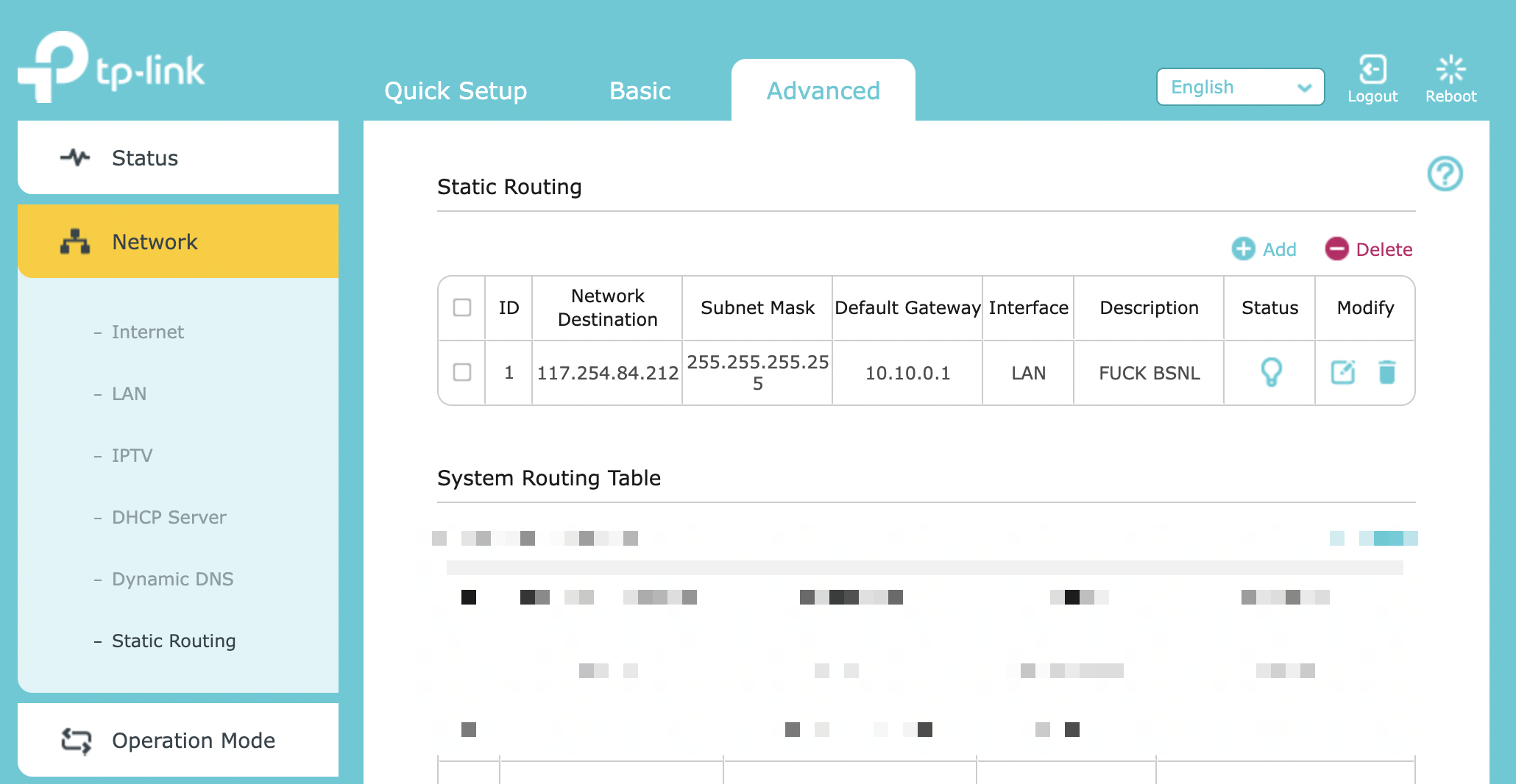
Please contact your lco and report the issue and ask him for the number of bsnl technical team. There is a technical team in every major city. I expected them to talk in malayalam since I am from Kerala but they only speak in English or Hindi so I think perhaps the calls to that number is routed to some place like Bangalore or some other place....unless they have technical staff from other states in every state.
Call them and tell them that you don't want to see these ads anymore.
Then they will exclude you from these ads.
This is how I never get any ads.
I told them it is really annoying and I can't browse properly as a result. Talk nicely.
Also remember to save this contact number because sometimes they will show again but call again repeatedly and having them remove you from these ads.
You can also ask them for their email and occasionally send the routing issues with logs.
Call them and tell them that you don't want to see these ads anymore.
Then they will exclude you from these ads.
This is how I never get any ads.
I told them it is really annoying and I can't browse properly as a result. Talk nicely.
Also remember to save this contact number because sometimes they will show again but call again repeatedly and having them remove you from these ads.
You can also ask them for their email and occasionally send the routing issues with logs.
Last edited: