Successfully Enabled Bridge Mode on JIO Fiber Original ONT. But need Help.

anmolbhard004

Resonating
Messages
1,417
Location
Patna
ISP
Airtel
Jio
I have successfully managed to put Jio Fiber's ONT in bridge mode. and able to receive CGNATed IP on my Mikrotik Router. But, I am not able to access Internet, I think I am missing some settings.

I cloned WAN MAC Addr of Wan interface of Jio ONT.
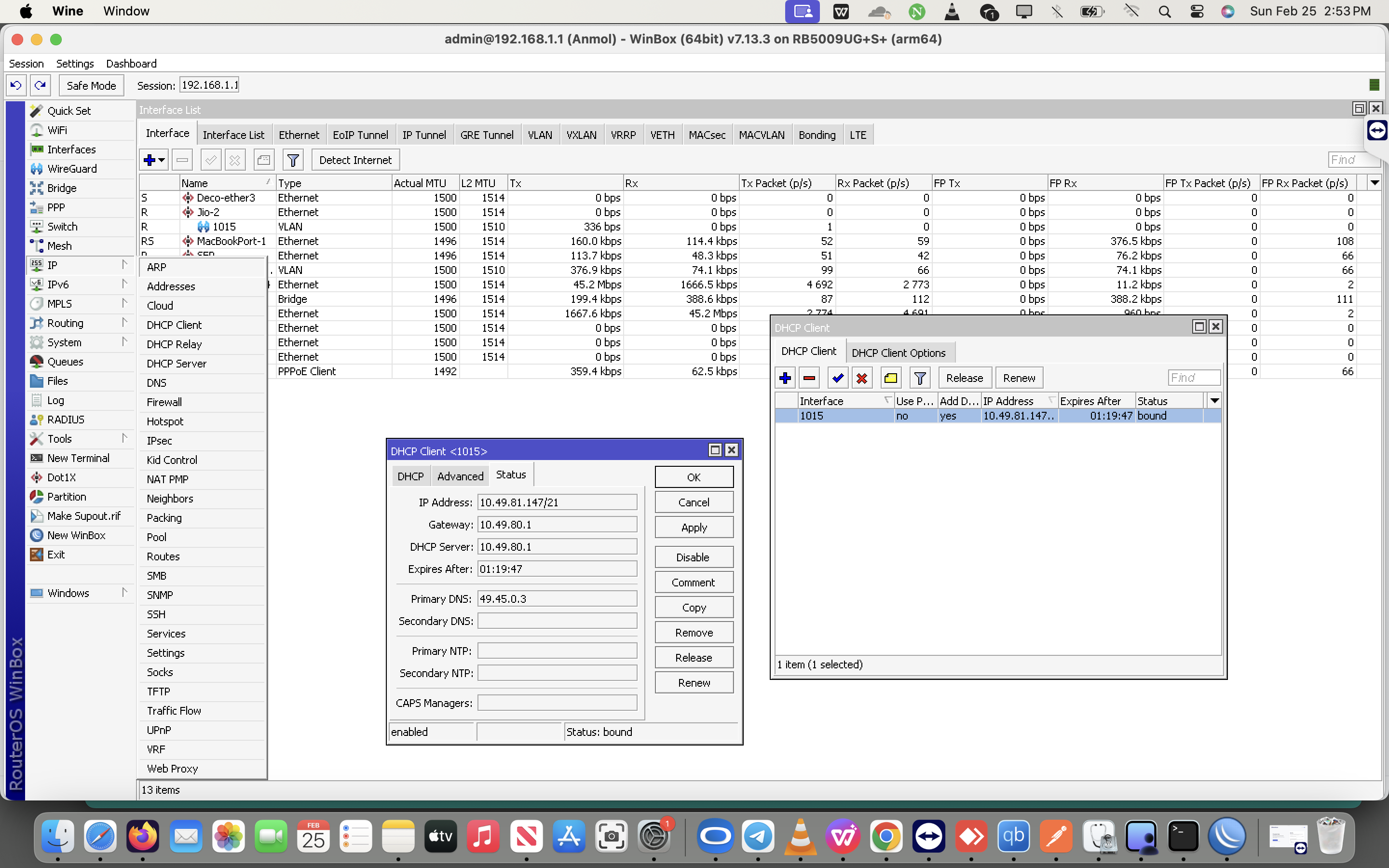
and requested for DHCP IP through DHCP Client in Mikrotik. But unable to ping or browse internet.
The default gateway on which I am is behind CGNAT as well.
Someone please guide me through.
 
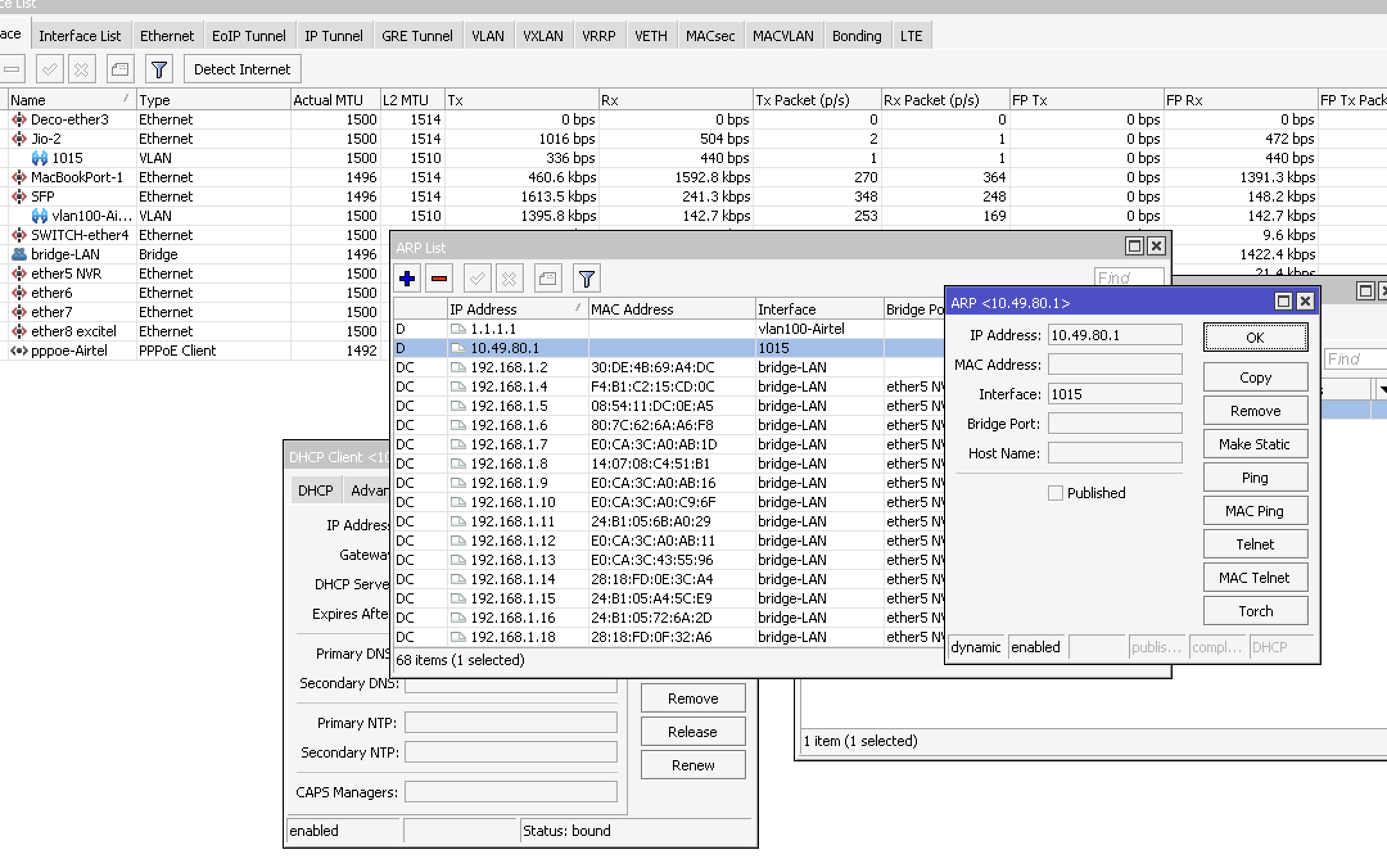
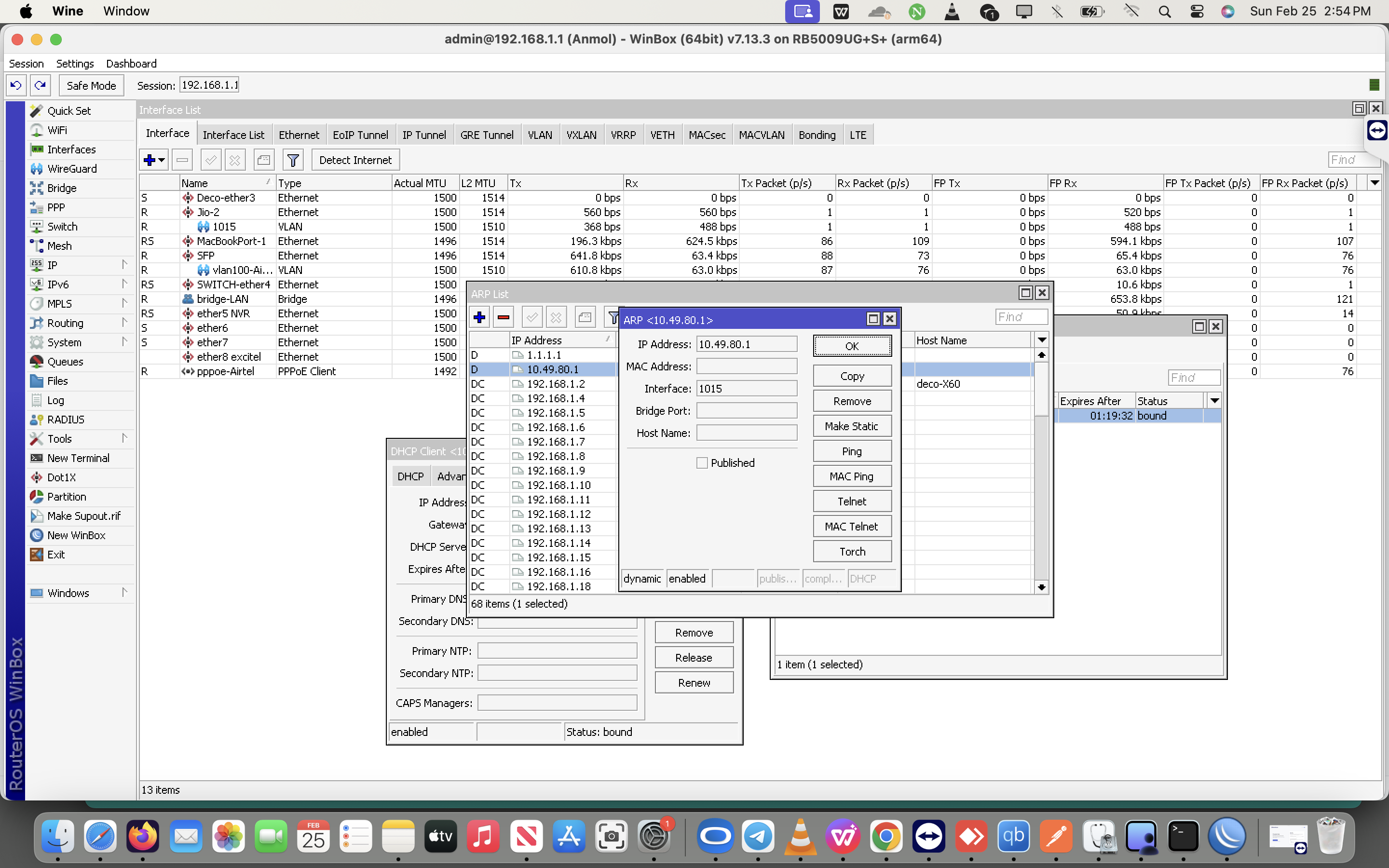
Can you ping the gateway? Check for ARP as well.

DHCP is offered from a different server, so it does not mean connectivity.
 
How to Enable Bridge Mode in JIO's ONT.

Step 1: Login to your ONT, and click on search button, search "Wan Port Configuration", go there and put VLAN ID-5.
Step 2: Search "VLAN Membership" and then select choose any port you wish, and disable all other ports except that. Make you you are not connected to that port while configuring these settings. For example, if you want to enable Bridge on Port 4, then make sure you are connected to JIO ONT using port 1,2 or 3.
Step 3: Search "Bridge Mode" choose interface LAN4, input VLAN ID1 :1015, leave all other VLAN IDs.
Step 4: Go to Dashboard(home page) and copy WAN Port MAC Address, and clone this mac address to your personal router's wan port where you are willing to ask IP from Jio through DHCP. And you are done.
 
@Lolita_Magnum


S7EO1NL.png


Htv8KCI.png


cQhPCYI.png
 
Back