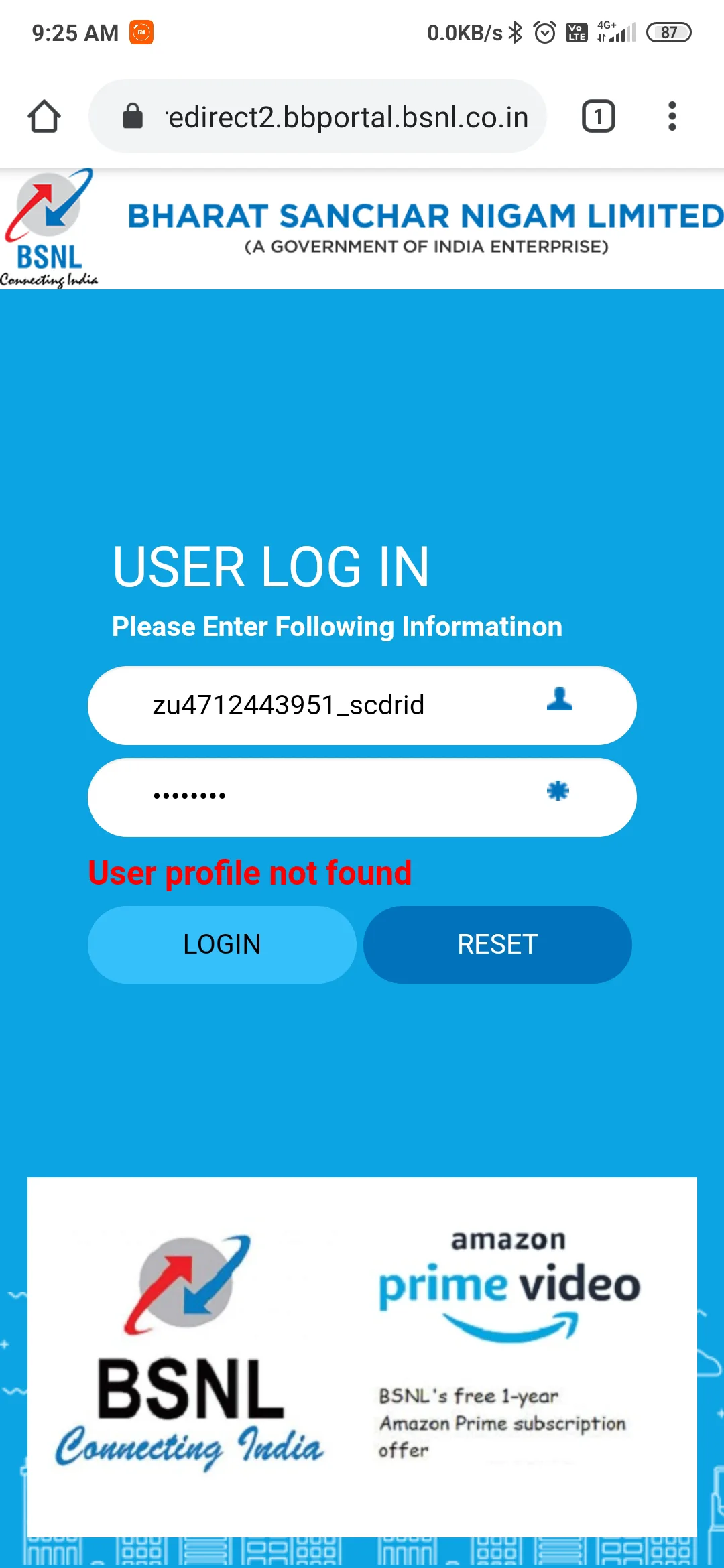
Not internet. BSNL person couldn't fix it.

  • Thread starter Thread starter firofame
  • Start date Start date
  • Replies Replies 33
  • Views Views 11,322
If you're connected but can't use the net then check MTU setting in your modem. Usually it's set to 1500 change to 1492. That was my setting on MTNL ADSL connection.
Also your tel line should first come to your modem via a splitter.
BTW Your SNR margin v high so you could get disconnected.
Have a look at this link though the model is different the fundas are same Seting up TP-Link TD-W8968
 
Last edited:
Finally I got the internet working using a BSNL issued modem.

I wonder if the TP Link was mis configured or defected.

Thank you guy for all the suggestions.
 
I get the same error.
GuPCxsG.webp
The username should end with @lfmt.in
 
If you're connected but can't use the net then check MTU setting in your modem. Usually it's set to 1500 change to 1492. That was my setting on MTNL ADSL connection.
Also your tel line should first come to your modem via a splitter.
BTW Your SNR margin v high so you could get disconnected.
Have a look at this link though the model is different the fundas are same Seting up TP-Link TD-W8968
Actually i have followed all these instructions and still couldn't get internet. As you can see in the screenshot in the first post, the signals are ok.
 
Finally I got the internet working using a BSNL issued modem.

I wonder if the TP Link was mis configured or defected.

Thank you guy for all the suggestions.

That's great. Yeah DSL modems can get faulty real quick. Especially with the weather, rain, lightning etc. That's one of the reasons I disconnected my BSNL DSL connection. For me the modem never lasted more than a month or two.

Switch to FTTH if available in your area, much more stable and no issues like these.
 
Back