Unable to connect router via pppoe but my pc can connect

  • Thread starter Thread starter Enix
  • Start date Start date
  • Replies Replies 38
  • Views Views 7,548
Messages
113
Location
NA
ISP
BSNL
Hello,

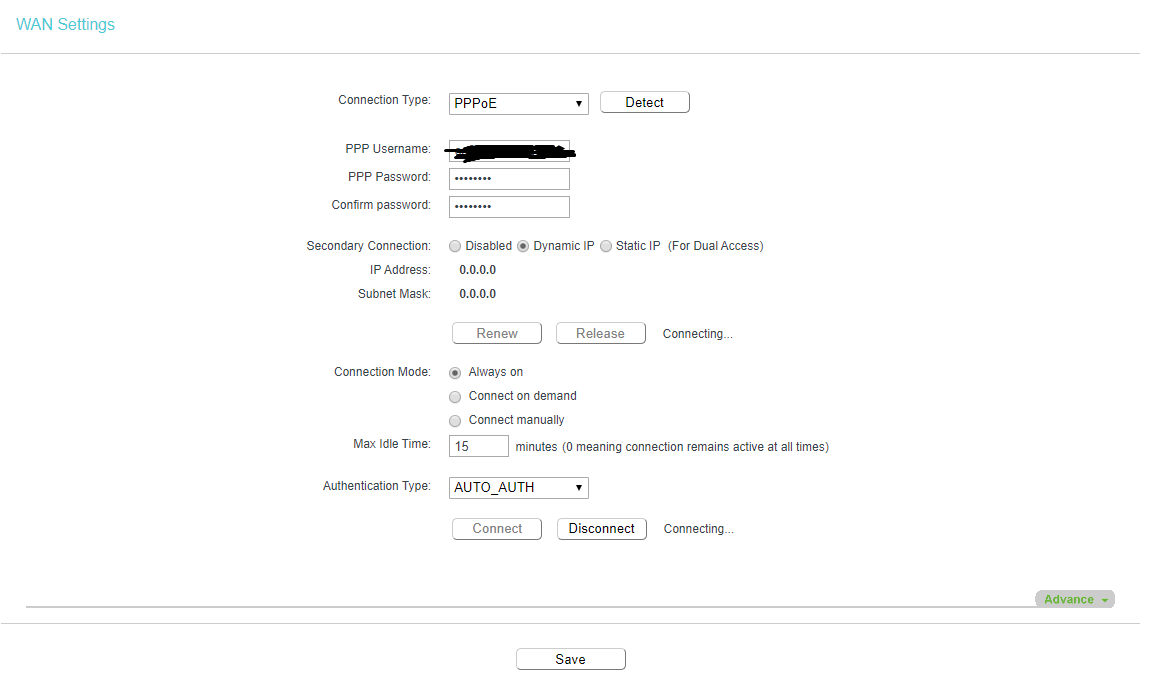
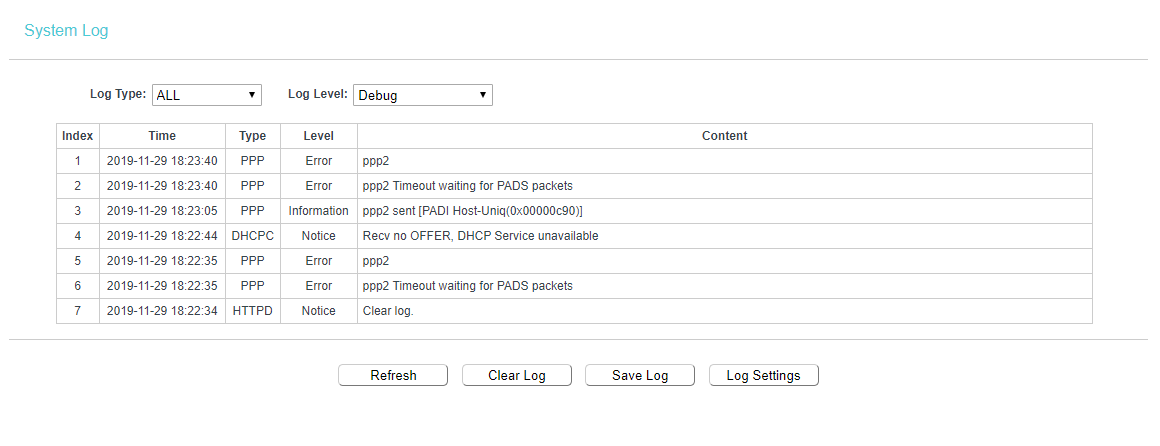
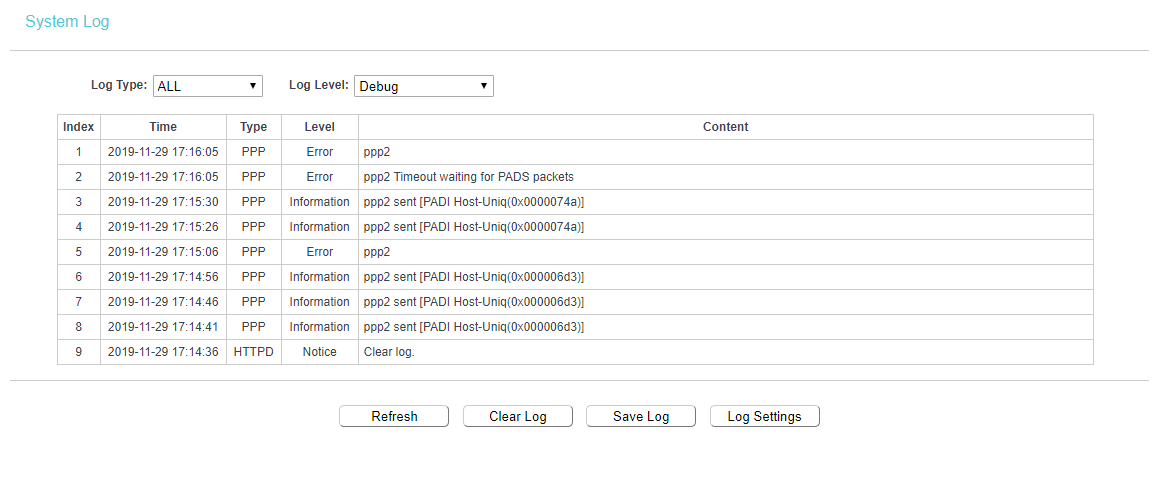
When I dial up my BSNL FTTH connection from my pc using username and password, it connects within few seconds, but when I try doing the same from my router (so that more people can connect to my router), I am not able to do so, it fails to connect everytime with an error "Timed out waiting for PADS", but sometimes router successfully connects in PPPoE mode.. like 1 in 100 times. But the remaining 99 times I get the error. When dialling via PC, I never got an error yet and have connected within few seconds.
Can somebody help me with this please ?
Router : TP-Link Archer C50 v4
Modem : Nokia Siemens H640V-25E
XXpkkjc.png


rasDwfA.png
 
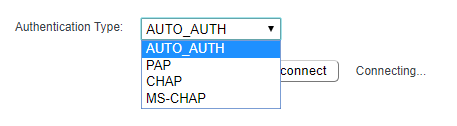
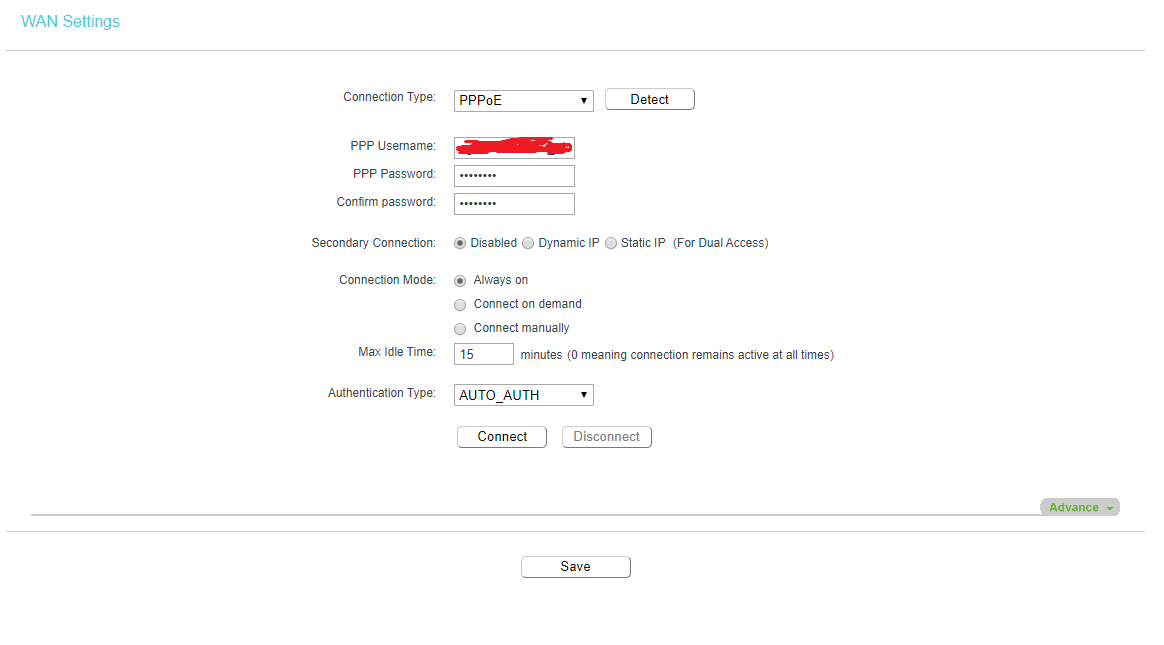
What are the other options under "Authentication Type" drop down? Currently it is showing "AUTO_AUTH" - what else is there?

Also secondary connection is selected as "disabled" - try putting "dynamic IP" in there just for trial and error?
 
I just discovered it right now that when I try to connect my pc to the modem using the pc lan cable plugged into the 3rd port of modem (bridge port), I can successfully dial and connect to bsnl ftth within 10 seconds, it haven't failed until now, but my router is not able to dial the connection.. it fails 99/100 times with ppp2 errors, I tried also cloning MAC address of my PC into the router but it didnt work. Also, if my router by chance gets a successful connection established, it loses the connection on router restart and then again throws in the error.
 
What are the other options under "Authentication Type" drop down? Currently it is showing "AUTO_AUTH" - what else is there?

Also secondary connection is selected as "disabled" - try putting "dynamic IP" in there just for trial and error?

can you reply to these?
 
The Timeout waiting for PADS packets indicates that the PPP server isn't reachable. Could you please share in detail how the different devices are connected and on which physical ports.
 
1) The Fiber is connected to the modem.

2) Router is connected to the modem via 3rd Port (Bridging Port).

3) PC is connected to Router via LAN1 Port.

4) All other devices are connected to Router via Wi-Fi.
 
I tried your steps but those didnt work unfortunately. Here are the results :-


RLo1TgL.png


eZ2UdDg.png


43QHVC6.png


Try selecting each of the options on "Authentication Type" manually one by one, starting with CHAP option.
 
Back