HELP .. Just installed a BSNL plan today !

  • Thread starter Thread starter sling_dong
  • Start date Start date
  • Replies Replies 40
  • Views Views 4,343
Messages
32
Location
KMZ
ISP
KVS
I just installed a new BSNL plan today - BSNL Fiber Basic Plus ₹599 plan with 60Mbps speed

But .. on fast.com and other speed tests, I am getting only 30 Mbps download speed !!

Later today I asked the guy who installed the commnection why this is and he said I would get only 30 Mbps download speed and 30 Mbps upload, so 30 + 30 = 60. WTF ?!

Is this true or is he lying to my face? Am I not supposed to get 60 Mbps download speed for this plan ? Calling on BSNL customers .. Need your advice and experience. Thanks
 
He is Lying to your face. Tell him to properly give you speeds or else you can go to CPGRAMS. Also, go to fuptopup.bsnl.co.in and check the name of your plan, if it is 60MB-3300G or 30MB-3300G, and post screenshot here
 
He is lying, BSNL offers symmetric speeds same upload and download concurrently.

Check the power level on your ONT, maybe wiring is bad and he doesn't want to spend on it
 
He is Lying to your face. Tell him to properly give you speeds or else you can go to CPGRAMS. Also, go to fuptopup.bsnl.co.in and check the name of your plan, if it is 60MB-3300G or 30MB-3300G, and post screenshot here

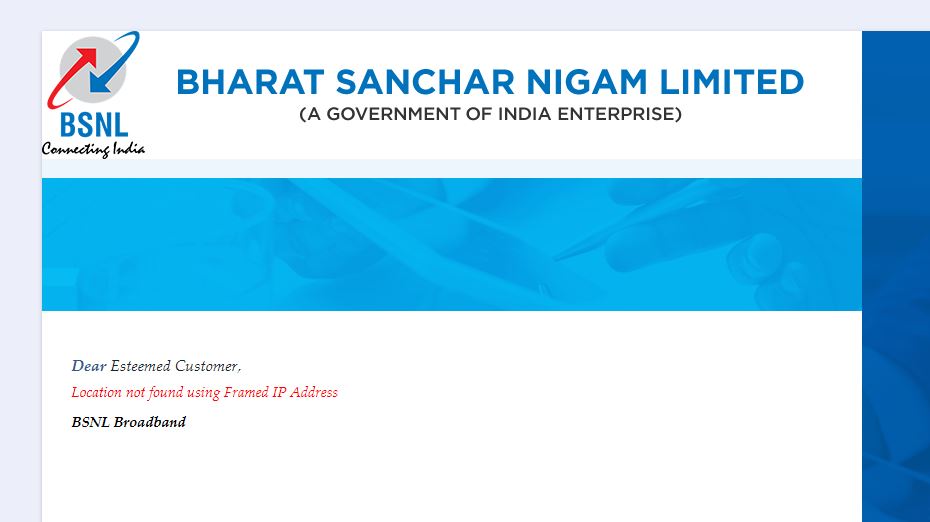
Thanks for the quick reply. I went to your website fuptopup.bsnl.co.in and I get this message -

AxyPPZWP_o.jpg
 
Check the power level on your ONT, maybe wiring is bad and he doesn't want to spend on it

How do i check the power level ? They gave me a Netlink modem. I asked them for the modem username and password to access the router page but he said there was no need forr that, that is our business. Are BSNL customers not allowed to access the router page on 192.168.1.1 after installation?
 
Check speeds over lan and not wifi to confirm the exact speeds you are getting. 2.4ghz on these cheap ont don't provide much speeds over some specific bands.
 
Back