So I may have come across an
Apple feature that's annoying the living ghosts in me.
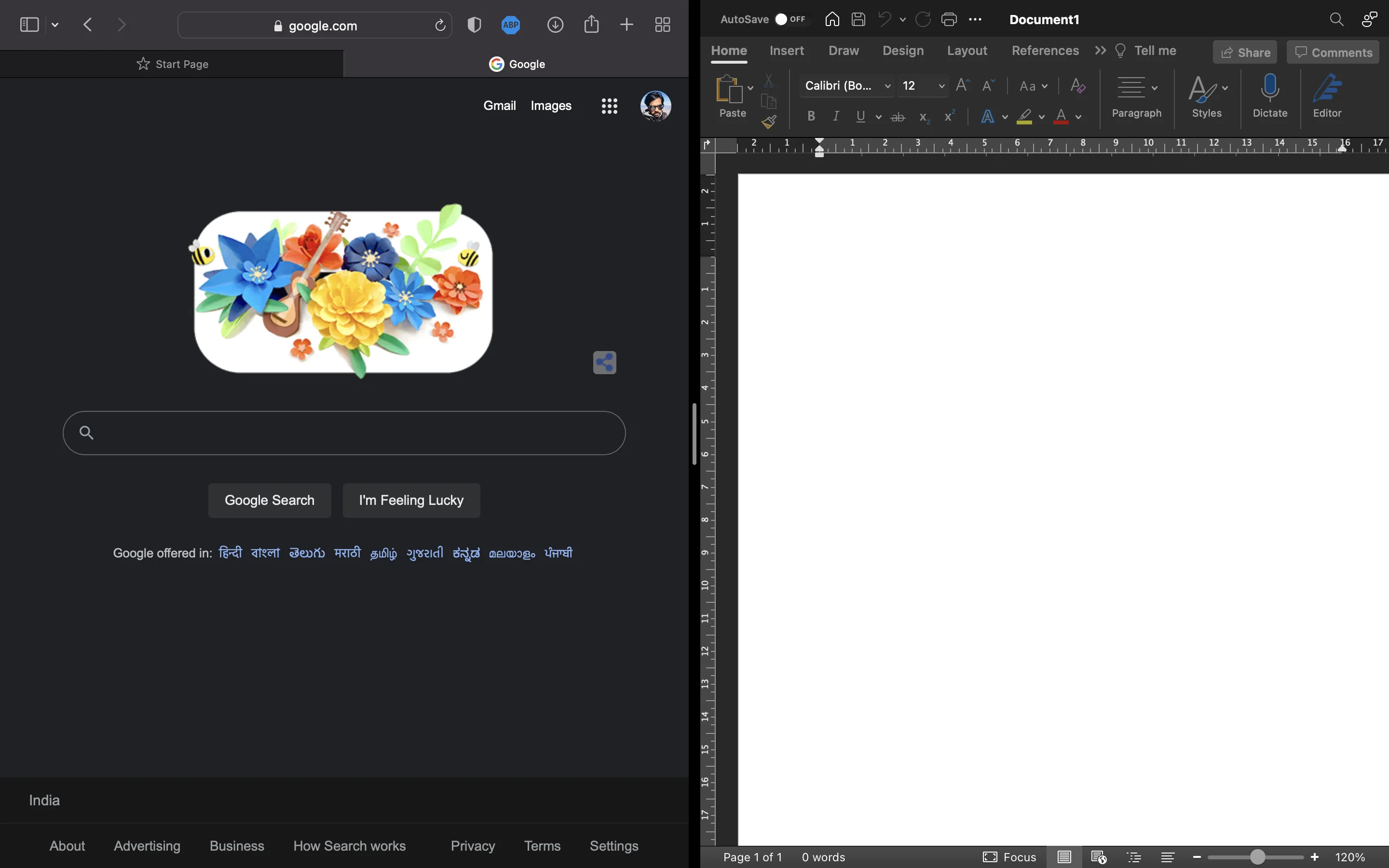
I like to work with various desktops. For instance, on the second desktop I have a browser tab and a word document open in tile window mode, split screen mode.
Now, when I am working on the first desktop and click on a link that I've received on chat or email, it opens on the second desktop, along with the browser window I am working on in split screen mode. I have not found a way yet to disable it and to make it treat different desktops as different workspaces. Even if I have a separate browser window open on the first desktop, any link I receive on chat goes to the second desktop.
God forbid if I want to replace one of the application in the split view, it's another nightmare..
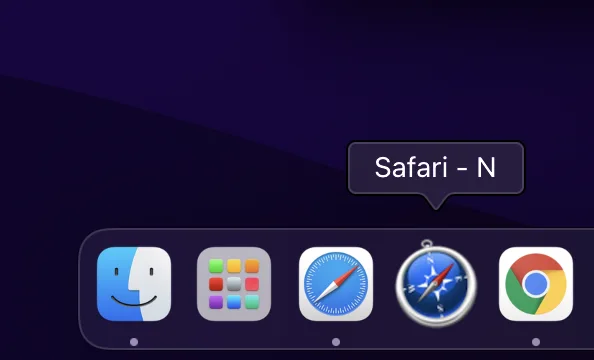
I have managed to create a script which allows me to open a new window whenever I click on it.
Unlike
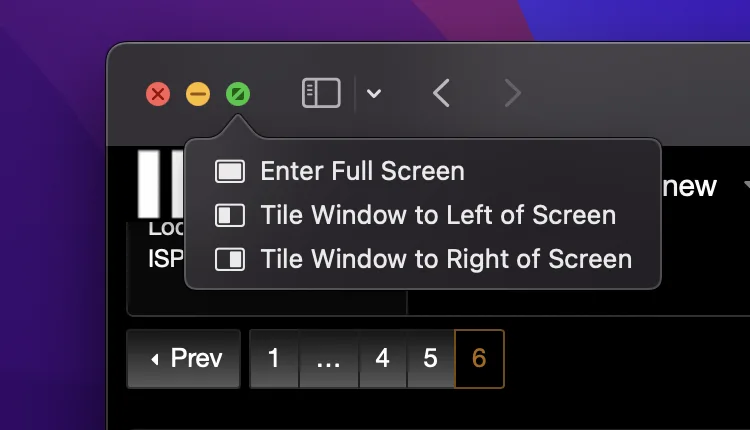
Windows, I can't simply drag a window to the left or right of the screen to enter split view. I gotta hover over the green icon and wait for the menu for Tile Window to shop up, and then keep the other application open at the back in order to enter into the split screen mode.