Cable from ONT to Router and Phone

  • Thread starter Thread starter kreacher
  • Start date Start date
  • Replies Replies 17
  • Views Views 1,852

kreacher

Where is HD?
Messages
398
Location
NA
ISP
BSNL
BSNL recently sent a SMS saying my plan (Fiber 777 upto 100 Mbps) will be upgraded to upto 150 Mbps. Even assuming that 150Mbps is feasible at my location, I have a doubt about the wiring done by BSNL.
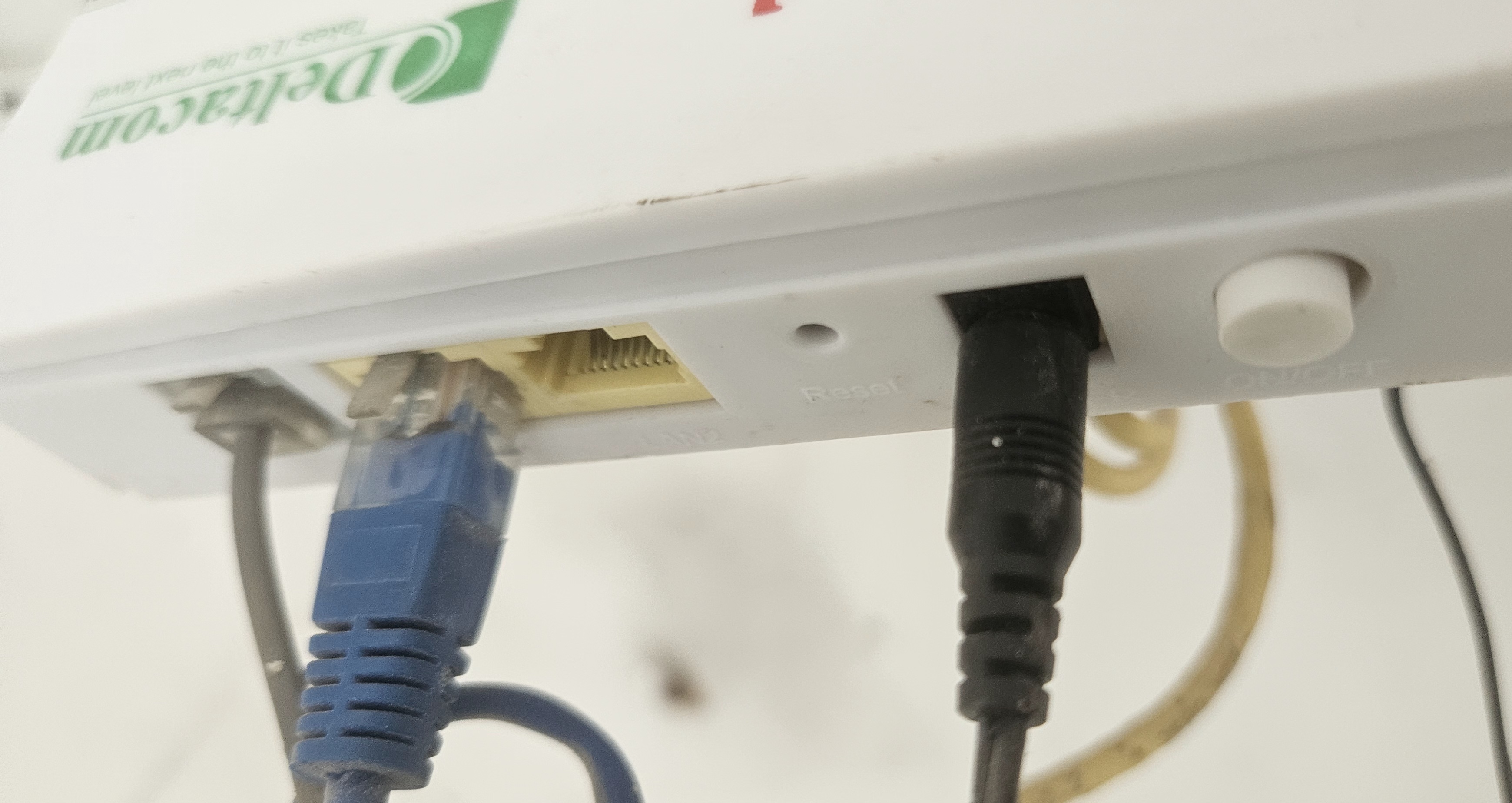
The Cat5 LAN cable currently connected to the ONT was split by BSNL installation team when they originally installed it few years back. With some wires connecting to landline phone (RJ11) and remaining going to Wi-Fi router (RJ45).
Anyone else have this weird setup and is there a way to setup both landline and router without splitting wire like this?
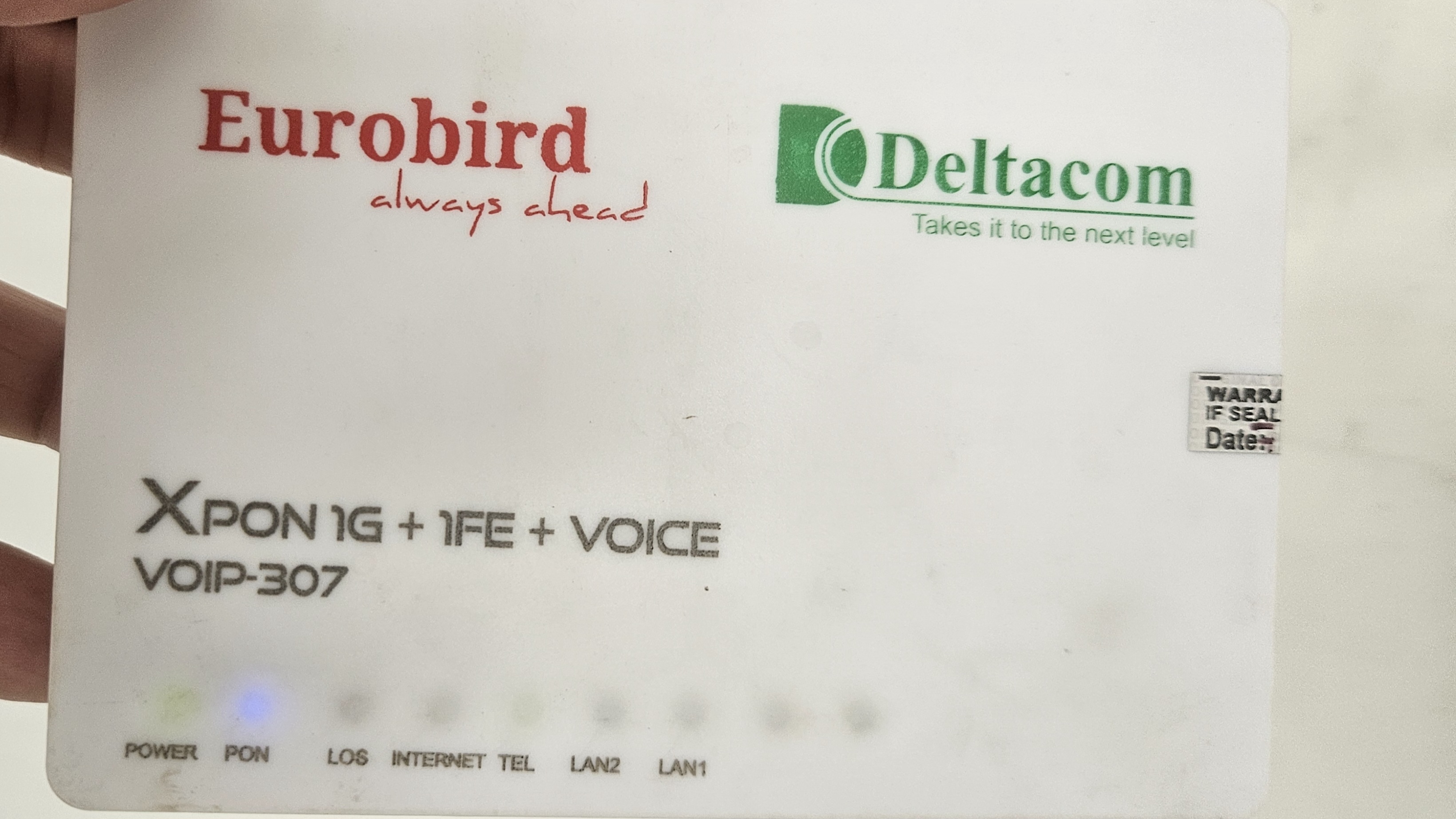
Recently they changed to Huawei ME-307 ONT.
 
If the ONT is this one it supports 1G probably on one port. Your current cable setup will max out at 100Mbps since he used a pair of your LAN cable for landline.

You will have to use a dedicated CAT5e / CAT6 cable to get 150Mbps.
 
This setup has long been abandoned. BSNL Fiber is almost entirely Fiber. That's why it is called FTTH (Fiber To The Home).
If you have an incoming LAN (RJ45) cable, it means BSNL is NOT offering a fiber connection.
I would recommend approaching the local BSNL office or LCO and explain you have an obsolete setup. They should provide a Fiber line going directly into your ONT.
If they refuse, simply cancel your connection and opt for a new one. It is not like they are offering any Loyalty Bonus.
 
I have purchased a CAT5e cable but then I noticed the manually split wires and didn't replace existing cable. If there is a splitter available that can provide 1G RJ45 to router as well as RJ11 for phone then I can go ahead with the cable replacement.
@alap4m - Fiber is available till ONT, the RJ45 cable I'm talking about is from ONT to router / phone.
 
From what I know, you cannot do that and also get 1Gbps speed. For 1Gbps you will need dedicated CAT5e cable from the ONT to the router (assuming your router has a 1Gbps port, WiFi 5, and also has WiFi 5 clients).
 
@kreacher Doesn't your ONT have a RJ11 port?
If not, then buy an ONT. The Syrotech SY-GPON-1110-WDONT is an excellent choice. It has a 1Gbps and 100Mbps LAN port, and a RJ11 port for a phone line. As a bonus, it also offers 300Mbps WiFi Access Point.
Other ONT options with an RJ11 port include Huawei HG8120C, Netlink GPON ONT HG322G, and more.
Do not go for ANY splitting or splitters. Use dedicated Cat5 or Cat6 LAN for internet and dual-core RJ11 cable for phone line.
 
Back