
If this does not work, then you can fill the below form and hand it over to your nearest exchange.You can do it online on the following website: selfcare.bsnl.co.in
Login with your details (If not registered to the portal, sign up first).
After logging in, on the left hand side click on 'Manage Account' -> 'Update Profile'
You will be able to update your mobile number and email id over there.
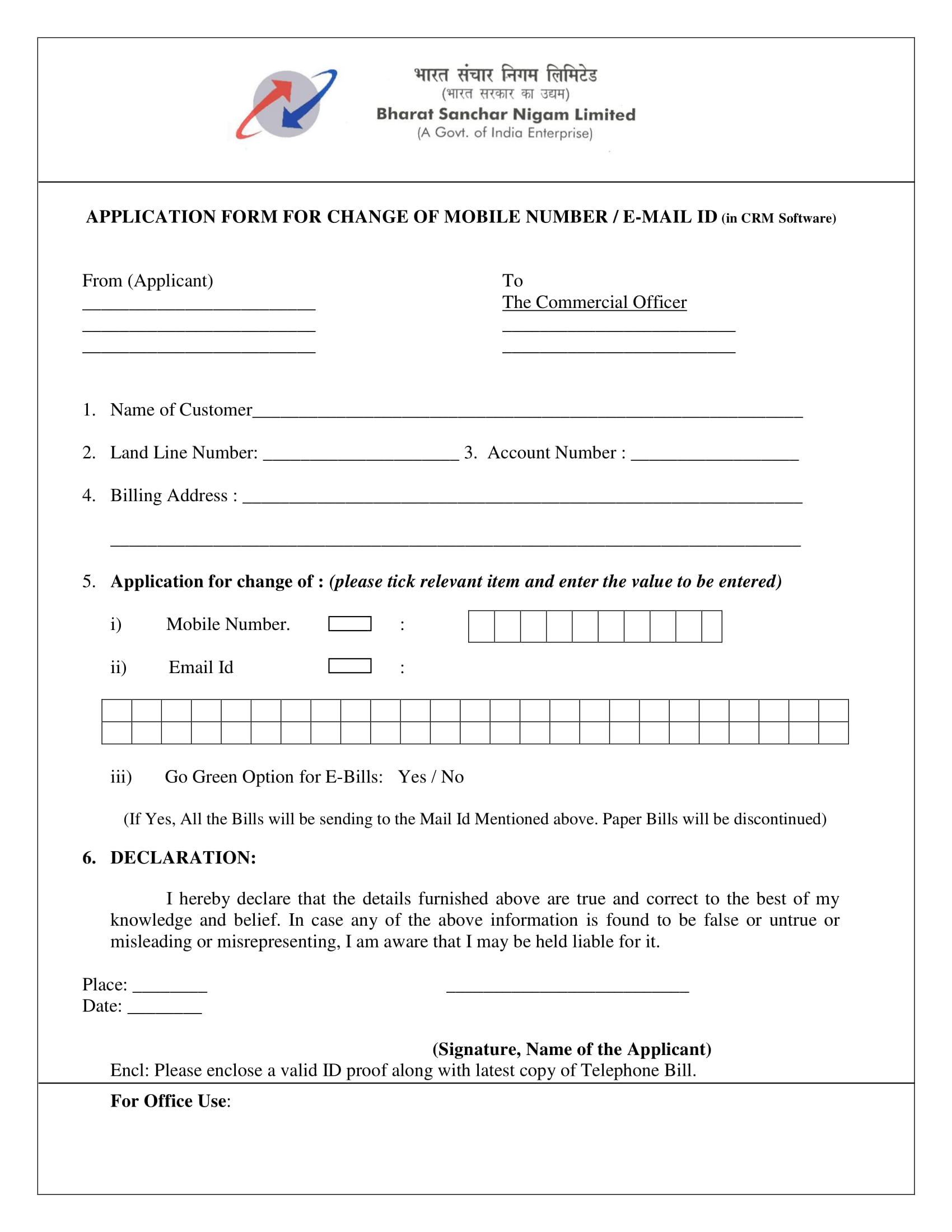
The same form can be found on selfcare.bsnl.co.in website.


