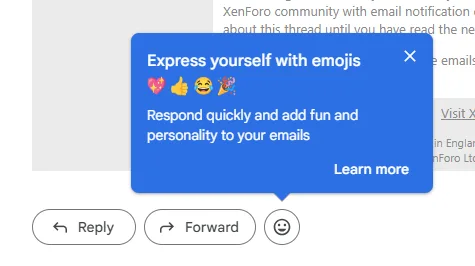
Express yourself and quickly respond to emails with emojis. Add an emoji reaction In Gmail, you can find the emoji reaction option on each message. On your computer, go to
If your browser is supported, Gmail automatically opens to the most recent version with the latest features and security updates. Learn how to use supported browsers for Gmail. Tip: You can also use
This website uses affiliate links. This means that if you click on a link and make a purchase, we may receive a commission. This does not affect the price you pay for the product.
This site uses cookies to help personalise content, tailor your experience and to keep you logged in if you register.
By continuing to use this site, you are consenting to our use of cookies.