Gmail Updates

p59zwB.png


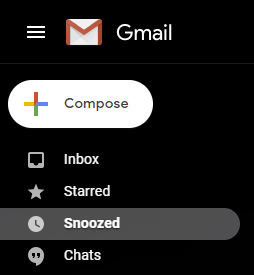
gmail finally support snooze feature for folks who have disabled the conversation mode for mails. like me!
 
Spam does not bring us joy—ridding Gmail of 100 million more spam messages with TensorFlow

That’s why we recently implemented new protections powered by TensorFlow, an open-source machine learning (ML) framework developed at Google. These new protections complement existing ML and rules-based protections, and they’ve successfully improved our detection capabilities. With TensorFlow, we are now blocking around 100 million additional spam messages every day.

Where did we find these 100 million extra spam messages? We’re now blocking spam categories that used to be very hard to detect. Using TensorFlow has helped us block image-based messages, emails with hidden embedded content, and messages from newly created domains that try to hide a low volume of spammy messages within legitimate traffic.
 
G Suite Updates Blog: See info about your contacts easily in Gmail on iOS

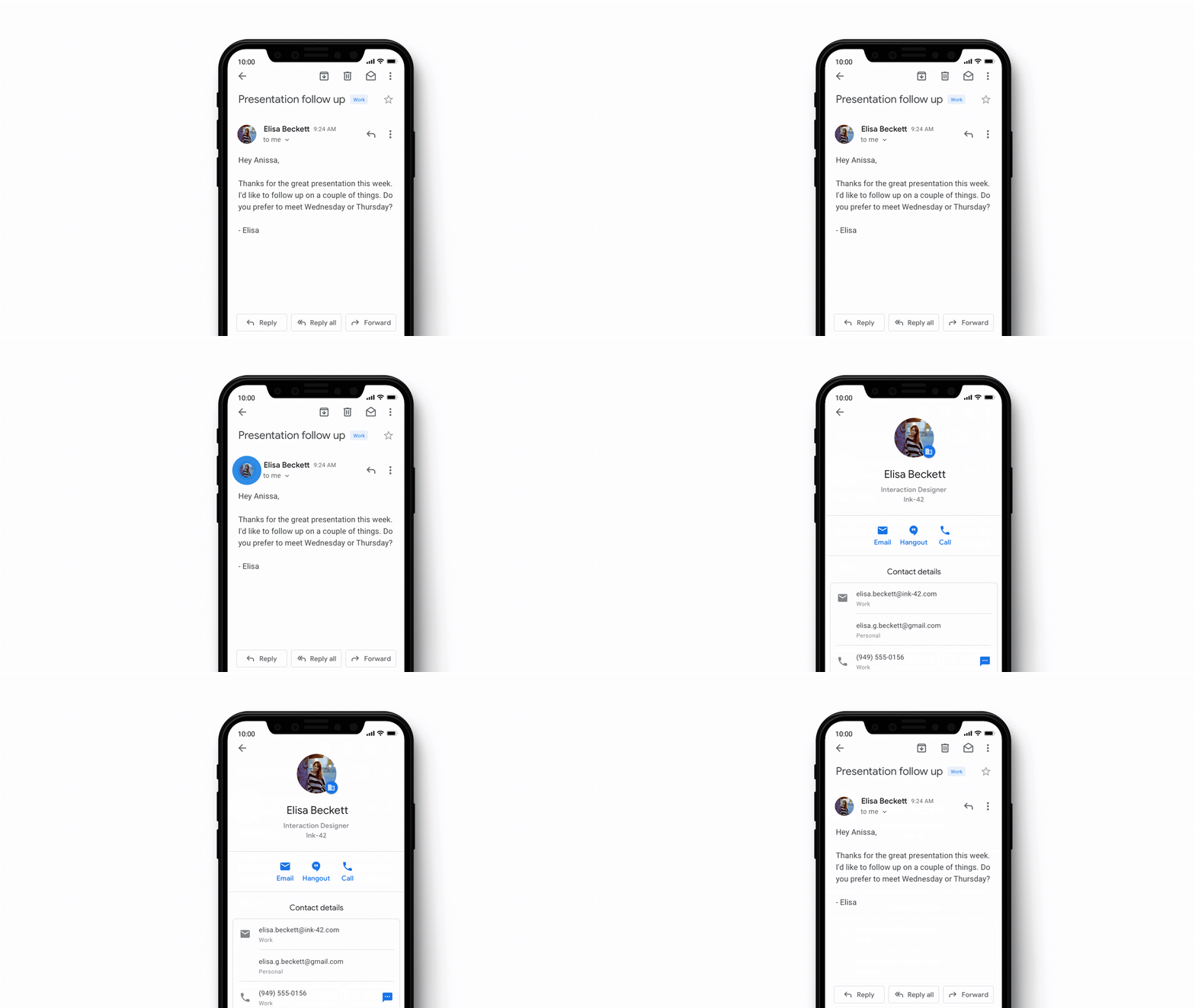
To help you find more information about someone you are interacting with on your mobile phone, you can now simply tap on their profile picture in Conversation View on Gmail on iOS to see their contact information in more detail. You’ll be able to see information such as:

Their email address
Their phone number
Interactions such as emails and Calendar invitations

G Suite Updates Blog: See info about your contacts easily in Gmail on iOS
 
Back