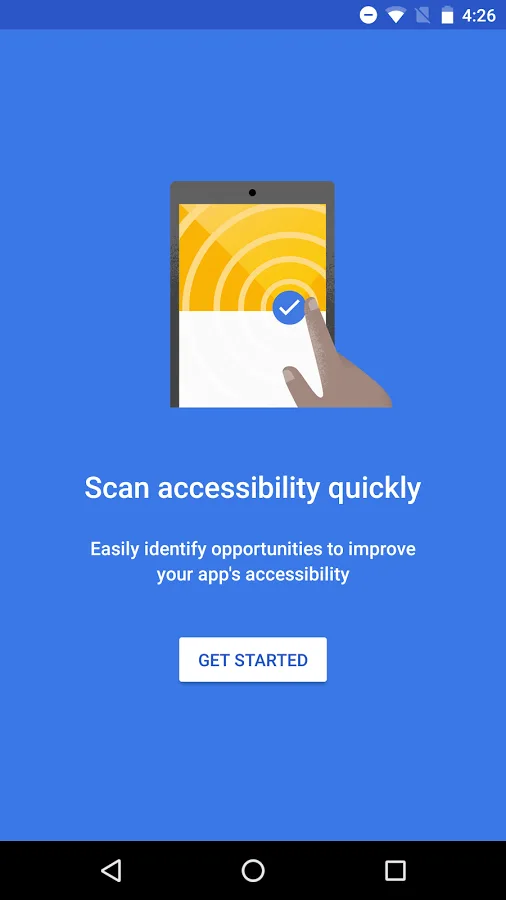
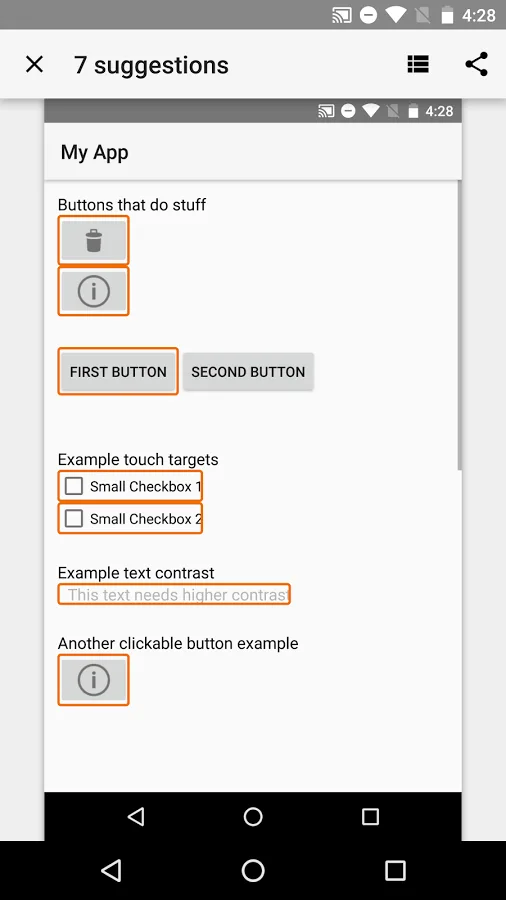
Accessibility Scanner is a tool that suggests accessibility improvements for Android apps without requiring technical skills. Just open the app you want to scan, then tap the Accessibility Scanner button to find items in the app that might benefit from accessibility improvements. You can use this app to suggest changes to developers or to make changes yourself.
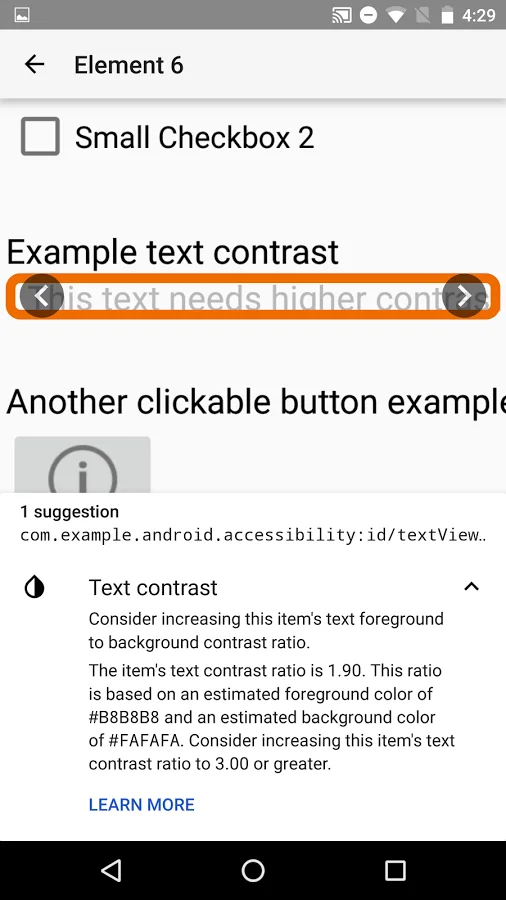
Accessibility Scanner suggests improvements such as enlarging small touch targets, increasing contrast, and providing content descriptions so that your app can be more easily used by individuals with accessibility needs. Designing for accessibility can allow you to reach a larger audience and provide a more inclusive experience.
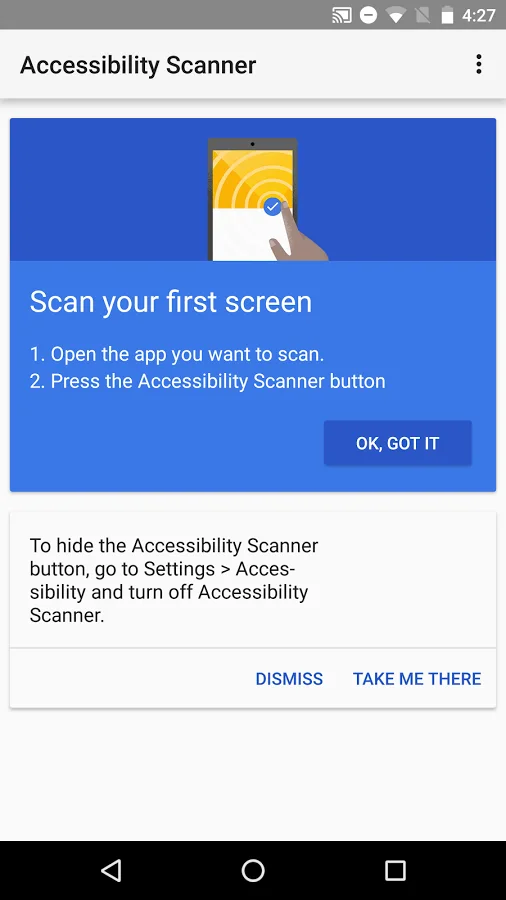
To begin using Accessibility Scanner:
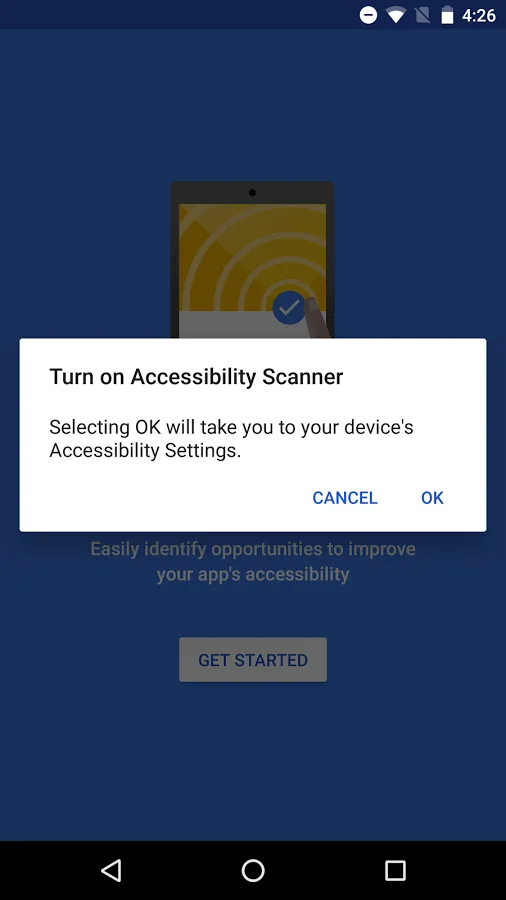
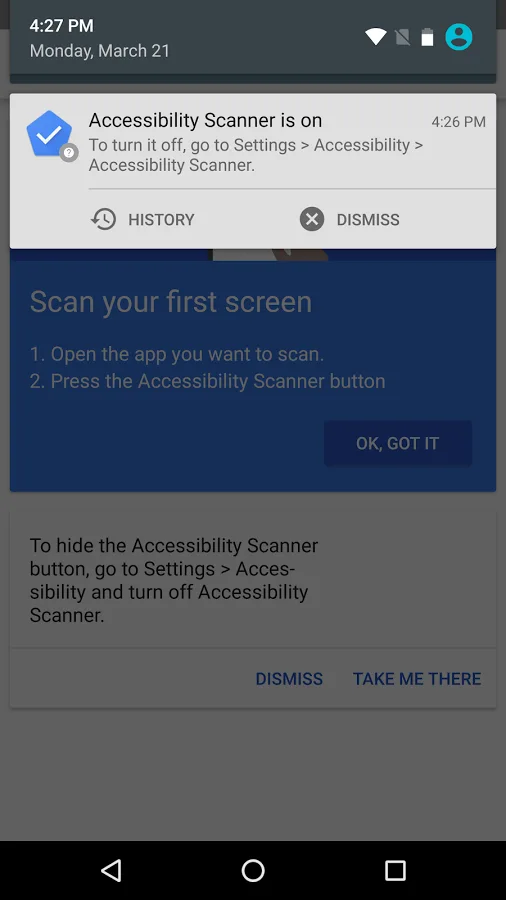
- Navigate to Settings > Accessibility
- Locate and turn on Accessibility Scanner
- In the app that you want to scan, tap the Accessibility Scanner button
Accessibility Scanner - Android Apps on Google Play