Android 5.1 Feature Spotlight: Change Wi-Fi Or Bluetooth Connections From The Quick Settings Menu
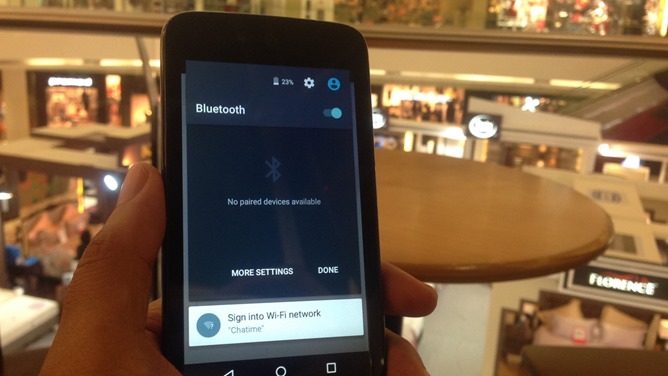
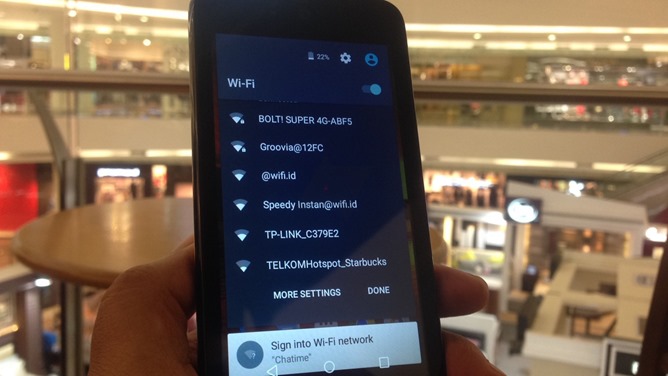
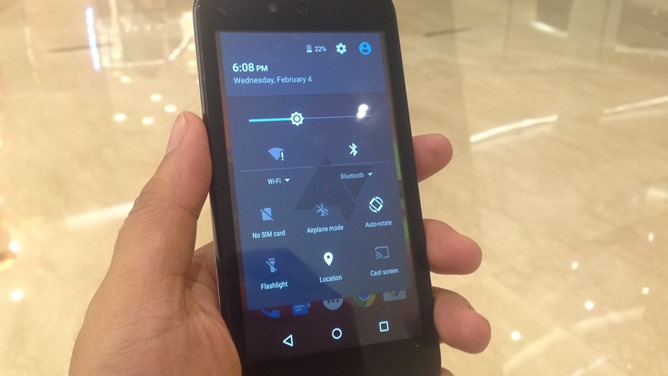
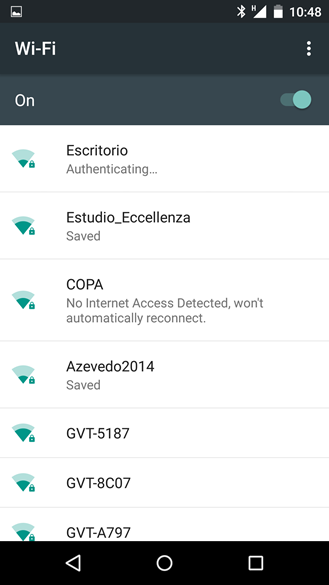
In 5.1 the Wi-Fi and Bluetooth text includes a little arrow pointing down, indicating expandable functionality. Touch the text on an upgraded phone or tablet and you'll open a small list of the closest Wi-Fi networks or Bluetooth devices. This allows you to make or switch connections without leaving your current app. If you need to go to the full settings menu you can tap "more settings," or just hit done when you're, you know, done.