I use Maps.me app which is based on offline navigation. Map of India is around 300 Mb & its quite detailed (though not as detailed as Google). It works perfectly fine for me. Though you need Smartphone with inbuilt GPS to use Maps.me. Phones with AGPS only won't work with offline navigation.
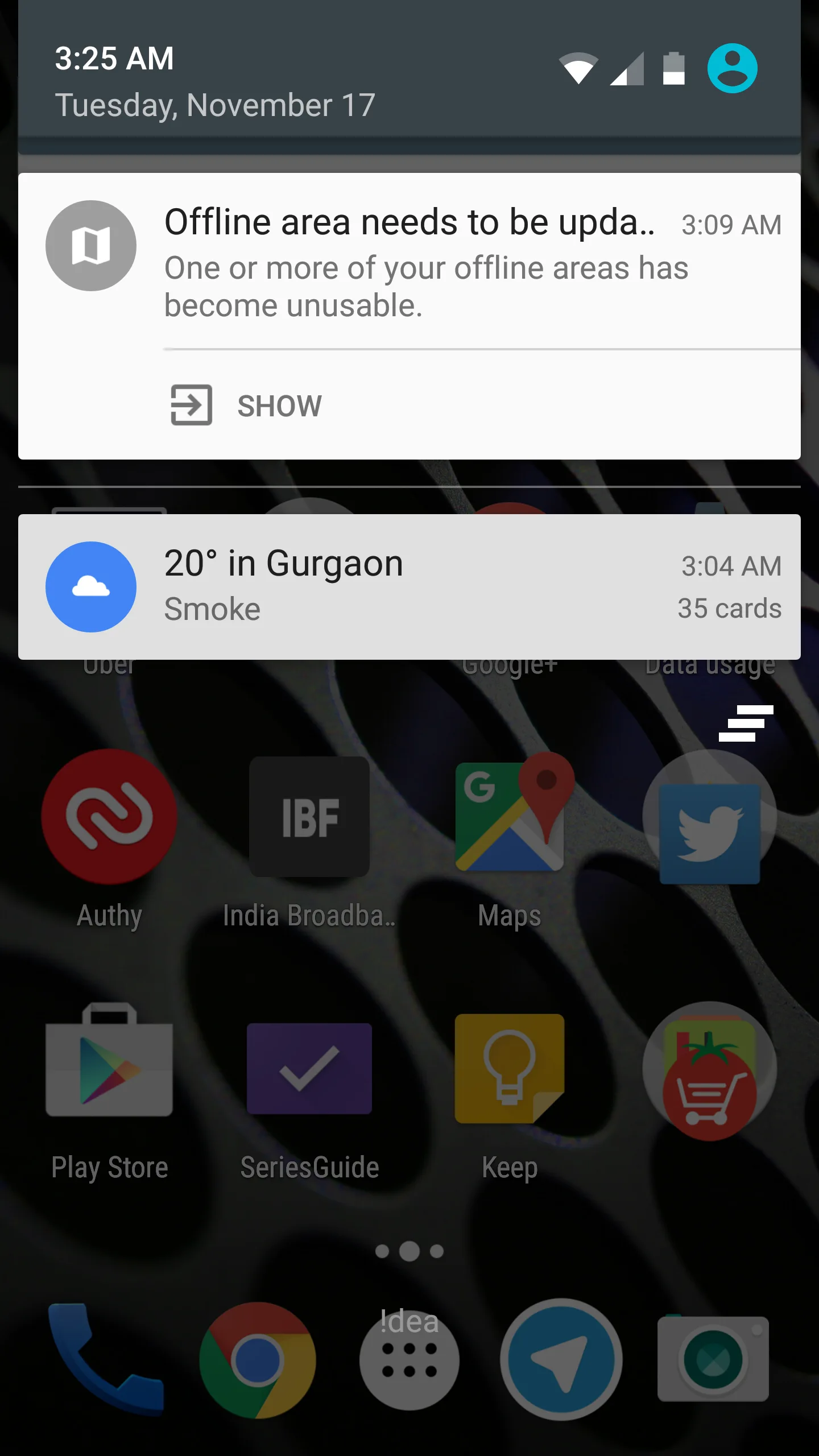
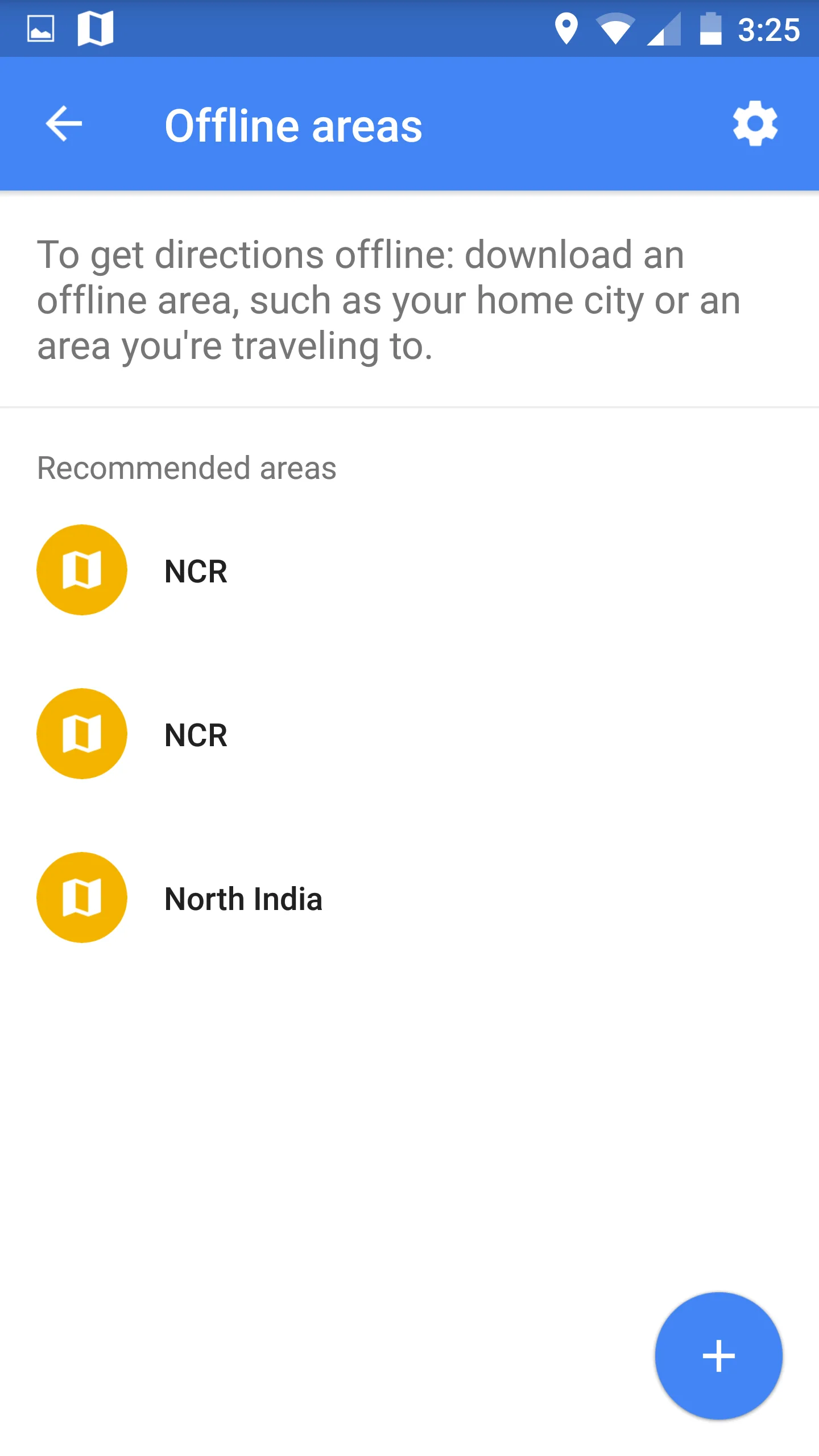
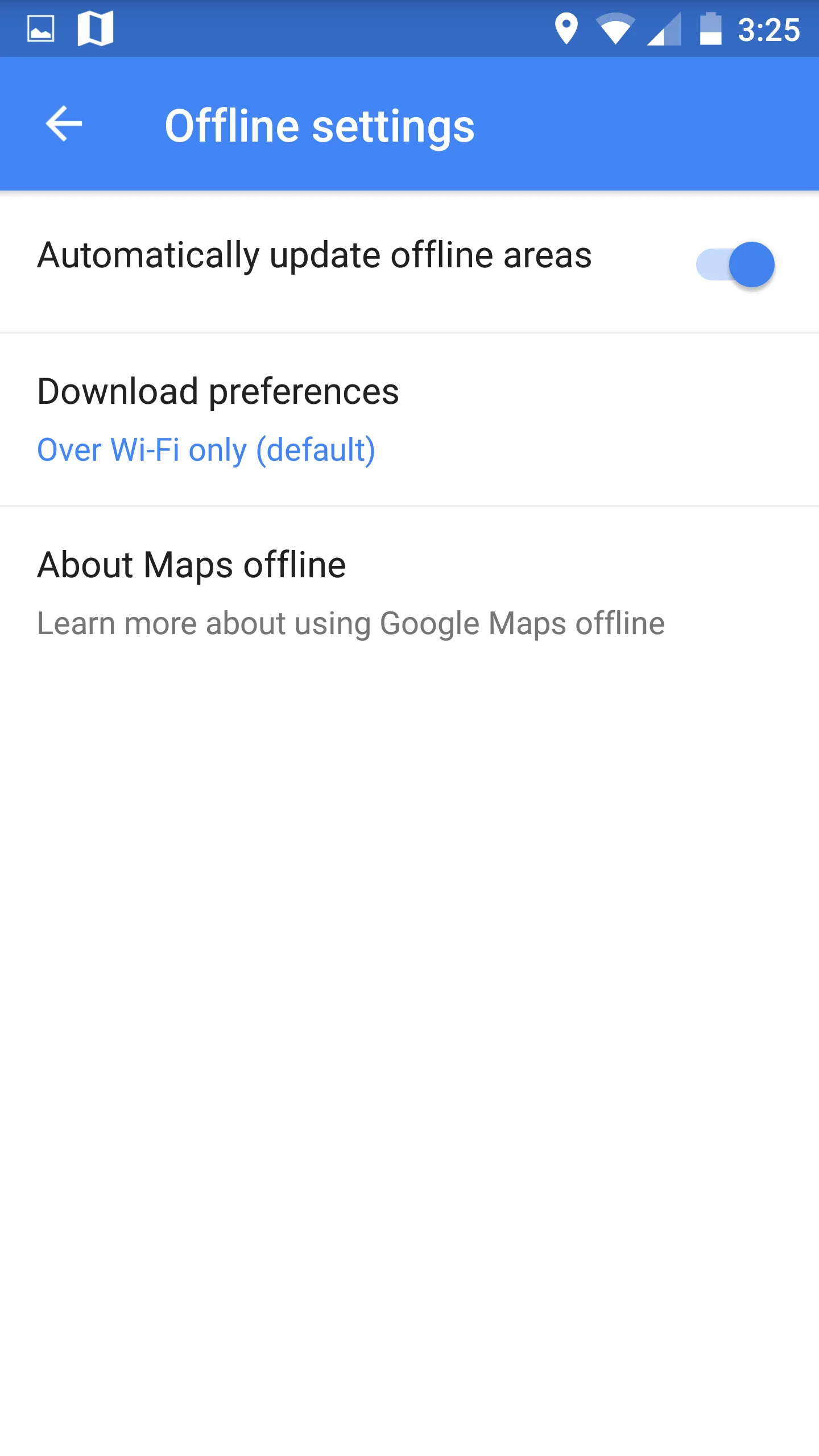
Also Google offline maps last for only 30 days. Then you have to redownload or they will unusable. That defeats the whole idea of offline maps.
Anyway, a question - My power screen goes off on Google Maps while navigation which is really problematic. How to keep it on during navigation?
Would it stay ON if connected to USB power supply (in car I assume)?
Also is there any setting which avoids phone screen from turning off? I guess some such setting is present in my Windows Phone which prevents screen from turning off while Maps navigation.
On Android at least... Display does not go off if you have navigation turned on. Display goes off if you are just seeing the route. This has been the case since the very beginning for me. I don't remember seeing any setting for it.
When I open navigation on Google Maps, it asks me do you want to turn off the display between the turns. I guess you pressed yes when it showed up. I am not sure about the direct solution to your problem. One thing you can do is to go to settings---application manager and clear cache and data for Google Maps and see if that prompt shows up again(or display doesn't turn off between the turns)
This website uses affiliate links. This means that if you click on a link and make a purchase, we may receive a commission. This does not affect the price you pay for the product.
This site uses cookies to help personalise content, tailor your experience and to keep you logged in if you register.
By continuing to use this site, you are consenting to our use of cookies.