Five new features to try in Messages
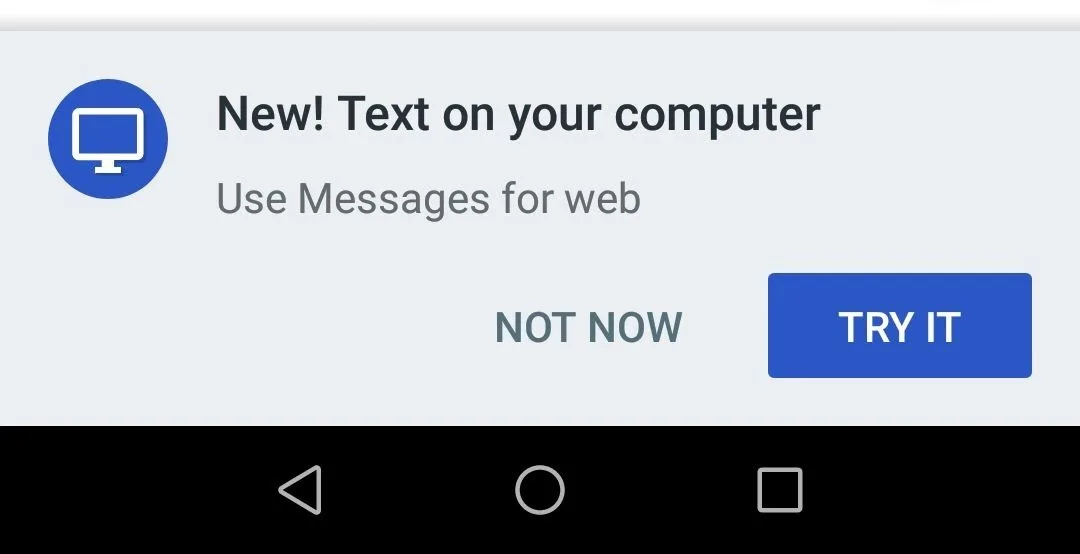
Today and over the next week, we’ll begin rolling out Messages for web, one of our top-requested features that lets you send and receive texts from your computer. To get started, select “Messages for web” in the menu of your Messages mobile app. On Messages for web, you can send stickers, emoji, and attach images in addition to sending text.
Sometimes, a GIF is worth a thousand words and conveys exactly what you mean. Now, you can tap the + button on the left hand side of the compose bar to search for GIFs for your conversation.
Smart Reply saves you time when you’re messaging on the go by suggesting quick text or emoji responses to your messages. Once you’ve tapped a Smart Reply suggestion, it sends immediately. Smart Replies will be available in English for now, and come to more languages over time.
The next time your friend sends you a link to an article or a new restaurant, you’ll have an idea of what you’re about to click on. You’ll see an inline preview of the link, directly in your conversation.
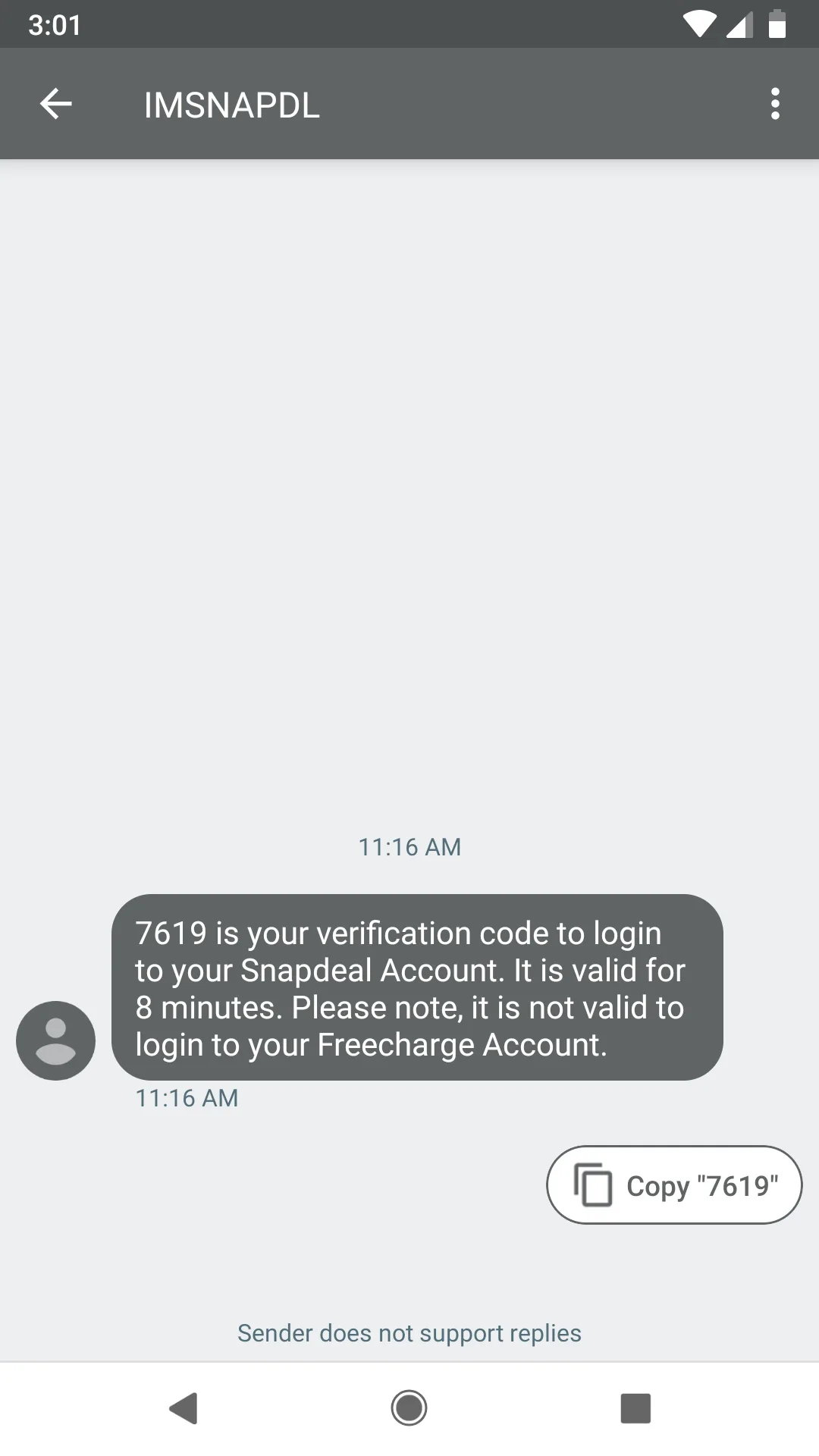
Now, when you receive a message with a one-time password or code from a secure site —such as your bank—that you’re logging into, you can save time by copying that password directly from the message with a tap.