@jatheesh81 if you have new Hikvision NVR then you don't need static IP.
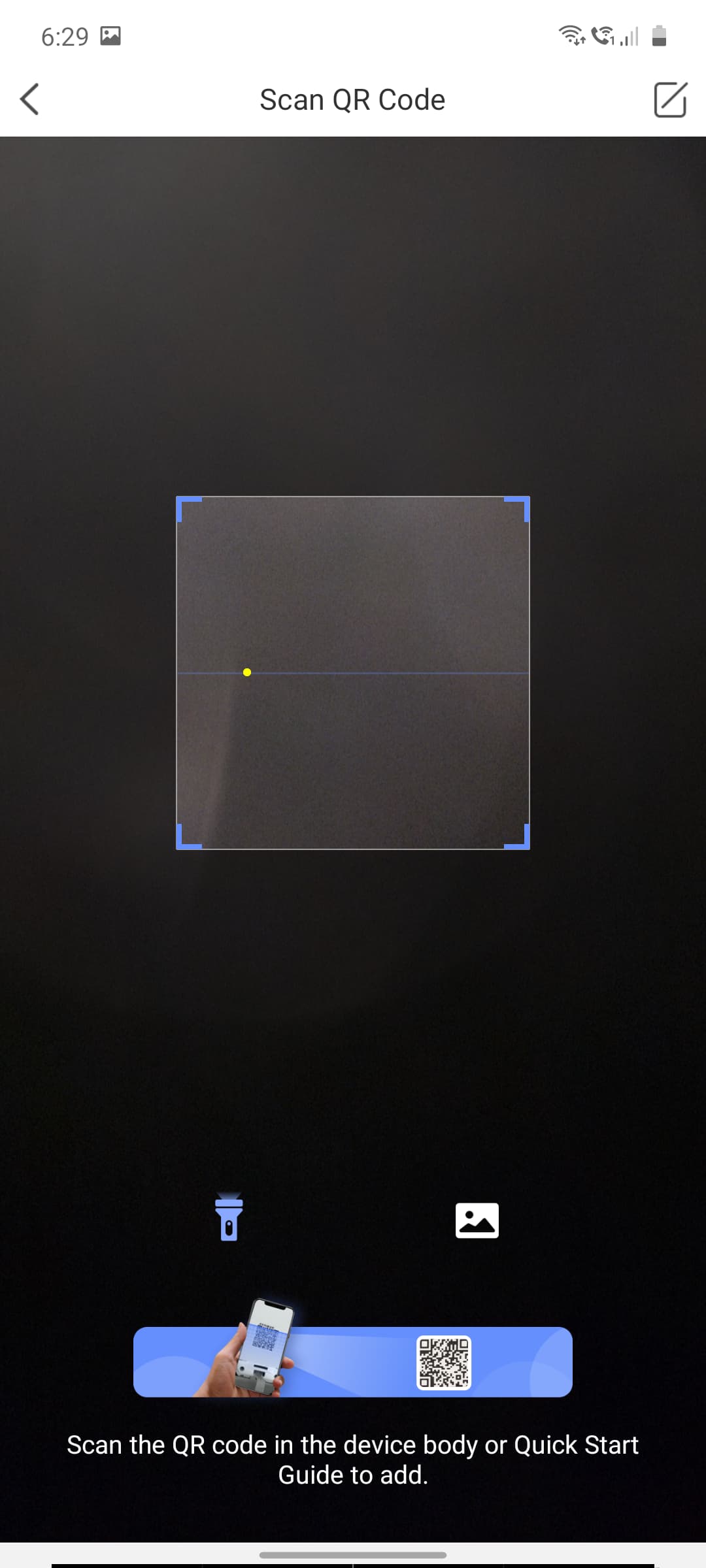
Simply enable "platform access" and then download hik connect app on your phone where you can scan the QR code from you NVR platform access setting. That's it.
Platform access works even if your behind CG-NAT, basically it route you through "dev.sgp.hik-connect.com".
Edited: static IP and port forwarding is only need for DVR/NVR who don't have platform access. I have a old DVR for which I need static IP and need to manually port forward in router settings. And for my other new NVR with platform access, it works with static IP or port forwarding.
i think cctv software has a qr code that you scan in the app to connect initially. it's added to my ezviz account now so i only have to login these days. i don't remember accurately how i connected it initially. my hikvision hardware is so old. newer boxes should have even better support for mobile apps like ezviz. the web app no longer works because it requires proprietary plugin that is no longer supported by any of the current browsers.
in fact, ezviz has a lan mode where it detects cctv devices on the same network and let you access feed using local network. much better performance compared to accessing it online if you are at home.
I am using NVR and cams from a local cam provider called digitech. Earlier, I was able to access the cams from an app called FOSTON but that app is not compatible with android 10.
This ezviz app didn't work for me. I tried providing it the IP and port yet no luck. My cams work on onvif.
This website uses affiliate links. This means that if you click on a link and make a purchase, we may receive a commission. This does not affect the price you pay for the product.
This site uses cookies to help personalise content, tailor your experience and to keep you logged in if you register.
By continuing to use this site, you are consenting to our use of cookies.