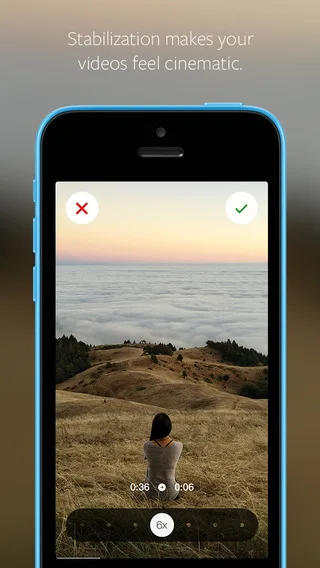
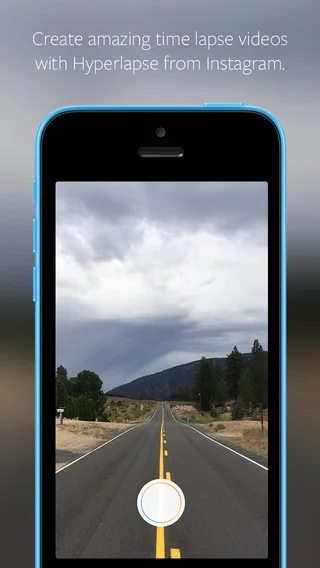
Traditionally, time lapse videos depend on holding your phone or camera still while you film. Hyperlapse from Instagram features built-in stabilization technology that lets you create moving, handheld time lapses that result in a cinematic look, quality and feel—a feat that has previously only been possible with expensive equipment.
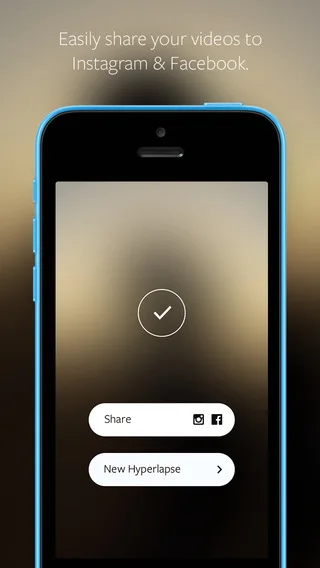
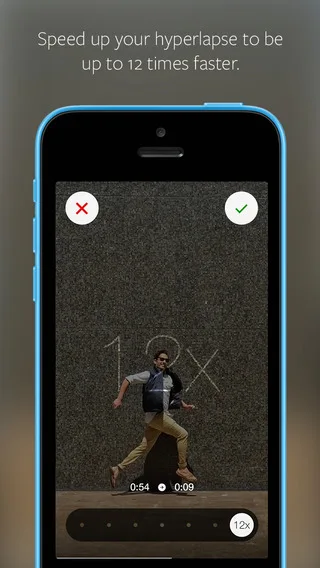
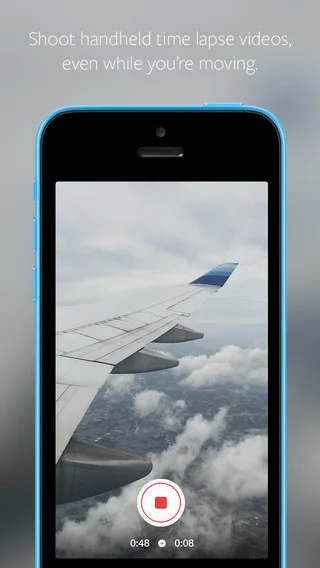
We designed Hyperlapse to be as simple as possible. You don’t need an account to create a hyperlapse. Instead, you open up straight to the camera. Tap once to begin recording and tap again to stop. Choose a playback speed that you like between 1x-12x and tap the green check mark to save it to your camera roll. You can share your video on Instagram easily from there.
From documenting your whole commute in seconds or the preparation of your dinner from start to finish to capturing an entire sunset as it unfolds, we’re thrilled about the creative possibilities Hyperlapse unlocks. We can’t wait to see what you’ll create.