Microsoft Office Updates

Linux users stares at you. Also consider the fact that Android+iOS=95% of smartphone market. Microsoft needs Android and iOS users. Google does not need WP users.
There is some difference between Linux and Windows Phone users. Linux users are expert groups who can manage with official MS Office. But Windows Phone users are ordinary phone users who would really appreciate having some Google apps like Hangouts, Youtube on phone.

Also if I am not wrong, MS hasn't updated its office app on Windows phone in last 2 years. So that's that. lol.
Office app in WP comes with OS with no option to remove/update Office app. So how can you claim it was not updated. It may be getting updated along with OS update.

I remember when I updated my Samsung Omnia W from WP7.5 to WP7.8, MS Excel gained capability to open password protected file which I guess was not present in WP7.5.

Current version of Office apps in my Lumia 830 is "Version 15" on WP8.1 (with Lumia Denim). I will check and update here if I see "Version 16" next time :)
 
I am sure there are more Linux users on this planet than Windows Phone users. Microsoft is just like Google here. They do not care about a market that is miniscule in size. Android and iOS are huge markets so they are catering to them. Linux users market is small. Why is Microsoft not releasing apps for Blackberry? Firefox OS? Tizen?
 
Microsoft is just like Google here. They do not care about a market that is miniscule in size.
Exactly. Both are profit-driven companies who don't find it beneficial employing developers to develop apps which won't bring in revenue.
App by MS for iOS/Android would get them some revenue in some form :)
 
Google Apps are generally not focused on generating revenues. Sure they charge for calling to mobiles and landlines from the Hangouts app but I doubt it is much profitable for them at the rates they charge.
 
How cute.

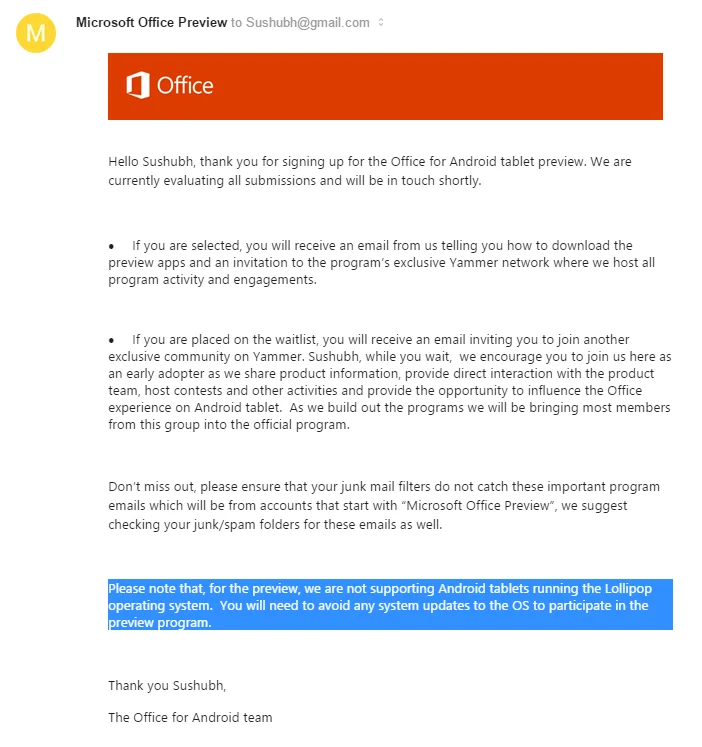
PI8t1pV.webp
 
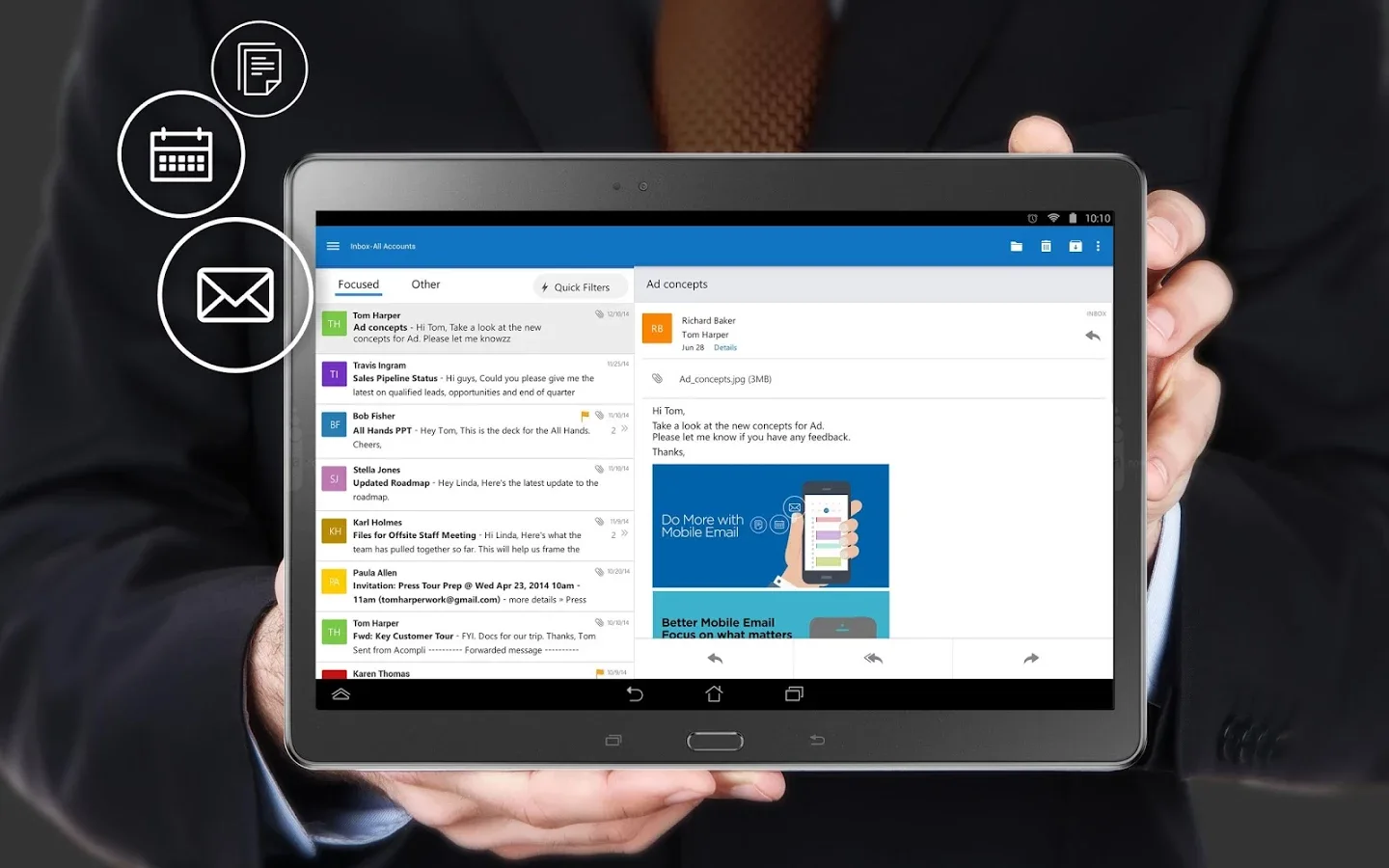
Microsoft Outlook Preview - Android Apps on Google Play

The official Microsoft Outlook app for Android phones and tablets.
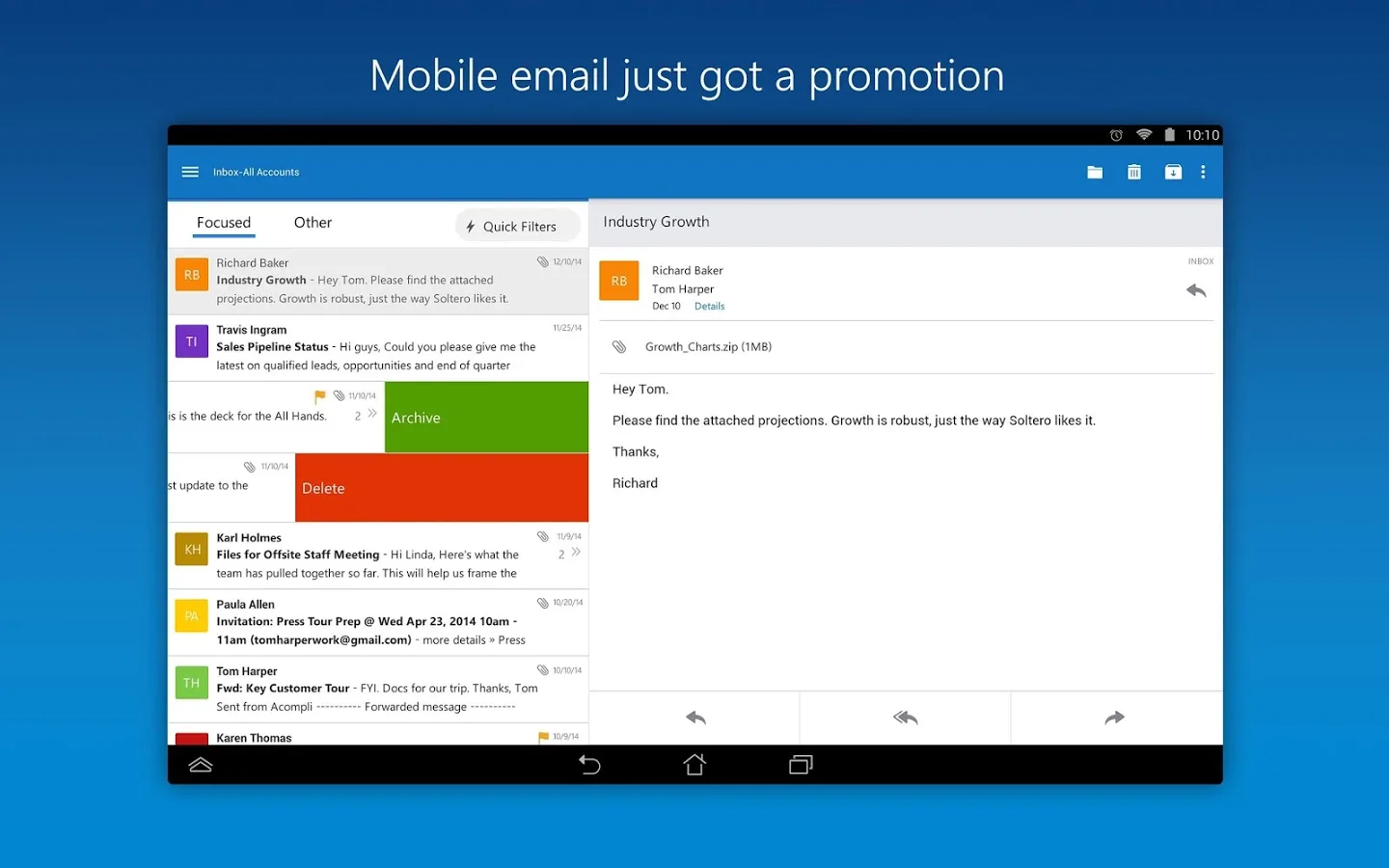
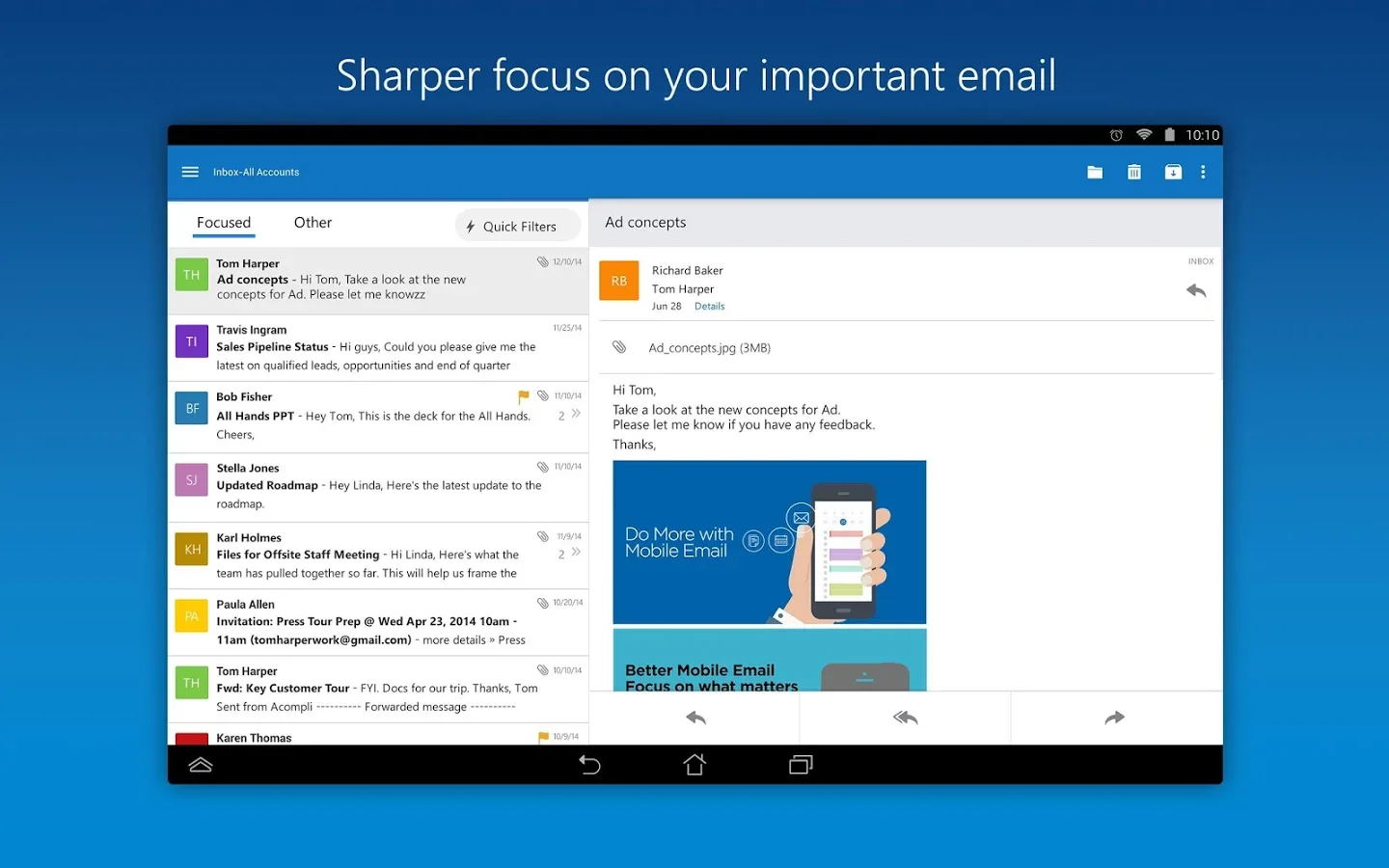
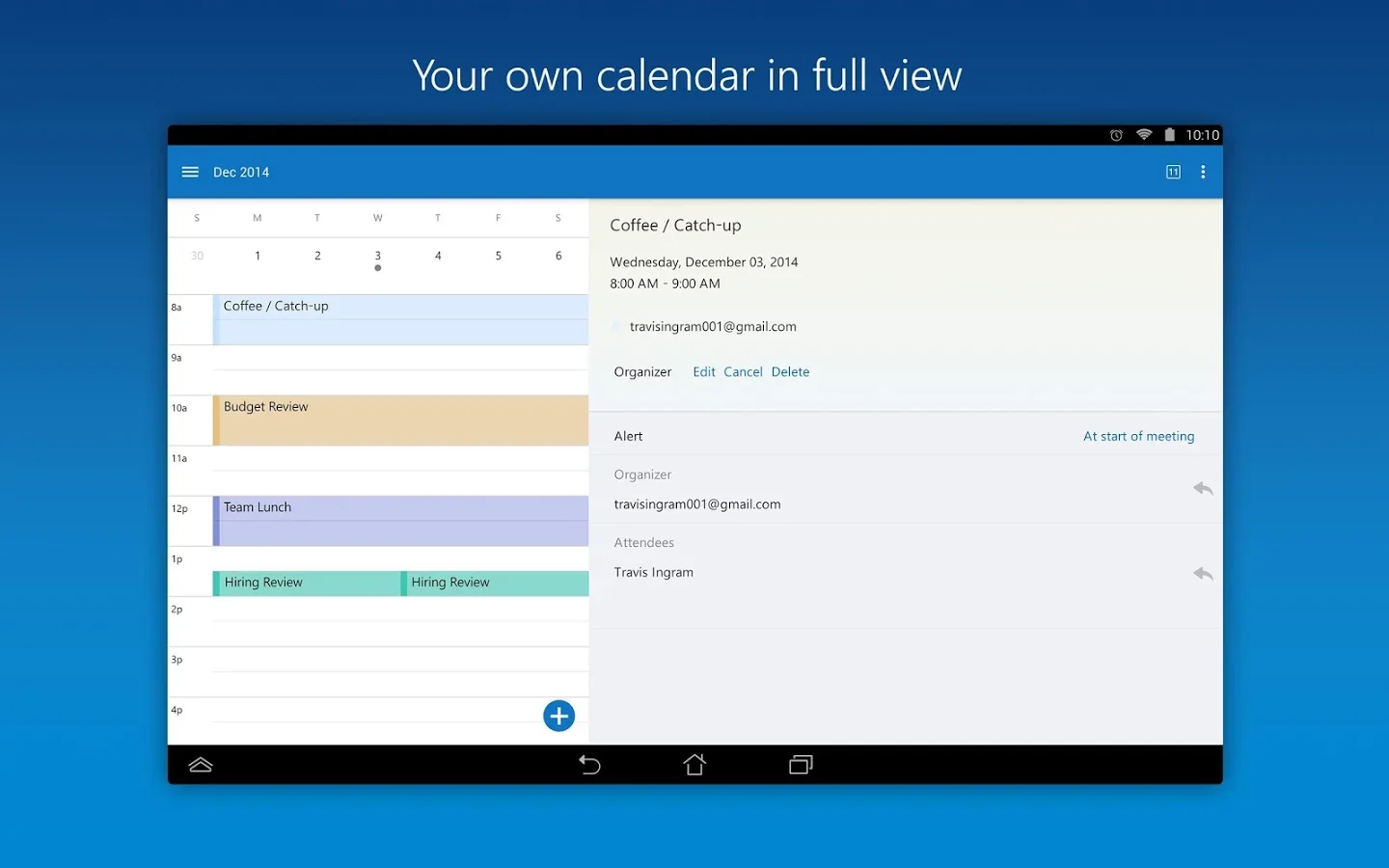
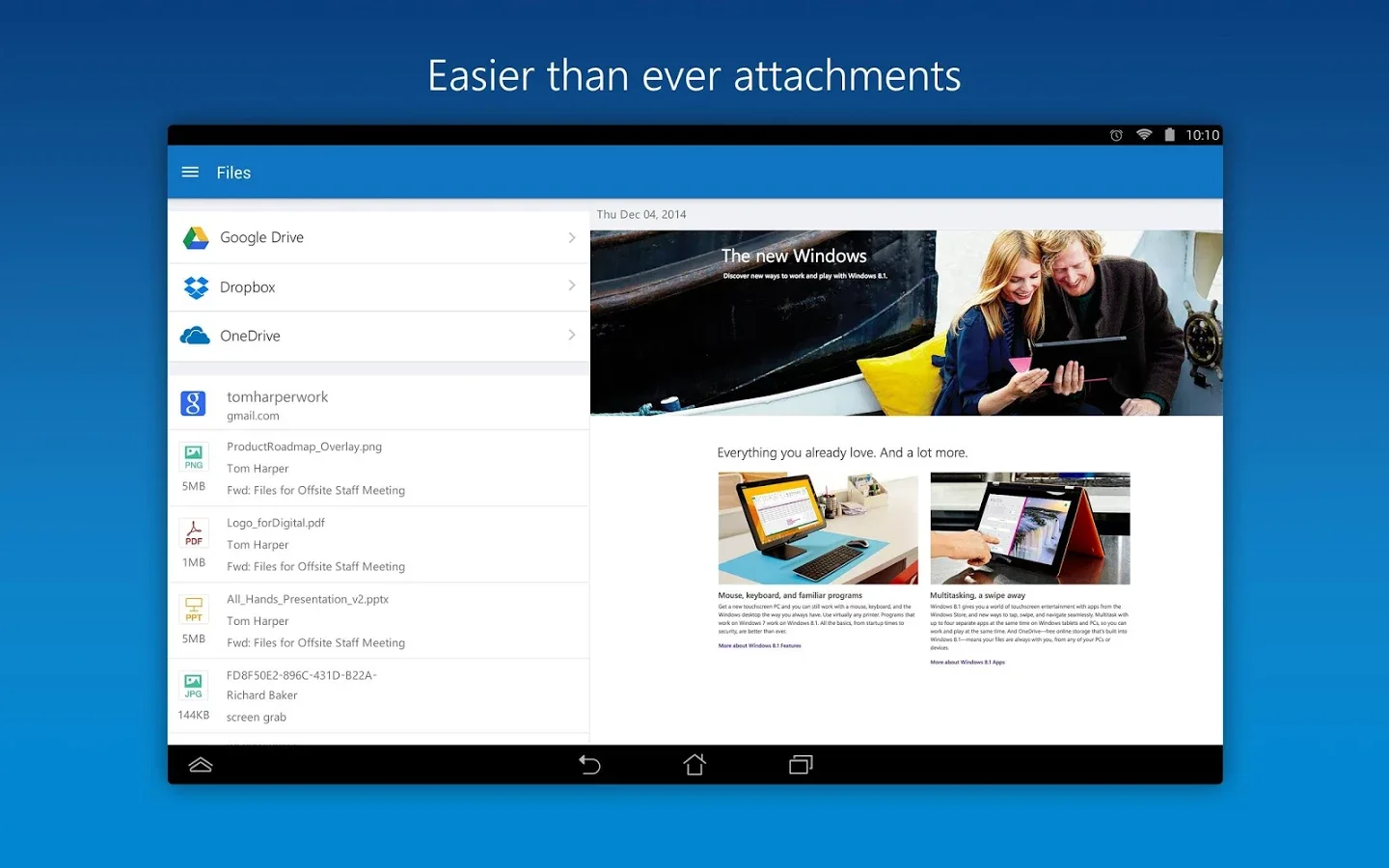
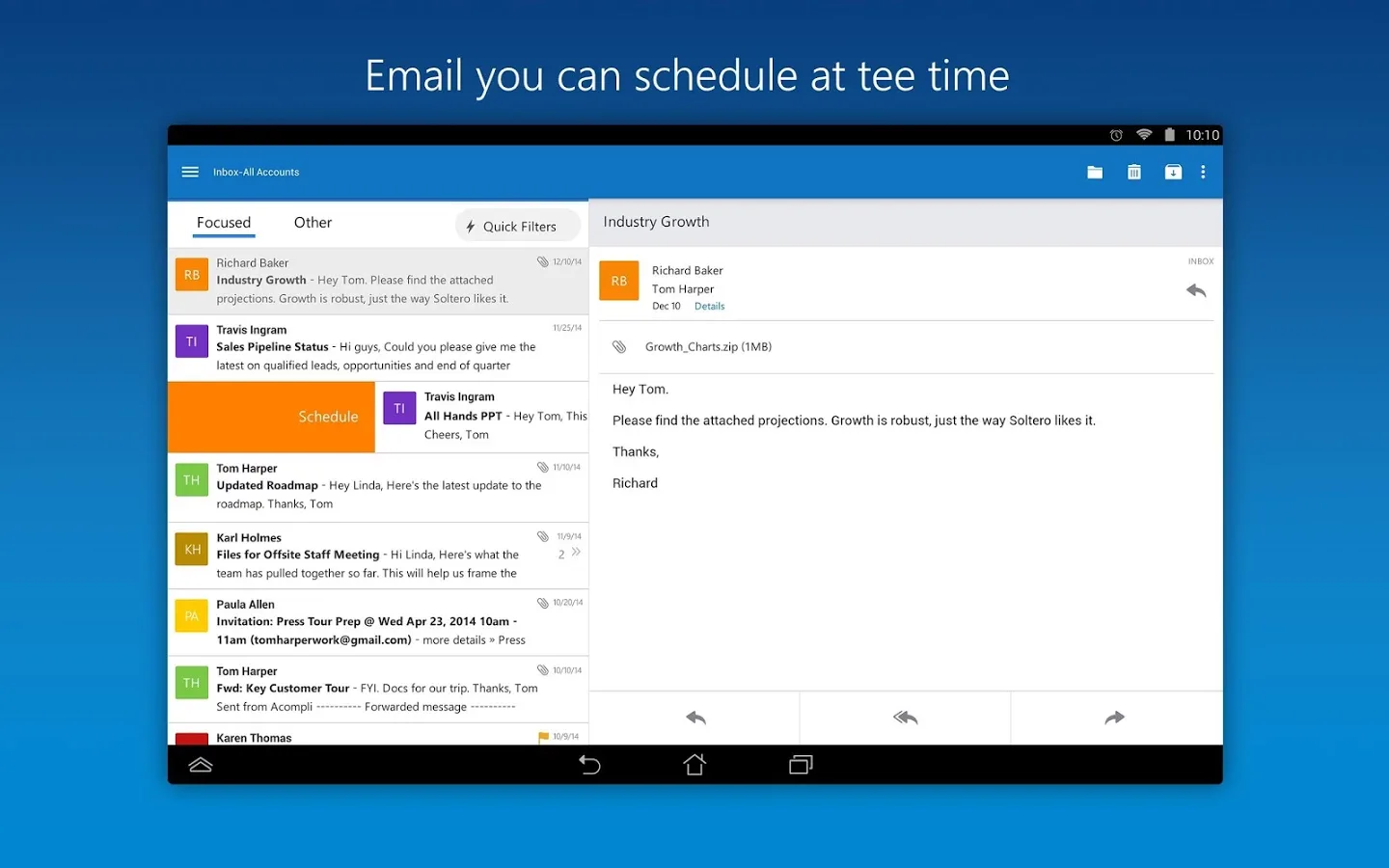
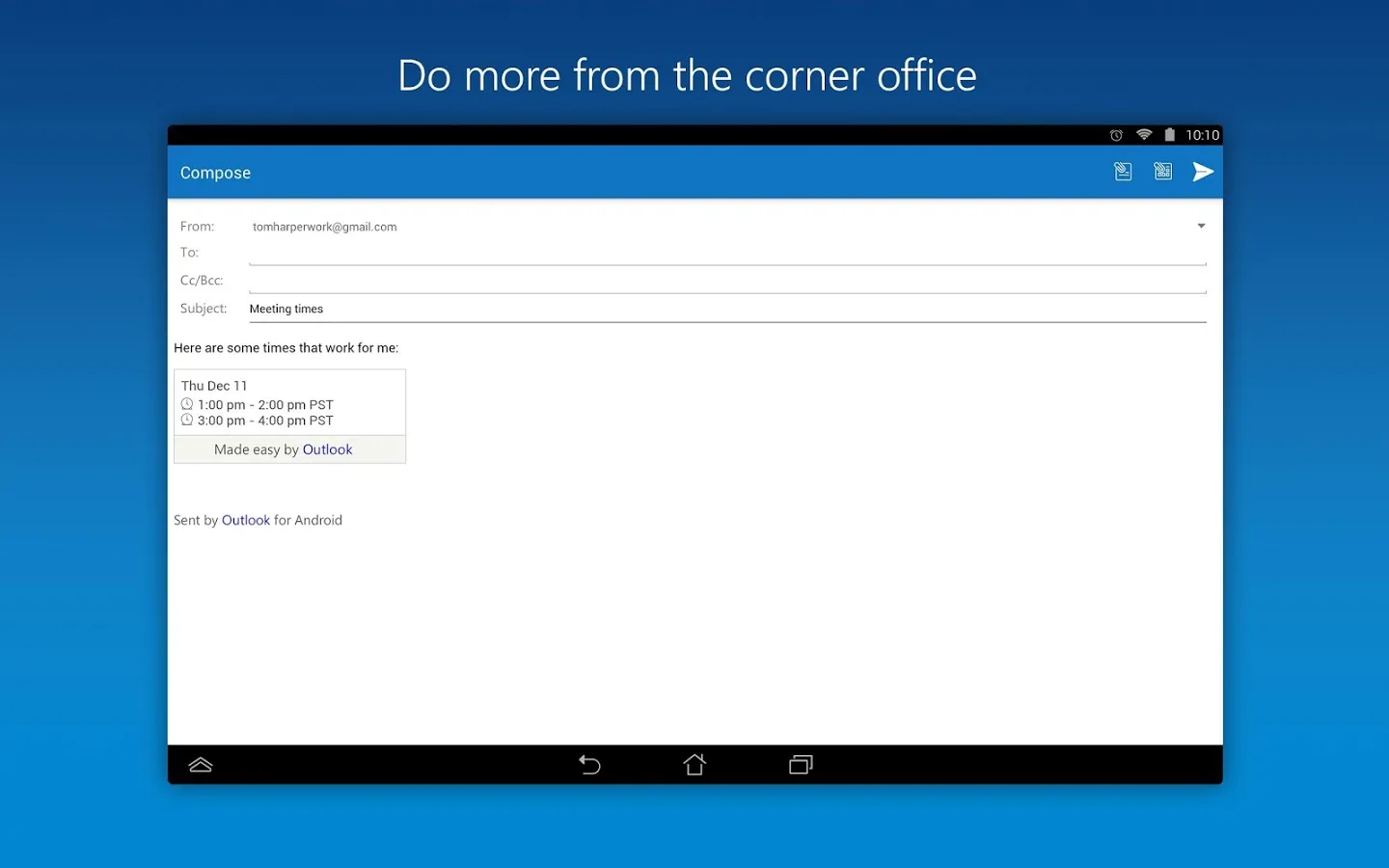
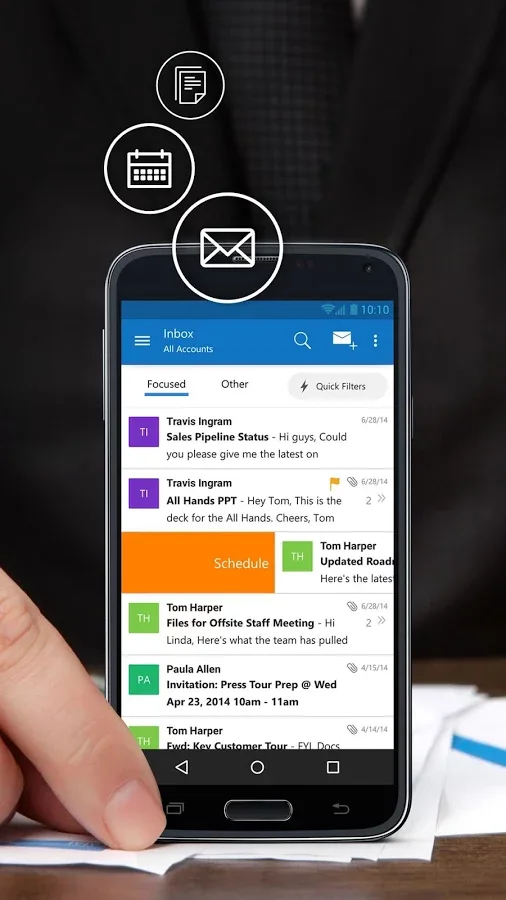
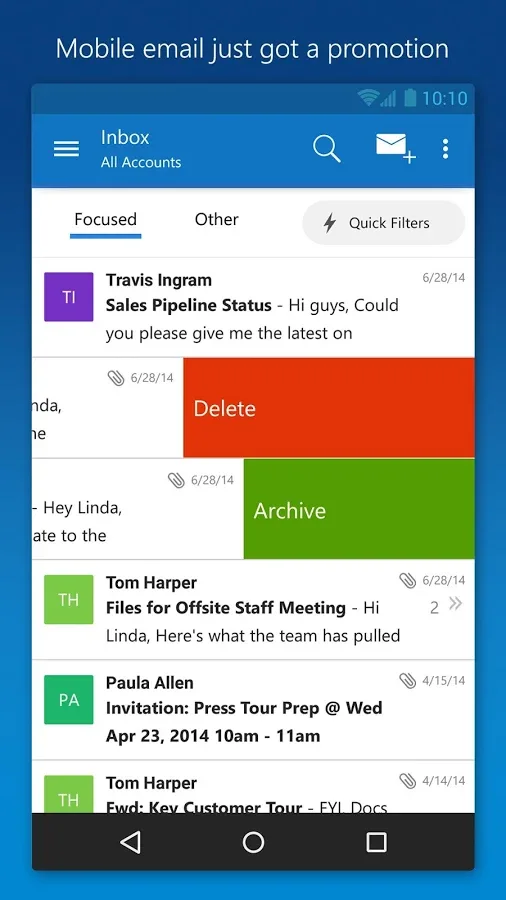
Outlook is a free email app that helps you get more done from anywhere with one unified view of your email, calendar, contacts, and attachments. Outlook automatically surfaces your most important messages – across all your email accounts. Swipe to quickly delete, archive, or schedule messages you want to handle later. Easily view your calendar, share available times, and schedule meetings. And attach files from your email, OneDrive, or Dropbox with just a few taps.

Outlook works with Microsoft Exchange, Office 365, Outlook.com (including Hotmail, MSN), Gmail, Yahoo Mail, and iCloud.

------------------------------

Why use Outlook?

Manage your inbox
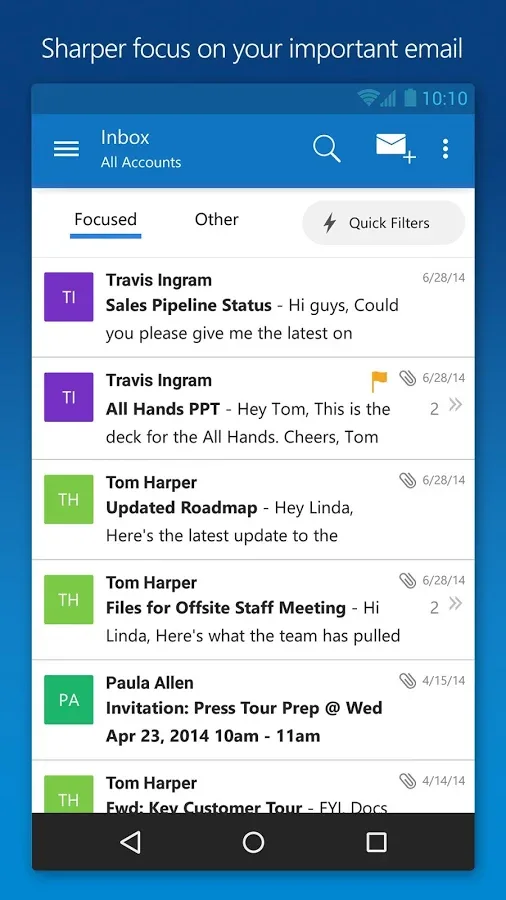
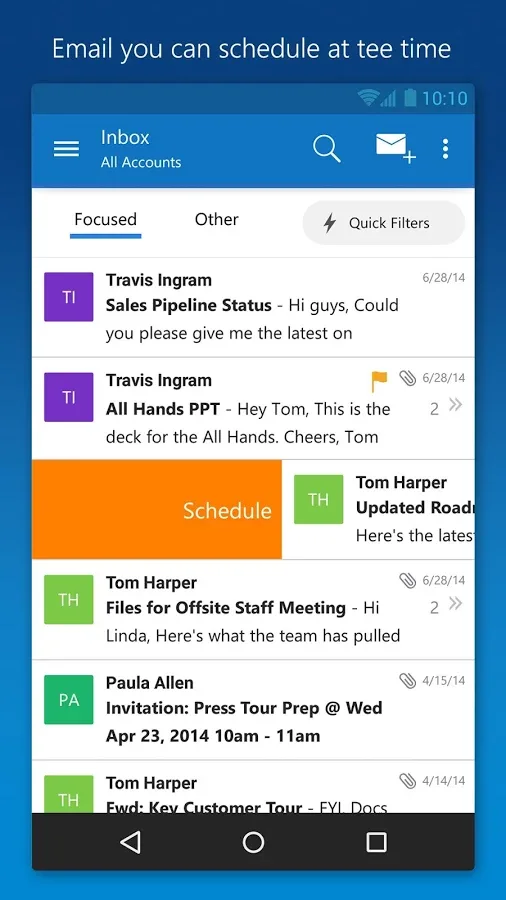
• Outlook automatically triages your inbox for you, surfacing your most important email. Less relevant email is placed in your “Other” inbox.
• Swipe to quickly delete, archive, or schedule messages.
• Schedule emails and they will return to your inbox at a later time.

Your calendar built-in
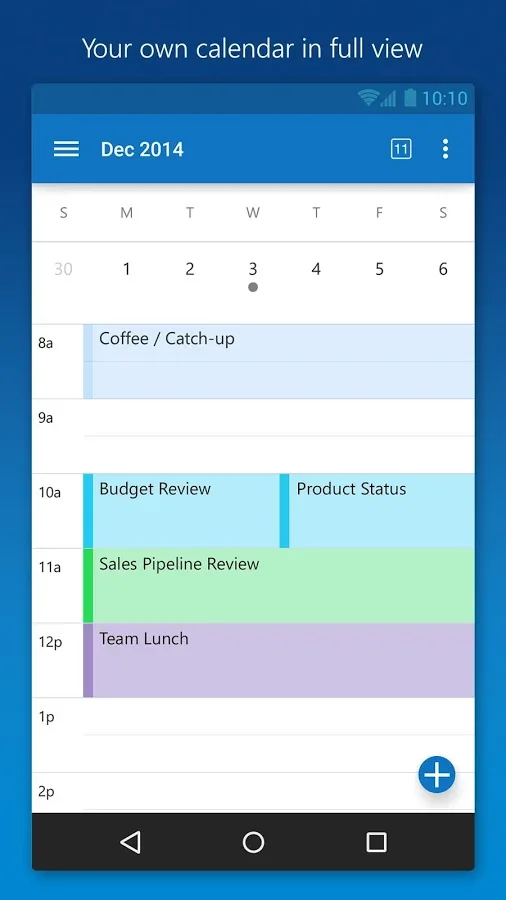
• Switching between your email and calendar apps is a thing of the past. Outlook includes your calendar and notifies you with appointment reminders.
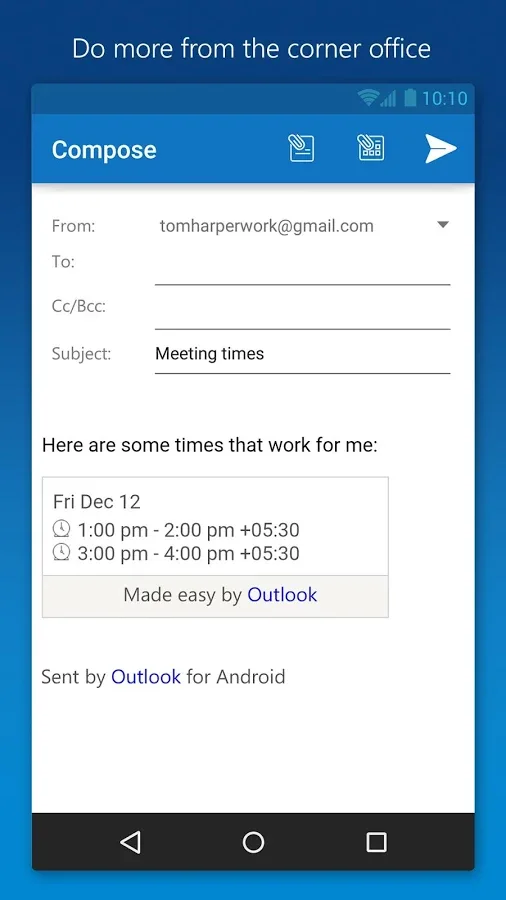
• Find available meeting times and share them in email or schedule a meeting.

Attachments made easy
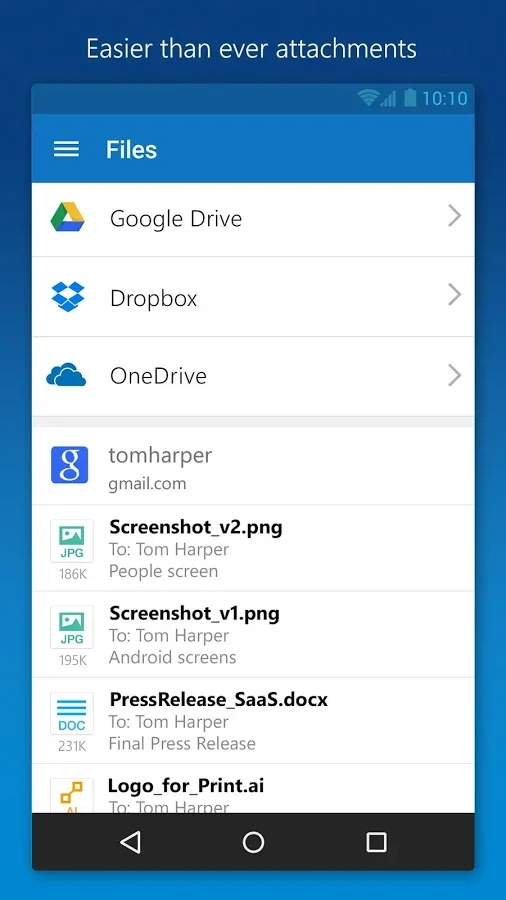
• View and attach any file from your email, OneDrive, Dropbox, and other accounts with just a few taps.
• Send large files even if you haven’t downloaded them to your phone.

Find anything fast
• Filter your inbox to only show messages that are unread, flagged, or have attachments, with a single tap.
• Quickly find the right messages, people and files by typing just a few letters.
• Outlook shows people you communicate with most often, and lets you conveniently drill down to see all related emails, meetings and files.
 
Back