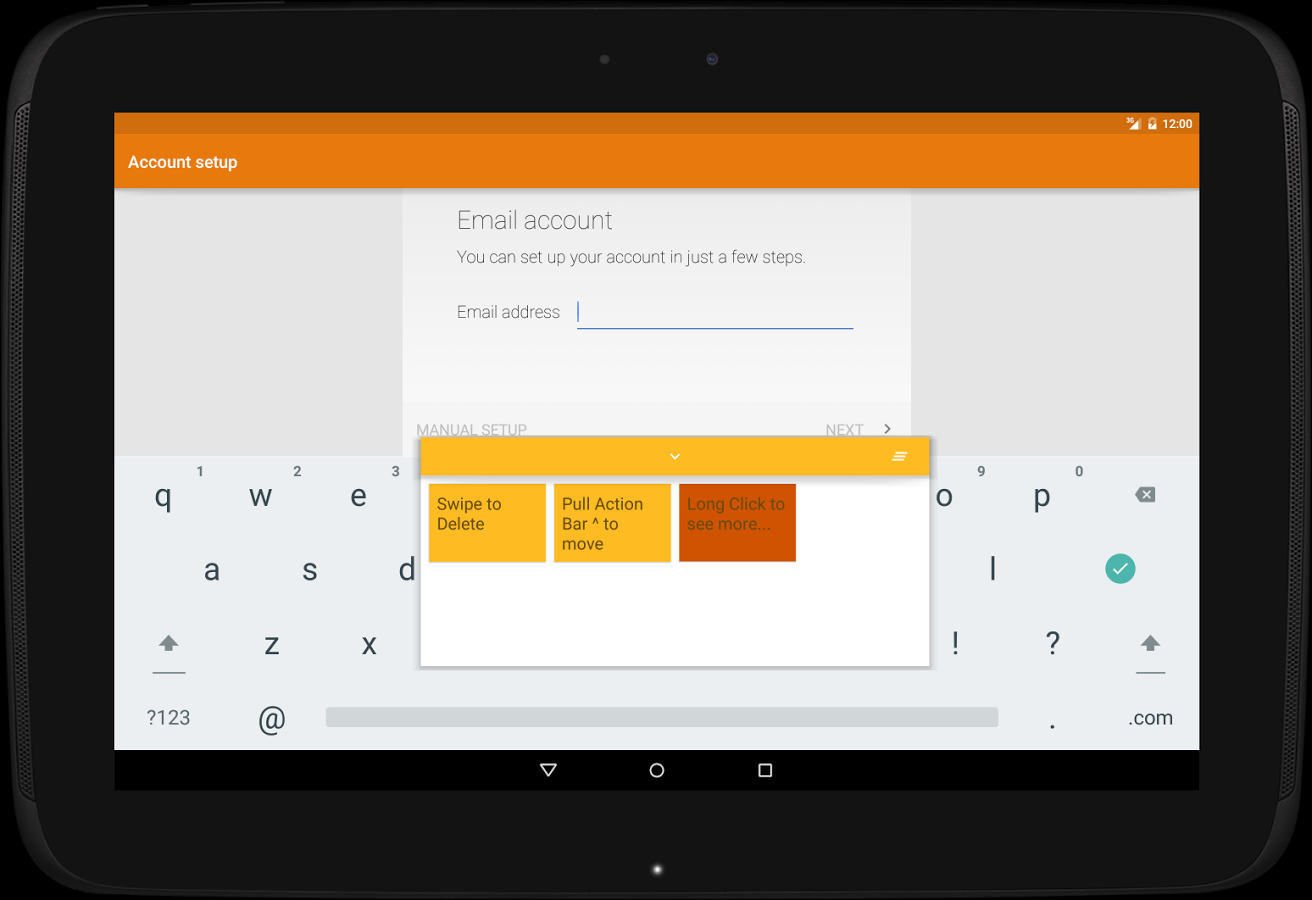
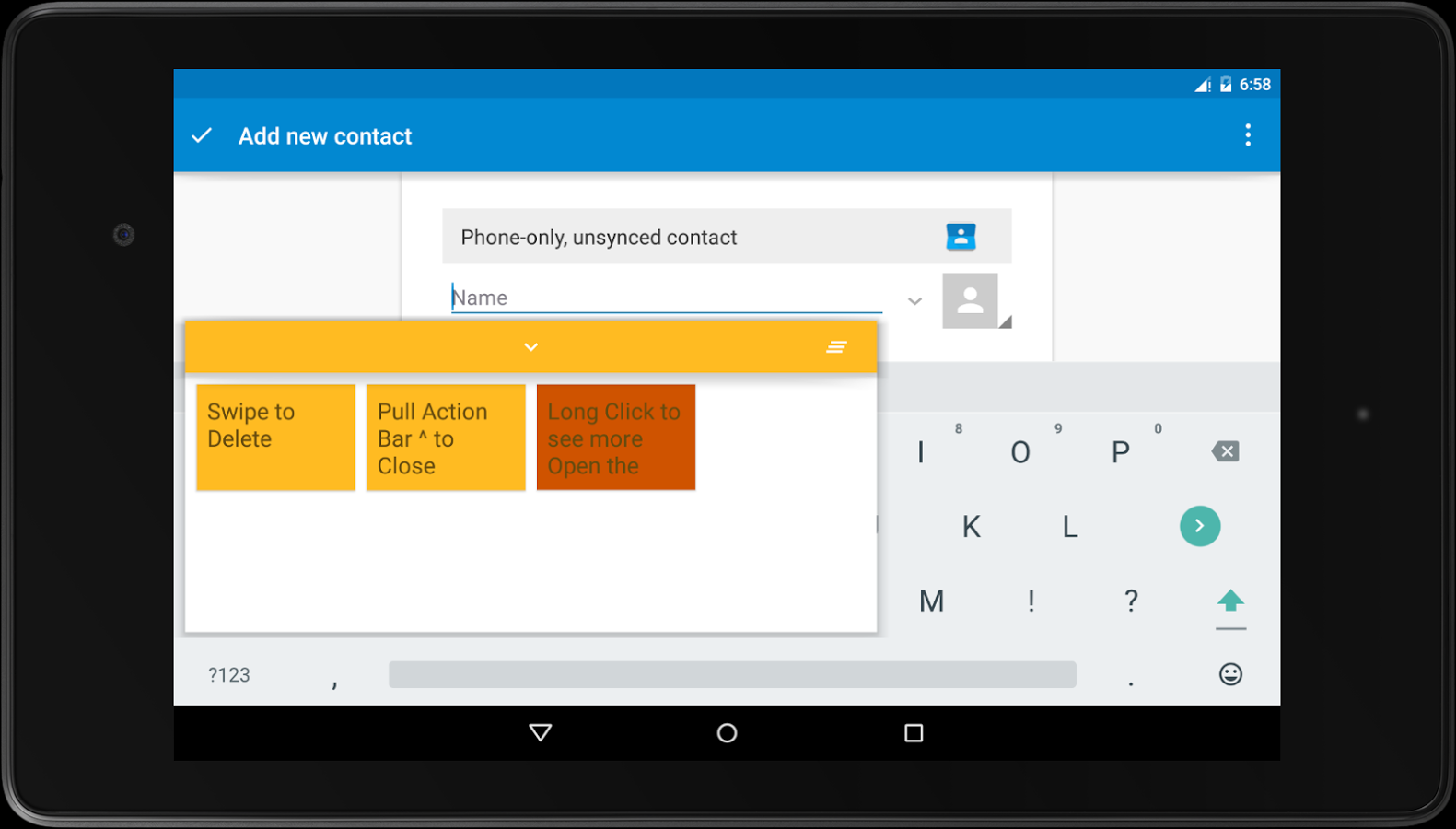
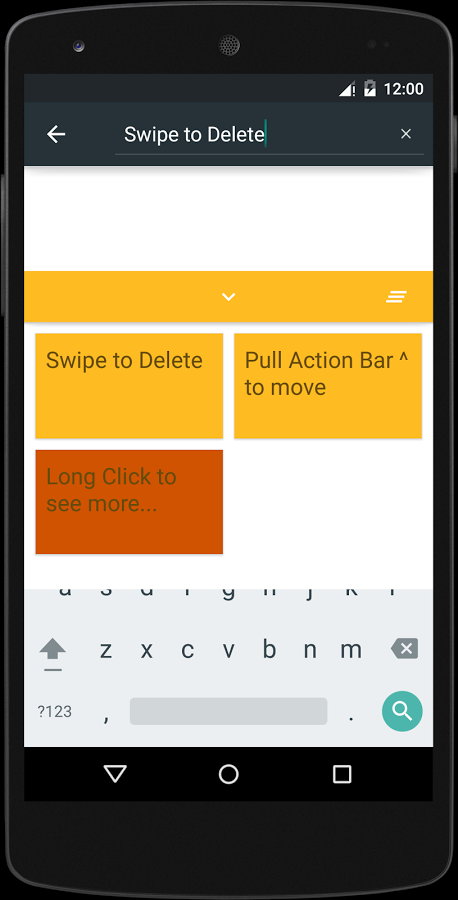
Native clip board provides easy and seamless access to anything you copied by simply double clicking the desired text field.Then choosing a clip will automatically paste it.
The clips can be :
• Swiped away to delete them.
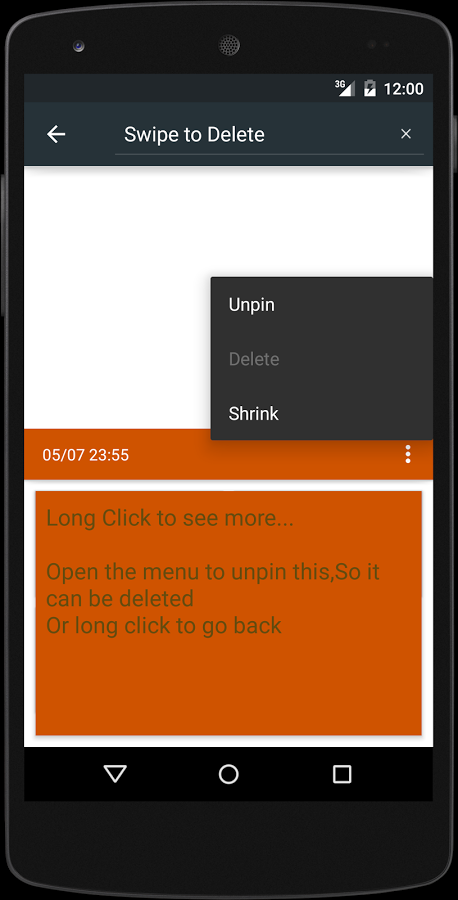
• Long clicked to view the whole text.
• Pinned to prevent deleting (Using the 3-dot menu).
Floating layout
The clipboard can be moved to show the keyboard, for example adding a space or a new line.
Add and Edit
Adding new clips or editing existing ones will be coming soon.
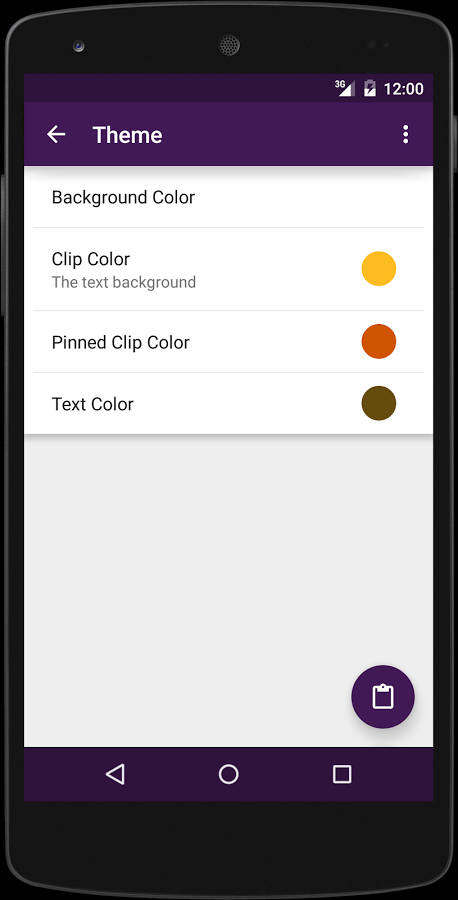
Themable
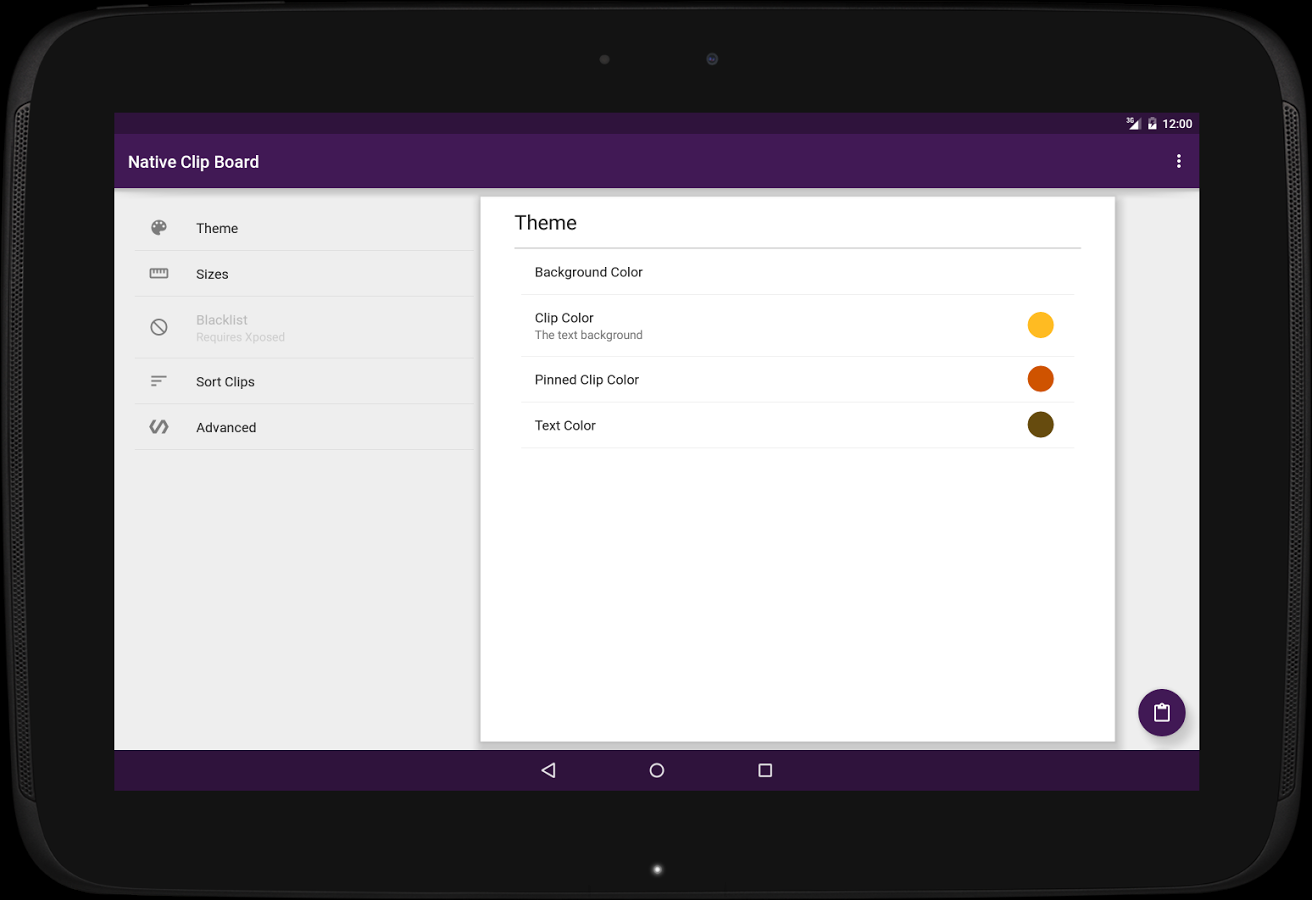
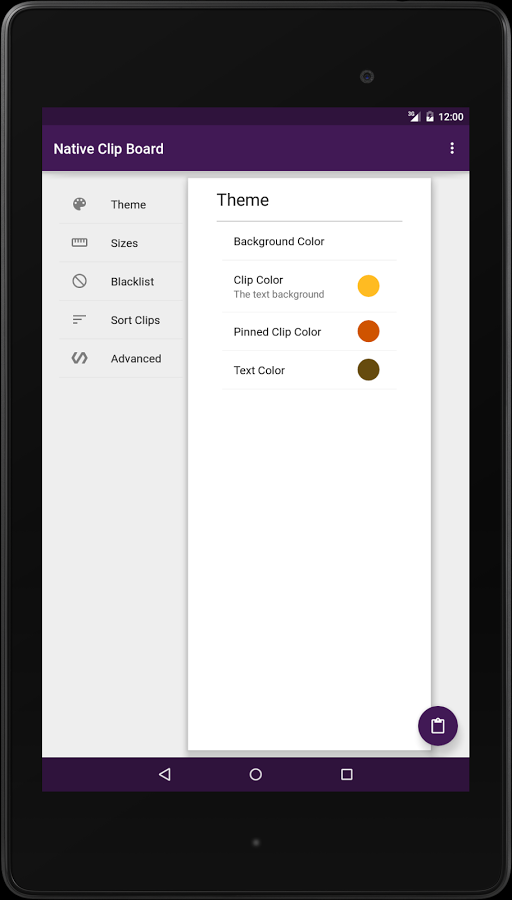
The colors of the clipboard can be easily changed though the app.
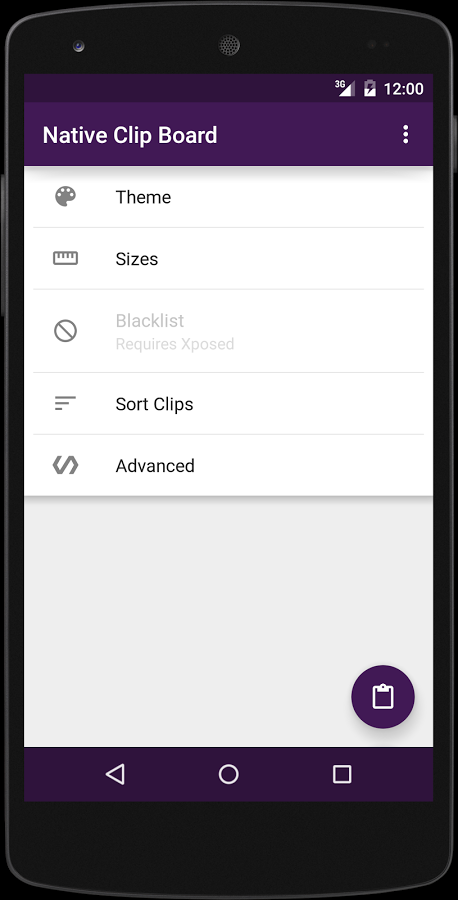
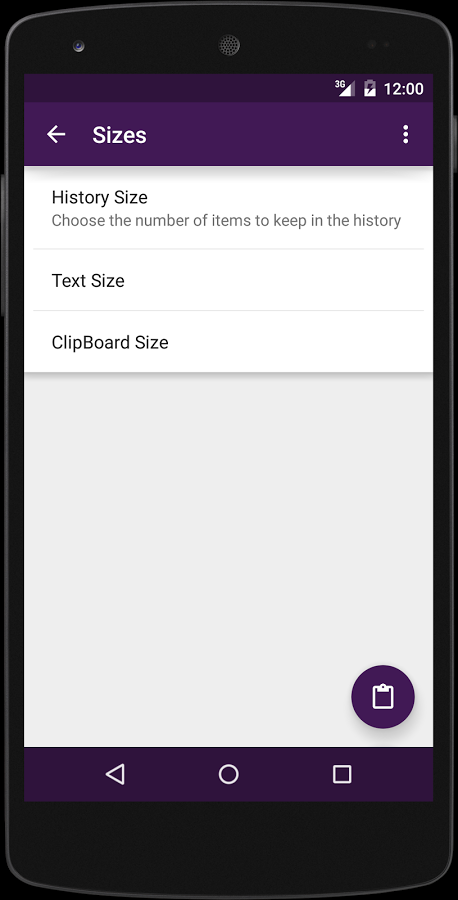
Sizes & limits
• The height of the clipboard can be changed (set it to match the keyboard for a better look).
• The limit of how many clips can be stored can also be changed (default is 25).
• The test in the clipboard can also be changed.
Sorting
•Sort my the time (newest first)
•Sort by state (pinned first/last)
Material Design
The app follows the guide lines as close as possible.
-Snackbar for Undo, and floating labels for the text fields will be added soon.
Browser support
Access to the clipboard will be coming soon through Web browsers. (5.0+)
Xposed
• The app will work on 4.0+ (ICS+)
• Blacklisting : Choose the apps that will not be monitored for copied text (ex. Password managers).
• Browser support (Chrome,Firefox and System built-in based browsers)
• Can edit and add clips
Native Clipboard - Android Apps on Google Play