Hi there,
I'm a BSNL user since 3 yrs. (yeah, sad truth )
I have Beetel 450TC1 - A Wifi modem.
When I did configuration on 192.168.1.1 page, & when I choose Bridge mode, I can surf internet on PC, but not Wifi on phone. But when I choose 'PPPoE' mode, I can't surf internet on PC.
So, PPPoE not working.
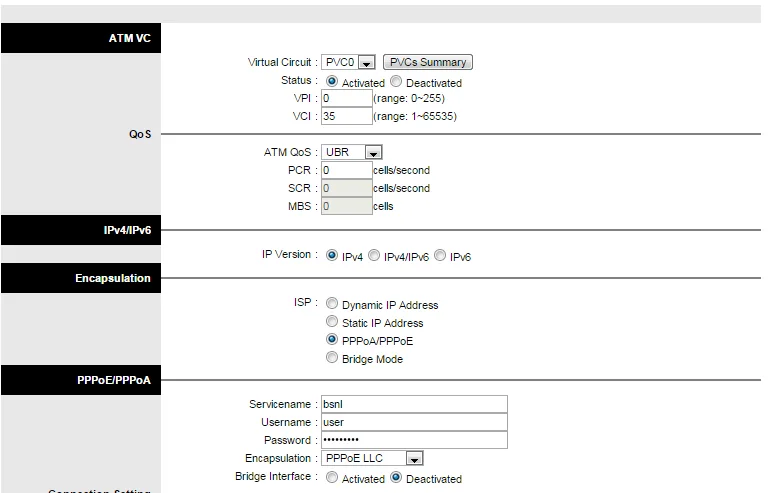
I did choose PVC2 (0 ~ 35), but not working.
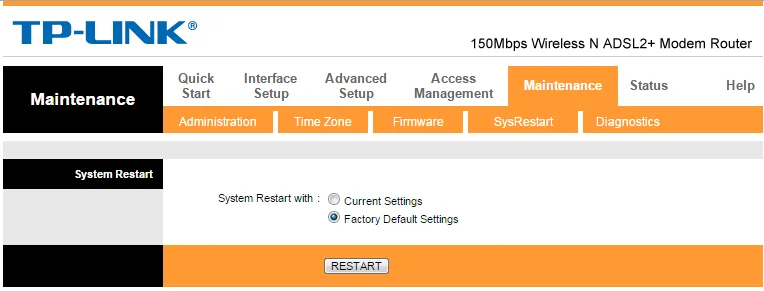
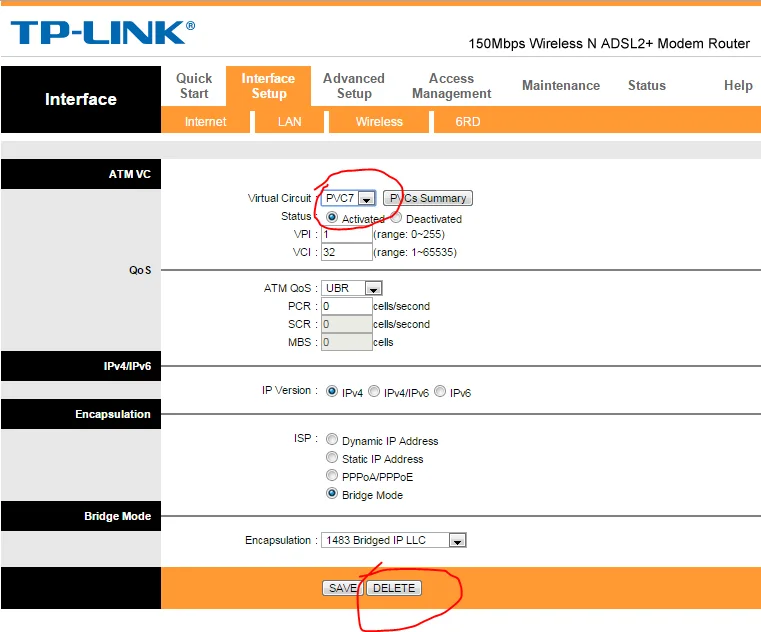
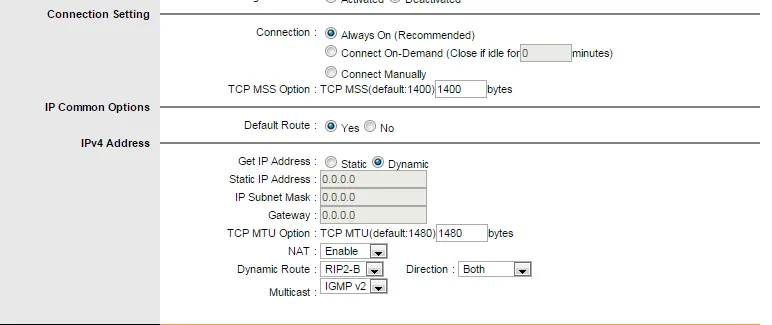
Screenshots of Beetel configuration page:


Please help me!
I'm a BSNL user since 3 yrs. (yeah, sad truth
)I have Beetel 450TC1 - A Wifi modem.
When I did configuration on 192.168.1.1 page, & when I choose Bridge mode, I can surf internet on PC, but not Wifi on phone. But when I choose 'PPPoE' mode, I can't surf internet on PC.
So, PPPoE not working.
I did choose PVC2 (0 ~ 35), but not working.
Screenshots of Beetel configuration page:
Please help me!