

I used to have Asianet Broadband for a long time now. But I moved to a different location, and so my router changed. Now I have Strict NAT in every game, while it was Open/Moderate before.
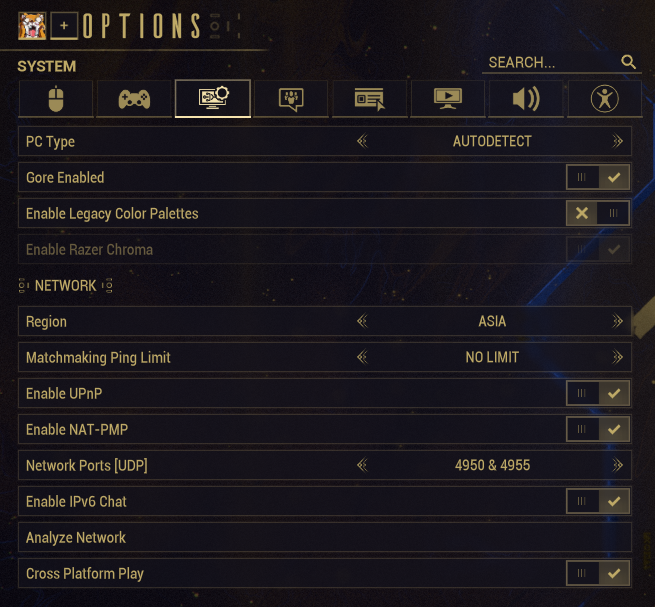
For this example, I'm using Warframe, because that's what I used to play before. I've also set my PC's IP to 192.168.1.37 both from the adapter settings in Windows as well as reserve the IP based on my PC's MAC address on the router. I'm also connected to the router using a LAN cable. Also the IP shown here in my router is the same as what's shown in Port Checker - Check Open Ports Online. I heard that it's problematic if it's not the same, so I guess that's fine here.
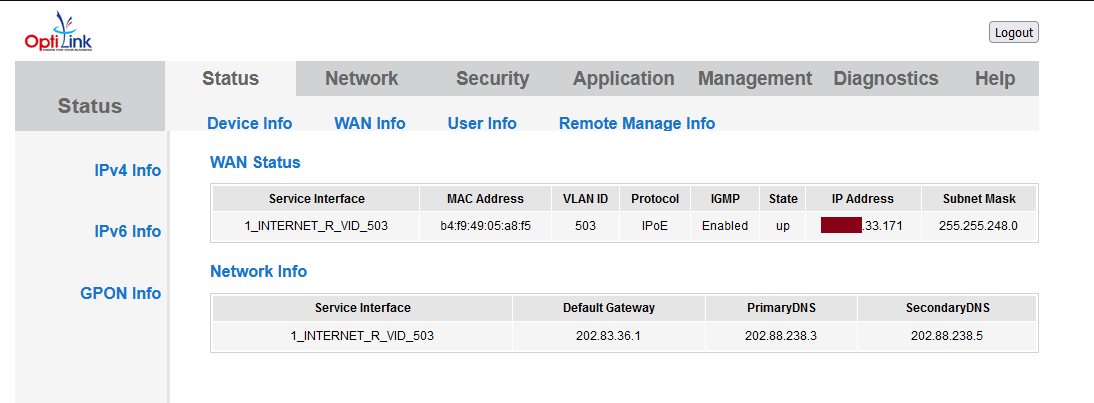
The following are the things I tried.
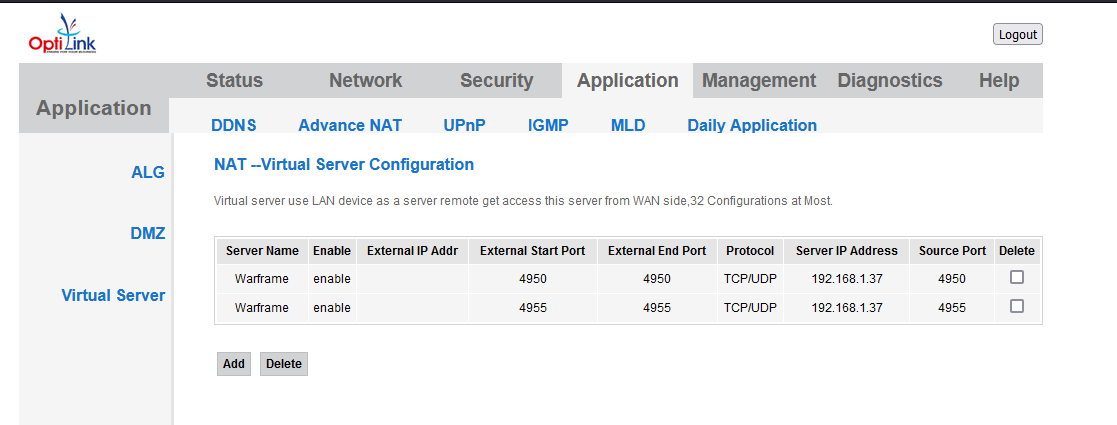
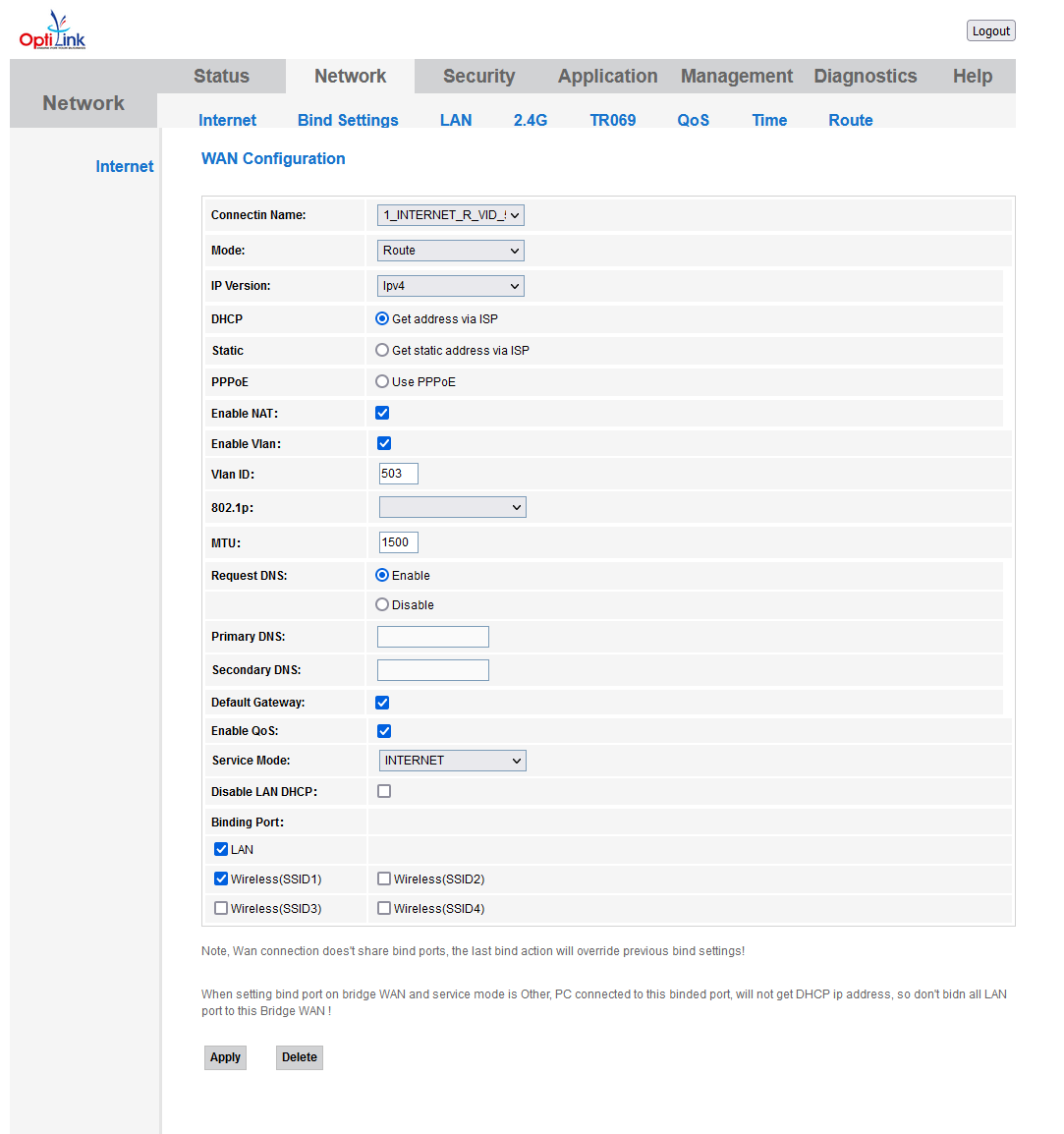
1. Below is how I set up port forwarding, but Warframe says "UPnP not found, please forward ports 4950 & 4955 to 192.168.1.37".
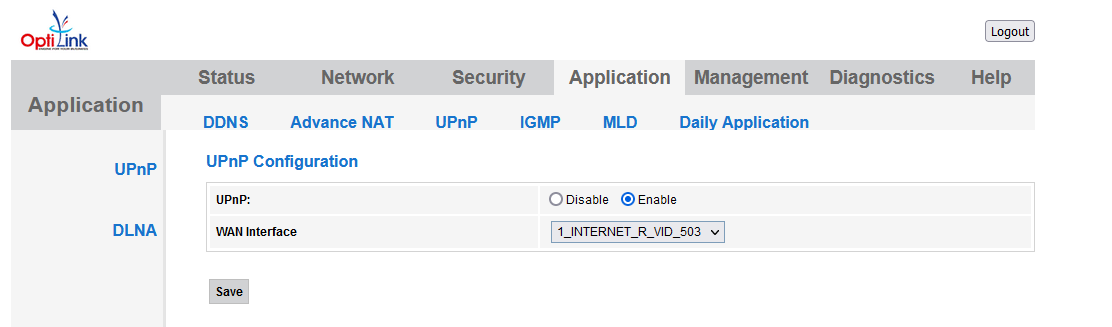
2. I tried turned on UPnP, but Warframe says "UPnP malfunctioning, please forward ports 4950 & 4955 to 192.168.1.37".
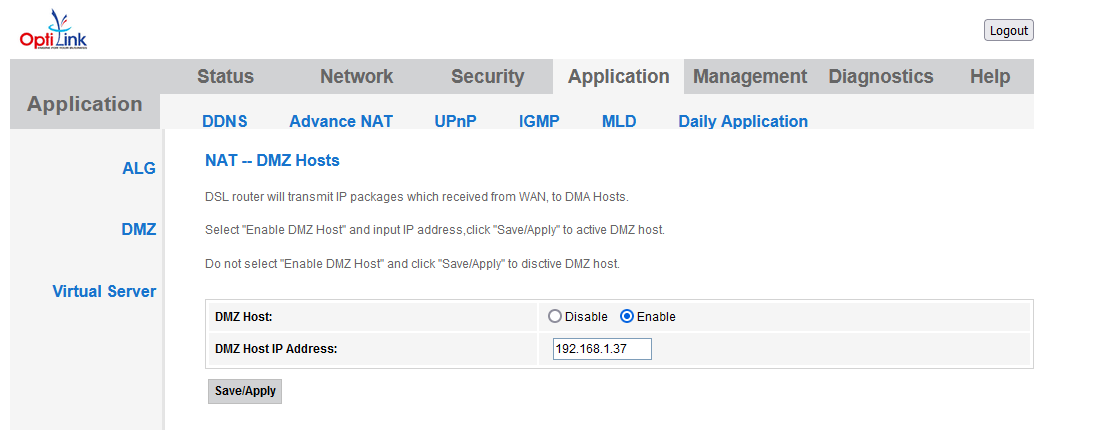
3. I turned on DMZ, but Warframe still says the same thing as #2. BUT, I tried setting up a simple file server on my PC and assigned it to some random ports including 4950, and my friend was able to access it from Dubai (I'm in India)! So DMZ is working, but not with Warframe?
4. I called up my ISP and told them to forward these ports. They also told me port forwarding can only be done from their side, and I can't do anything about it. Later I called them again and they said that they forwarded the ports. But NOTHING changed in behavior for the cases above. I could even host the file server on ports that I didn't tell them to forward and still be accessible by my friend if I turn on DMZ.
5. I called up my ISP again, and asked them if they know about Strict NAT but they don't. They told me they'll call me back in 10 mins, then they ghosted me lol.
Now I don't know what else to do. Someone please help me with this.
For this example, I'm using Warframe, because that's what I used to play before. I've also set my PC's IP to 192.168.1.37 both from the adapter settings in Windows as well as reserve the IP based on my PC's MAC address on the router. I'm also connected to the router using a LAN cable. Also the IP shown here in my router is the same as what's shown in Port Checker - Check Open Ports Online. I heard that it's problematic if it's not the same, so I guess that's fine here.
The following are the things I tried.
1. Below is how I set up port forwarding, but Warframe says "UPnP not found, please forward ports 4950 & 4955 to 192.168.1.37".
2. I tried turned on UPnP, but Warframe says "UPnP malfunctioning, please forward ports 4950 & 4955 to 192.168.1.37".
3. I turned on DMZ, but Warframe still says the same thing as #2. BUT, I tried setting up a simple file server on my PC and assigned it to some random ports including 4950, and my friend was able to access it from Dubai (I'm in India)! So DMZ is working, but not with Warframe?
4. I called up my ISP and told them to forward these ports. They also told me port forwarding can only be done from their side, and I can't do anything about it. Later I called them again and they said that they forwarded the ports. But NOTHING changed in behavior for the cases above. I could even host the file server on ports that I didn't tell them to forward and still be accessible by my friend if I turn on DMZ.
5. I called up my ISP again, and asked them if they know about Strict NAT but they don't. They told me they'll call me back in 10 mins, then they ghosted me lol.
Now I don't know what else to do. Someone please help me with this.

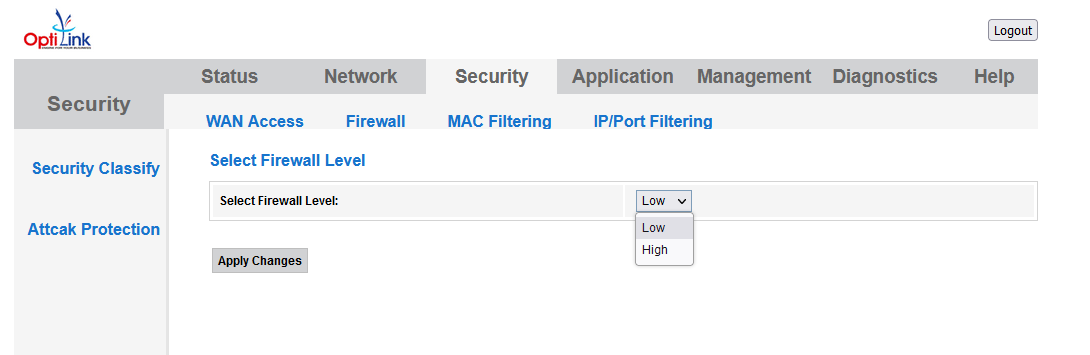
 is also disabled.