Samsung's 'Good Lock' App Brings A Crazy Alternative UI To Your GS7's Lock Screen, Notifications, And Quick Settings
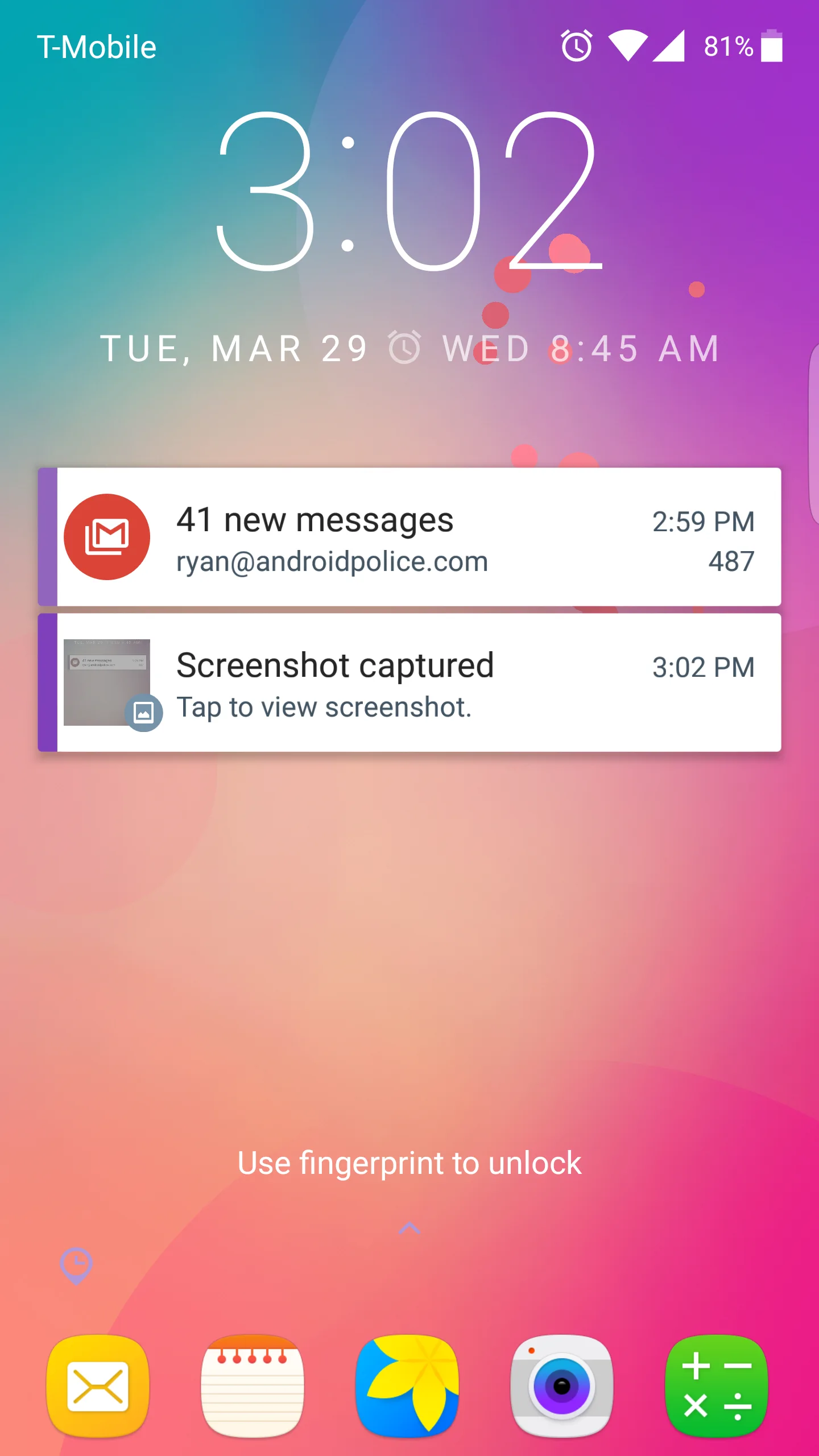
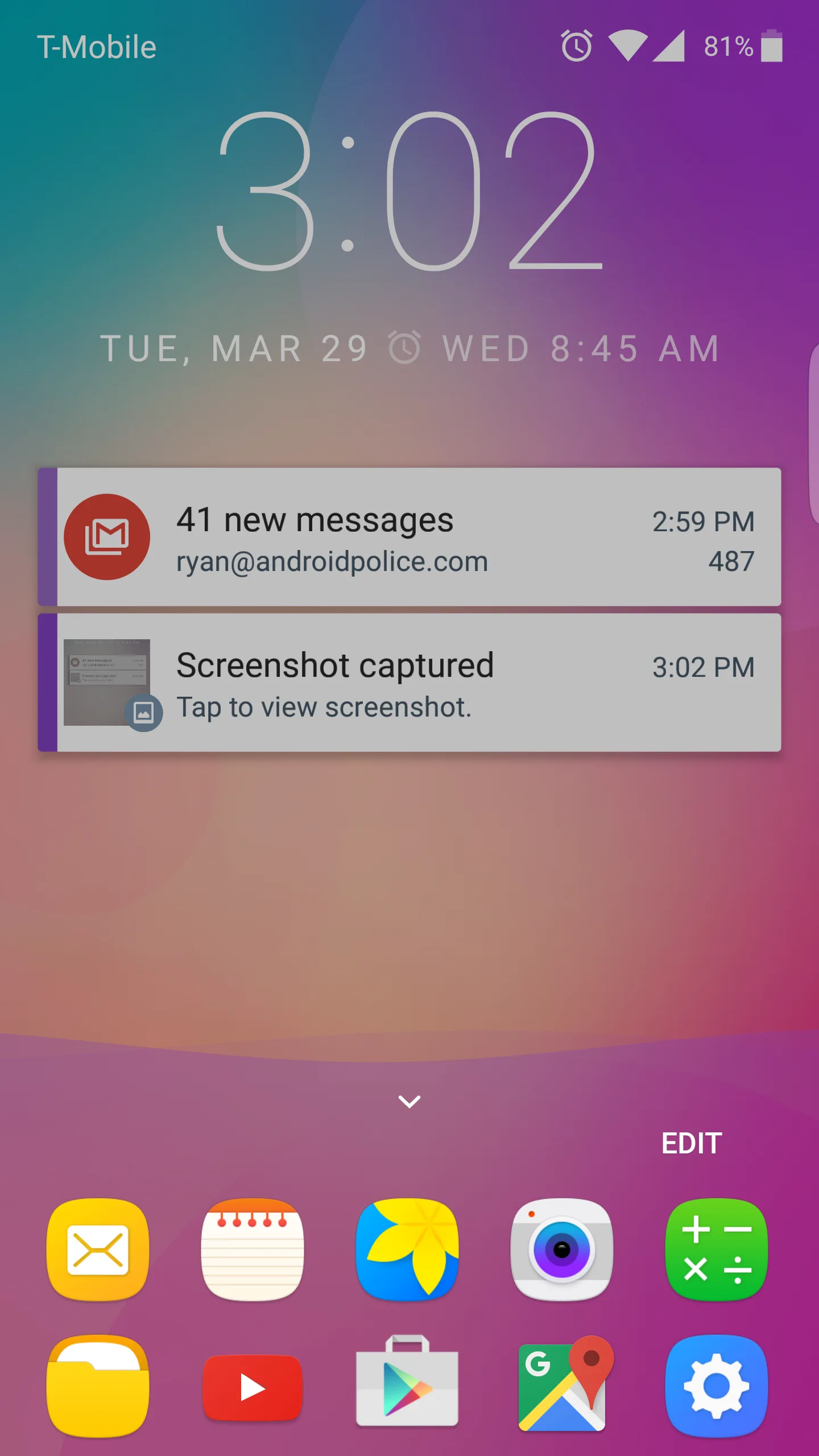
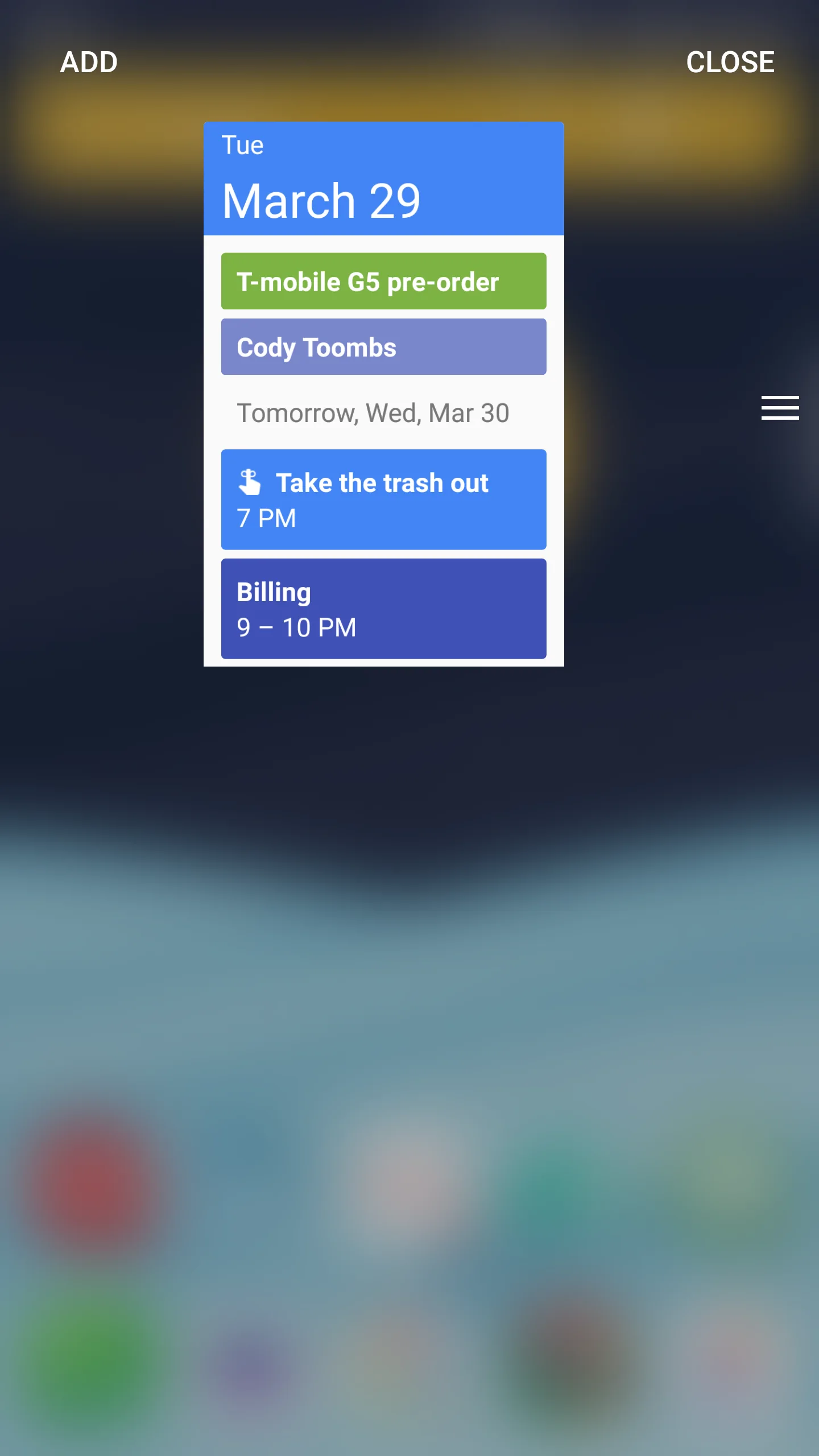
The name is a little misleading as Good Lock does more than change your lock screen. That's where it all starts, though. You'll get an expandable list of app shortcuts at the bottom, and the clock can be swiped down to open a widget list. This is awkward because swiping down from the top of the screen still opens the quick settings. That's where things get crazy.
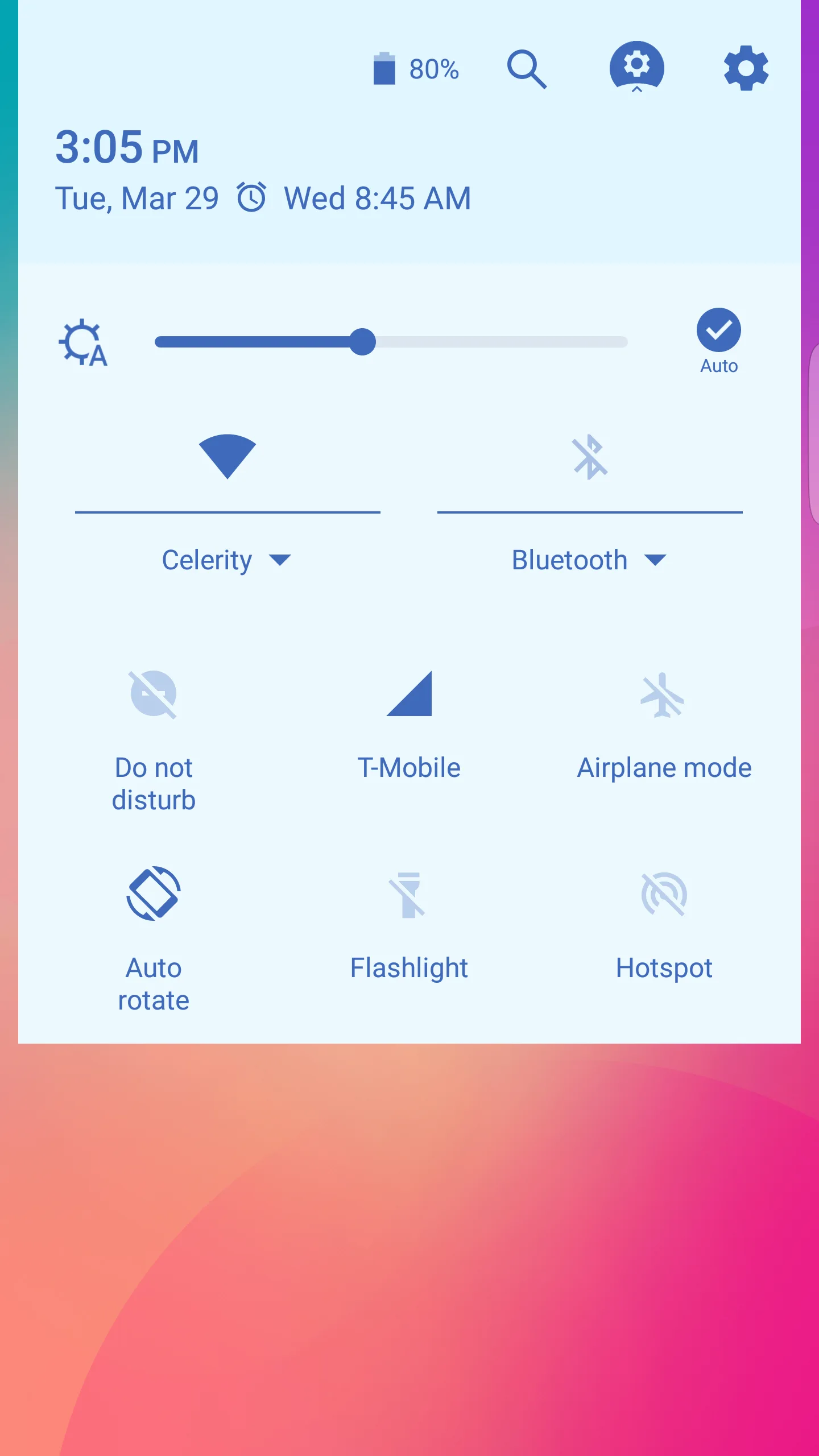
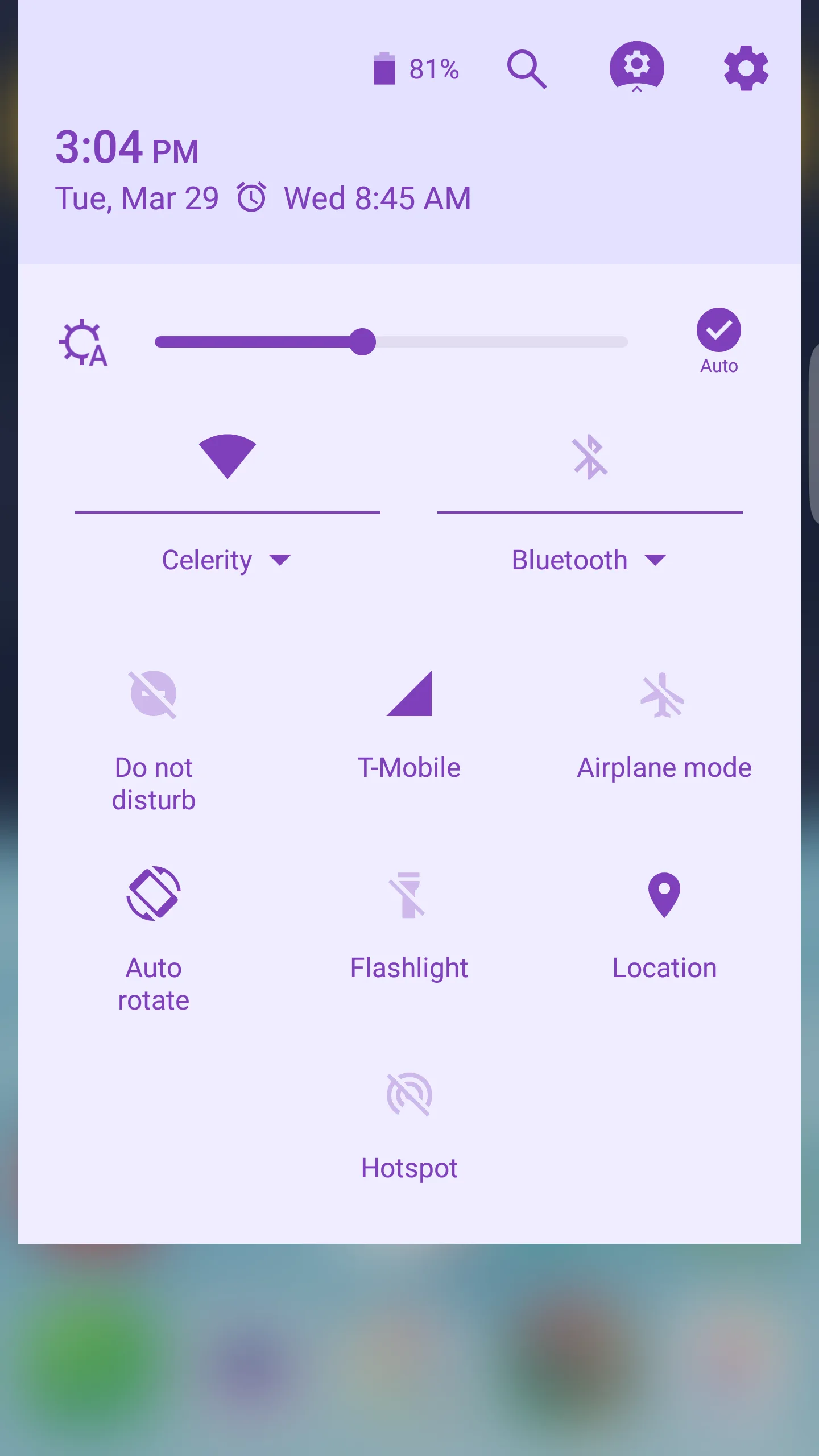
The notifications, quick settings, and even the status bar have been re-skinned in Good Lock. This all seems much more deeply integrated with the system than a conventional lock screen or notification replacement. In some ways, it looks more like AOSP with the revamped quick settings page. Notifications are weird, though. You've got the main notifications, but you can swipe them over to a "keep" area that, well, keeps them. There are also notification categories. It's more complicated than the stock UI for sure.