i have the same issue..and im using exictel networkHello,
When I dial up my BSNL FTTH connection from my pc using username and password, it connects within few seconds, but when I try doing the same from my router (so that more people can connect to my router), I am not able to do so, it fails to connect everytime with an error "Timed out waiting for PADS", but sometimes router successfully connects in PPPoE mode.. like 1 in 100 times. But the remaining 99 times I get the error. When dialling via PC, I never got an error yet and have connected within few seconds.
Can somebody help me with this please ?
Router : TP-Link Archer C50 v4
Modem : Nokia Siemens H640V-25E
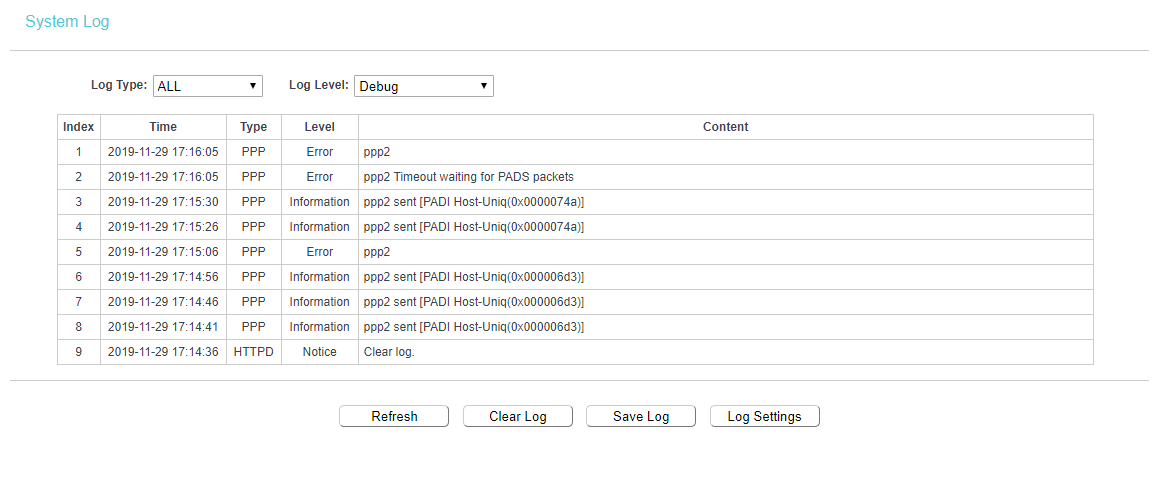
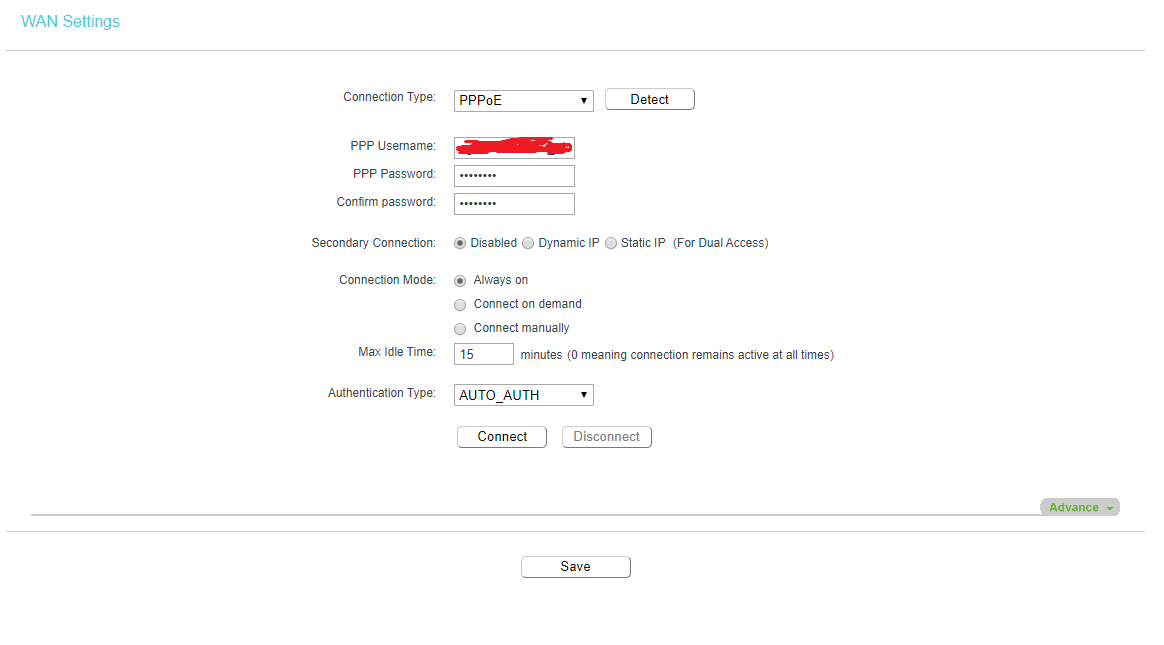

-
Amazon Deals - ToS - Like us?
You are using an out of date browser. It may not display this or other websites correctly.
You should upgrade or use an alternative browser.
You should upgrade or use an alternative browser.
Unable to connect router via pppoe but my pc can connect
- Thread starter Enix
- Start date
- Replies 38
- Views 7,548
i talked to the TP-Link customer service and they got my router archer c50 v4 replaced..even with the new one im getting the same issue...i called my ISP and he checked with a D-Link router and it works flawlessly...i can use it on my laptop also with out any issues...but not working on router....with exqactly same complaints as qouted above
tried everything and anyone pls help with it
tried everything and anyone pls help with it
varkey
I got banned!
Check if you are running the latest firmware -- Download for Archer C50 | TP-Link India
it is running the latest available firmware..tried that too
Try this. Stop the pppoe connection and set it as manual instead of auto. Change mac on the router (clone the mac id of the machine you can successfully connect with) and manually connect pppoe. If it connects then we have some progress.
Changing mac is to see if there is a block on mac id created automatically in access concentrator. Can happen with many malformed requests going from the router.
Changing mac is to see if there is a block on mac id created automatically in access concentrator. Can happen with many malformed requests going from the router.

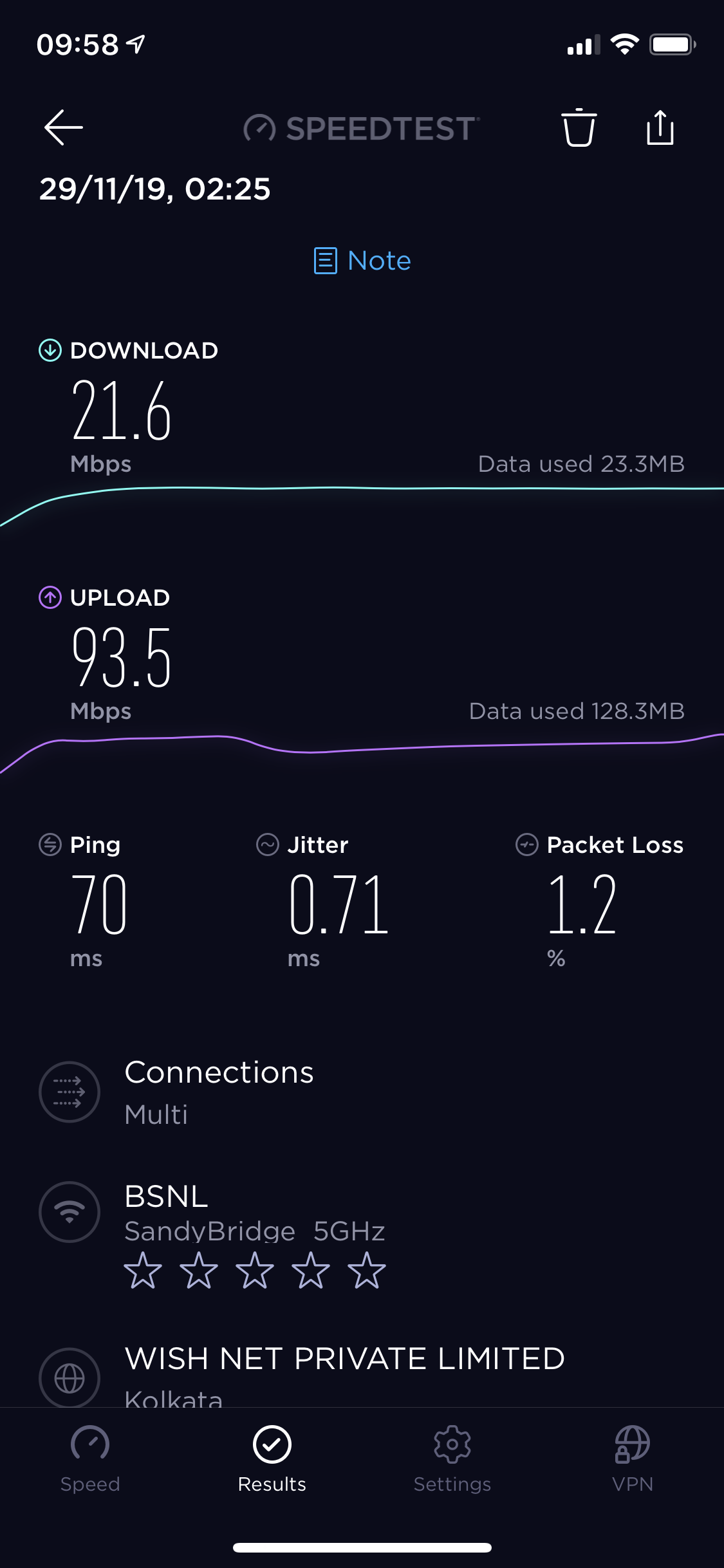
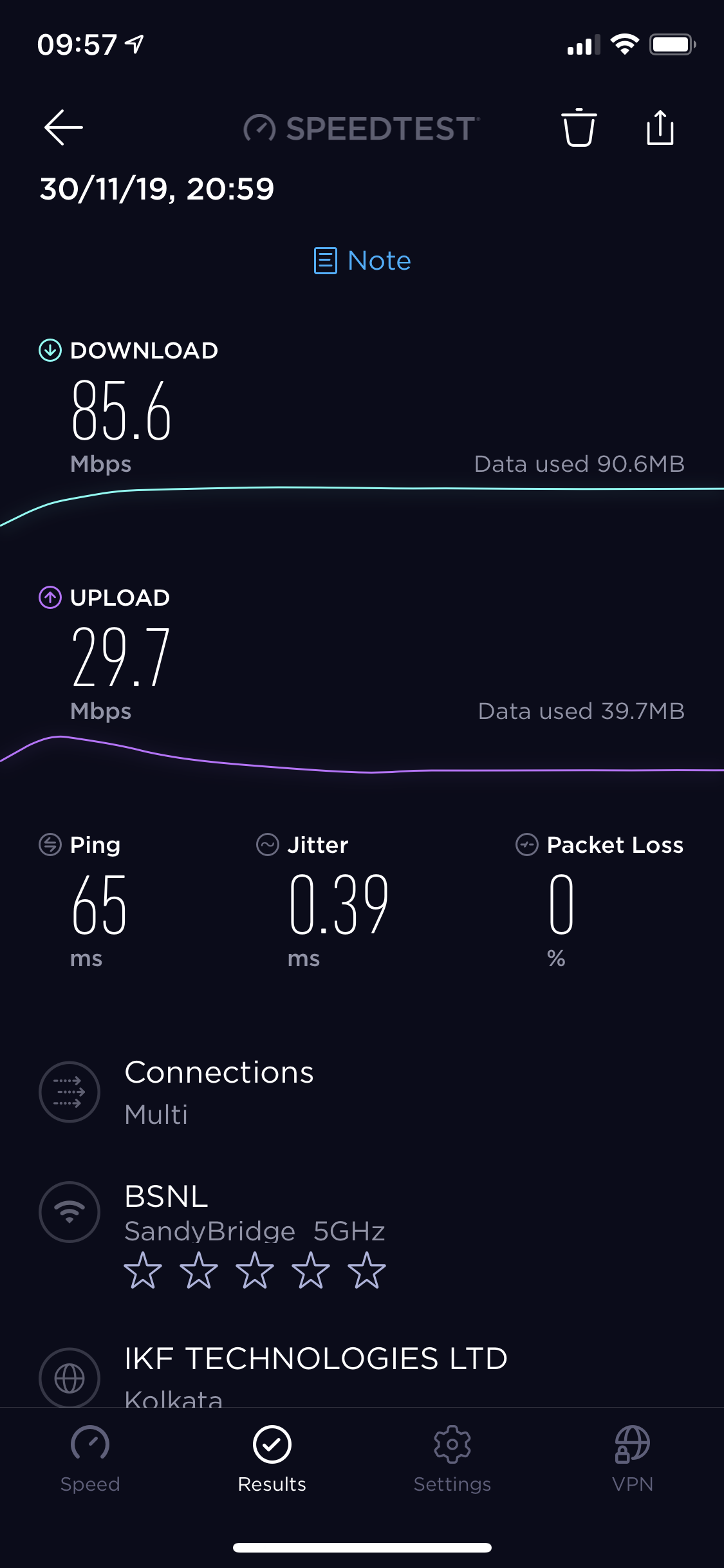
This router is one of the things I regret buying lol.. Bridge mode randomly connects and when dialling from modem then connecting to router blocks all game ports + I get 1/4th speed on wifi.. otherwise I get around 90 mbps over wifi on bridge mode.
Speedtest when dialling from modem and then connecting router :-
Speedtest when dialling from router (with modem in bridge mode) :-
Speedtest when dialling from modem and then connecting router :-
Speedtest when dialling from router (with modem in bridge mode) :-
Last edited:
Is there anyone here who can help me setup my router on OpenWRT firmware via Skype (my id is ankit4220011) ? I had installed it before on my router but never got internet connection.. the settings were very confusing for a newbie like me. If I am able to establish an internet connection quickly and efficiently via OpenWRT, then it already means the fault is in software.