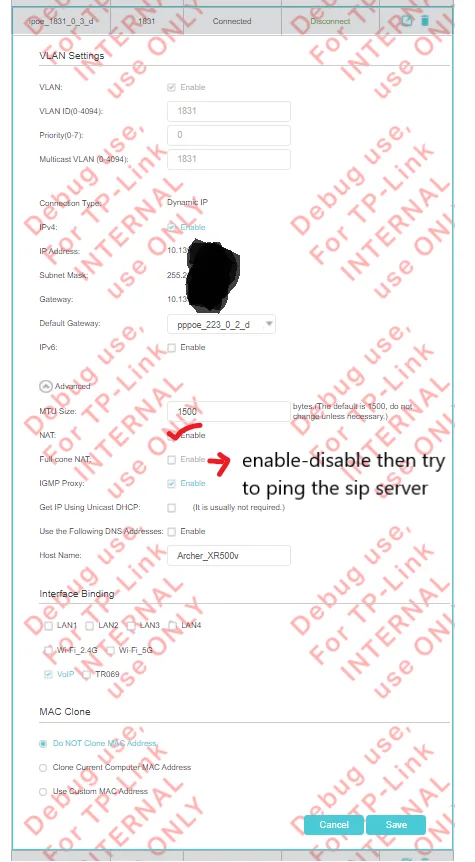
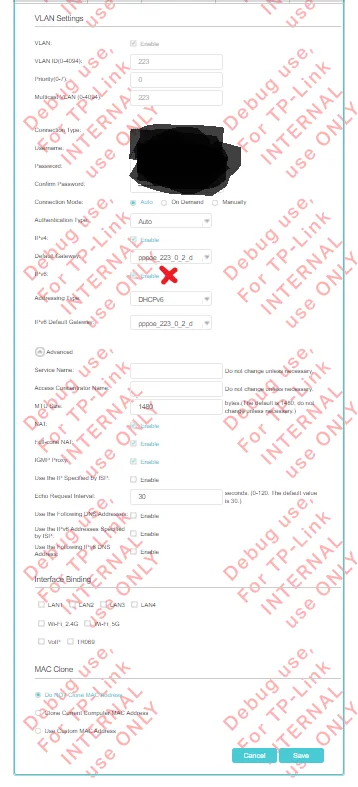
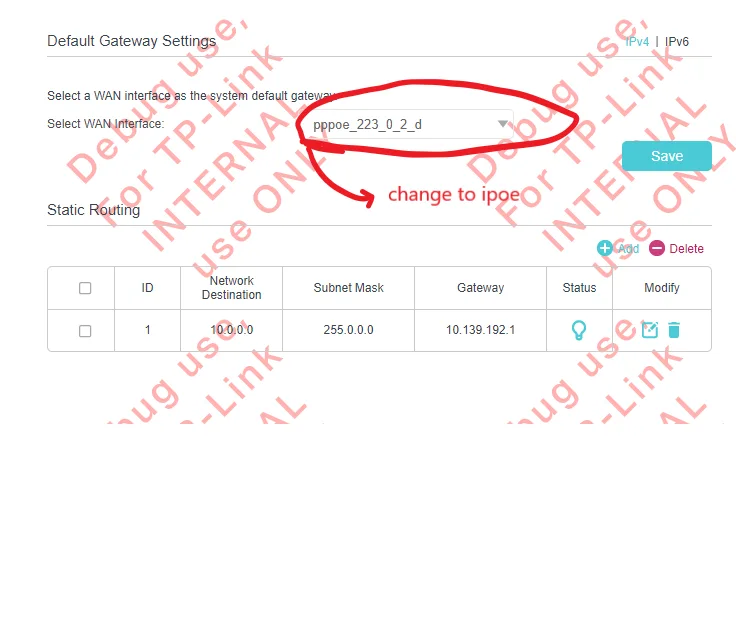
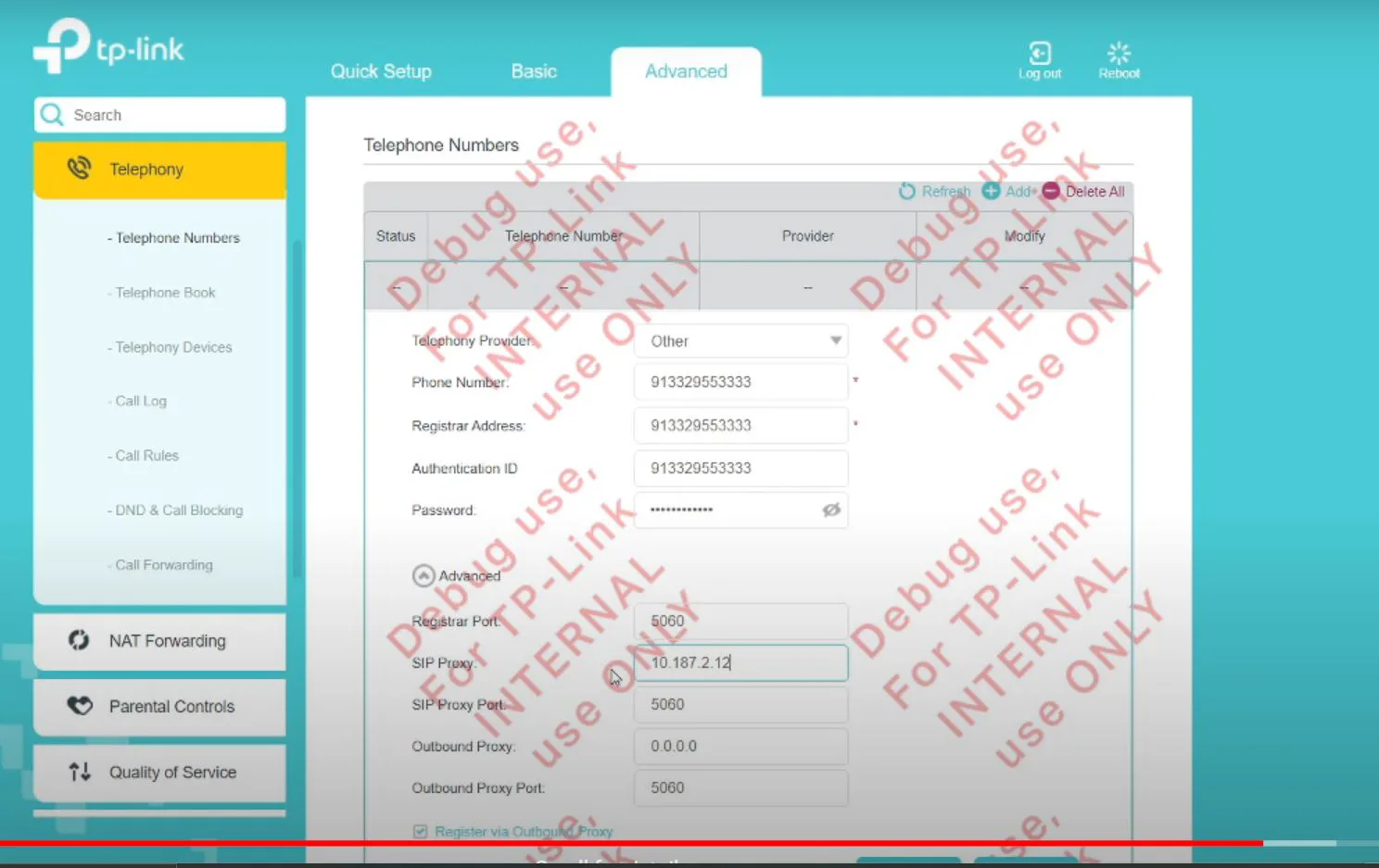
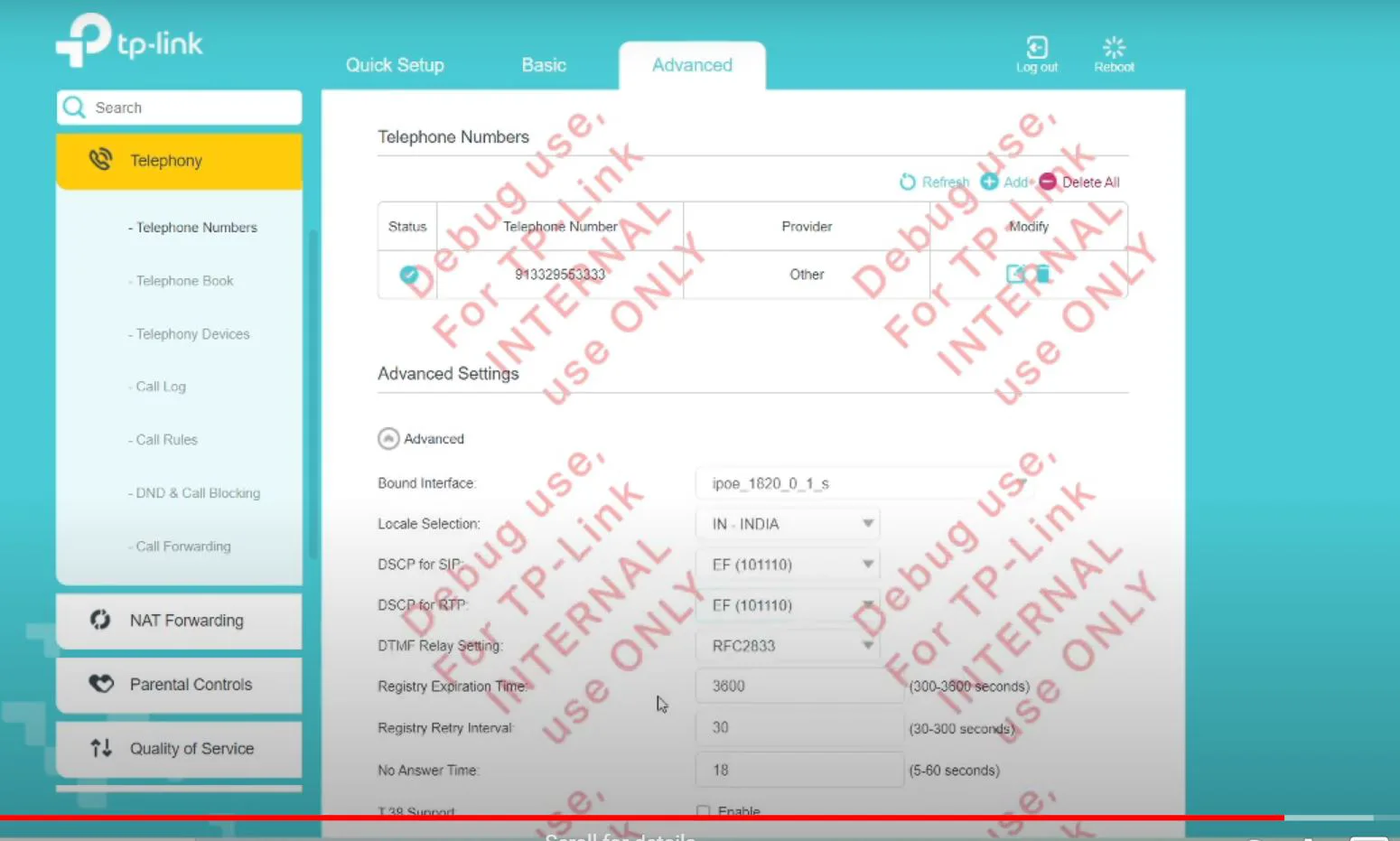
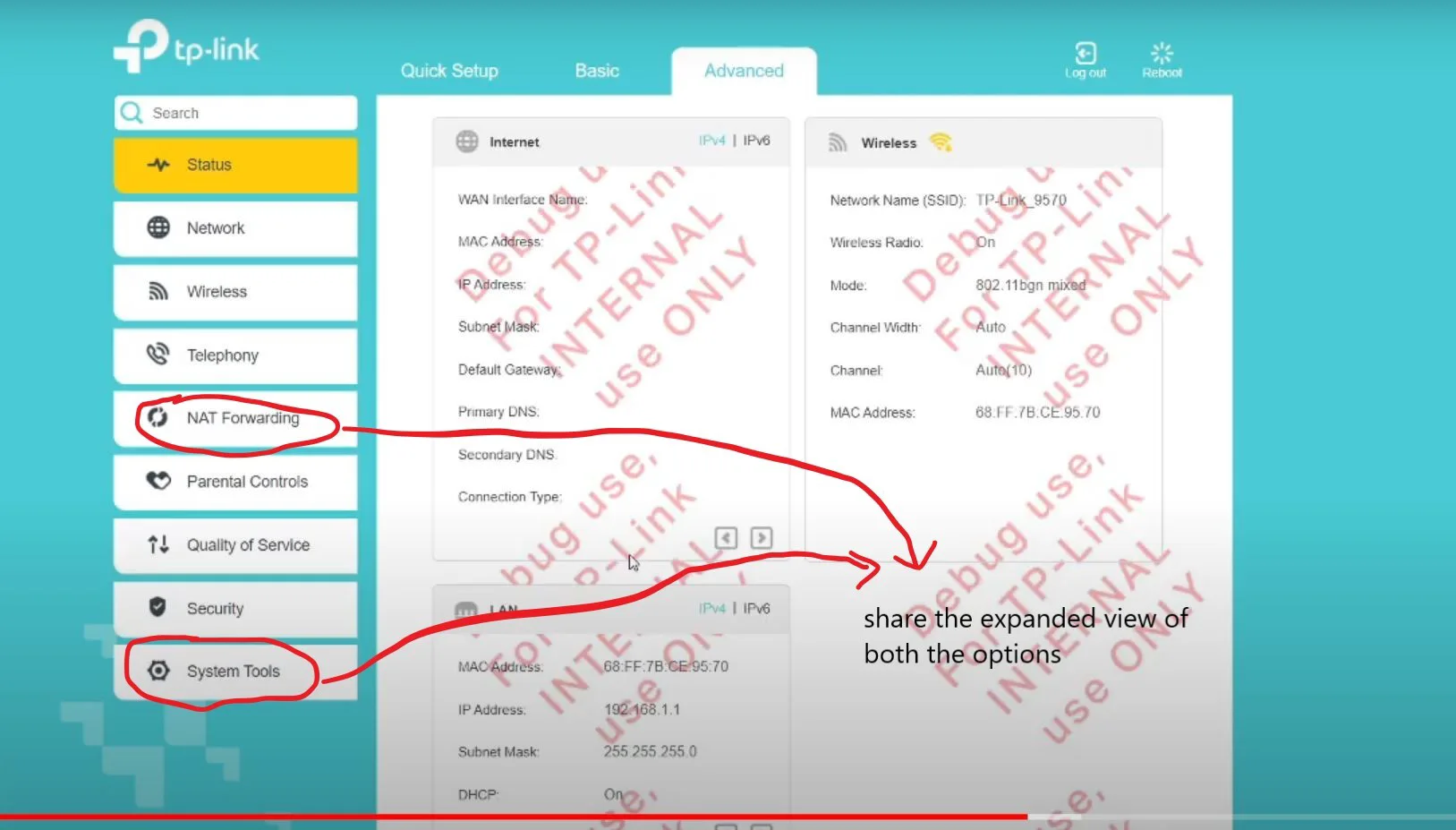
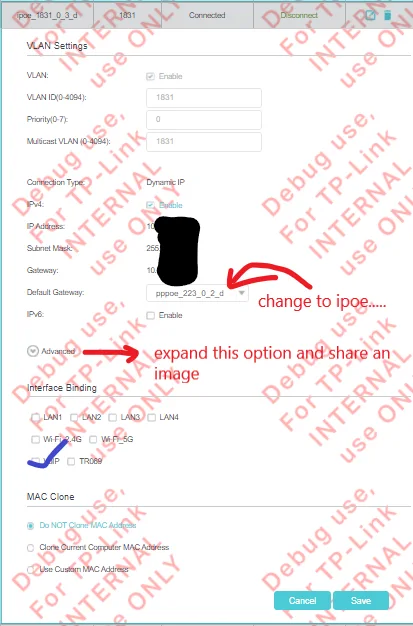
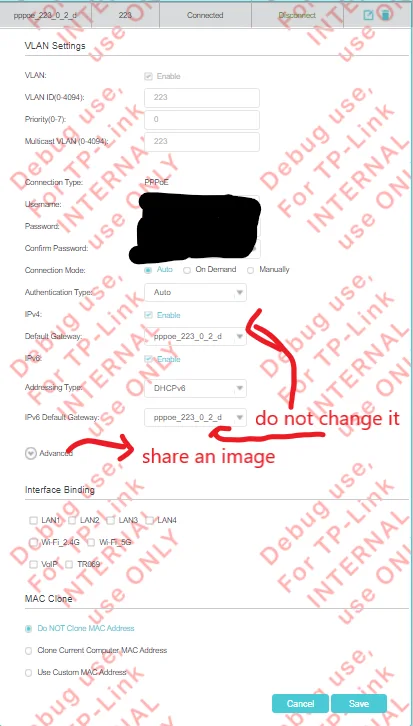
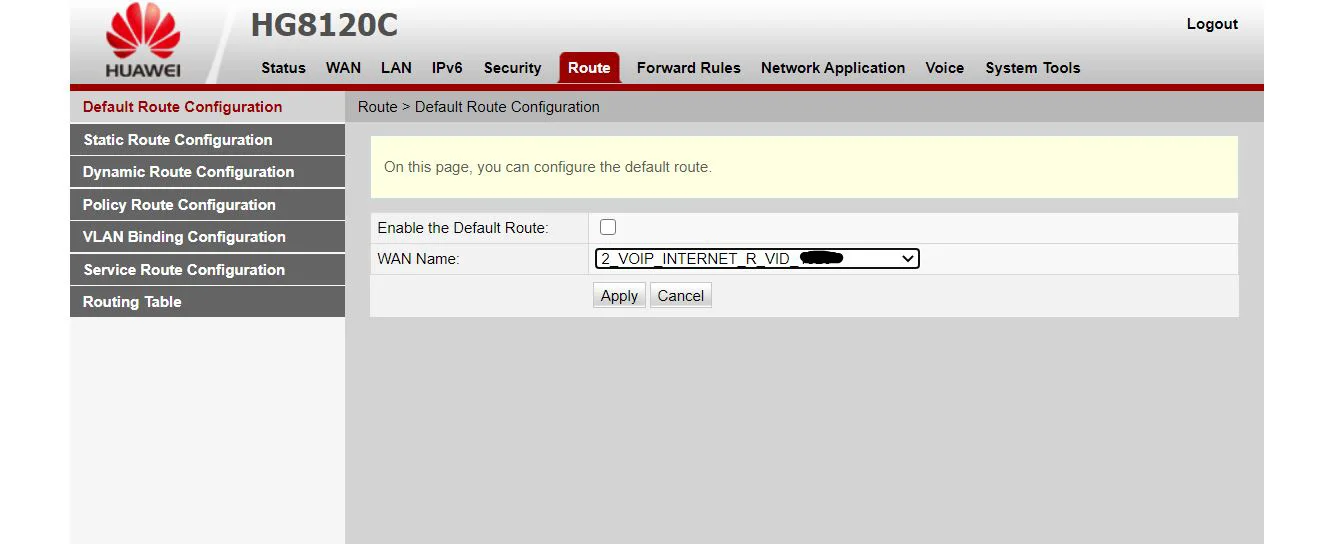
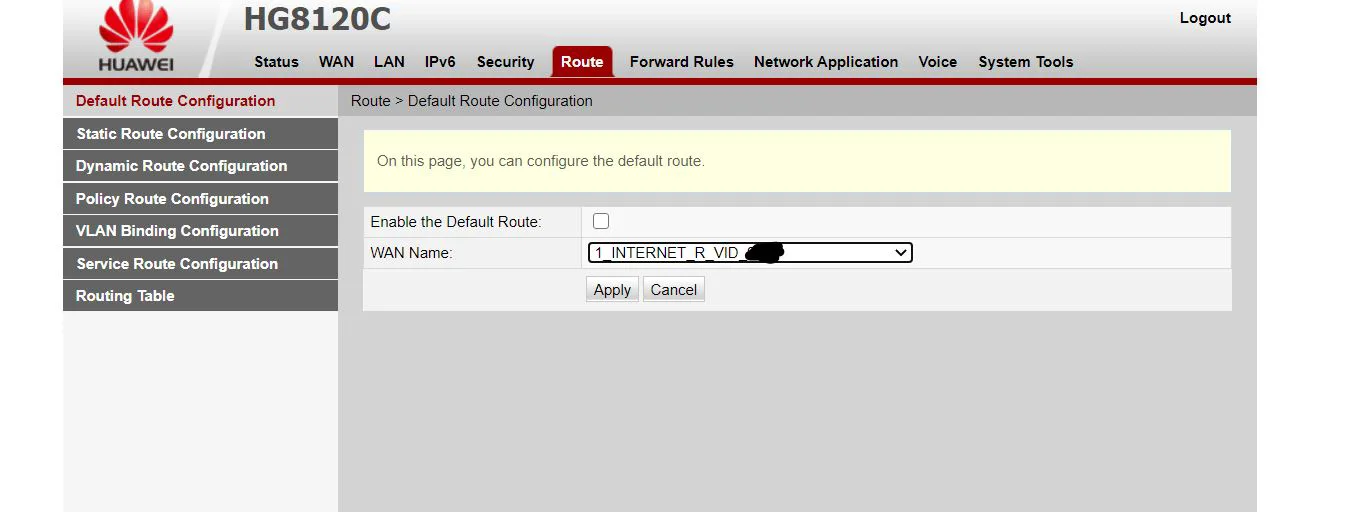
Okay, make the following changes in your ONT. Then try to ping the sip server again.
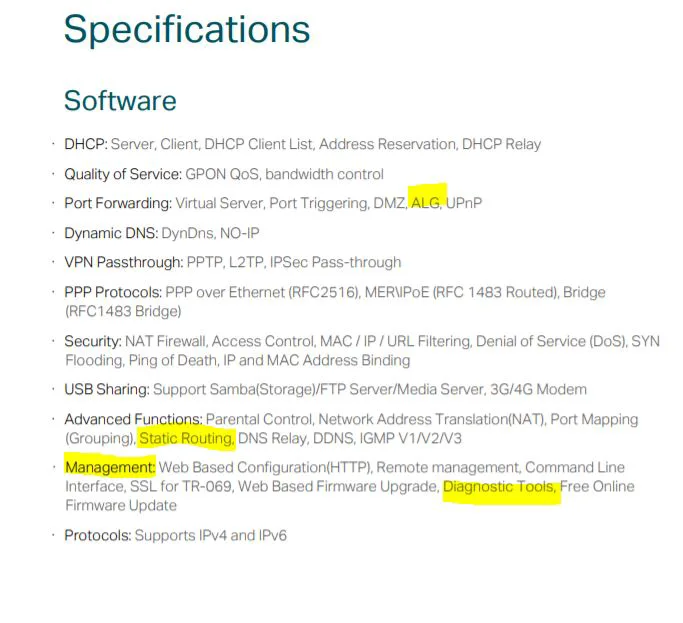
Are you sure that your ONT does not have diagnostic tools for pinging the SIP server? Because your ONT's specification clearly mentions that it has a diagnostics option in its web interface. Even the cheapest of the ONTs have this feature.
Is SIP ALG enabled? And also share an image of the routing table after creating a static route.
Share the image of both the VOIP parameter and status page. Is your Tel no showing as up/registered under the VoIP status page?
And also try to find the option to disable the default gateway/route.
Because in my ONT, if the default route is enabled and PPPoE(internet)is selected then I cannot ping the sip server. But if it is disabled or Ipoe(voice/VoIP) is selected as default then I can ping the sip server from my pc. And also I will lose internet connectivity if ipoe (voice/VoIP) is selected as the default route. So the best option is to disable it and let both connections pass through the LAN/WLAN.
This website uses affiliate links. This means that if you click on a link and make a purchase, we may receive a commission. This does not affect the price you pay for the product.
This site uses cookies to help personalise content, tailor your experience and to keep you logged in if you register.
By continuing to use this site, you are consenting to our use of cookies.