Using Regular (DSL) router with FTTH ONU

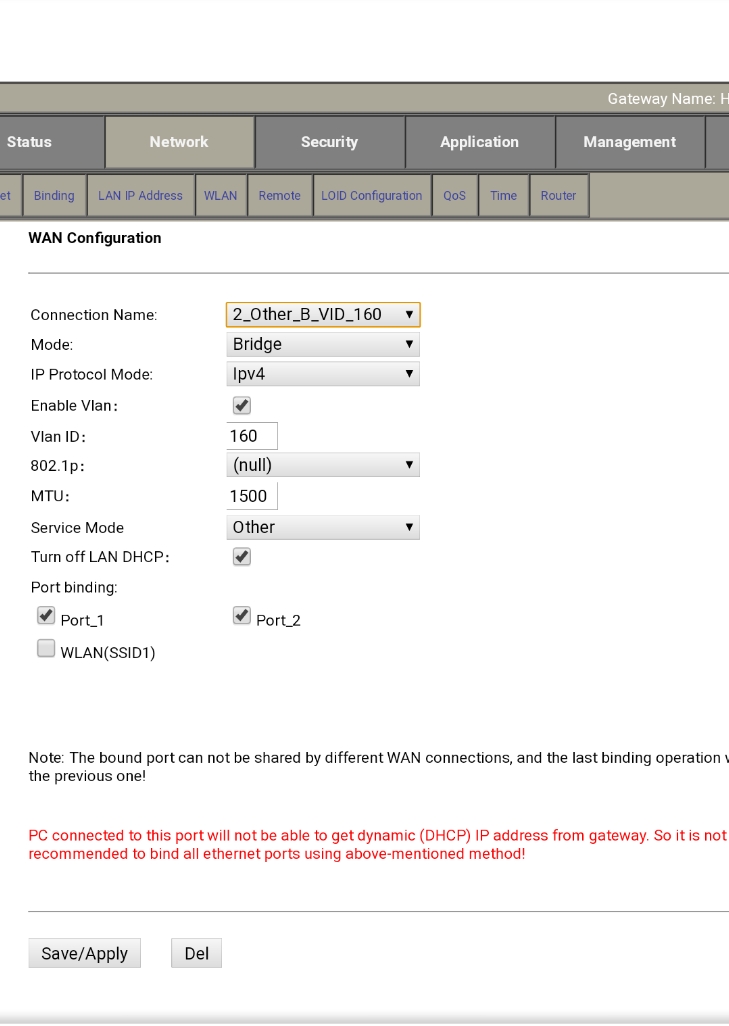
@varkey i tried following above suggestions but somehow my Netgear router isn't connecting to Internet after I input credentials for PPPOE connection. Funny thing is before I went to configure Internet on my Netgear router it showed Internet status as connected on the status page. Am I missing something, I just changed Internet profile of my ONU to bridge mode. And disabled WLAN for it,slected service mode as 'other'. Am I missing some step, the IP of the 2 routers is same though. 192.168.1.1 do I need to change that for one of the routers?
 
It is possible the ISP may be binding the connection to the MAC address as I mentioned earlier. What does the PPPoE authentication log say?

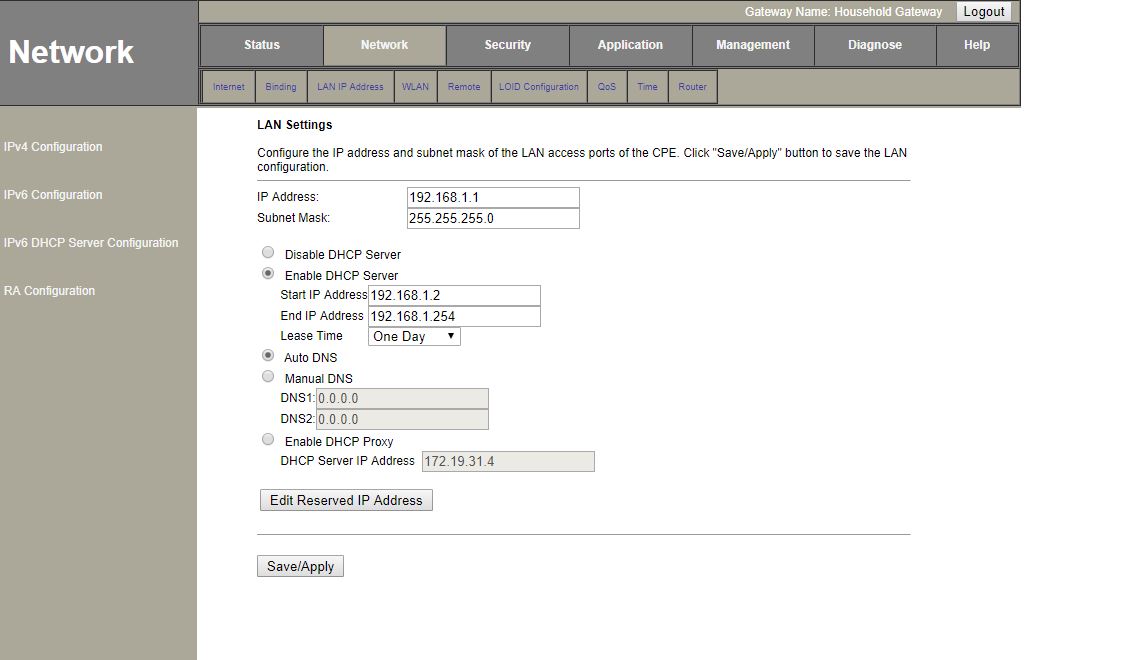
It is recommended to change the IP address of ONT so that there isn't any conflict and depending on your router options you might be able to configure it so that the ONT web UI remains accessible.

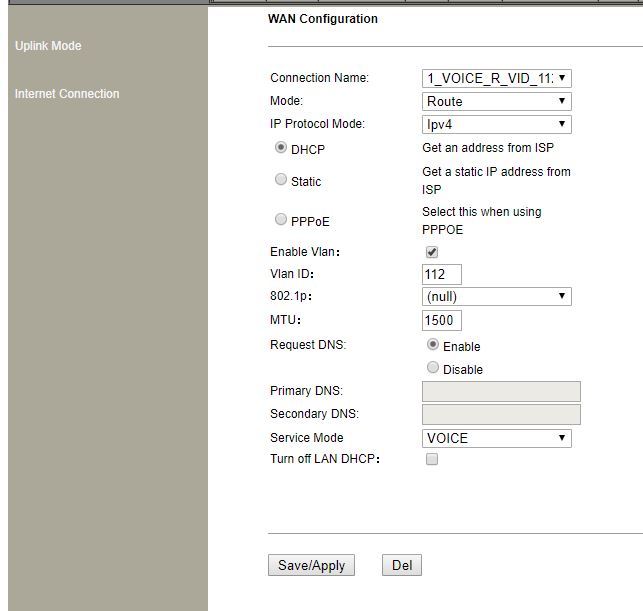
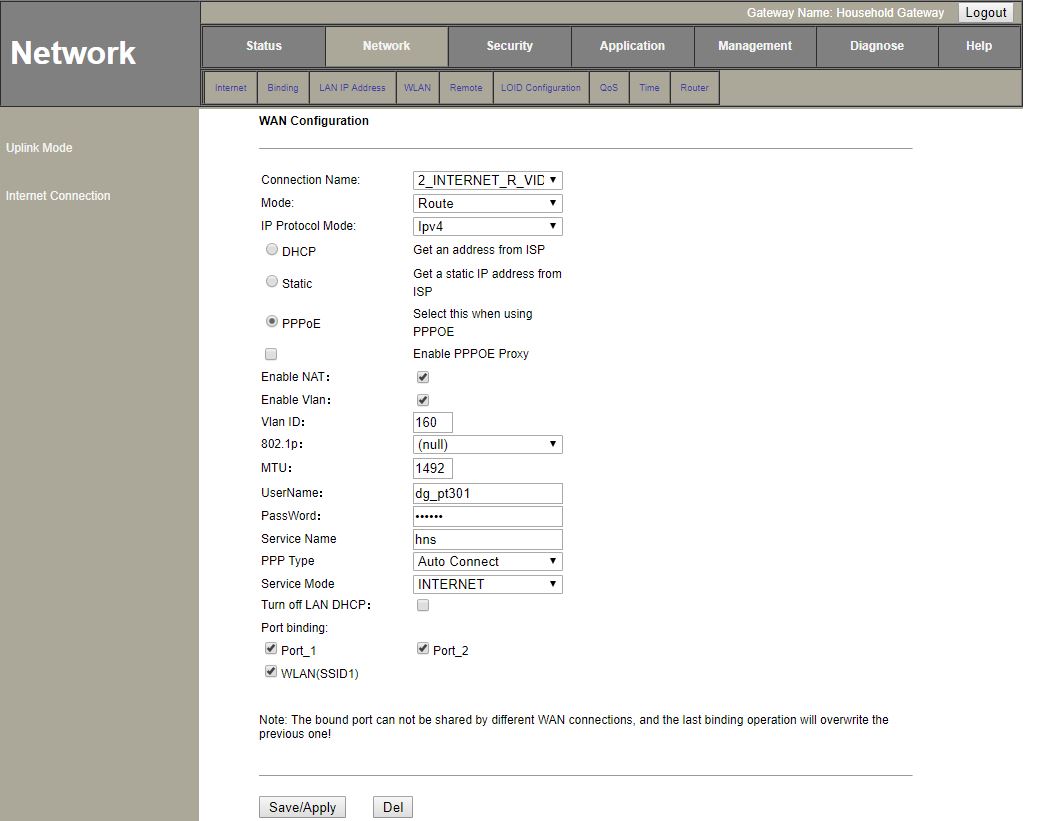
Could you share the screenshot of the WAN profile on the ONT?
 
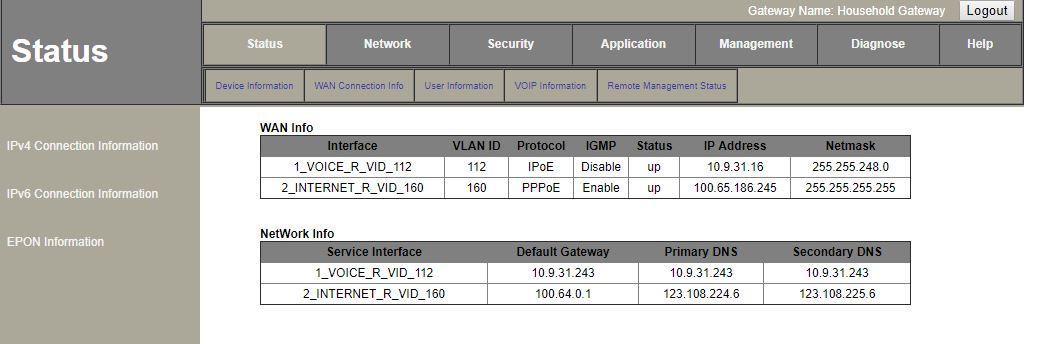
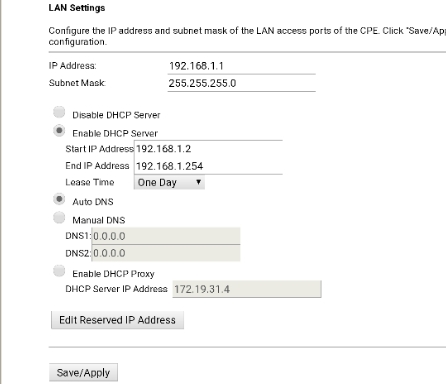
including my WAN config screens. Could not get PPPoE log on my Netgear router when i tried testing connection. do i need to check logs on ONU?
24zXzG4.jpg


YKIYhlh.jpg


w5ZeORT.jpg


X0FTkOQ.jpg
 
Last edited:
It is possible the ISP may be binding the connection to the MAC address as I mentioned earlier. What does the PPPoE authentication log say?

It is recommended to change the IP address of ONT so that there isn't any conflict and depending on your router options you might be able to configure it so that the ONT web UI remains accessible.

Could you share the screenshot of the WAN profile on the ONT?
@varkey can you please refer the screenshot and suggest if I am doing something wrong?
 
I have an FTTH connection at my apartment. The router that comes with it is mentioned below.


The ONU can be used in router mode and bridge mode, currently configured as Router but it's a single band (2.4 Ghz) with WLAN speed upto 300Mbps. I already have a Netgear Dual band router that is ideal for DSL (RJ45) connections. How do I connect that router to ONU and use the it for WiFi instead of ONU.
conect both router with lan cable and keep admin ip address of onu 192.168.1.1 and keep admin ip address of 192.168.2.1 of another router then check connection will work
 
Back