Windows 10

I am thinking to switch to win 10 from 7 so can you share whats methods you use to block MS from collecting all data (spying) ?

And I saved a copy of win 10 in virtual pc when the free upgrade thing was going on so what files should I keep that contains licensee info ?
 
If you are using VirtualBox or VMware, I doubt you will be able to import the key. Microsoft looks for hardware signature when transferring keys and I doubt virtual PC hardware signature will work for you.

If you are using Insider Preview, it is more or less certain that Microsoft will collect some data.
 
I am using win10 not worth the switch. Except for the ability to reset your PC i do not find anything that i use in 10 which is not available in 7.
 
For older games i did not notice any performance improvement. My system cannot handle newer games but i think win10 can prove useful there with newer dx12.
 
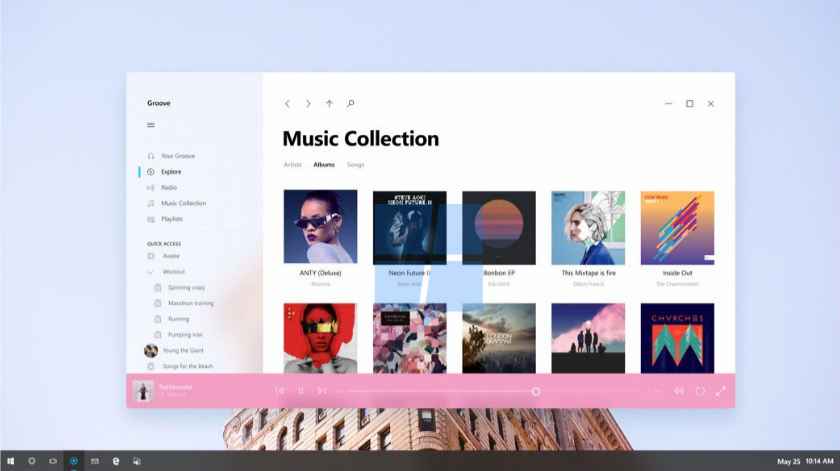
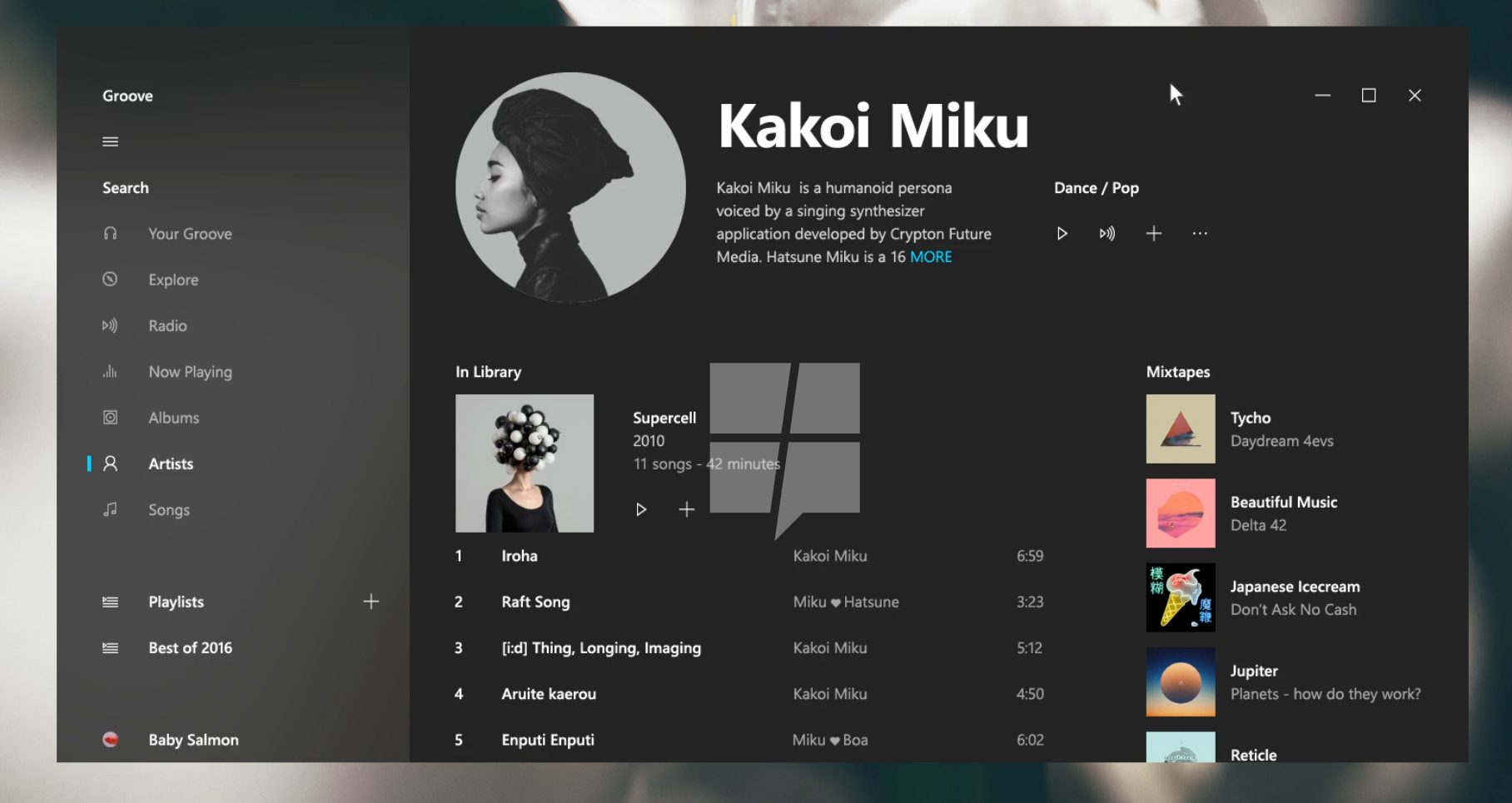
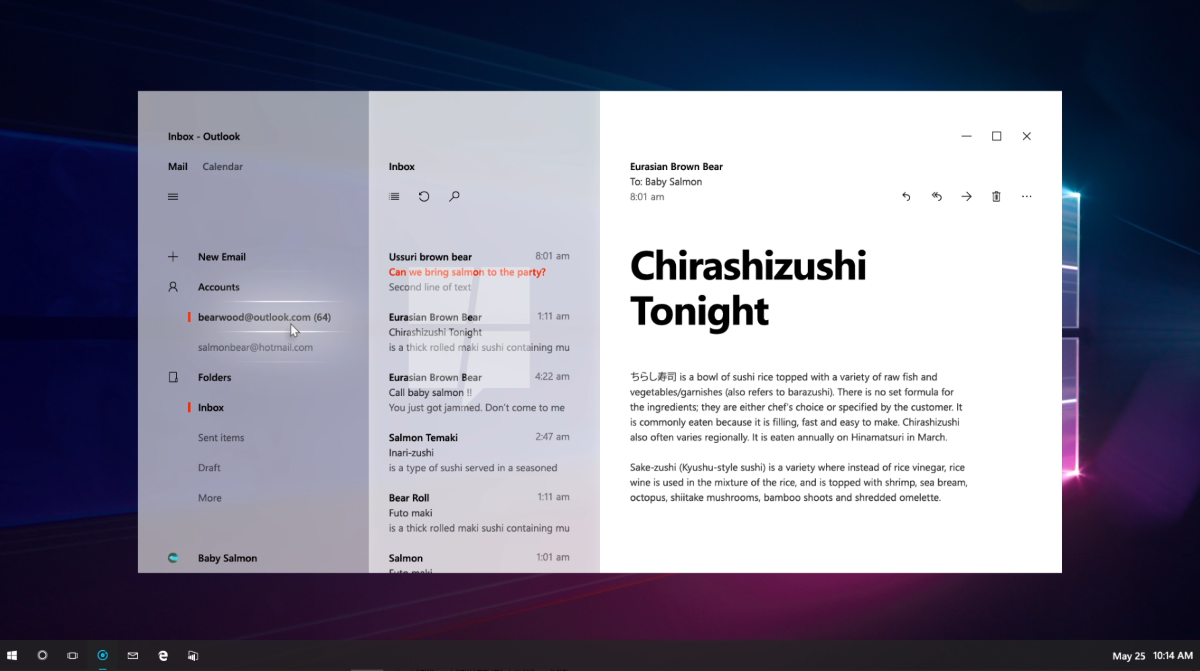
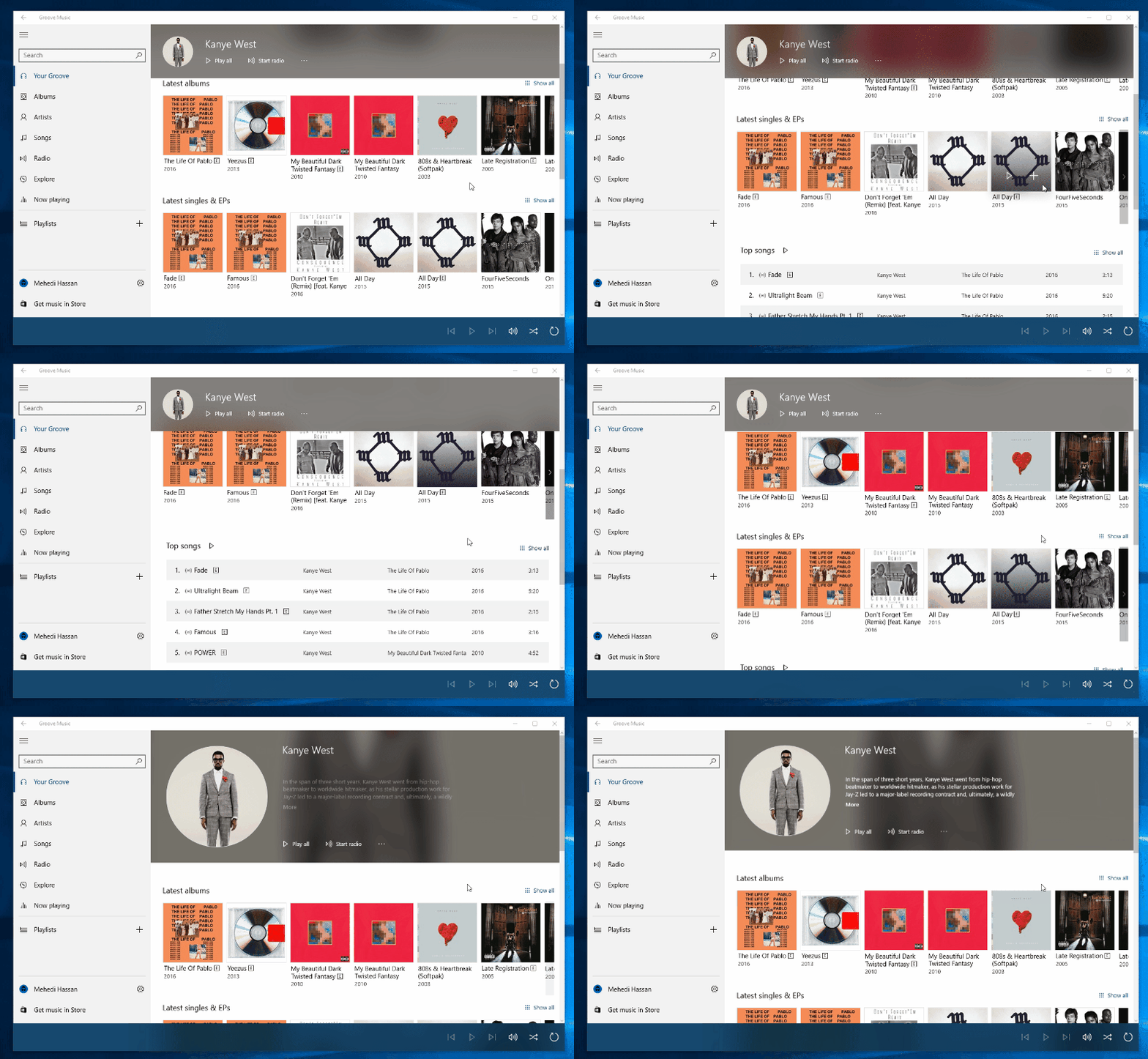
Exclusive: This is Project NEON, the upcoming incremental upgrade for Windows 10’s design - MSPoweruser

Windows 10 is the new Zune.

vFZKmkM.png

yD9xKzC.png

O5QqWlb.png

7IkHeiR.gif
 
Announcing Windows 10 Insider Preview Build 15002 for PC - Windows Experience Blog

looks like a solid update. some useful changes.

Simplified and faster VPN access: A much requested feature from our VPN users, we’ve updated the Network flyout so that after selecting a VPN, you can now click connect from within the flyout rather needing to open VPN Settings. We appreciate the feedback and look forward to what you have to share next! If you encounter any issues, you can still connect to VPN from the VPN Settings (and please log feedback letting us know about it!)
Lower Blue Light: Windows can now automatically lower the amount of blue light emitted from your PC at night. Settings to turn this functionality on or off and use a local sunset and sunrise or custom schedule are in Settings -> System -> Display. If you need to quickly override the schedule or always want manual control, you can enable this quick action in Settings->Notifications & actions. Use this capability for a couple nights and send us feedback through the Feedback Hub, we’d love to know what you think!
Metered Ethernet Connection Support: Based on your feedback, we’ve added the “Set as metered connection” option to the Ethernet (LAN) connections in Settings > Network & Internet > Ethernet. Just like mobile broadband and Wi-Fi connections, this option helps you to restrict background data usage from some applications and gives you more control over how data is used over the Ethernet connection.
 
Back