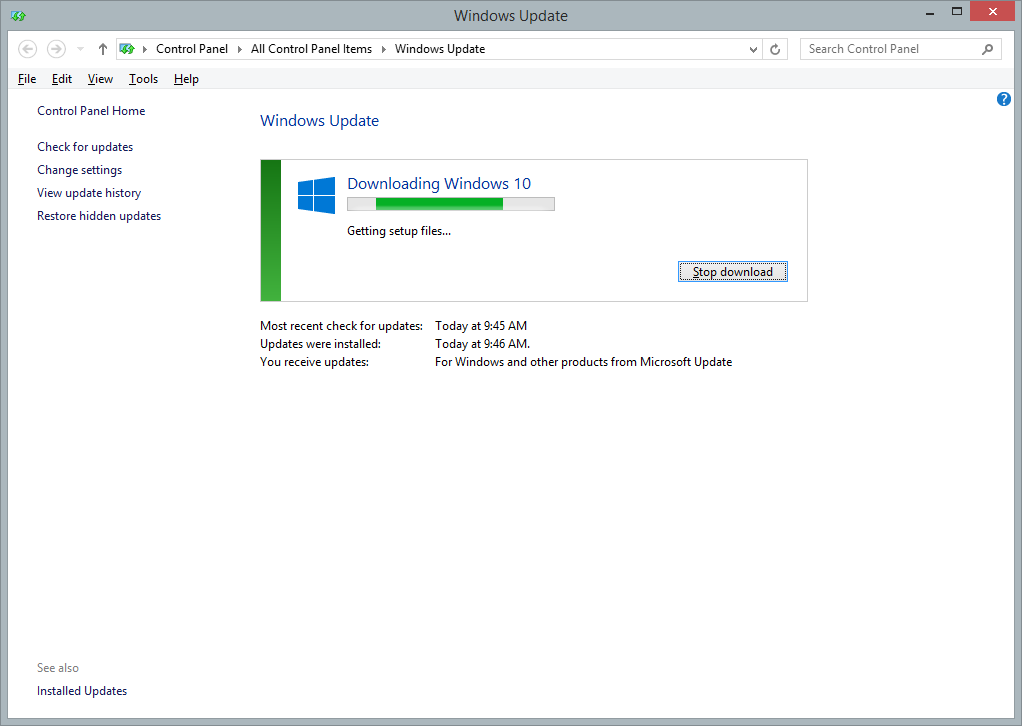
Used the ISO to upgrade. Worked fine but took close to 2 hours. Was expecting less.
The first thing you will notice is the huge search bar in the taskbar which though looks pretty but ends up cramming it. Infact I hate how the icons get arranged. If you have more apps open than the space it requires, it starts hiding the left most icon which looks odd.
Anyway.
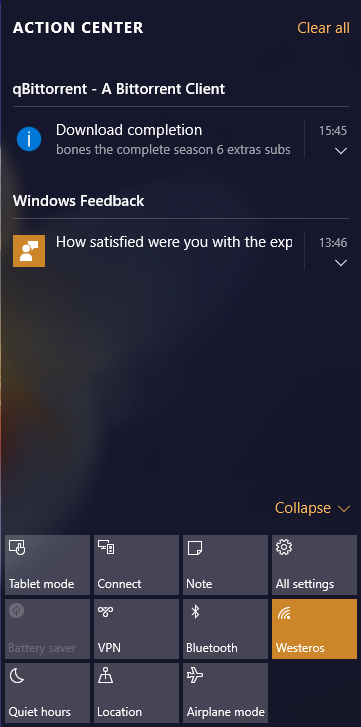
Windows Update is gone from the Control Panel. Was expected since this is the free upgrade, we will be forced with every update. We don't have any choice. Do check Active notifications in Taskbar. Love how one can disable Bluetooth or turn off Wifi with one click. Start menu is back and I don't like it especially because its the old start screen in condensed form. Thankfully I am already using a 3rd party Start menu which works for me.
Windows wanted to update
Onedrive and opened Edge browser to download the file. But as soon as the download finished and I tried to open it, Windows tells that its already installed.

:speechless:
You will also see a notification which tells that extra updates are being installed. What it usually meant was extra apps which MS is supposed to bundle like Candycrush, Solitaire and the likes. Since only Candy Crush was missing from my PC, it tried to download it. So take notice.
Coming to the Edge browser - man its fast. Reminds me of the early Chrome days. It does take substantial amount of RAM though. I guess I am going to use it whenever possible in the near future. Dark mode in Edge looks really good.
Btw while installing if you go by default recommended settings, you will be in for a shock. MS will change all your default apps from the browser, video, audio players and even your image viewer. If by mistake you did then don't be surprised when that movie you wanted to play gets opened in a Windows app instead of VLC Player.
Explorer looks good. Local search still needs time to index so no idea how effective it is right now.
Nothing else to add. Will post if I find anything useful to report.