Windows 10

Download the ISO. Safer than the Windows Update method. I must have wasted 10GB of data in the last 24 hours to get it to work. In fact, get the ISO from someone who has already downloaded it to save even more bandwidth.
Thats better idea. Besides I hope download can resume.
 
It should! Plus I think it should be available through torrents as well so you can take that route.
 
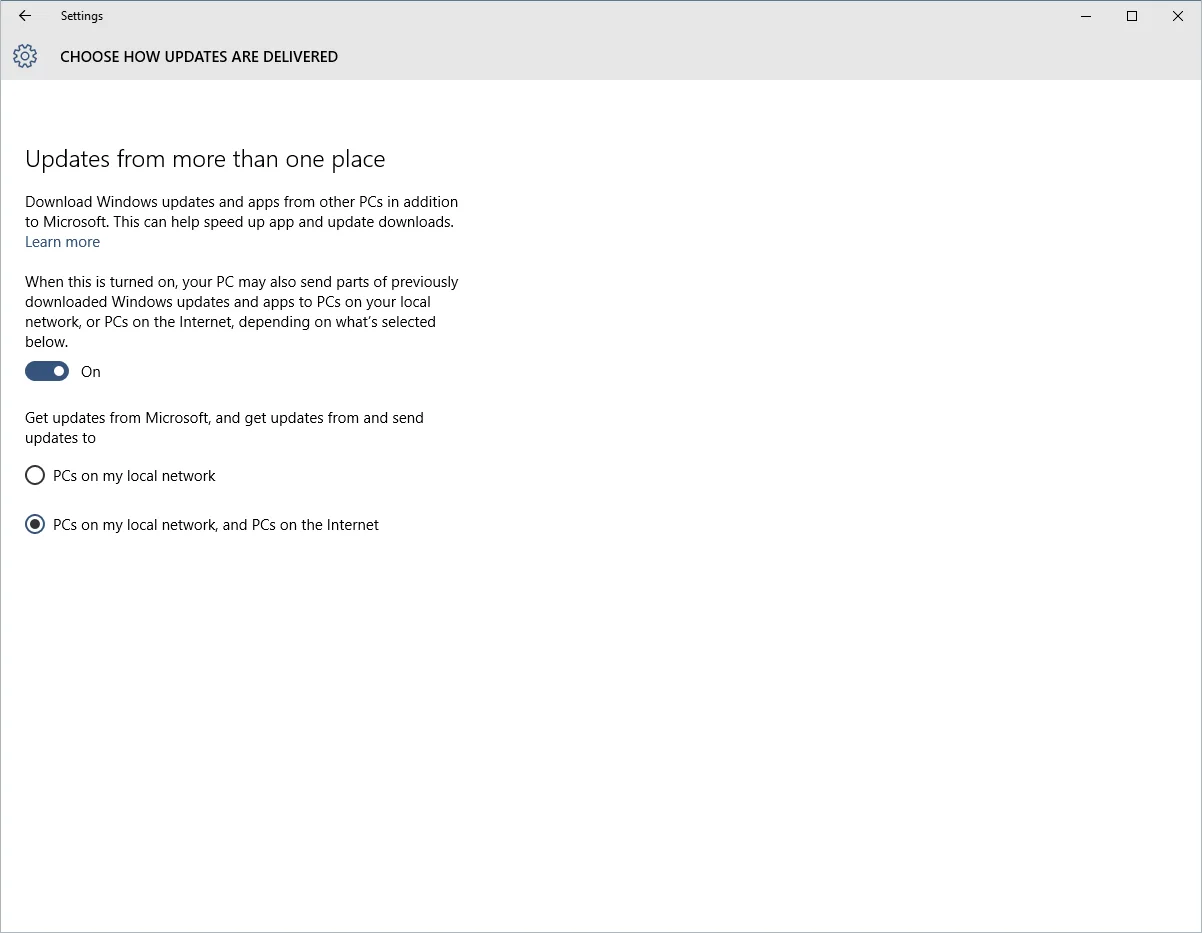
This option is cool if you have multiple Windows machines running Windows 10.

QzlX5kc.webp


But not if you are on a metered connection.
 
Ok, after searching more about ISO file for Windows 10, few questions came to my mind.
I have licensed copy of Win 8 Pro (upgraded to Win 8.1 later) on my laptop which I purchased from my friend working at Microsoft. Now after I download ISO file, do I need to ONLY upgrade, or can I use ISO to do fresh install, If fresh install is possible?
 
you would need to upgrade first. after that microsoft would associate your computer hardware with that activated windows 10 edition.
after that you can do a fresh install on the same hardware and it would get activated automatically.
 
has microsoft indicated what hardware change would kill the activation? motherboard i understand. what about hard disk? it would suck if this activated windows 10 dies with my ssd :D
 
In Windows 8/8.1 the activation was broken for me when I swapped my HDD with an SSD (backed up and restored image). If would be a pain to activate Windows 10 in that case as there's no option for activation via phone which is what I was successful in doing as online activation was failing too.
 
here is a tip for people on limited bandwidth wired broadband connections. this only works if you are connected through wifi to your connection. this was applicable on windows 8 as well. you can configure any wireless connection as metered from advanced configuration in network settings. though i am not sure how you would get the updates at all in that scenario. i guess microsoft would let you update windows manually if you are on a metered connection?

i do not have that option on my computer because i am connected to my router through ethernet cable.
 
Back