Windows 10

ohh. Then it's going to be very difficult to download it on GTPL broadband at my office. I think I have to try at home on BSNL broadband.

Download MSDN iso from torrent, match the SHA-1 with MSDN afterwards to make sure you don't have a modified release.
 
I use Mplayer on Linux. SMPlayer is just GUI for Mplayer
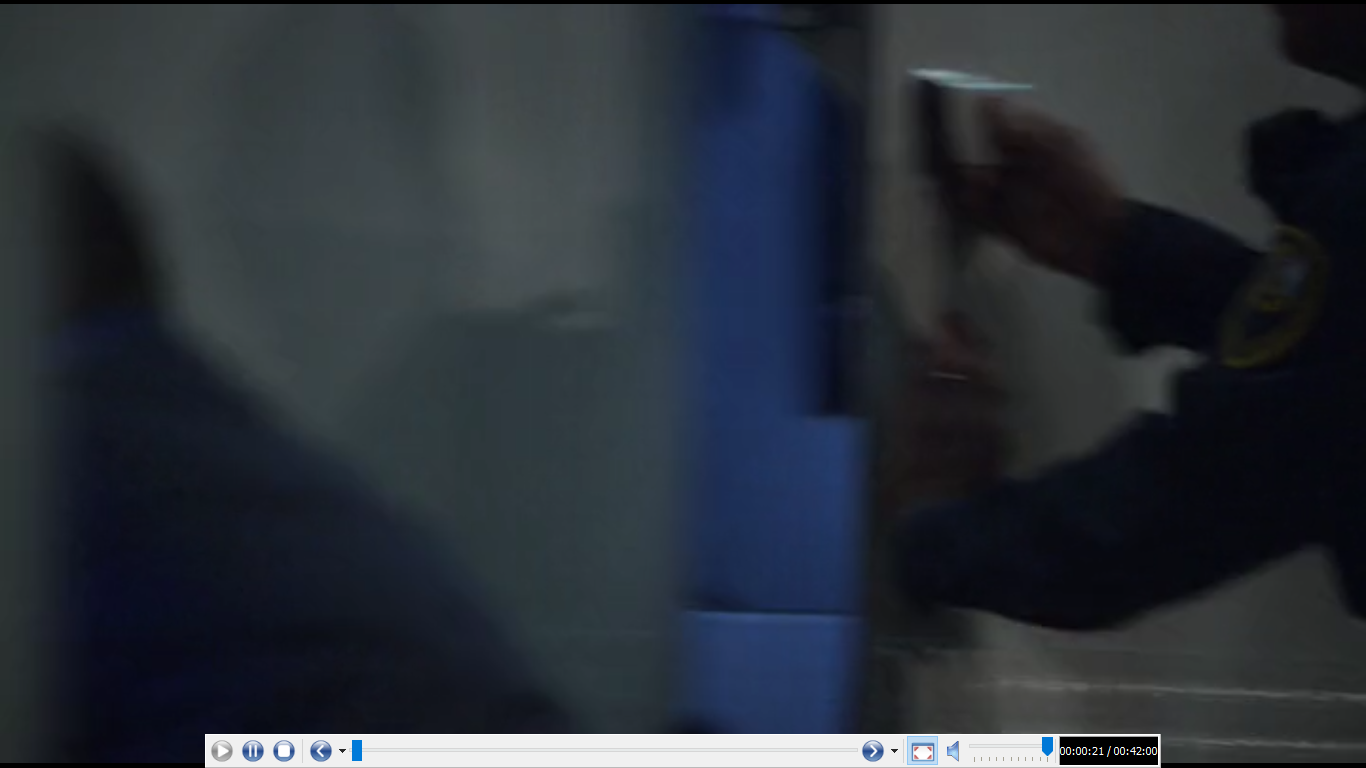
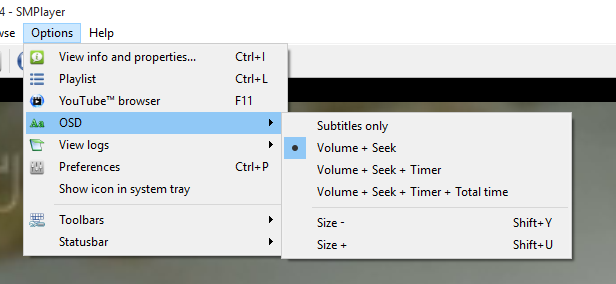
I am not seeing on screen display for volume slider and positioning of the video. Which I guess is managed by the GUI. Plus SMPlayer now uses something called MPV by default. :D
 
After creating the ISO, it says you must have the product key to install.. Where can I get that? Is it same as the Win 8 Key?
 
how are you installing? skip the screen asking for product key. it activates on its own.
 
Download MSDN iso from torrent, match the SHA-1 with MSDN afterwards to make sure you don't have a modified release.
Can't download from there as it is asking for MSDN subscription as I don't have any. I think I will try from my home on BSNL broadband.

Thanks for your suggestion.
 
I checked yesterday and err I am not facing any issue.

KBARr1O.png
 
He is suggesting to download the MSDN ISO from Torrents. Not from MSDN.
In any case, ask a friend around. Someone might have already downloaded the ISO using the tool!
 
I checked yesterday and err I am not facing any issue.

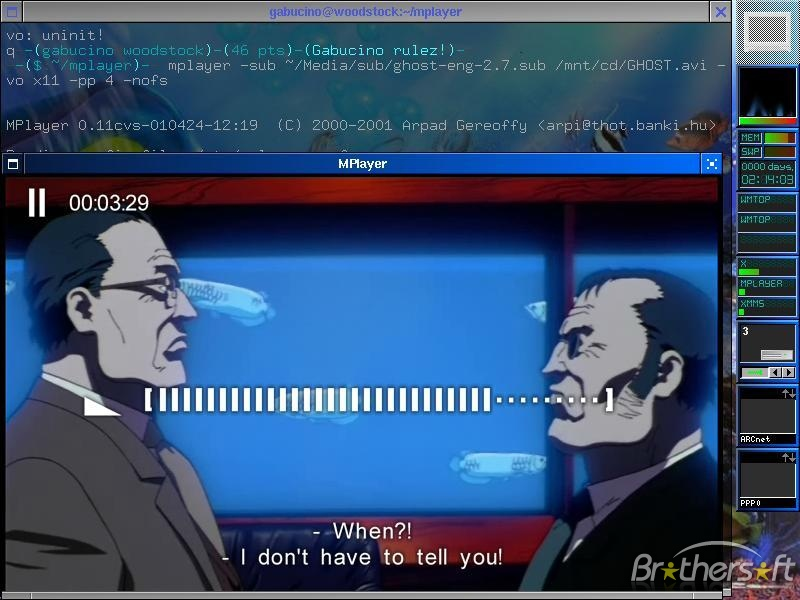
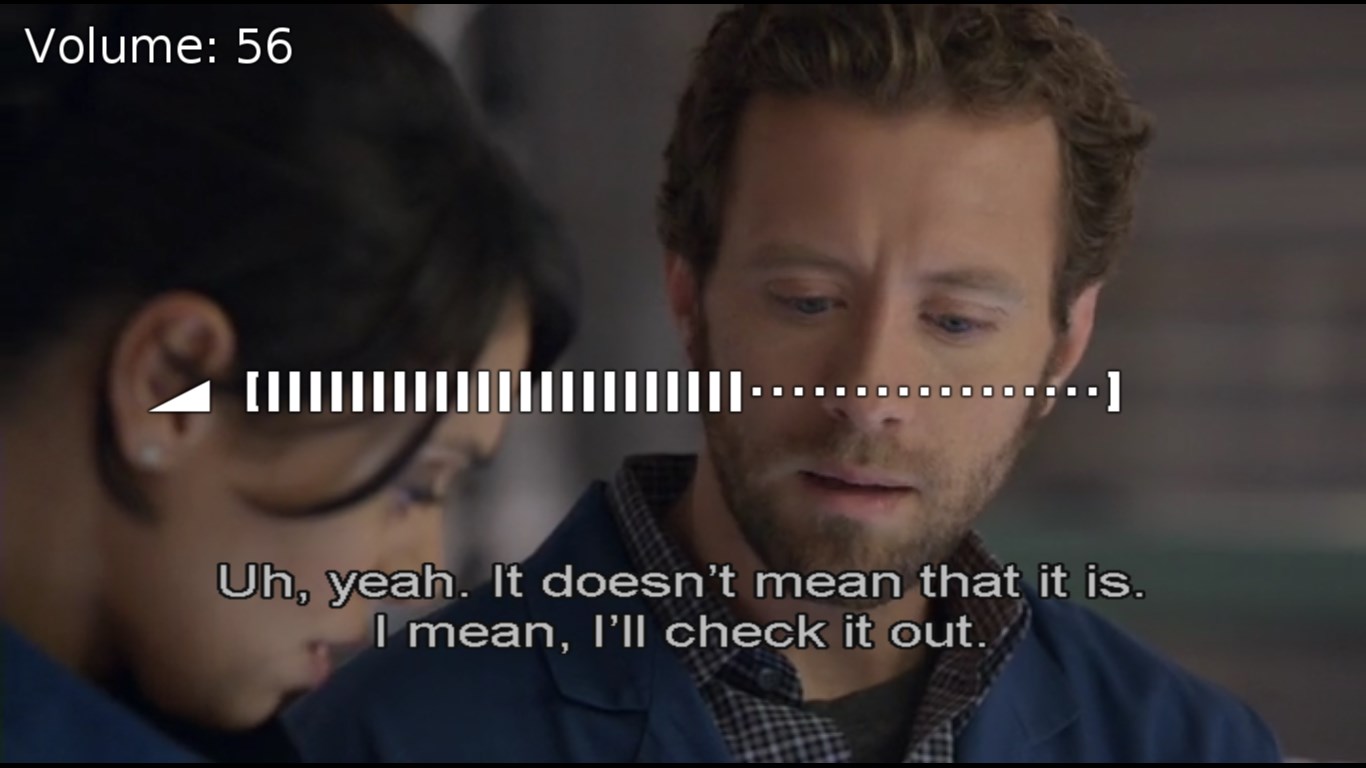
arey sarr. i am talking about the actual osd. the text info that is used for subtitles (working), volume seeking (not working).

23Y00NB.png


basically. when you change volume, white colored bars appear on the screen showcasing the level of volume etc. that is not working on windows 10.
 
Back