Windows 10

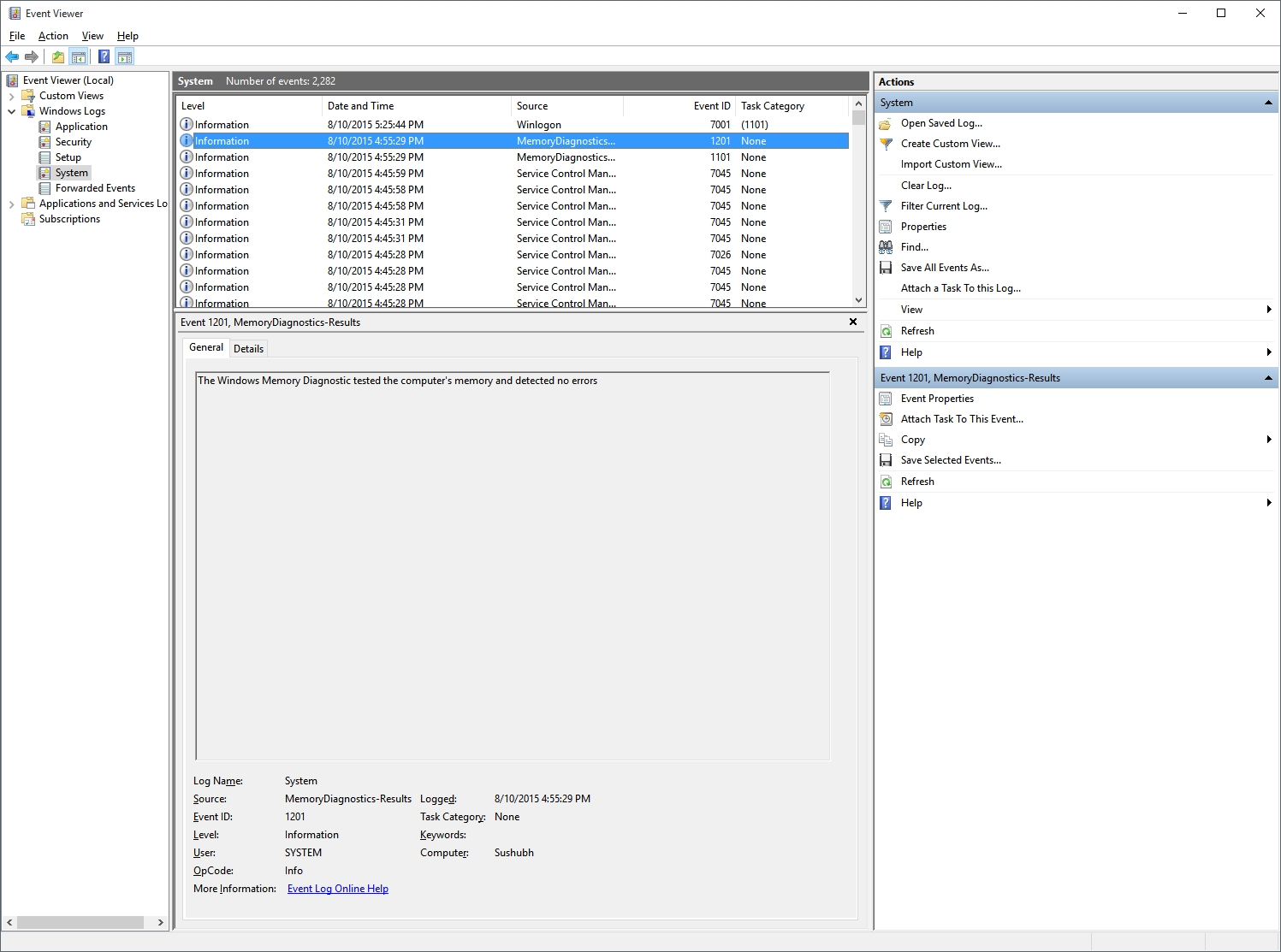
Why not just do a memory diagnostic - that comes with Windows somewhere in the system/boot options...
 
System continues to restart at random intervals. Problem kind of started after inserting the new RAM. Though I have gotten them replaced and the thing is not that frequent. I am tempted to reset Windows and see if that helps. The issue is most likely a conflicting driver. I have tried everything. All drivers are up to date. Still... Too tired to test again after removing the new chips and seeing if that helps. Coz the restarts are very random and sometimes do not happen for a few days. Sometimes I get 2-3 in a day.

I faced this similar story with win 7 when I added memory to my laptop in the past, henceforth I never add new ram to existing memory, I think replacing both the memory SIM together with new similar ones will solve the issue.
 
it's the exact same model. bought from the same listing on the same store with exactly the same configuration and name.
 
I was downloading Windows 10 pro using the media creation tool. After downloading 3+GB, I got the most helpful error message yet: "Something happened."

I'd to download all over again. This time, the ISO was successfully created. Because, the second time, I opened the tool as an administrator.
 
I3uMjfM.jpg
 
Back