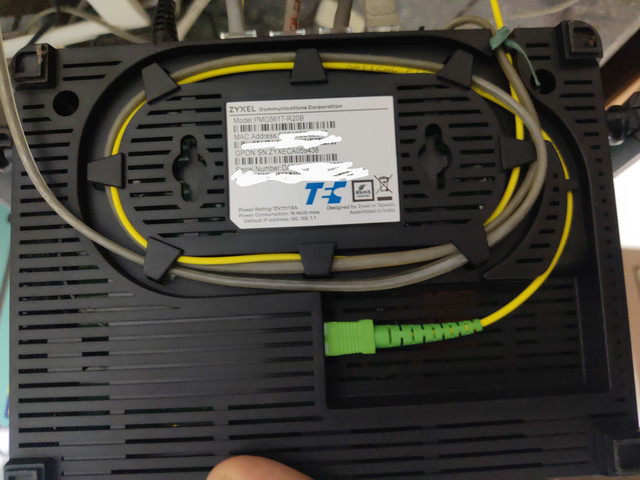
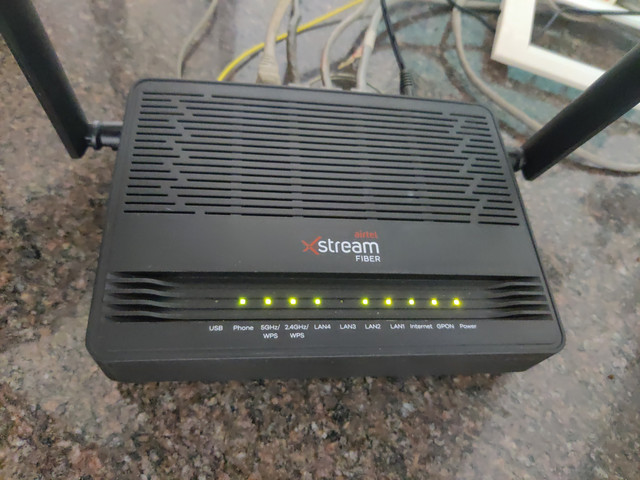
Just got a new fiber connection
I expected Nokia/ZTE as per other users.
However, seems like they are now sending out ZyXEL PMG5617-R20B ONTs
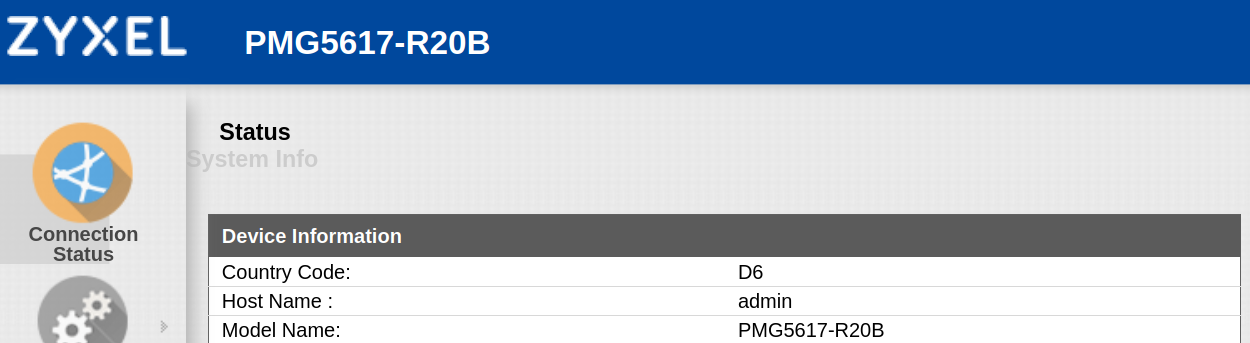
It's a pretty decent Equipment in terms of performance, able to get 400mbps on 5ghz WiFi (Lan to Lan) and there are 4 Gigabit LAN ports.
It is actually faster than my Archer C7 running openwrt with bridge mode enabled. Not sure why.
Setting up bridge mode was fairly easy in the WAN settings.
For DDNS, it Supports dyndns, no-ip and zoneedit.com
Port Forwarding is pretty easy in NAT settings, very self-explanatory.
However, in terms of configuration, it is pretty locked down (You cannot backup/restore the router config!)
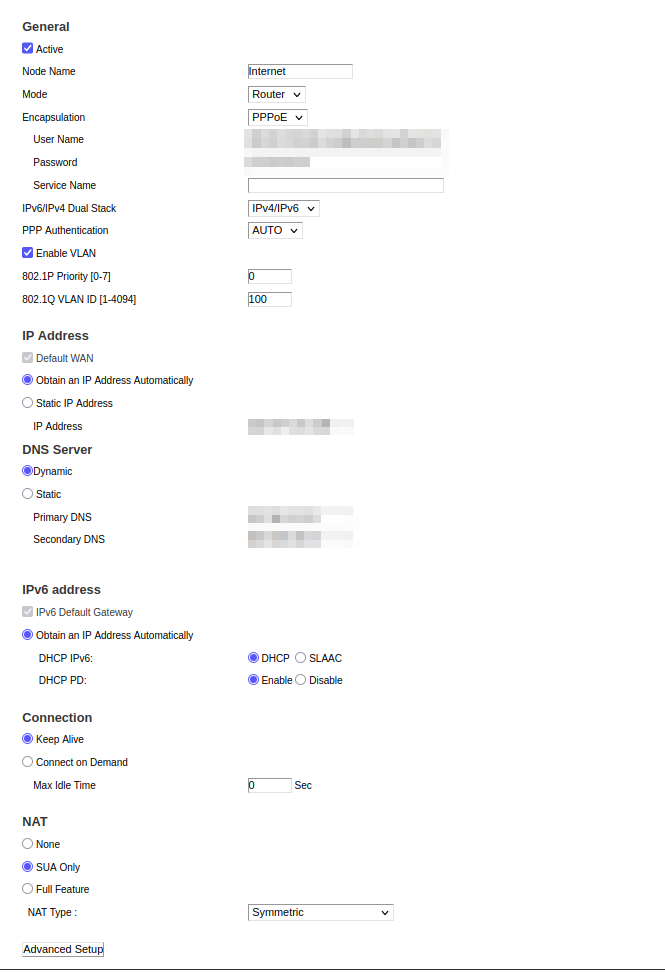
On PPPoE mode, It is set to IPv4 Only by default, but you can change it to IPv4/IPv6.
It seems the internet speed is restricted on an IP basis.
Well seeded Linux torrents reach my plans max speed if I just use IPv4, but with dualstack, I am able to get 2x the speeds thanks to IPv6 peers. Ran 2 simultaneous iperf3 tests on a dual-stack gigabit server, and I am able to max out both ipv4 & ipv6 speeds individually to my plan's max limit
Here are a few screenshots.
WAN settings overview:

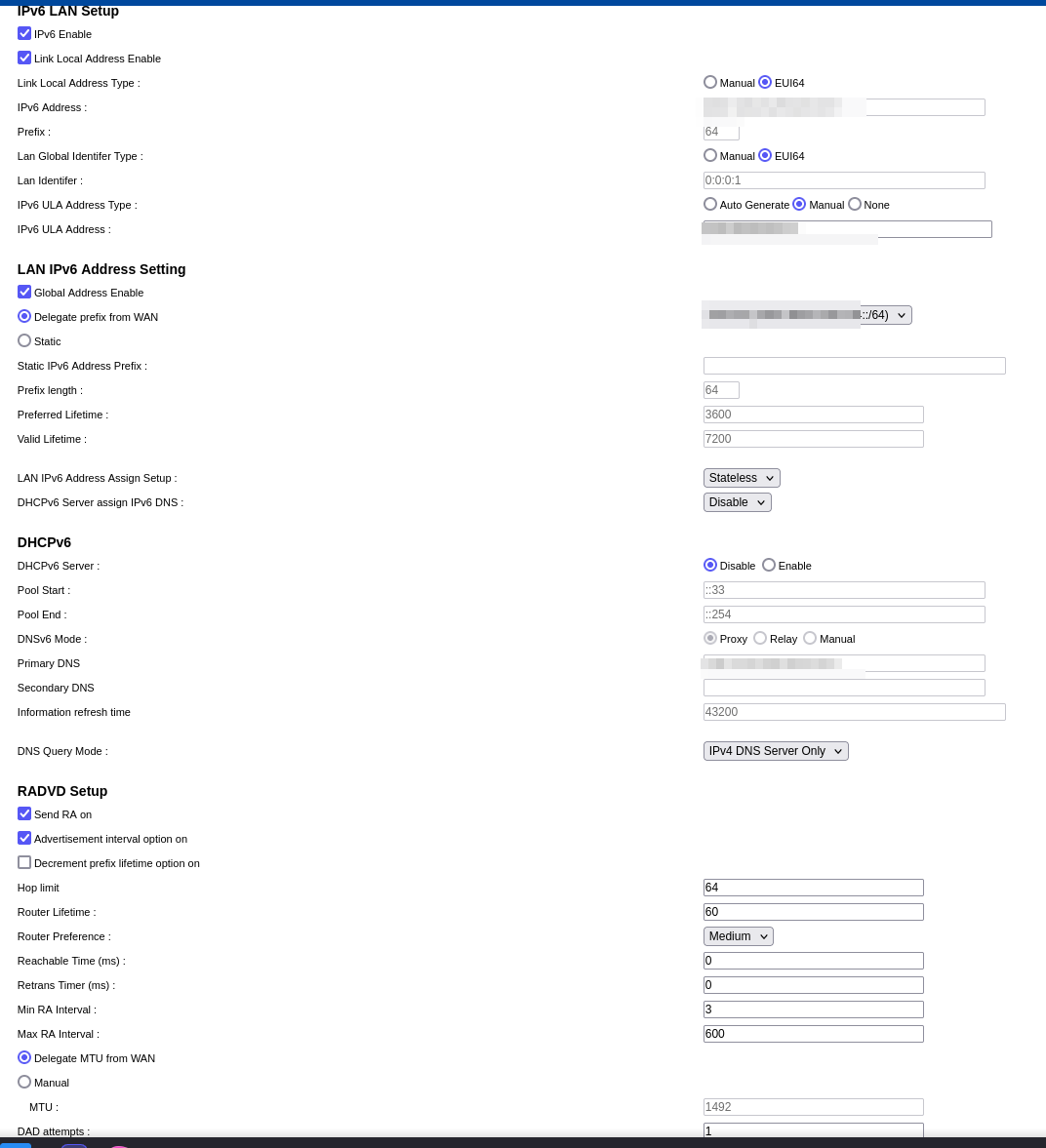
IPv6 LAN settings
Regarding router's running-config, unlike other equipments there is no way to backup or restore.
The backup/restore setting page only has "reset" option, however you can inspect-element that button and change
Overall I am very happy with the connection. I only wish Airtel would provide /56 or lower IPv6 prefix and the equipment was a bit more open to tinker around.
I expected Nokia/ZTE as per other users.
However, seems like they are now sending out ZyXEL PMG5617-R20B ONTs
It's a pretty decent Equipment in terms of performance, able to get 400mbps on 5ghz WiFi (Lan to Lan) and there are 4 Gigabit LAN ports.
It is actually faster than my Archer C7 running openwrt with bridge mode enabled. Not sure why.
Setting up bridge mode was fairly easy in the WAN settings.
For DDNS, it Supports dyndns, no-ip and zoneedit.com
Port Forwarding is pretty easy in NAT settings, very self-explanatory.
However, in terms of configuration, it is pretty locked down (You cannot backup/restore the router config!)
On PPPoE mode, It is set to IPv4 Only by default, but you can change it to IPv4/IPv6.
It seems the internet speed is restricted on an IP basis.
Well seeded Linux torrents reach my plans max speed if I just use IPv4, but with dualstack, I am able to get 2x the speeds thanks to IPv6 peers. Ran 2 simultaneous iperf3 tests on a dual-stack gigabit server, and I am able to max out both ipv4 & ipv6 speeds individually to my plan's max limit
Here are a few screenshots.
WAN settings overview:
IPv6 LAN settings
Regarding router's running-config, unlike other equipments there is no way to backup or restore.
The backup/restore setting page only has "reset" option, however you can inspect-element that button and change
onclick="restoreDefault(1)" to onclick="backup_settings()" to get a romfile.cfg which is unfortunately encrypted
Code:
❯ binwalk ~/Documents/Zyxel_romfile.cfg

DECIMAL       HEXADECIMAL     DESCRIPTION
--------------------------------------------------------------------------------
0             0x0             OpenSSL encryption, salted, salt: 0x7045F14CA42A38B9
Overall I am very happy with the connection. I only wish Airtel would provide /56 or lower IPv6 prefix and the equipment was a bit more open to tinker around.