Airtel Xstream Fiber Pune Review

  • Thread starter Thread starter Deleted member 83050
  • Start date Start date
  • Replies Replies 127
  • Views Views 20,008

This thread is related to Airtel Fiber Broadband experience in Pune/PCMC. I always try to update the thread with my personal experiences.​


Airtel Black:

I was already using their 999 postpaid family plan, so opted for their 1799 airtel black plan which had 1+3 add on sim(999 family plan) and 200Mbps fiber broadband.The total bill comes out to be 2122(inc. gst). If i calculate the individual cost of the plans - 999+gst=1179 for postpaid and another 999+gst= 1179 for 200 Mbps broadband for both airtel and tata(varies if opting for long term plan), so total cost comes out to be around 2358 per month.
Opting for airtel black 1799+gst saves me around 2358-2122=236 rupees a month, which is not a huge amount honestly.
I paid 4000 rupees as advanced rental which saved all the installation and hardware cost, and this would be adjusted in my future billing cycle. I paid for 2 months in advanced roughly which seems fair.

Booking and installation:​

Headed to the airtel store which is just 1km away from my place, KYC and payment was done under 10 mins. They said that the installation might take time as there are a lot of new colonies and apartment buildings where airtel fiber is recently live, so they have a lot of pending installations. They promised me that installation will be done in maximum of 48 hours which is also mentioned on their website Airtel FAQ.
I booked the connection on 21st june 2023 around 4:30 in the evening. The installation team contacted me the next day around 7pm and it was done by 22nd june 2023 around 8:30 pm.

Router:​

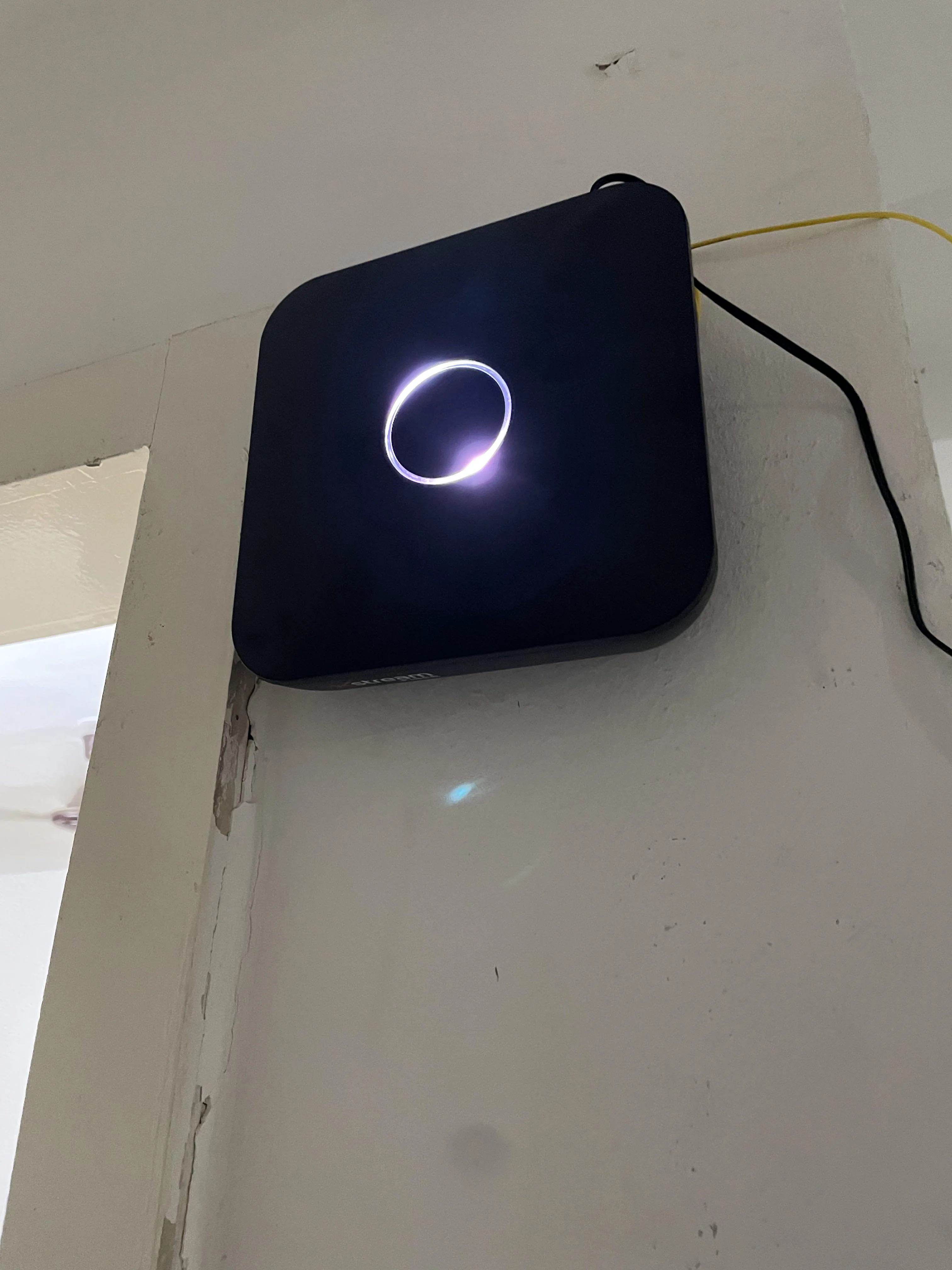
Got the Sercomm AOT - 42221SR. Sleek and modern looking router. Performs decent, good range throughout the house. It switches automatically between 2.4Ghz and 5Ghz band, which is very convenient.
Update on 20th July 2023: The ONT is sub par in terms of performance w.r.t multiple client handling and bandwidth distribution. Ended up putting this router in bridge mode and used TP-Link Archer AX10 instead.
Setting up this router in bridge mode doesn't require any assistance from airtel. I got it working by myself.
JIMlXfo.webp


c5F0Doj.webp

Speedtest:​


Source
Download speed on some speedtest.net servers is over 450 most of the times. I don't know what is the reason. Didn't opt for static IP or anything. Upload speed is around 240-250 as per the plan which is acceptable.


Source

Source
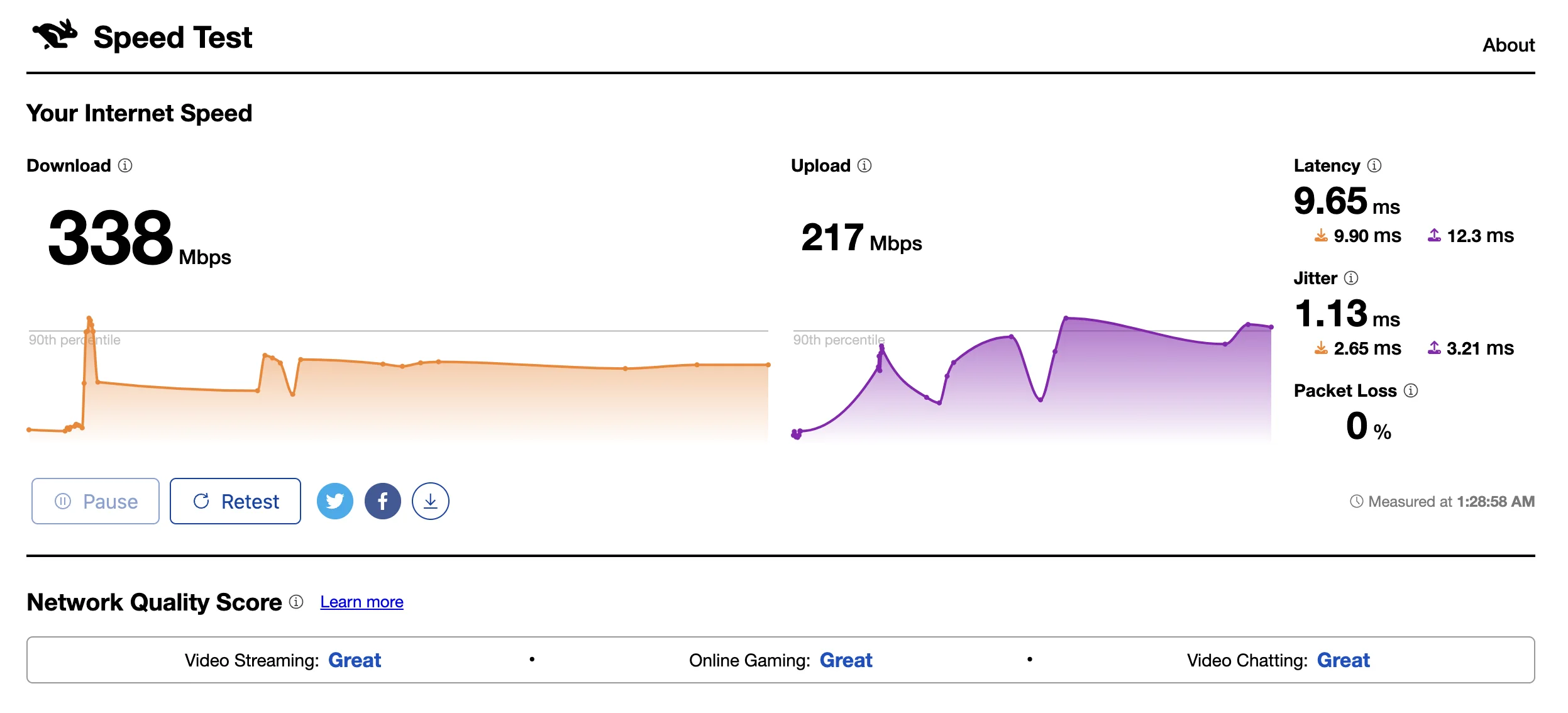
Tt3Hz2K.webp

Network Quality Test:

Bufferbloat:
A+ most of the times. Did the test over WiFi.

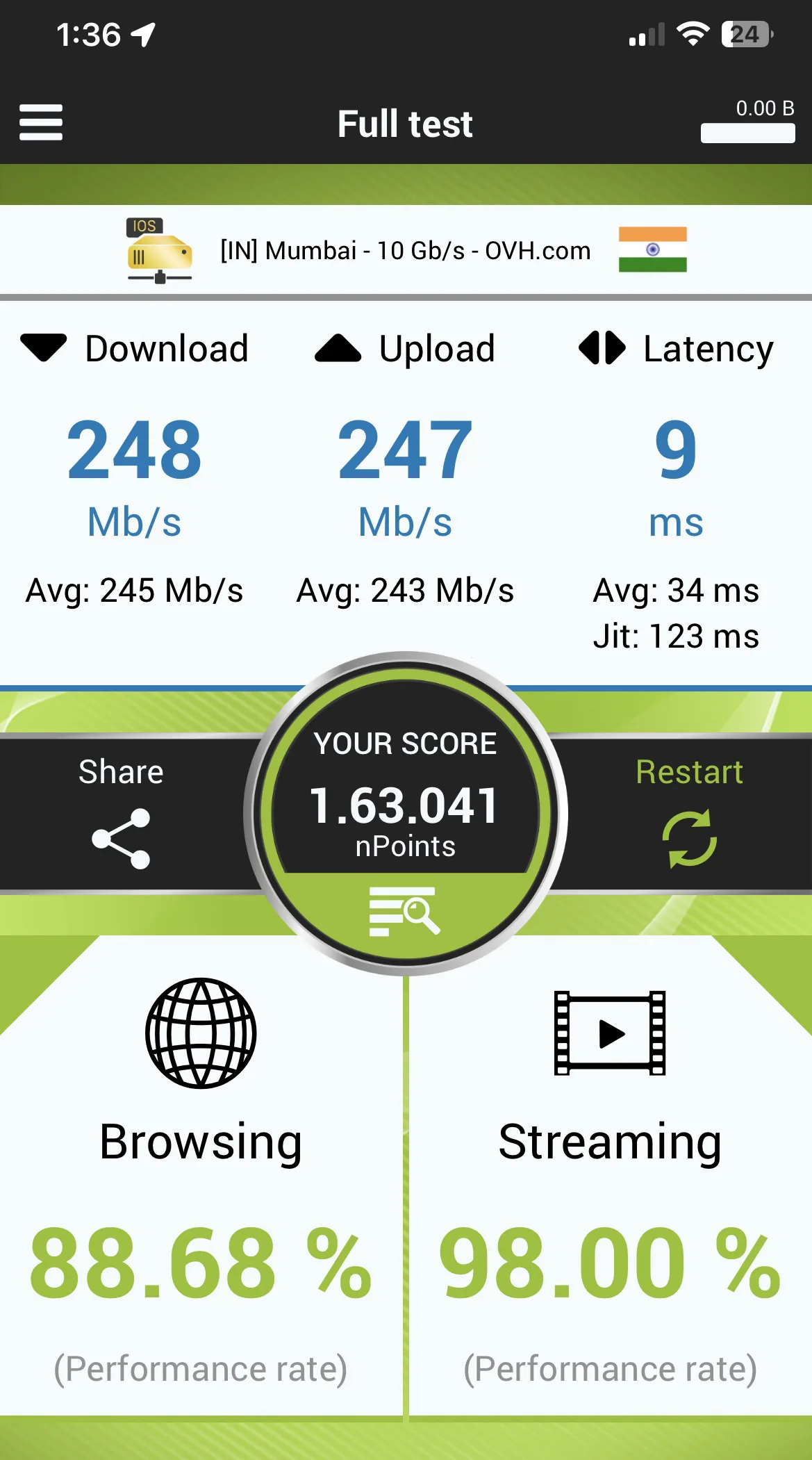
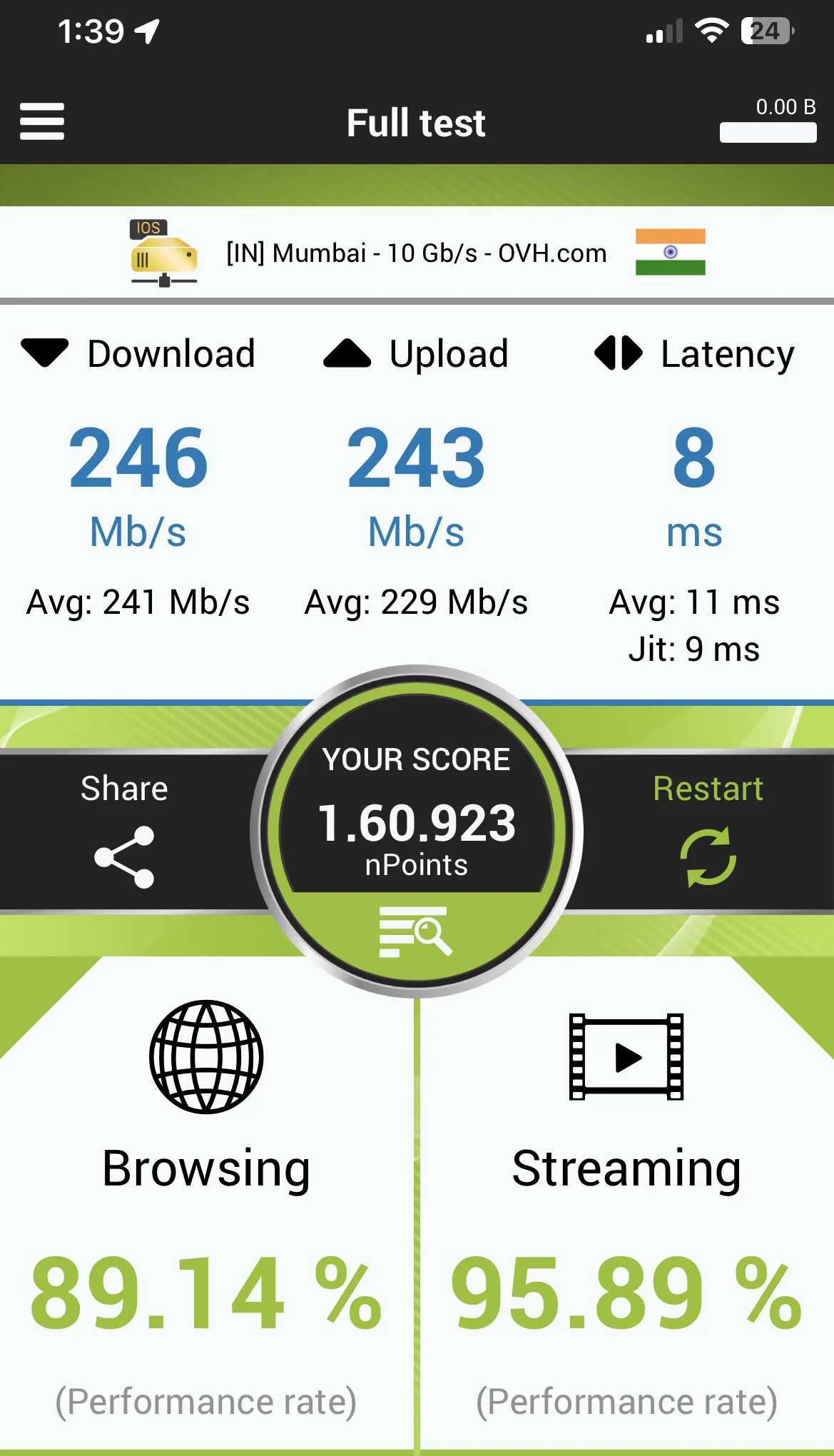
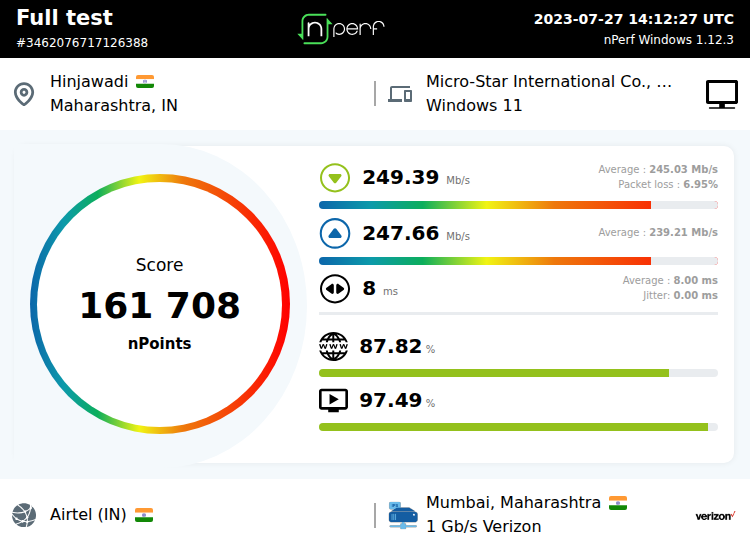
NPerf:
etOjhui.webp

Tkofj87.webp

3462076717126388-4oRWKg1z.png

Latency:​

Getting good latency while playing valorant. 6-9ms to mumbai server.
Connection remains stable when connected to my office VPN.


Overall i am very happy with airtel fiber connection. Browsing, surfing and streaming experience is slightly better than Tata. This is just initial impressions tho. Will update this thread in the future in case of any major update.
After one month of testing:
Definitely better than Tata Play Fiber in terms of raw performance.

Update on 11th August:​

CC support and FR time has definitely improved atleast in Wakad/Pimple Saudagar area.

Update on 27th October:​

FR team now attends SRs in the given time slot.
 
Last edited by a moderator:
Bufferbloat seems to be on the higher side in your case. Mine is always A+(on both ethernet and WiFi). Maybe there's some issue with your router if you are having problems with browsing. Try connecting your laptop/pc via ethernet cable and see it anything changes?
If you couldn't find WMM in the settings, it's most probably enabled by default and OEM locked. No need to worry about it.
I learned from this forum that IPv6 can cause issues sometimes, so if you are getting IPv6 address, try disabling it from the wan settings and force it to IPv4 only. See if that helps.
A 300 mbps connection shouldn't give browsing problems ideally. Can you elaborate on what issue are you facing while browsing the internet?
 
Last edited by a moderator:
@amol1212 have you tried setting custom DNS in your OS like Google 8.8.8.8 or cloudflare 1.1.1.1

When you say browsing experience is slow... was it good before getting airtel 200 mbps connection?

I'm asking because browsing experience can be slow if your computer specs are on low side, like if you have HDD instead of SSD or less RAM.
 
Update:
Just out of curiosity, i disabled IPv6 from the WAN configuration in router settings and rolled back to default DNS provided by airtel. Browsing feels even more faster now compared to when i switched to Cisco DNS. Of course i flushed the DNS and cleared cache from browser. Youtube opens faster, videos load faster, broadband forum loads faster, most of the blogs and articles page i visit load faster. Even basic google search feels faster now. At first i thought it's placebo but then the difference felt significant. It feels like i have unlocked the true potential of Airtel😂.
I personally don't need IPv6 because airtel still gives public IPv4 in Pune as of now. I don't access any IPv6 only specific website or service. My work VPN only uses IPv4, so no change in that case. It has been pretty stable with airtel.
This has been over 24 hours of testing. If i face any issues, i will update the thread.
@Chip i remember you saying somewhere on the forum that dual stack IP boosts page loading time but i think you might be wrong in this case. You also said that your browsing experience is not that great and you experience high latency due to static IP configuration. I have experienced the opposite in case of IPv4 only. Only the difference is that i am on a dynamic public IP configuration. Many people on this forum have complained about bad browsing experience after getting a static IP from airtel.
 
Last edited by a moderator:
@rajat_ thing is, I call it as I see it per my experience. The thing with dual stack is both addresses can download data depending on if the remote site has both v4 and v6 addresses. So remember, it's always YMMV and experiences are always localised. Heck sometimes I get good speed while my neighbour in another colony bldg does not. The internet can be inconsistent.

My v4 static from Airtel seems to have additional latency compared with the PPPoE. Not measured it so don't know by how much. But it makes up because of the bug which offers higher speeds as a bonus. Do I miss my dual v4+v6 connection on Airtel? No, absolutely not.

I don't need a v6 address (though I have a static IPv6 fom Tata) and I really keep wondering about the brouhaha on this forum over this addressing scheme. And I use my connection for it's slated purpose i.e. work/study/streaming/downloads etc not a lab where I keep measuring download speeds or trace routes or ping times. :) It's ok to do this for academic interest but seriously man, I am past all that now.

IMO It's better to be on v4 for now since a majority of sites are still on v4 and those on v6 also have a v4 address to ensure compatibility. v6 will take a long time for full adoption.
 
I think it's an issue with either the os or the browser which maybe first tries ipv6 then ipv4 if the former fails for a website.

Try looking for an option like "prefer ipvX and switch to the other setting to prefer ipv4" if you can?
 
@vishalrao you're right. If Ipv6 is enabled the browser especially chrome defaults to a fetch via v6 and if that doesn't work it falls back to v4. Easiest solution? Disable v6. :)

PS - I am on VPN nearly all the time so it's always v4 in my case.
 
@vishalrao i am on MacOS/iOS and mostly use chrome or edge(yes, on mac😅). I don't see any option to set preference between IPv4 and IPv6 in the network settings. I agree with @Chip, the best way to solve this problem is to globally disable IPv6 from WAN settings in the router.
 
To my surprise, i am not seeing a huge bump in performance when i disable IPv6 in Tata compared to airtel. Maybe it's because IPv4 in Tata is behind CG-NAT. Can any of you @Chip @vishalrao confirm this since you guys also use TPF?
 
Back