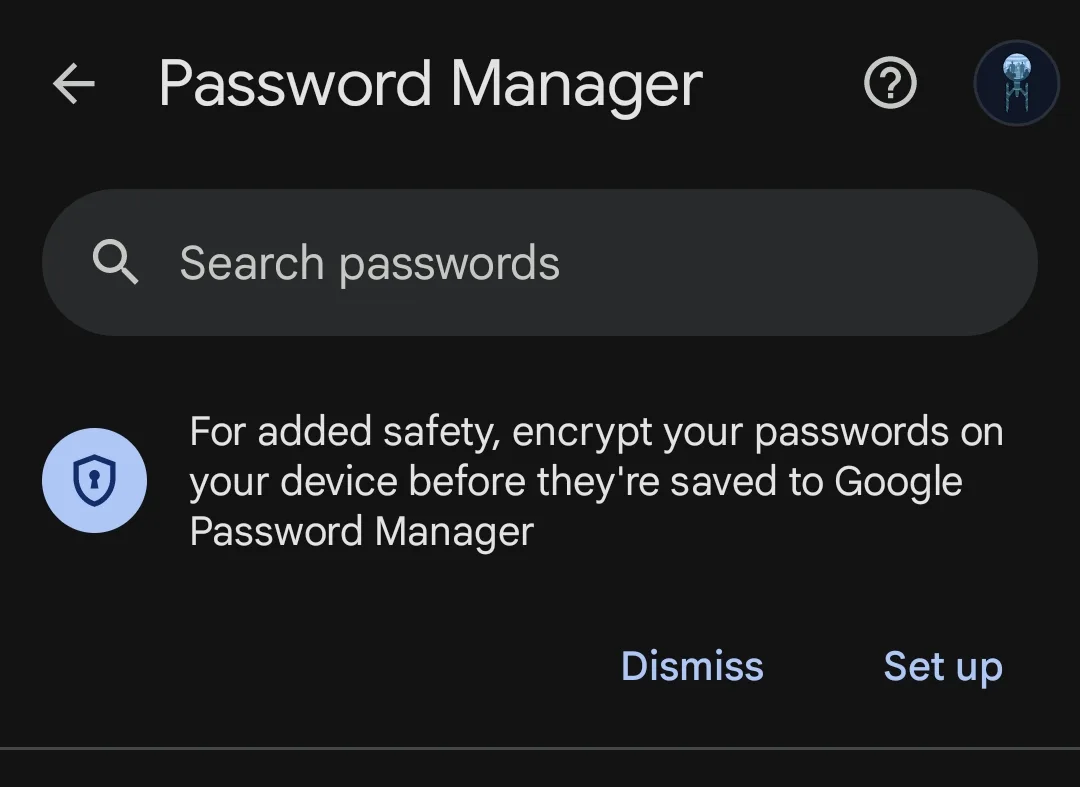
If you don't mind putting all your eggs in one basket and going to the dark side then
Google's password manager (built in to Chrome browser) along with their Passkeys support which works across operating systems (Win, macOS and Linux) and on
Android phones and is synced online, seems to work well.
I've recently started using this and Google Authenticator (which also syncs/backs up codes to your Google online account) for a few of my logins and seems to work well... Will be gradually using it for everything that is supported, primarily Passkeys, followed by Google Authenticator codes.
As a last option fallback , most of these online logins offer you the ability to view and save "backup recovery codes" (which you should backup in multiple safe places like in text files on disk and hard copy printouts too) just in case you still manage to lose access to the Passkeys/Authenticator codes.
edit: The main impetus (reason) why I started using Google is they backup to the cloud (your own account) so less likely need to resort to the physical backup recovery codes if you lose access for whatever reason. And the other strong reason is Chrome browser now syncs all this and supports Linux too recently.