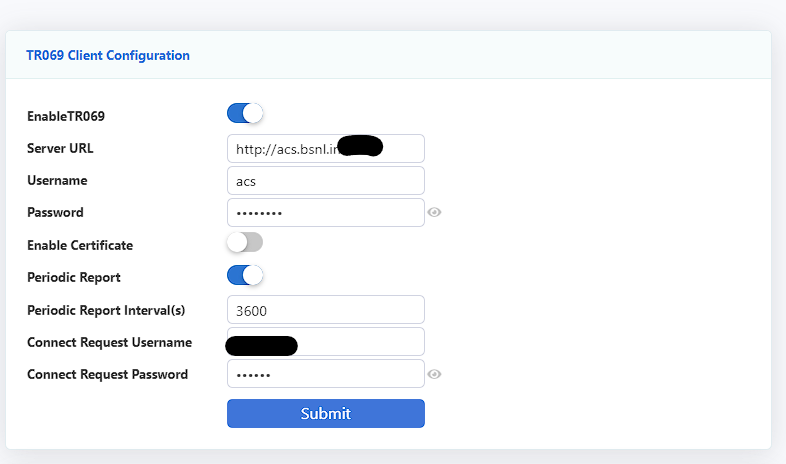
BSNL now giving out TR069 configured modems with ACS server.

  • Thread starter Thread starter Adithya
  • Start date Start date
  • Featured
  • Replies Replies 43
  • Views Views 7,803

Adithya

away from keyboard
Messages
828
Location
Kerala
ISP
BSNL | Jio
I just switched my connection from my old number to a much older number we still had in adsl. New fiber laid straight from BSNL, no LCO involved.

We were given this modem 1GE+1FE +1 POTS + WIFI – TnT-323 RGW-GEXPON – TechNXT

Pretty decent ui with good features
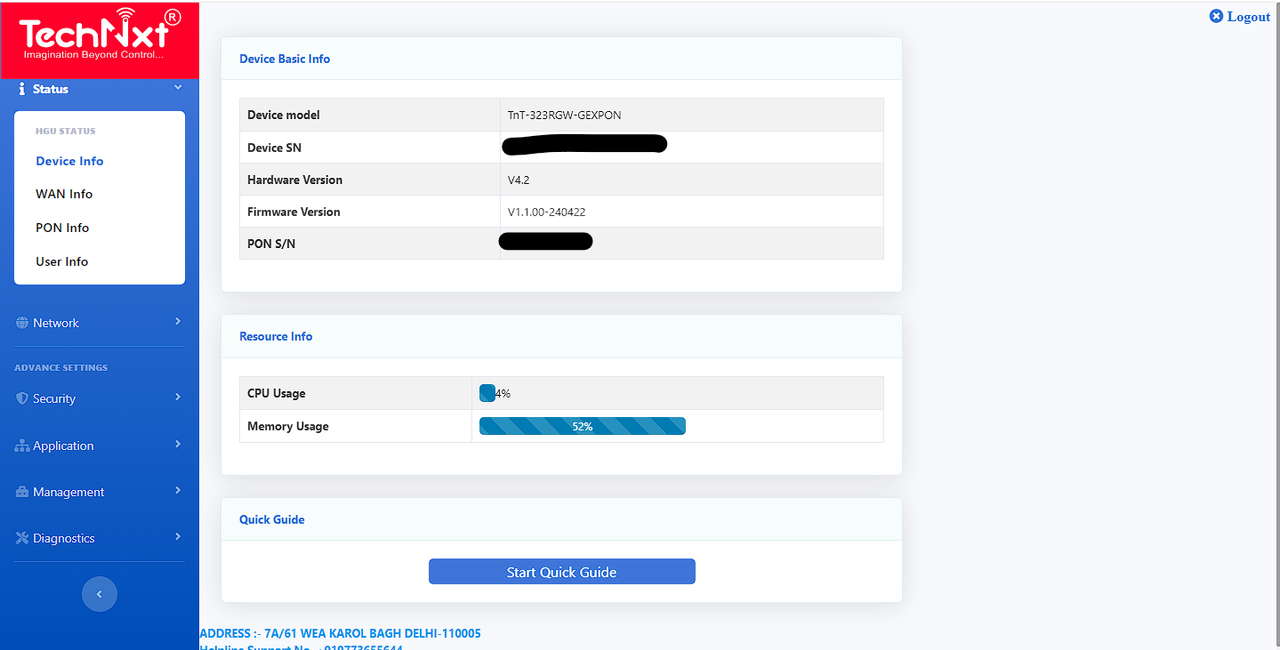
image.png


image.png


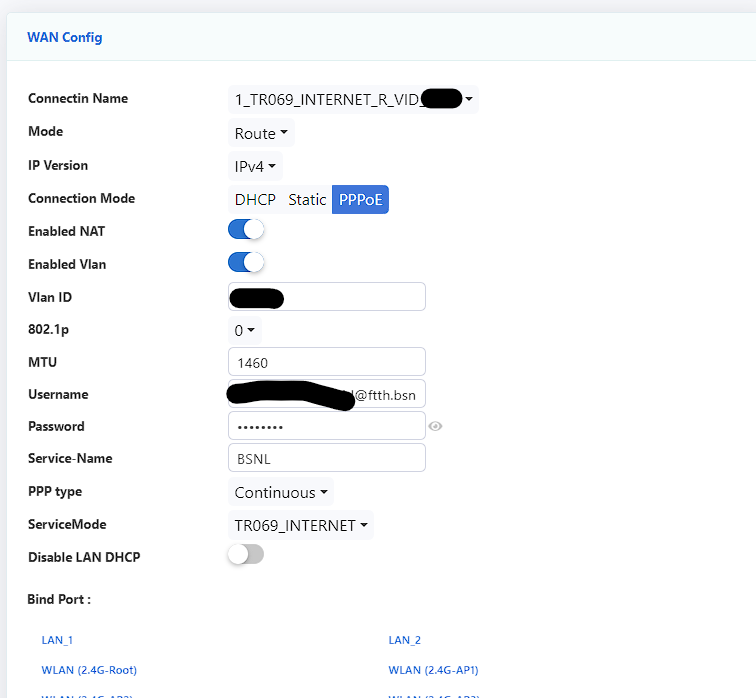
WAN Profile is TR069 with regular TR069 internet. I am yet to try bridging and all with this.
 
Last edited by a moderator:
The new rules include FORCIBLY removing BRIDGE Mode.
It is now critical to preserve the current ONT and ensure it has a prolonged service life.
Any idea WHY BSNL is becoming SO strict and against Bridge Mode?
@Adithya is the BRIDGE Mode available in the new ONT?
Can you DISABLE TR069? If yes, does it auto-enable after a reboot?
 
image.png


There is still a pppoe login. Bridge is still an option I have to check after taking some backups.
 
Before bridging here are all the interesting screenshots if anyone want. Album — Postimages

From the options it looks like its made by the same team that makes VSOL onts (Netlink, Syrotech etc.). Just with a pretty theme on top but it feels so much more stable. Anything not in the screenshots is exactly the same as the old firmwares just with some new CSS.

@alap4m TR069 does stay off after reboot.
 
Last edited:
So, update. Bridge can be enabled and it's shown as enabled in ont wan profiles. Connection mode is only INTERNET and OTHERS. No tr069. I tried with both.
I tried binding lan ports.
I tried cloning mac addresses.

I can't reach the pppoe server. It's stuck on PADI.

I don't think it's mac binding, because earlier when I faced the same issue with regular pppoe on Netlink I was still able to reach the server but failed the authentication challenge. You can see this here. (Solved) Authentication failed in TP Link Archer C6 wih Netlink HG323RGW

It could be something wrong with my config on the ont itself, still investigating.
 
Sooner or later they will push BSNL custom firmware which will lock everything.
 
I resetted the ONT, set it up without a TR069 server and connection mode as regular INTERNET instead of TR069_INTERNET and it worked.

Here's the interesting part, if I setup the INTERNET profile first it'll get a mac id of 40:xx:...05 and the second VOIP profile will get ..06. This'll be shown as unauthorized and AC won't connect. But if I did the VOICE profile first, the INTERNET profile get's the ..06 mac and it'll get connected.

The order you set up the profiles matter on these. So I was wrong before, this is indeed mac binding. I will have to request a mac release for bridging. We don't have to worry about ACS or anything for now.
 
Requested a mac release, they said it's done. But I still can't with my TP-Link.
For now, pppoe back to ont, tp link in dynamic ip router mode. Put the tp link's ip in ont's dmz and upnp works, avoided double nat, double nat is inevitable.
 
Last edited:
Back