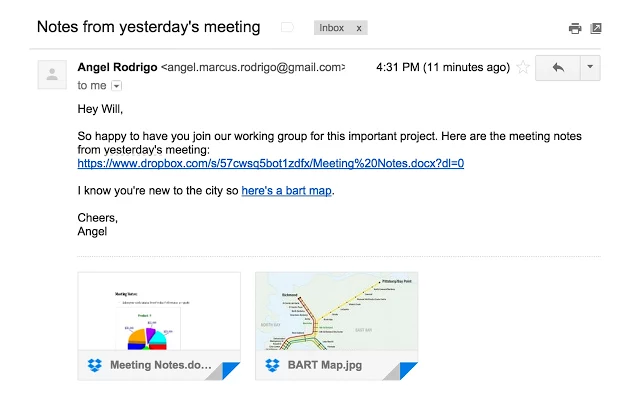
Vodafone’s customers are downloading and sharing more and more multimedia files thanks to its fast and reliable networks. Backup+ will give them an easy and secure way to keep their mobile data safe by linking to a Dropbox account. Backup+ will enable Vodafone customers to seamlessly and automatically sync their contacts. They will also save all their precious things — photos, videos and more — into a safe and secure Dropbox account. Any files saved through Backup+ can also be simply and easily restored to any new device or accessed and shared through the Dropbox mobile application.
The Dropbox app will come preloaded on the majority of Vodafone’s Android phones, and will be promoted to iPhone users for download. Existing Dropbox customers will be able to sign into their account through Backup+. New customers will be able to set up a Dropbox account through Backup+ and get 25GB of free space for one year. A range of attractive Backup+ storage offers will also be available to Vodafone customers.
Vodafone will begin rolling out Backup+ to iOS and Android app stores by the end of March 2015, and customers in most Vodafone markets will be able to start using it over the coming months.
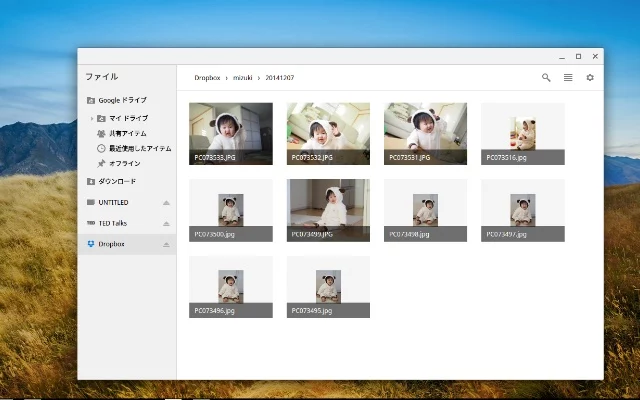
This software provides you an ability to mount your Dropbox to Chrome OS (unofficial software).
Notes:
* Works on only ChromeOS.
* Will unmount automatically when the access token is expired to access Dropbox Core API.
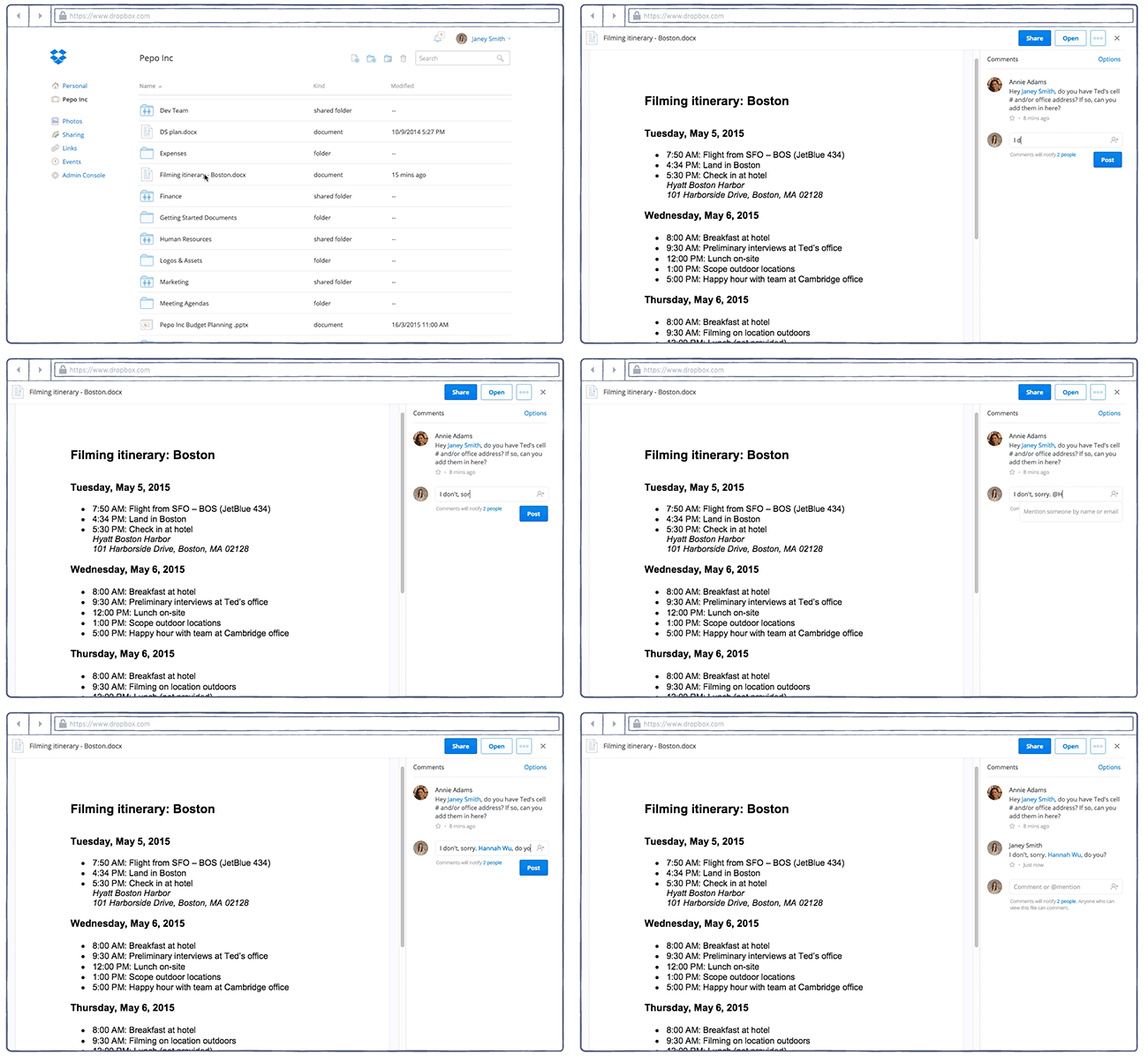
Bring anyone into the conversation with mentions. When you type @, followed by someone’s name or email address, they’ll get an email notification — even if they don’t use Dropbox — with a link to go right to the file. It’s a one-step process to both share a file and gather input about it.
Instantly stay up to date (if you choose). When anyone comments on a file you’ve shared, you’ll receive an email notification. Or if you don’t need play-by-play updates on a certain file, just click ‘Unsubscribe from notifications.’
Manage the conversation. Everyone with access to a shared link can make comments. But what if you don’t want others to be able to weigh in? If it’s a file you shared, just click ‘Turn off comments’ in the Options menu.
Make changes on the spot with Microsoft Office files. If the comments are on a Microsoft Office file and you’re the owner, you don’t even need to leave the browser to make the changes. Just click the ‘Open’ button to edit the file in Office Online or in the desktop app; either way, your changes will be saved back to Dropbox.
Now, you can drag and drop URLs into your Dropbox — on the web and on your desktop — and open them on any of your devices. This means you can take your bookmarks anywhere, instead of having them confined to a certain browser on a certain computer. But it also means you can organize all your information, no matter the format, into Dropbox folders — so your information is in one central place.
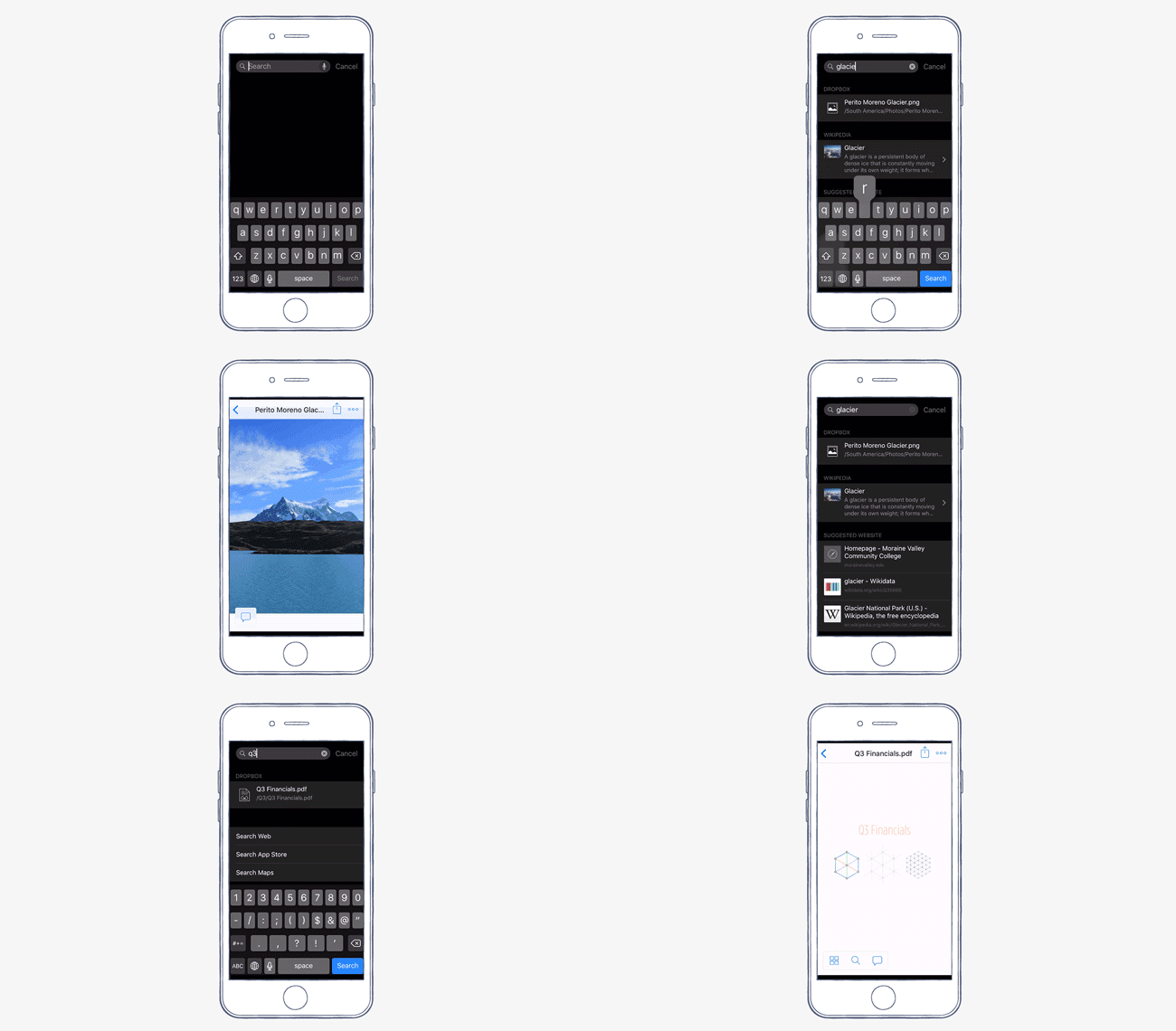
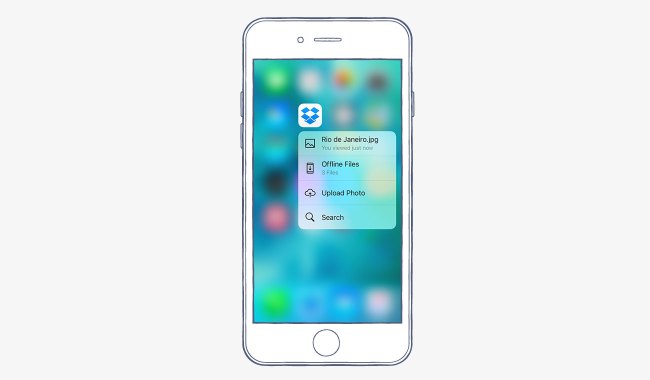
The first place you’ll be able to use 3D Touch with Dropbox is your iPhone’s home screen. Press down on the Dropbox app icon, and a menu of quick actions will pop up. There you’ll be able view your most recent file, jump to your offline files, upload a photo, or search your Dropbox. It’s a quick and easy way to take some of the most common actions in Dropbox.
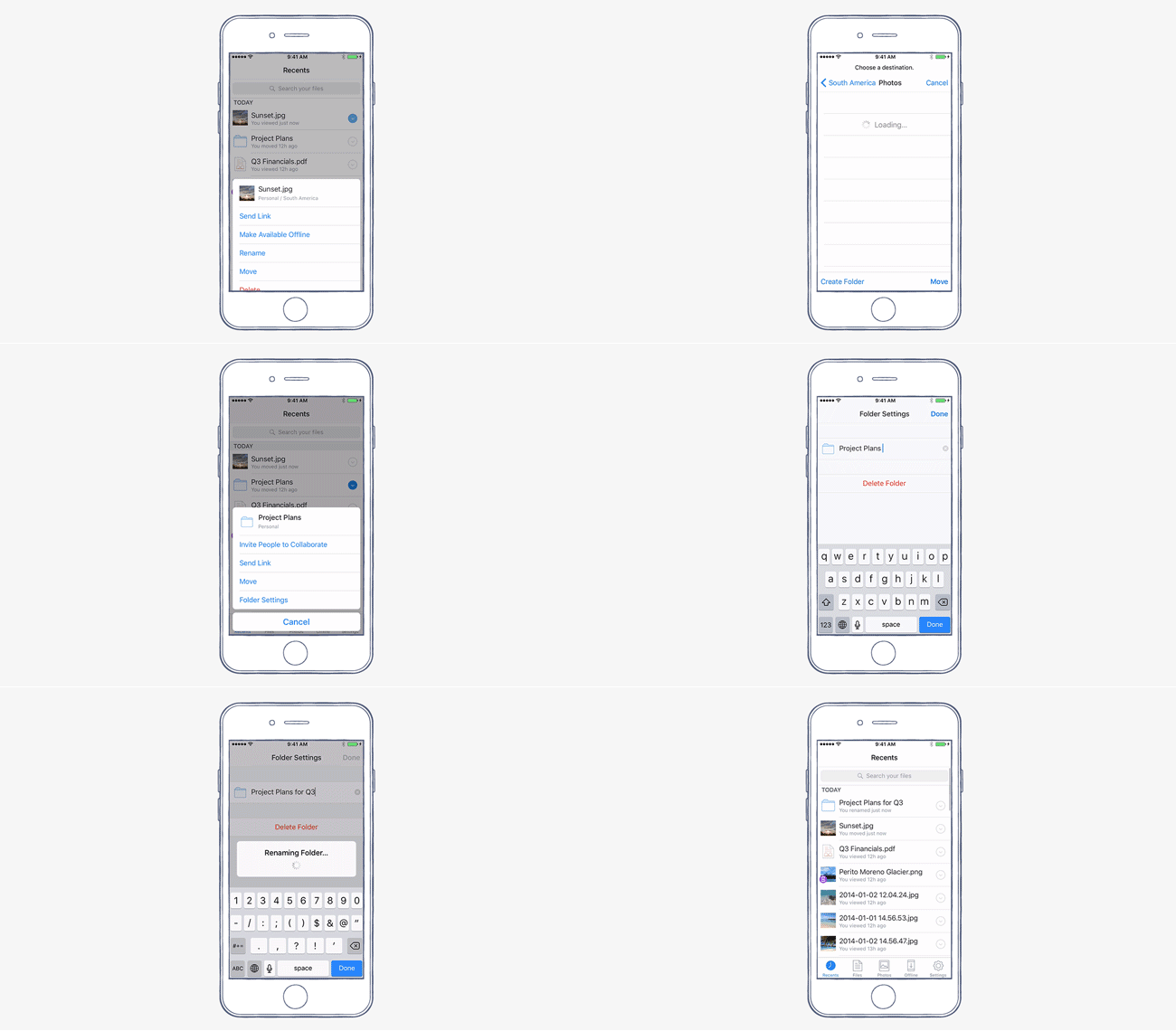
Once you’re in the Dropbox app, you can use 3D Touch to Peek into a file or folder. Lightly press a file name for a preview, or a folder for a peek at its contents. And if you want to Pop from a preview into the full file or folder, just press a little deeper.
Scalable deployment tools. Many companies already have strong Dropbox adoption from employees using personal accounts. With domain verification and account capture, admins can accelerate user migration to enterprise accounts in a few clicks.
Increased visibility and control. With domain insights, admins gain visibility into any personal Dropbox usage taking place on their company domain. Additionally our new collaboration insights feature lets admins easily monitor how employees are using Dropbox with external collaborators.
Enterprise-grade services and support. Customers have unlimited access to the Dropbox API to seamlessly integrate Dropbox with existing IT systems, plus access to our platform team for support on custom integrations. We’re also providing customers with an assigned customer manager and world-class services for help with deployment, data migration, and user training.
Suspended user state offers greater control and flexibility when employees leave the company by letting admins disable a user’s access to their account before deleting it.
Sign in as user gives team admins the ability to log in to an employee’s account to maintain business continuity and ensure company policies are met while providing a clear audit trail of activity.
Custom branding lets businesses add a logo to shared link pages so that recipients can quickly identify that the information they’re seeing comes from your company.