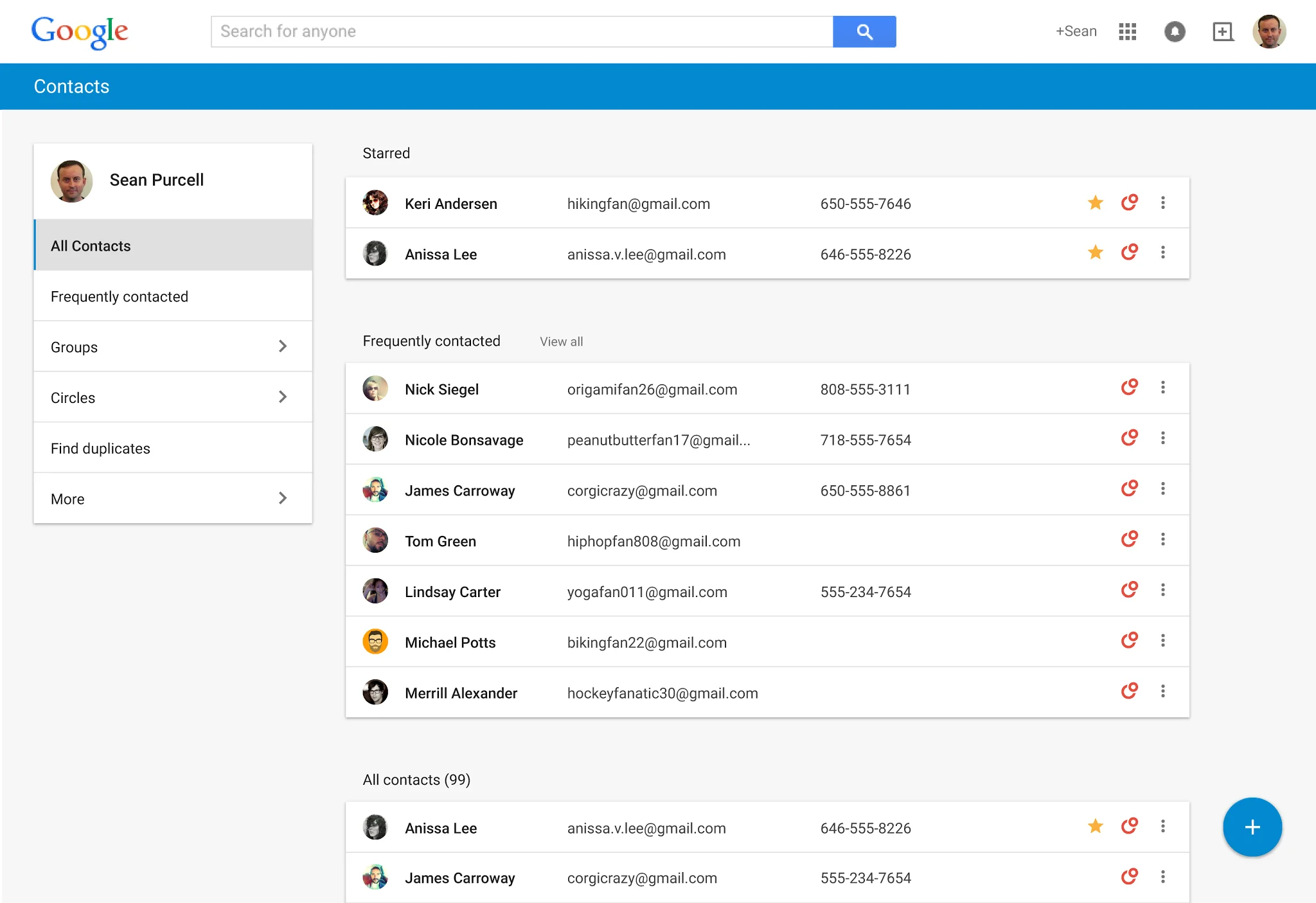
This new Admin console setting is off by default, giving admins full flexibility to enable the new Contacts preview on their own schedule. To enable this feature in the Admin console, click on Apps >
Google Apps > Contacts> Advanced settings. Once enabled, all users will see the new
Google Contacts by default and will have the ability to switch back to the old Google Contacts by using the “Leave the Contacts preview” link from the More section of the left-hand navigation menu.