LG ThinQ

  • Thread starter Thread starter Sushubh
  • Start date Start date
  • Replies Replies 29
  • Views Views 831
Same here

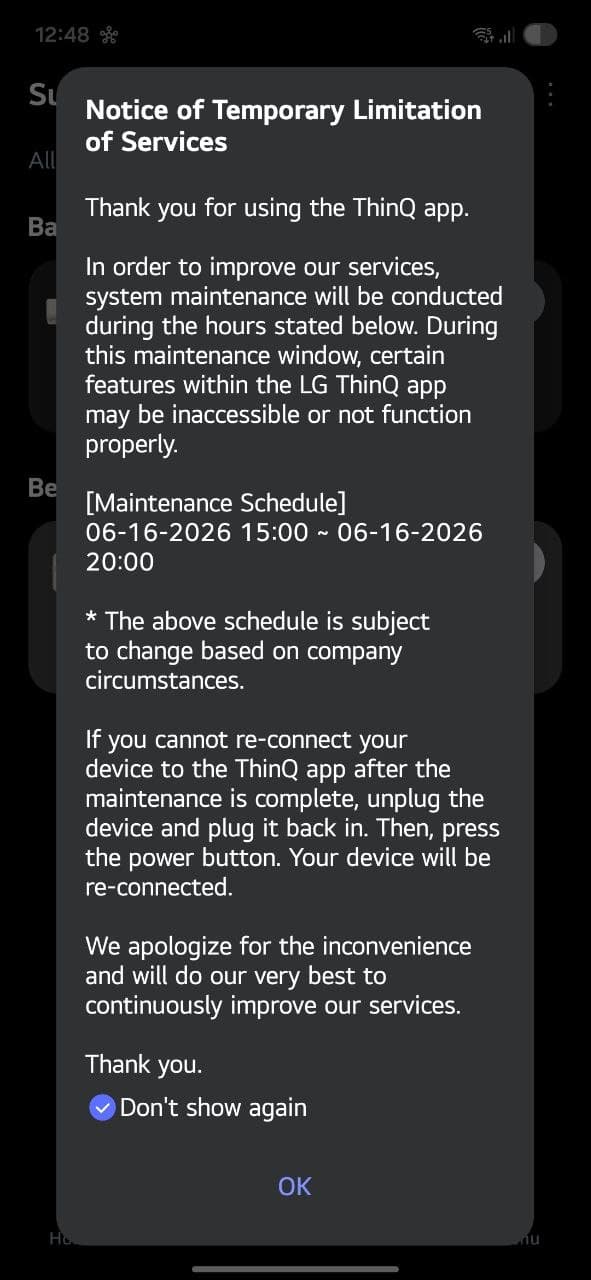
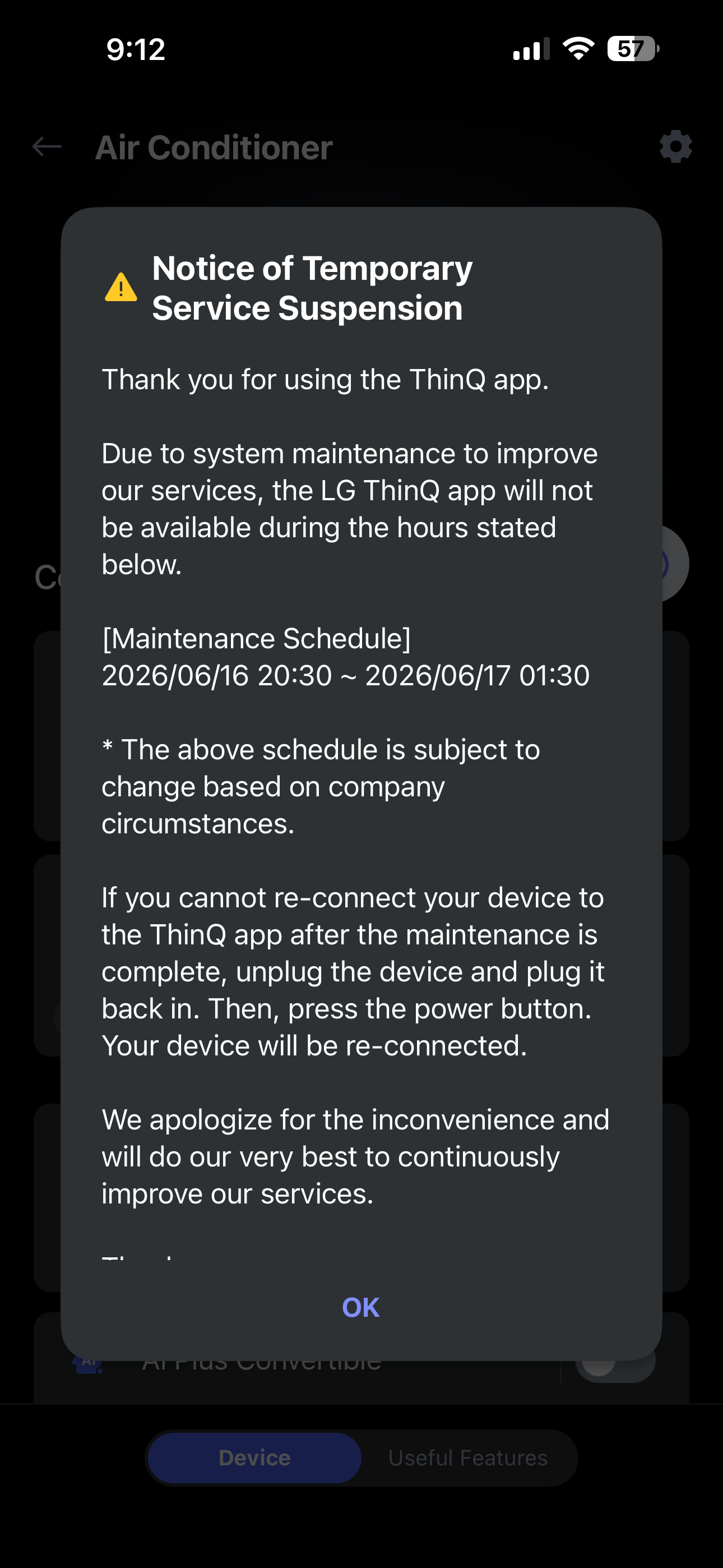
I have noticed there is sudden increase in app not working properly

For my case
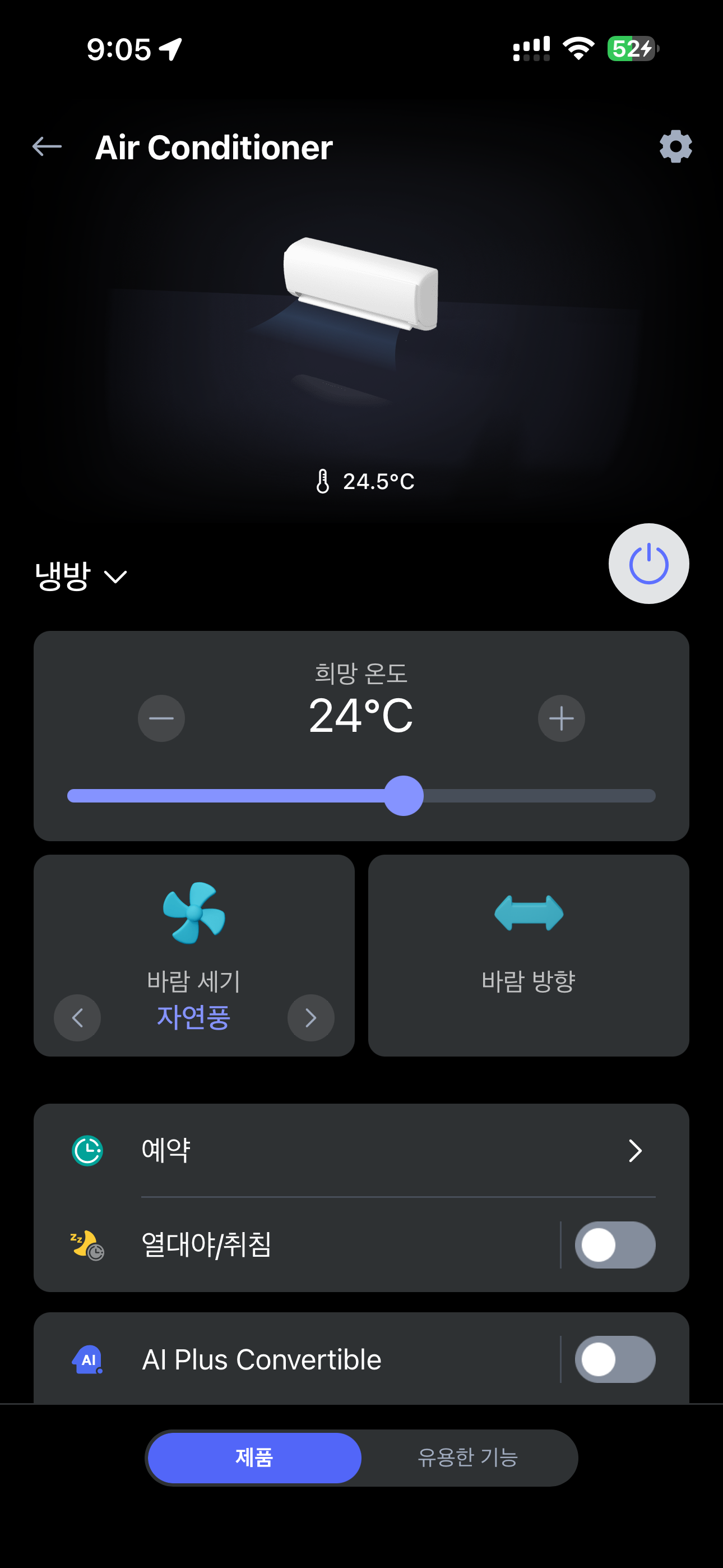
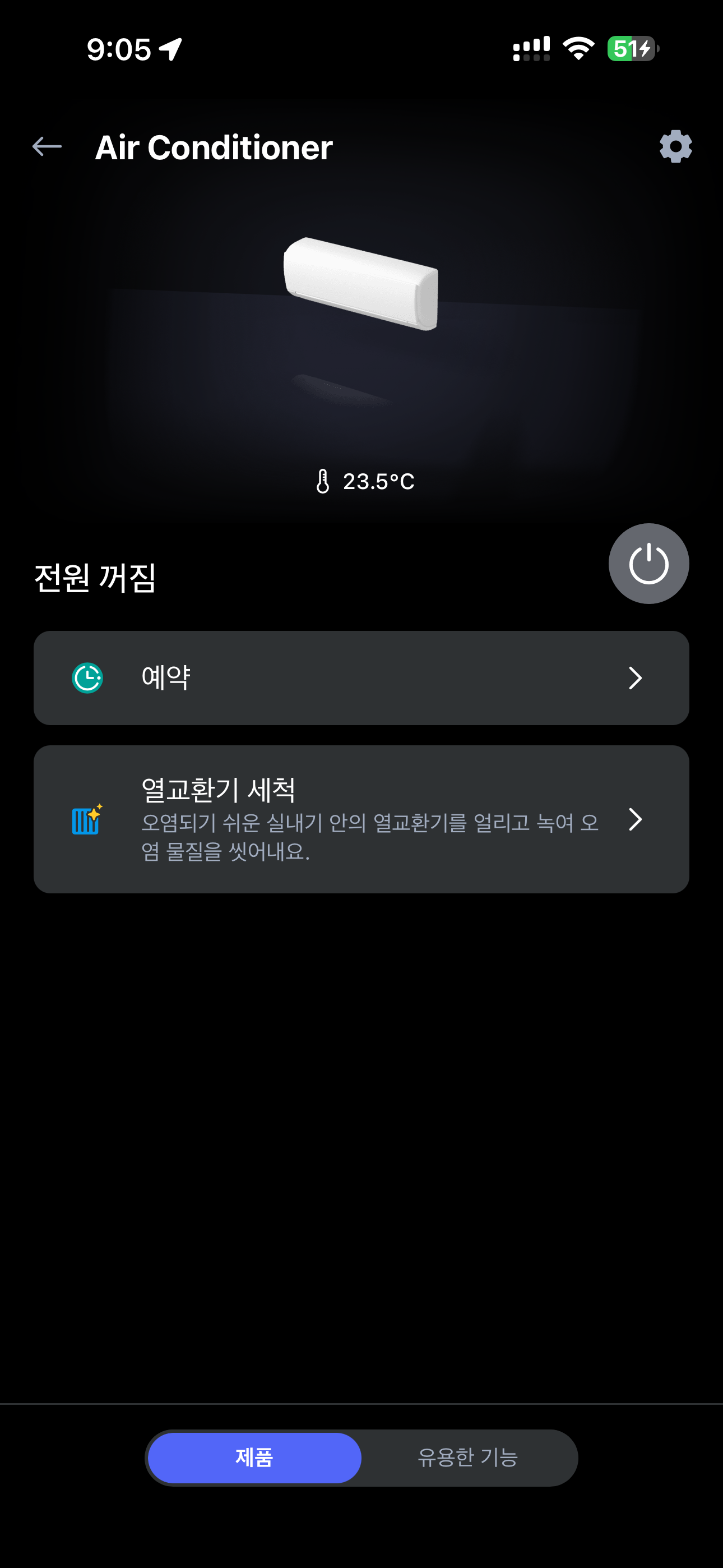
I click on POWER ON and instantly try to change temperature but it just wont.
So i have to POWER it OFF and then POWER ON again
 
@Sushubh hey for now i have found closing the ThinQ app and removing it from background and then relaunching it lets you control the AC temps without needing to restart the AC

also i had a very weird problem due to restarting my AC so quickly as thinQ app kept giving problems
so what happened was ,post restart the AC blower suddenly ramped up to i guess 200 or 300% of actual blower speed

so fast that the indoor flaps were vibrating from it, i had immediately shutdown my AC after that.
 
ac6849eb2d1e.PNG
ecd18d586361.PNG
\

Suddenly LG ThinQ app reminds me,where LG is based from (South Korea)
 
i see you have a newer model of split that lets you control convertible feature from the app.

LG has been very nasty about this. they do not release these on older models despite having the ability to release firmware updates and shit.

the older window model does not let you disable beeps, new ones do. older window model also does not have app control for convertible feature. but last year model does. the three lg i have all have different remotes and different features available in app. despite being purchased within a year of each other.
 
wow they really want customers to upgrade ACs to get new features damn (and i dont think people change AC's often)

thats kinda anti consumer.
 
Back