Can you do something like a Speedtest between BSNL node and your Node . Is there a option like that in Mikroktik ? That way we can clearly know if its the Node limiting your connection or BSNL just screwed up your configuration which is not surprising if that happens
I have also done that but not getting more than 10 Mbps... It is like the i have directly put the cable from the Mikrotik routerboard and checked it.
I have also checked the configuration of mikrotik router but everything is right there.
I am using BSNL Bharat AirFibre. It's 50 Mbps plan
But I face sometimes extremely slow speed like 8-12 Mbps with high ping 142ms-200ms and sometimes I get good speed 40-45 Mbps with ping 40-45 ms.
Kindly help me with this what could be done from my end or it is intentionally being done by ISP.
Could this be due to congestion on the tower end?
What's the normal number of connections per sector/tower in case of BSNL Airfibre?
Looking for some numbers on this as this type of connection might be my only hope in village.
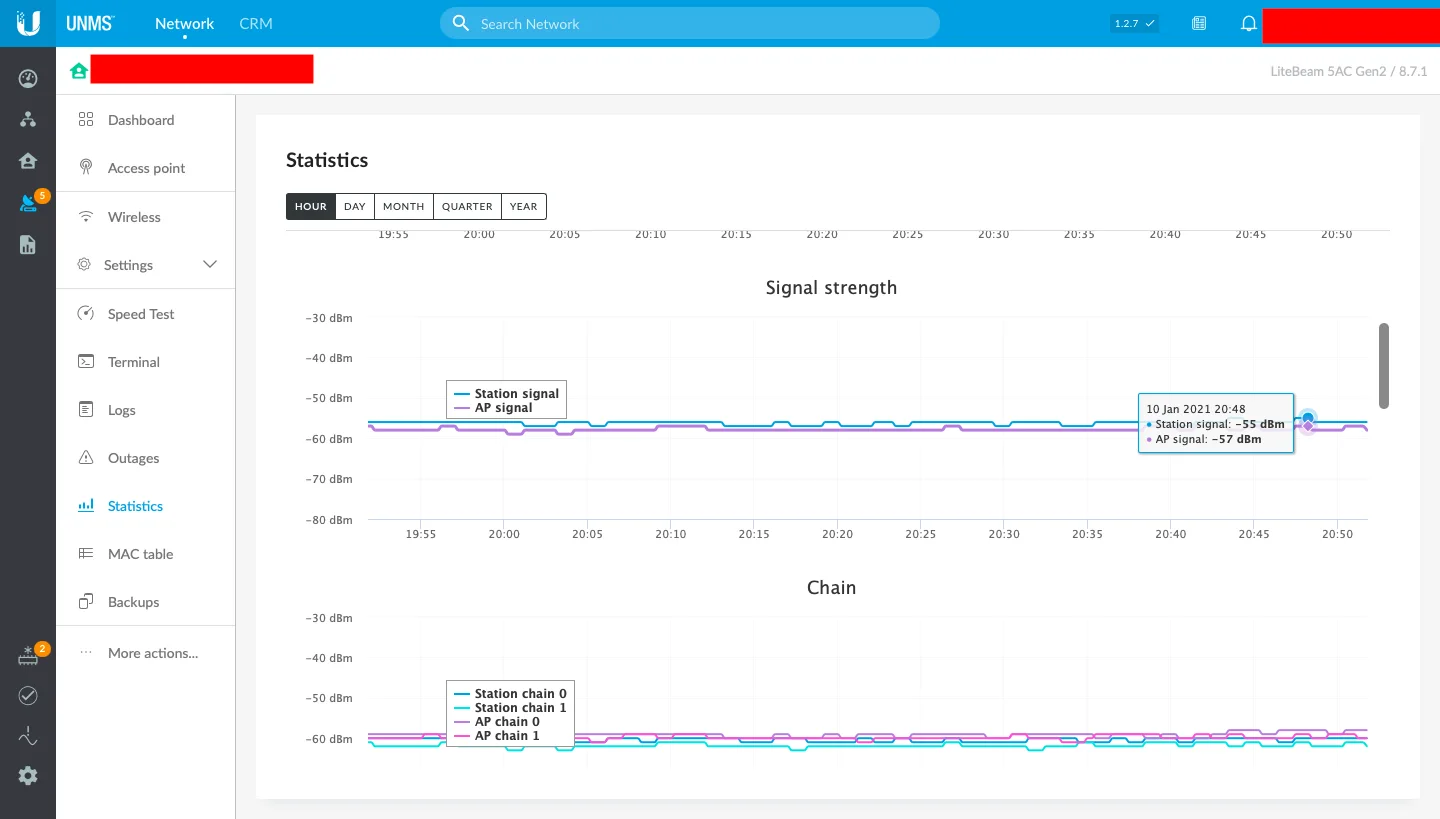
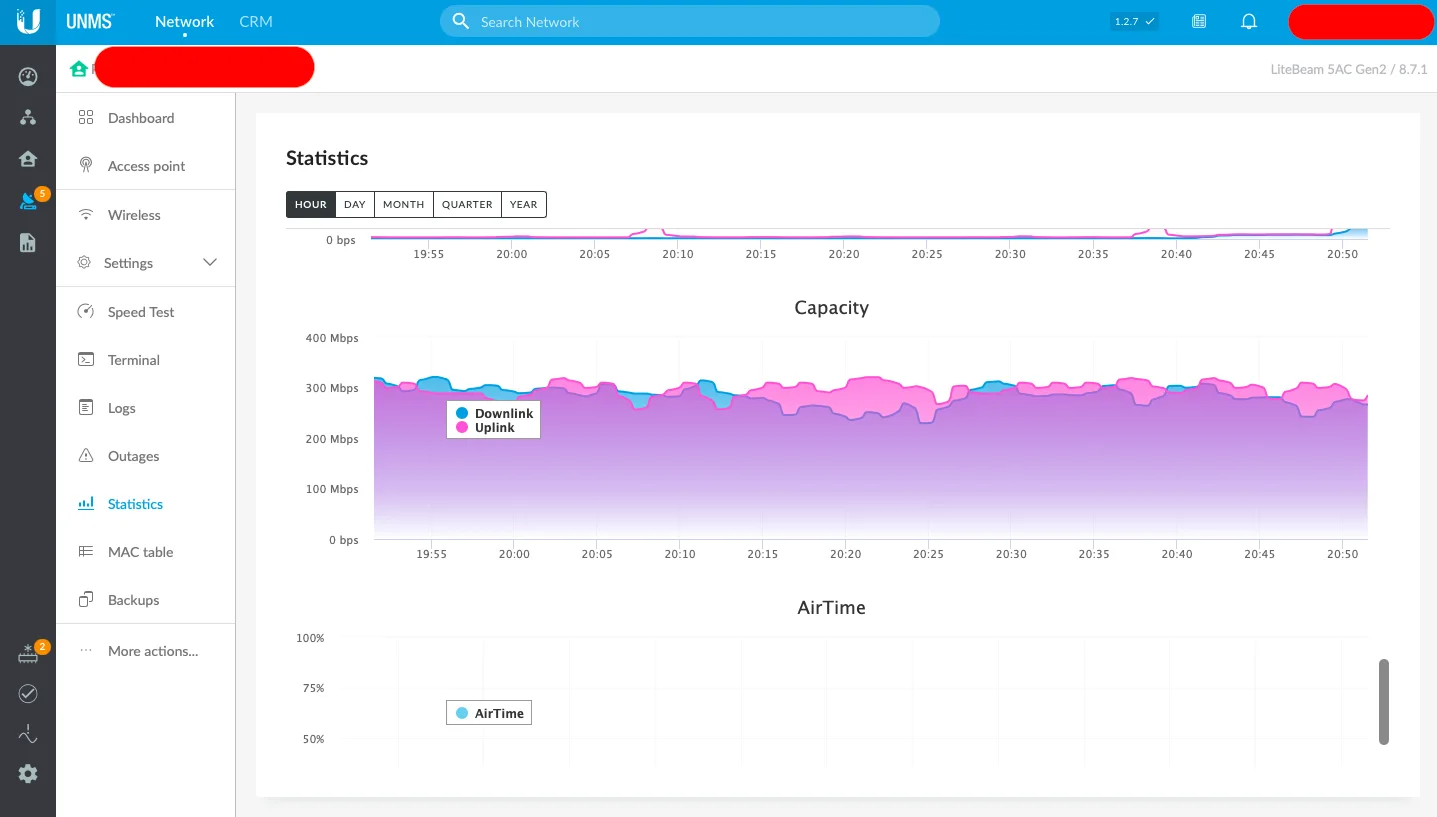
@shashankb I meant about the tower side. So from data found with search the tower side antennas and access point can do 1Gbps. But if they have 80-100 user on a tower then won't the users face congestion issues in peak times?
This website uses affiliate links. This means that if you click on a link and make a purchase, we may receive a commission. This does not affect the price you pay for the product.
This site uses cookies to help personalise content, tailor your experience and to keep you logged in if you register.
By continuing to use this site, you are consenting to our use of cookies.



 Airtel Xstream Fiber


