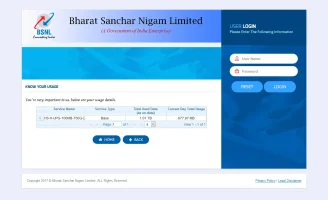
Just called the number listed on this image and he gave me another numberView attachment 413
You are trying the above number? Or none of the numbers on their site are reachable?
Contact Us - Netlink ICT Private Limited
www.crtindia.com


Just called the number listed on this image and he gave me another numberView attachment 413
You are trying the above number? Or none of the numbers on their site are reachable?
Contact Us - Netlink ICT Private Limited
 They have like 8 different support numbers, I wonder why they have so many different numbers instead of having a centralised call-centre or something. Syrotech appears much more organised.
 yeah, it seems like they don't have a call centre kind of setup, but with individual cell phones.
I guess, no luck again. User not found...