depends upon how you installed it, you might be using mpv which is different from mplayer
smplayer is basically a skin over these two players. improved usability. i found it when i switched to ubuntu for a few months and never looked back. the subtitle downloader was a god send back then.
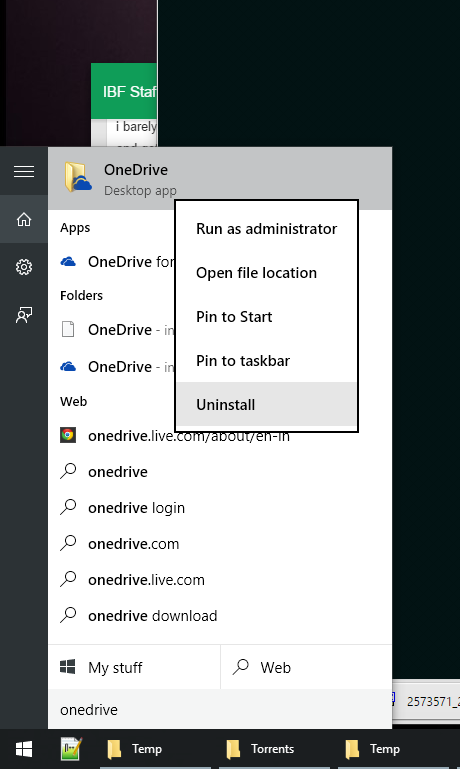
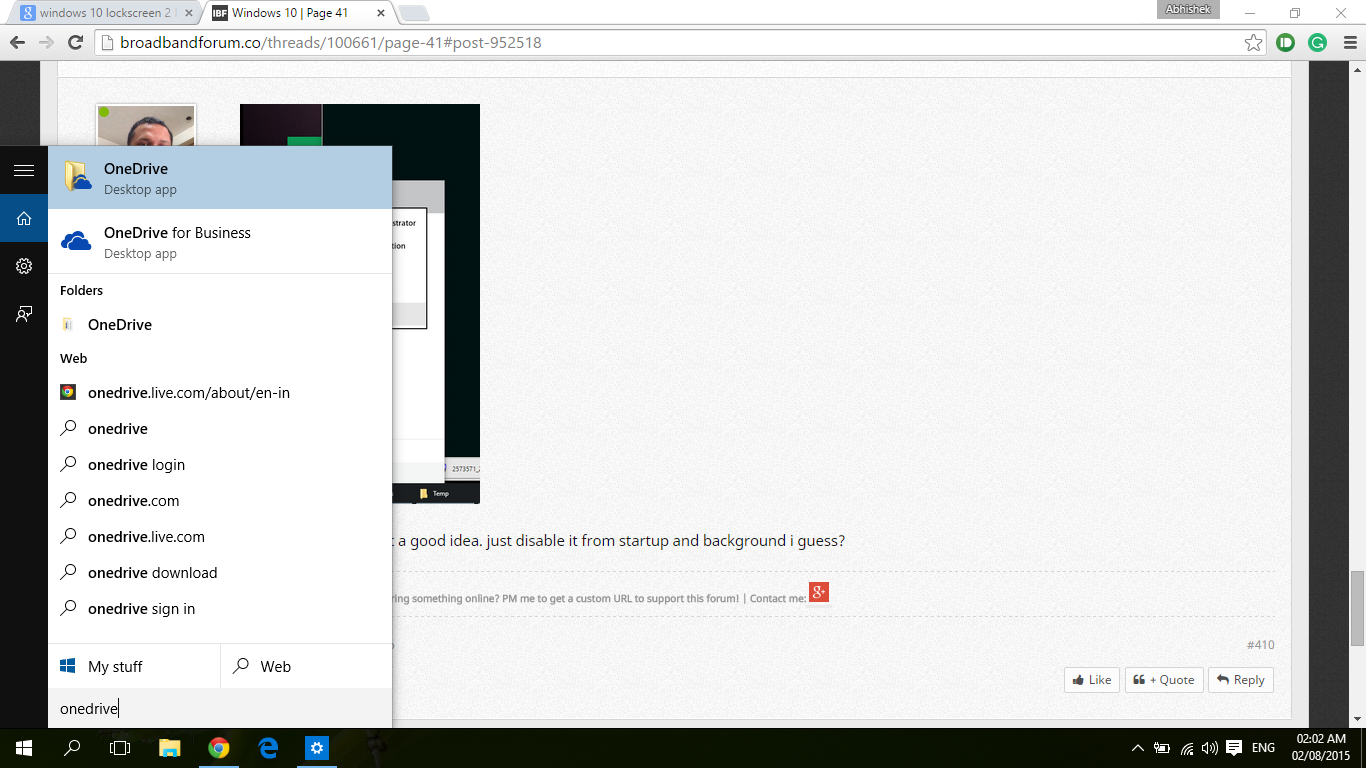
this thread links to a script (@Navjot Singh found it earlier) that worked on developer builds. Might work on the stable edition. Considering how deeply it is integrated... Making it invisible might be a better idea.
I have disabled it from startup. Have even unlinked my account. How to disable it from background?
And most importantly, how do I remove it from the left bar (or whatever it's called) of the Windows Explorer (File Explorer)?
This website uses affiliate links. This means that if you click on a link and make a purchase, we may receive a commission. This does not affect the price you pay for the product.
This site uses cookies to help personalise content, tailor your experience and to keep you logged in if you register.
By continuing to use this site, you are consenting to our use of cookies.