Hi
I am having hard time with Airtel to enable bridge mode. After a weeks call and emails Airtel engineer call me and showed hesitation to turn on bridge mode stating it won’t work, CGNAT, require static IP etc. I read multiple threads in this forum and understood static IP is not required for bridge mode.
Finally the onsite engineer along with some backend engineer said he has enabled bridge mode, but my Internet is not working with configuring the PPPOE credentials on my TP-Link router. Alternatively I tried dial in setup on my Windowslaptop still it didn’t work and the error 651 encountered. I don’t know the next steps. My internet is down for 5 days
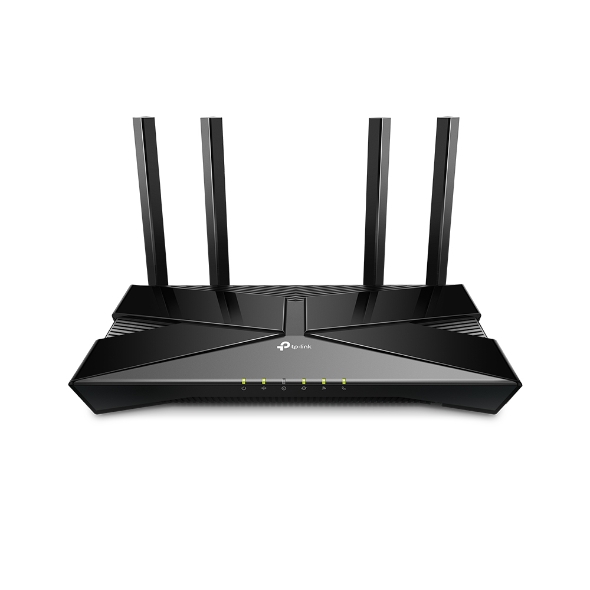
I want to achieve - managing of IP address reservation, Parental control, URL blocking etc using my TP Link DecoBE85 router along with a 3rd party firewall.
Because of current Airtel setup and network configuration I am unable to achieve any of above.
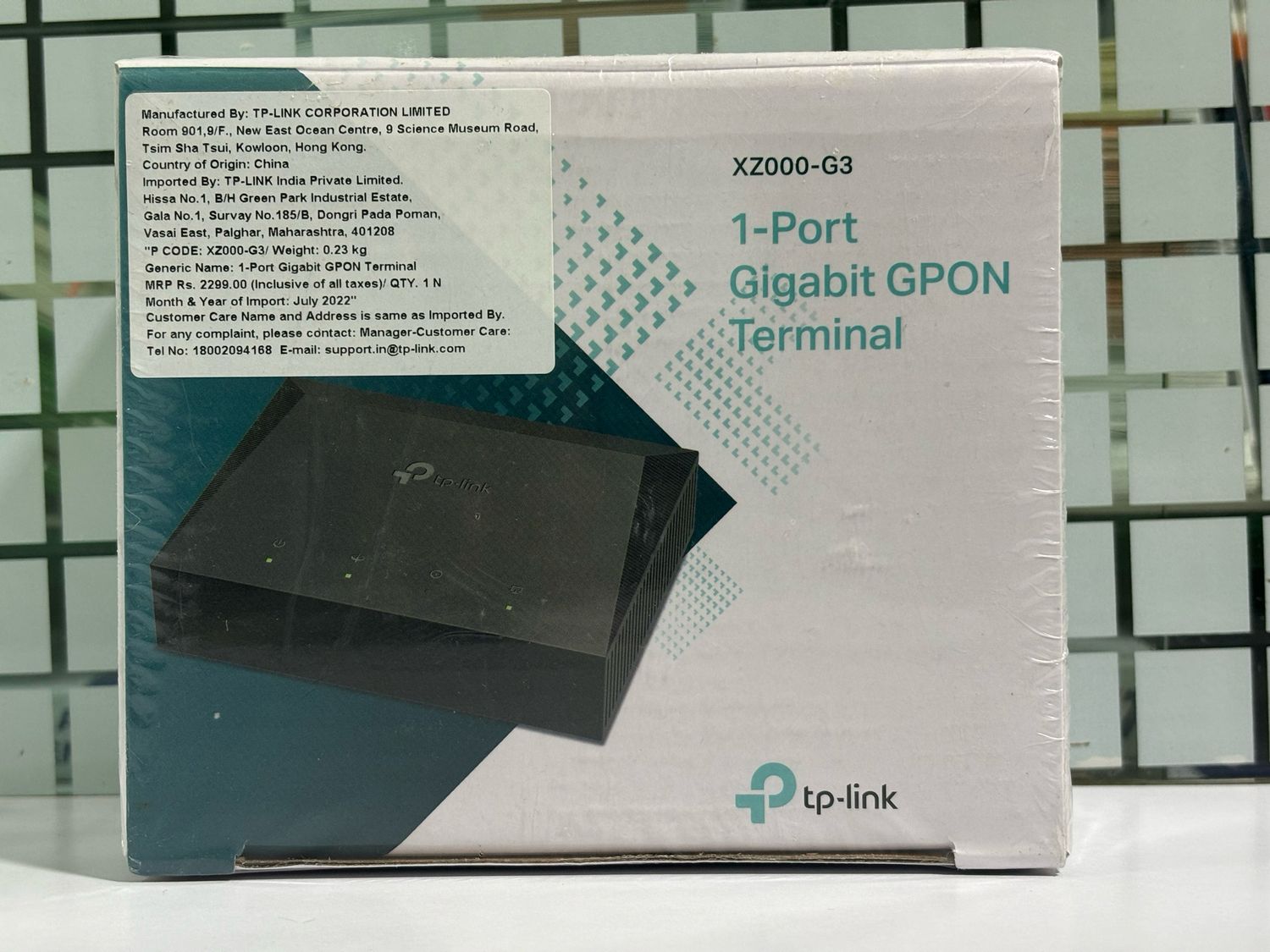
Kindly suggest if I change the Titanium 2122A T21 Pro router with simple ONT router or with any ONT to achieve above requirement?
Also I am looking at flashing or unlocking the Airtel router to setup the bridge myself or to scrap the Airtel T21Pro GX router.
Pls advice friends
I am having hard time with Airtel to enable bridge mode. After a weeks call and emails Airtel engineer call me and showed hesitation to turn on bridge mode stating it won’t work, CGNAT, require static IP etc. I read multiple threads in this forum and understood static IP is not required for bridge mode.
Finally the onsite engineer along with some backend engineer said he has enabled bridge mode, but my Internet is not working with configuring the PPPOE credentials on my TP-Link router. Alternatively I tried dial in setup on my Windowslaptop still it didn’t work and the error 651 encountered. I don’t know the next steps. My internet is down for 5 days
I want to achieve - managing of IP address reservation, Parental control, URL blocking etc using my TP Link DecoBE85 router along with a 3rd party firewall.
Because of current Airtel setup and network configuration I am unable to achieve any of above.
Kindly suggest if I change the Titanium 2122A T21 Pro router with simple ONT router or with any ONT to achieve above requirement?
Also I am looking at flashing or unlocking the Airtel router to setup the bridge myself or to scrap the Airtel T21Pro GX router.
Pls advice friends