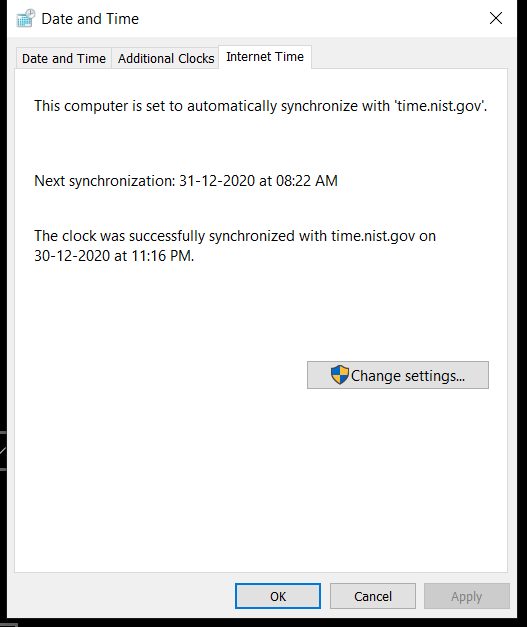
I'm having this problem for like past 6 months no resolution what so ever. Even my IPCams fail to sync after power failure and have to manually adjust the time on every reboot.
I have this issue aswell . I am unable to sync with any time servers with windows . One day it synced like twice but then no luck in subsequent tries. Not much of an issue for me but wanted to point that I have the issue aswell. (time sync works on my router and other applications )
@Reklez when it worked - did you restart/reconnect the PPPoE connection? because I have noticed that for a few minutes immediately after fresh connection is established the time update works, then after some time it stops working...
This website uses affiliate links. This means that if you click on a link and make a purchase, we may receive a commission. This does not affect the price you pay for the product.
This site uses cookies to help personalise content, tailor your experience and to keep you logged in if you register.
By continuing to use this site, you are consenting to our use of cookies.

 Airtel Xstream Fiber


 .
.