help openwrt on raspberry pi

  • Thread starter Thread starter starter
  • Start date Start date
  • Replies Replies 37
  • Views Views 387
i will try pi 5 toaday if it can handle sqm

but since its doest has wan , how will i identify which ethernet will work as wan

i like it has already one ethernet port and i will add extra TP-Link gigabit ethernet adapter

i think both will showsn as eth0 and eth1

and in interface , i should choose the device ( eth0 or eth1 ) depend upon the the port i choose as wan
 
eth0 is set as lan since it's internal and eth1 will show up under devices only and then you can set it as wan.
 
can you please share your pi 4 performance ,like during budderbloat test ,how much single core can get ?

because nanopi is out of stoke and on Amazon it highly overpriced

pi 5 1 gb cost 5000rs ,and a case cost 900 rs and power supply cost 1100 rs

and if i go with pi 4,then i would save about 2000 rs in total setup , and i will never go above 100 mbps

judging by Asus ax53u router cpu performance ,i can say it should easily handle atleast 200 mbps with cake sqm


i trapped in curiosity bro ,dont know i really need openwrt performance

should i go for nanopi ( because it built for this ,and has inbuilt wan and lan ) or should go for pi 4 1gb or pi 5 1gb

another reason is that asuswrt not giving me chance to make decision ,it should not have perform this good
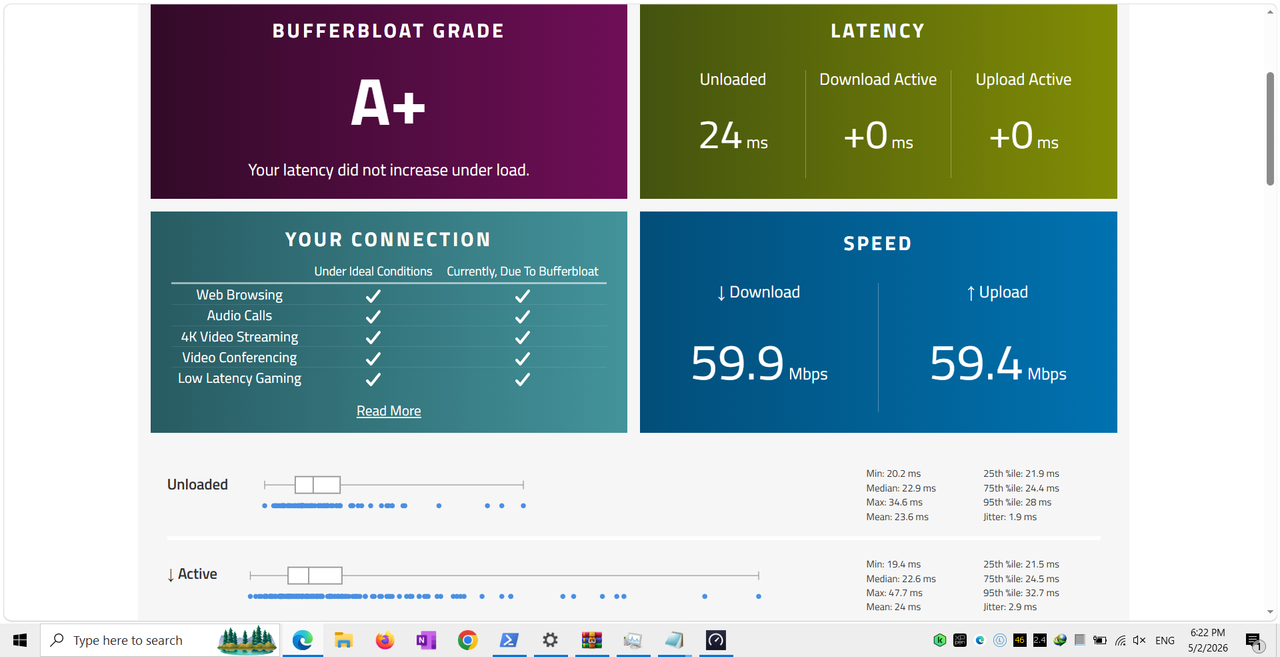
Screenshot-(72).png
 
i will get mini pc , but it will be replace pi 5 ,because pi 5 struggle with jellyfin transcoding and immich with machine learning

and someone posted a video on youtube , pi 5 ,one core barely touch 25 % when tested with 500 mbps with cake sqm , so i think pi 4 will also easily handle 60 mbps

in future i will get a powerful device , also this time , mini is to costly , 13000 rs will cost for barebone mini pc , and you know the cost of ram is too high , and i will need ssd which cost too high,it will cross 20000 rs , thinking to get pi 4 for 1-2 years , because i dont think i can get mini pc now

your pi 4 result shows very good result of with cake sqm , mine is only 60 mbps plan, so most probably it will be very easy to handle it

what do you think , i should go for pi 4 ( only for running openwrt , and plan is 60 mbps )
 
its been 3 days im on openwrt running on pi4

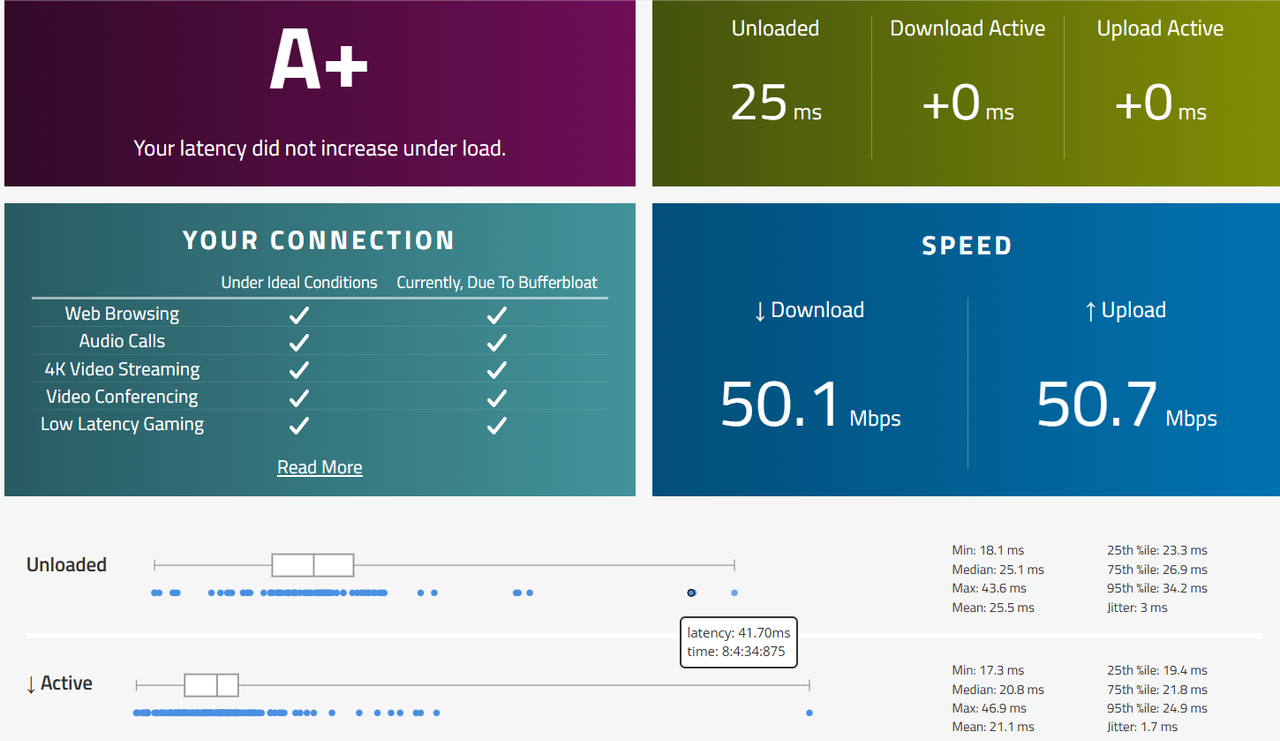
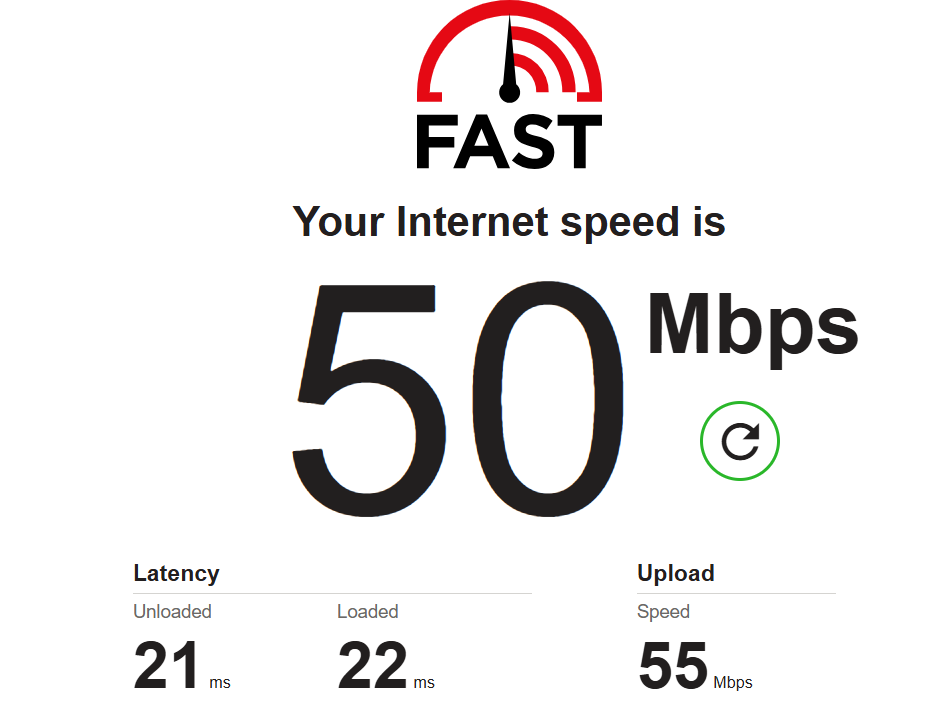
i must say ,the slowness i was getting on Asus ax53u with openwrt now completely gone with pi 4 , i tested mutliple times always show +0 increase ,also with 60 mbps sqm cake,cpu one core max getting 7% only

currently my setup - Syrotech ( bridge ) > pi 4 ( handling everything ) > asus ax53u ( in ap mode ) > another router ( dhcp off )

current devices - pi 5 ,1 tv,2 laptop ,6 android devices

now nothings slows down ,now its doest matter if some one watching youtube ,watching tv ,or downloading

now in future i will buy a router which support hardware offloading with openwrt ( like flint 2,3 )

what you you think ,i should post detailed post about openwrt running on pi 4 while sharing my experience of openwrt on asus ax53u

Screenshot-(74).png


Screenshot-(73).png
 
Hardware or software offloading won't work with SQM. You can currently enable packet steering and install and enable irqbalance. Your choice if want to share your openwrt experience.
 
Back