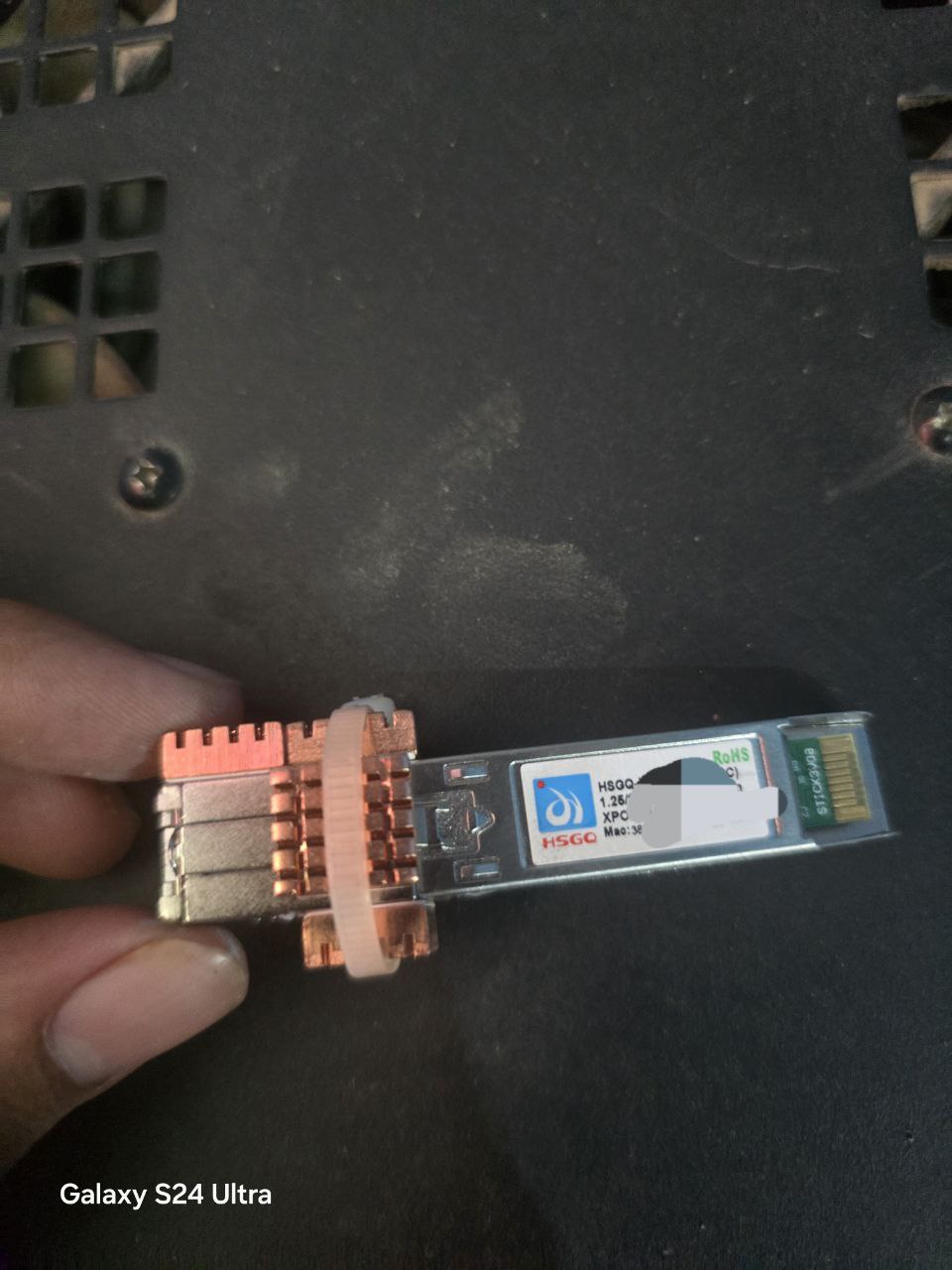
@anmolbhard004 Thank you for shipping the SFP modules. I bought two of these for Airtel and BSNL, which works flawlessly.
@anmolbhard004 worked with me and introduced many people to configure the SFP correctly.
I'm using a
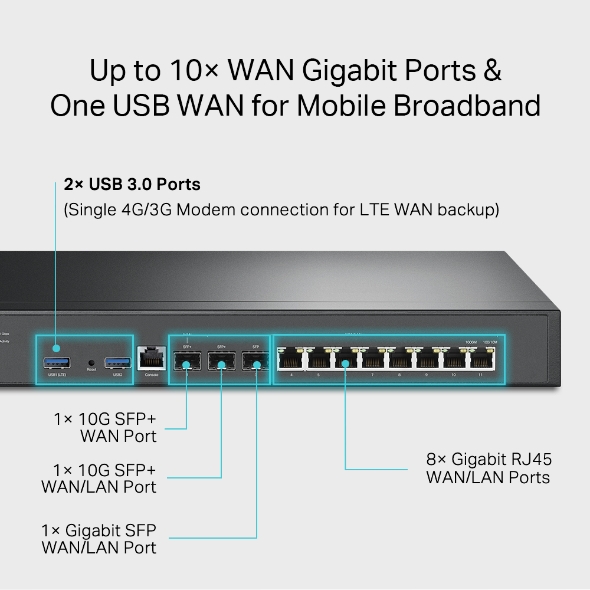
TP-Link ER8411 router with an
OC200 Omada controller. The
router has 3 SFP slots (2 SFP+ and 1 SFP).
The plan was to use those two SFP+ ports for the Airtel and BSNL internet. The SFP ONU modules have the
APC connector. The Airtel connection already had the APC patch cord. The BSNL connection used the UPC patch cord, so I had to change the patch cord from UPC to APC.
@anmolbhard004 also shipped the UPC to APC patch cord for free of cost, which I used temporarily. After receiving the SFP modules,
@anmolbhard004 arranged support from other people throughout the process.
Airtel:
I inserted the SFP module into the slot but couldn't access the web interface initially. We thought we might need a media converter to access the web interface and change the serial number. After some fiddling, I assigned the static IP to the WAN port, which allowed me to access the web UI.
Source
I updated the
GPON SN field in the settings menu to use the serial number of the ISP router. Also, I switched the VLAN to manual mode and updated the PVID value to 100. I then switched from the Static IP to PPPoE and added the credentials to the router. The internet is connected immediately.
BSNL:
I asked the Airtel team to provide me with the joint enclosure they use for terminating the fibre so that I could easily change the patch cords without having to ask them to splice the cable. I spliced the fibre, added the joint enclosure, and used the APC - UPC patch cord to test that everything worked as expected with BSNL's ISP modem.
I inserted the SFP module into the slot and added the static IP to access the web UI. I tagged the VLAN in the SFP module. I copied the
MAC address from the BSNL modem's web UI and tried to assign the MAC address in the SFP module, but it didn't work. I had to log in to the self-care portal and check the usage report to find the MAC address used. For some reason, the MAC address from the device and the MAC address from the BSNL self-care portal are different. The last two letters were different in the self-care portal and had been changed multiple times in the past few months, even though I used the same BSNL modem.
To make it work, I used the MAC address from the self-care portal and added it to the custom MAC address field in the router's PPPoE config.
After configuration, it works flawlessly. The internet speed has increased by around 150 Mbps.
Additional configurations:
I updated both the SFP module's LAN settings to
192.168.2.1 and
192.168.3.1 so that they don't conflict with the USB modem, which uses
192.168.1.1. I use a JioFi device without a battery for the backup internet when one of these connections fails.
The router has the secondary connection configuration in the WAN advanced settings. I assigned the secondary static IP for Airtel and BSNL with the values
192.168.2.2 and
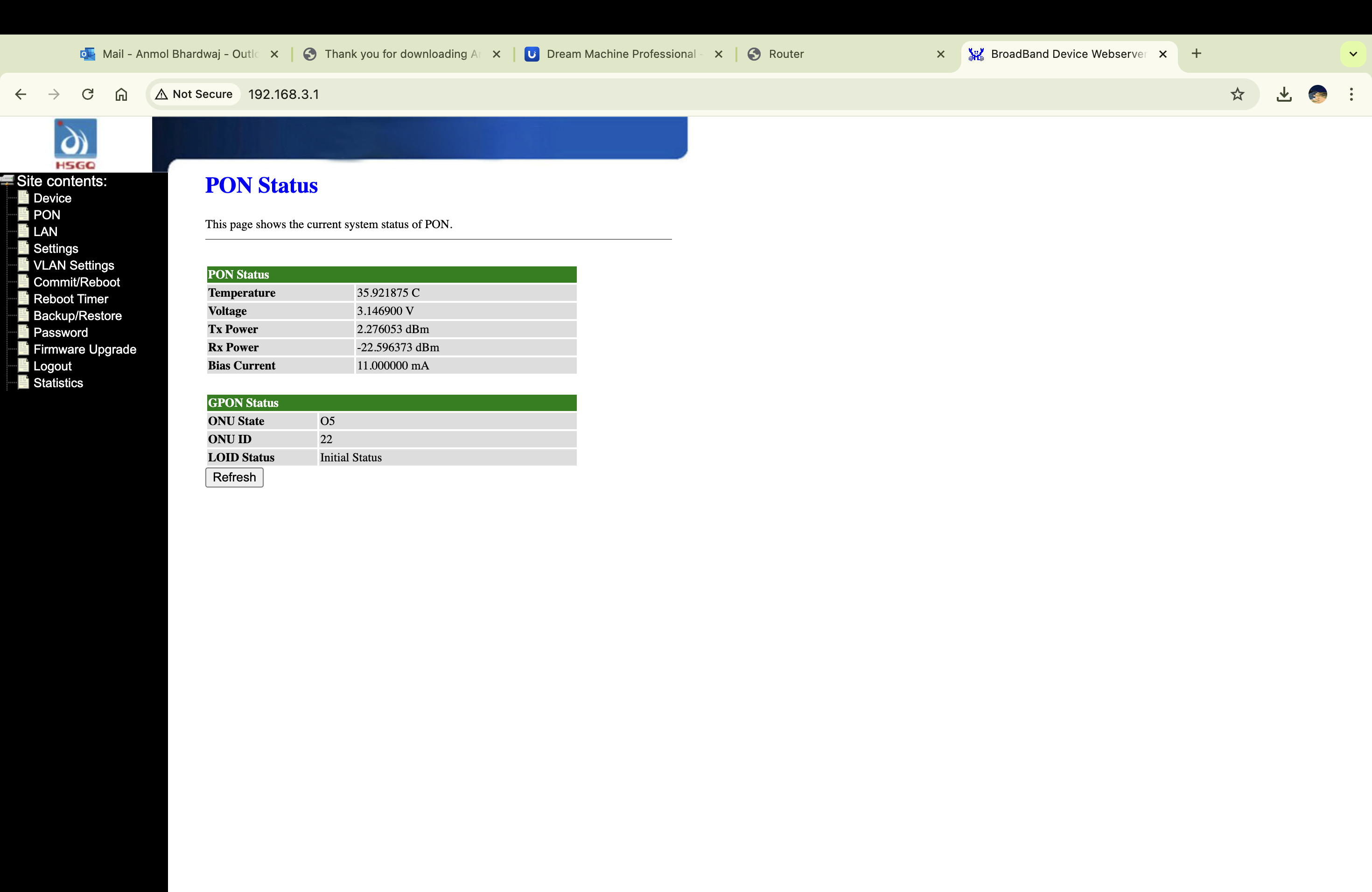
192.168.3.2, respectively and added the static routing to the SFP WAN ports. With this, I can always access the SFP's web UI to monitor the temperature and view/modify the configurations.
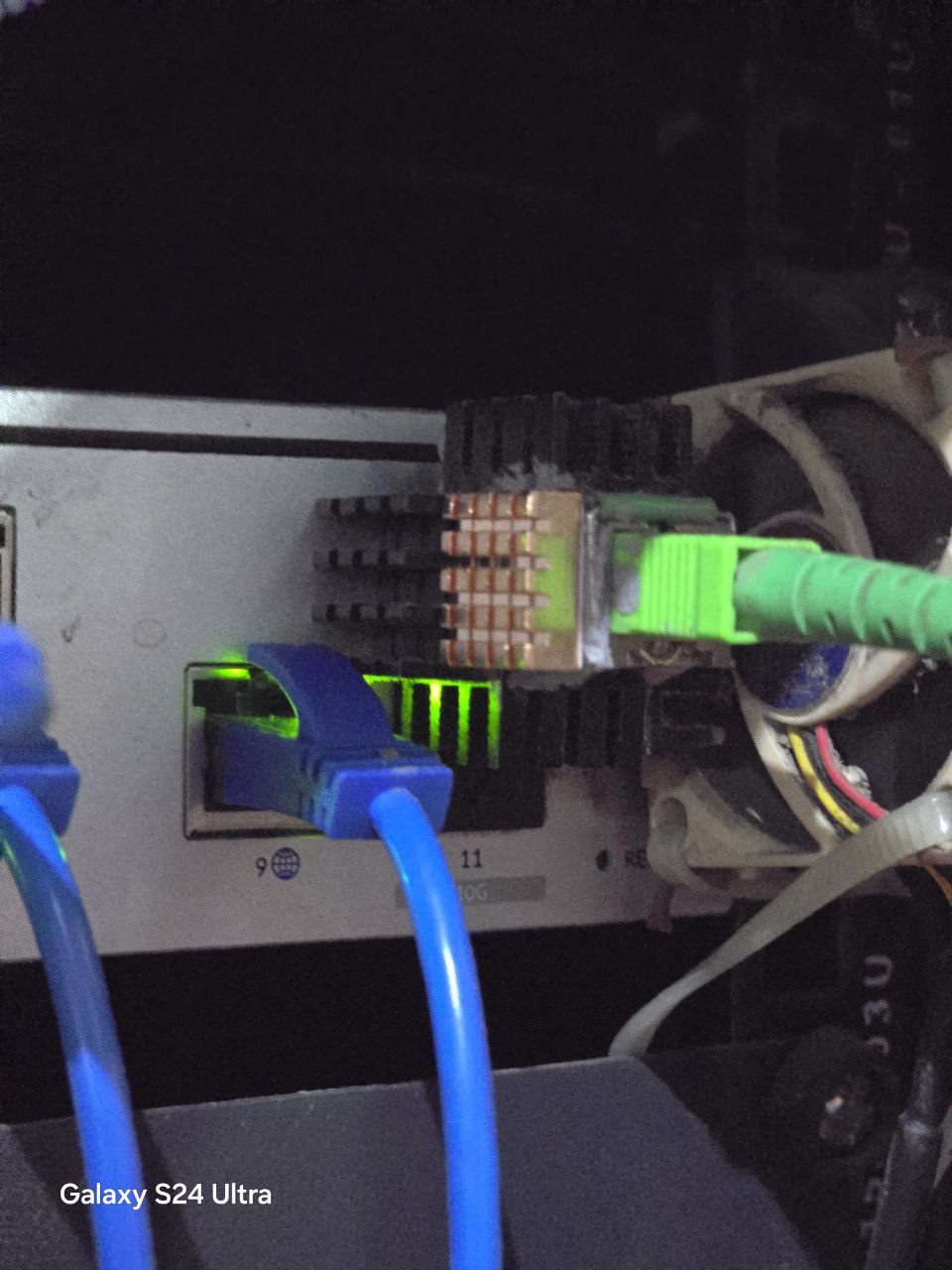
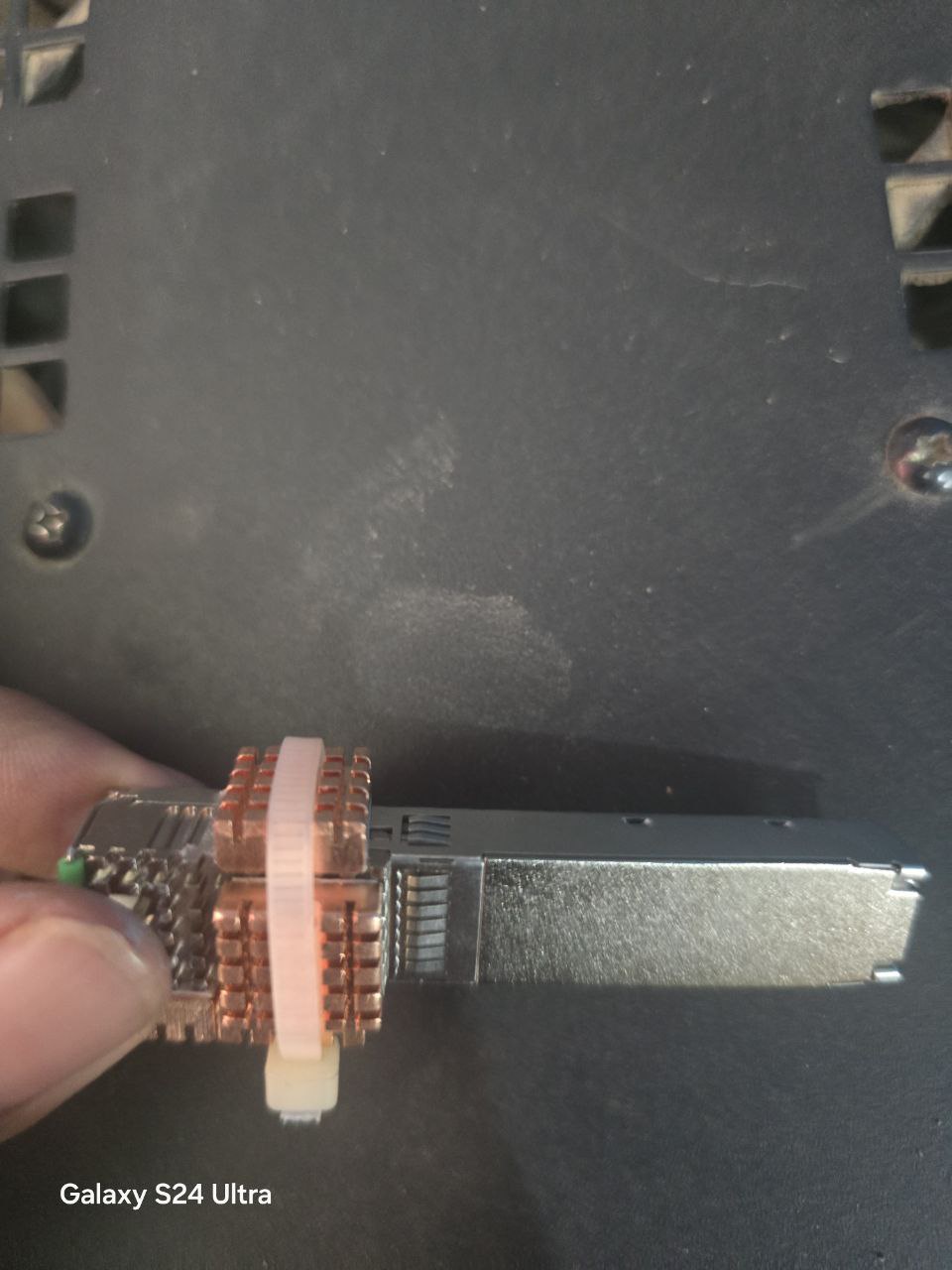
Also, I added the copper heat sinks to control the temperature, but it didn't reduce the temperature to the expected level. I may need to add more heat sinks.
VOIP:
I don't know if the SFP module supports VOIP. The Internet and Voice use different VLANs for BSNL. If trunk mode is possible with the SFP, the VOIP might work? Could anyone please clarify?
I'm using firmware version
V1.0--230303. Is upgrading to the latest recommended? Where can I find the latest firmware releases?